













公式サプライヤー
公式および認定ディストリビューターとして200社以上の開発元から正規ライセンスを直接ご提供いたします。
当社のすべてのブランドをご覧ください。
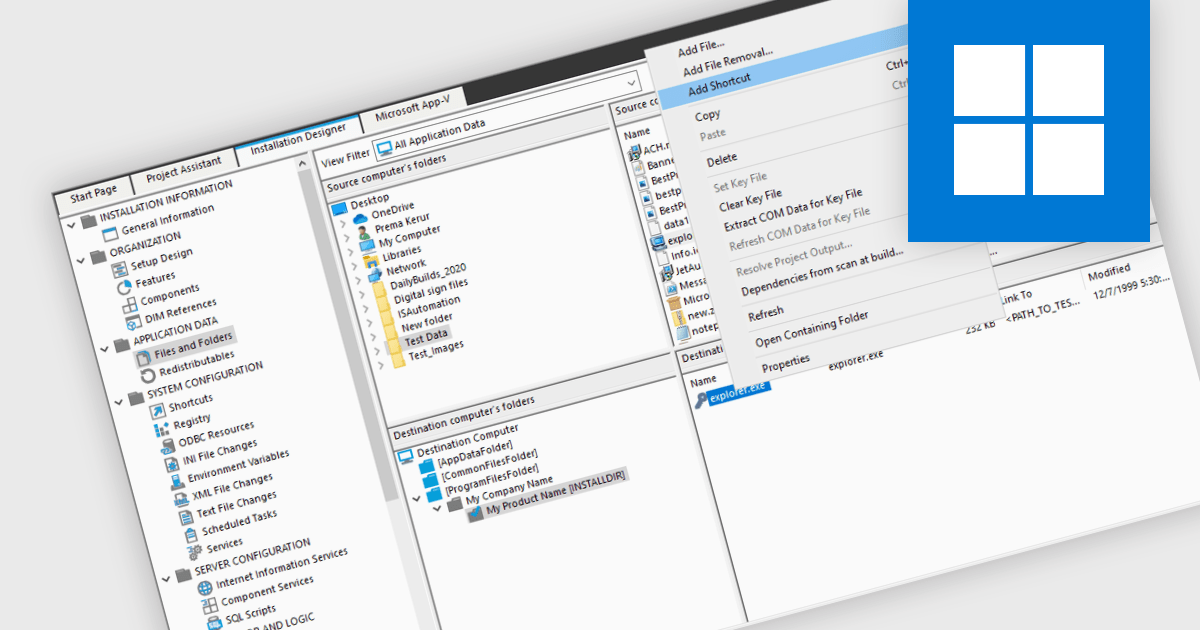
Many software installation tools offer the functionality to create shortcuts during the installation process. This streamlines user experience by placing readily accessible icons for the program on the desktop, Start menu, or other designated locations, all within the installation workflow. These shortcuts can be customized to specify administrator privileges or different launch behaviors, ensuring a user-friendly experience from the very first interaction.
Several installation tools support the creation of shortcuts including:
For an in-depth analysis of features and price, visit our Installation Tools comparison.
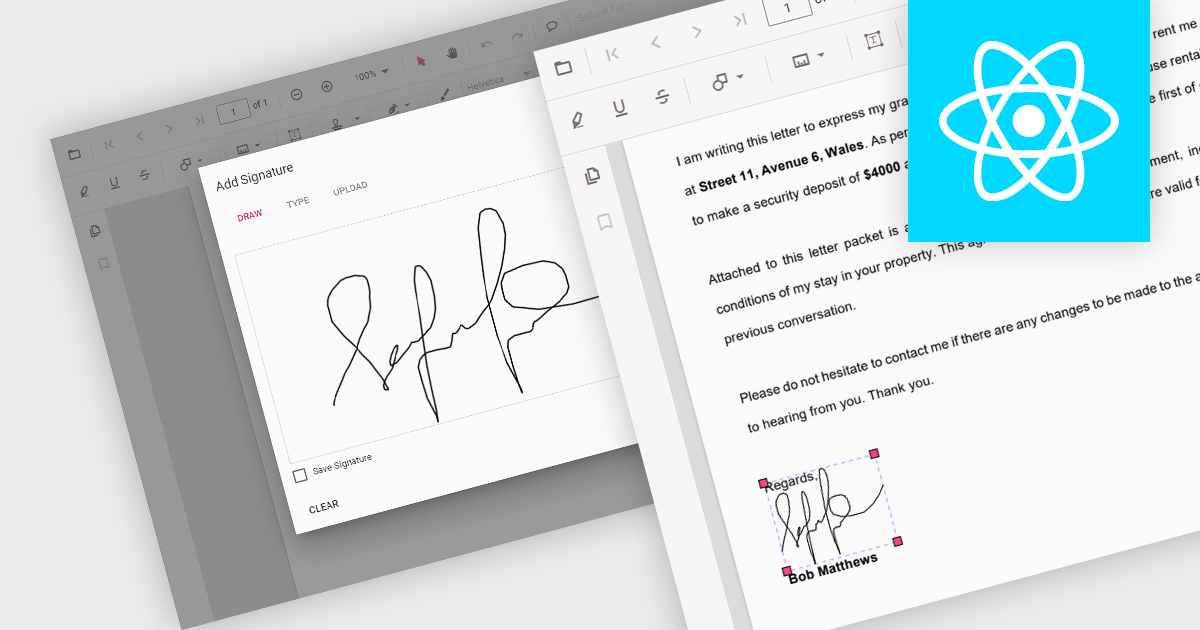
Handwritten signature support in React PDF viewers allows users to add their personal signatures directly onto PDF documents within applications built using the React framework. This functionality enhances document security, as it enables the verification of document authenticity and signer identity. It supports a seamless user experience, integrating easily with other digital processes, and adhering to legal standards that recognize electronic signatures, thus facilitating compliance with regulatory requirements.
Several React PDF Viewer components support handwritten signatures, including:
For an in-depth analysis of features and price, visit our comparison of React PDF Viewer components.
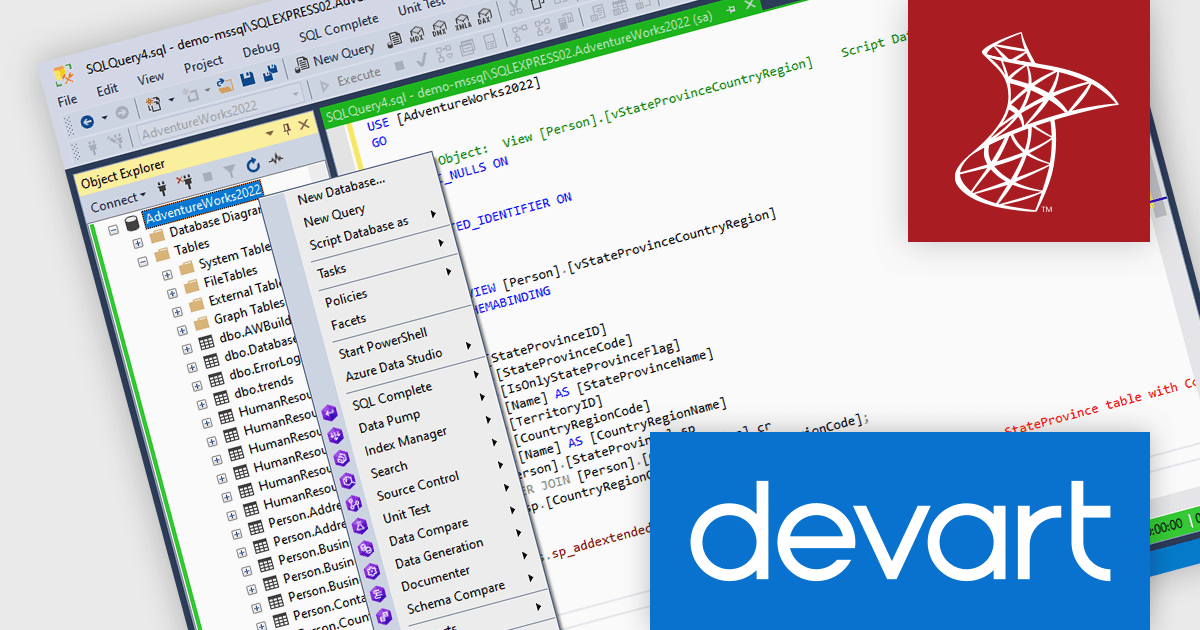
dbForge SQL Tools is a comprehensive suite designed to streamline SQL Server development and administration. It bundles powerful tools that enhance tasks like code completion, version control, data generation, schema and data comparison, unit testing, and database object documentation. By automating routine tasks and integrating seamlessly with existing environments, dbForge SQL Tools can significantly boost productivity for developers, DBAs, and entire teams.
The latest dbForge SQL Tools release adds integration support for Microsoft SQL Server Management Studio (SSMS) 20.x, allowing users to continue leveraging the extended functionality of dbForge SQL Tools alongside the latest features and security enhancements in SSMS 20.x, ensuring a smooth workflow and access to advanced database management capabilities.
To see a full list of what's new in the latest dbForge SQL Tools release, see our release notes.
dbForge SQL Tools is licensed per developer and is available as an Annual or Perpetual License with a 12 month support and maintenance subscription. See our dbForge SQL Tools licensing page for full details.
The dbForge SQL Tools bundle includes the following products:
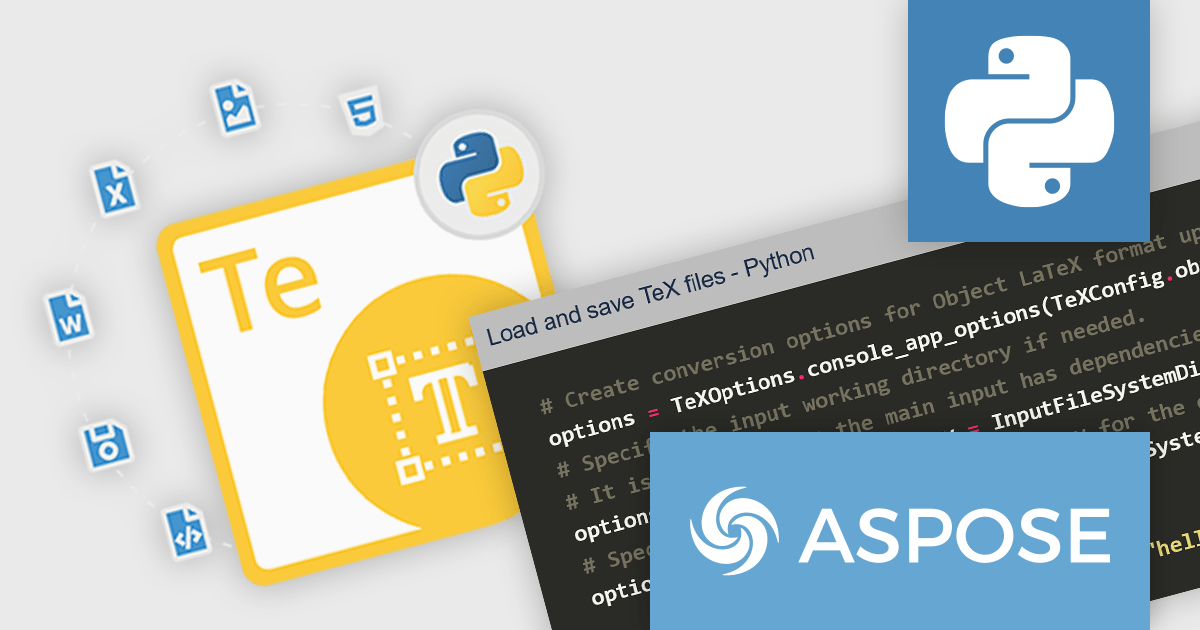
Aspose.TeX for Python via .NET is a new library that bridges the gap between the popular Python programming language and the powerful TeX typesetting system. It empowers developers to seamlessly integrate TeX typesetting capabilities into their Python applications. It acts as a .NET interop layer, allowing Python code to interact with the robust Aspose.TeX engine for comprehensive document creation.
Aspose.TeX for Python via .NET unlocks a variety of benefits for developers. It streamlines the creation of high-quality documents with complex layouts and mathematical expressions, commonly found in scientific publications, research papers, and technical reports. The library offers a flexible API for customizing the typesetting process and generating output in various formats, including PDF, XPS, and image formats like JPEG and PNG. This versatility empowers developers to cater to diverse document delivery needs within their Python applications.
Aspose.TeX for Python via .NET is offered as Developer Small Business, Developer OEM, Site Small Business, and Site OEM licenses catering to a range of business needs. Licenses are perpetual, and include 1 year of support and maintenance. Subscription renewals are also available. See our Aspose.TeX for Python via .NET licensing page for full details.
Aspose.TeX for Python via .NET is available in the following products:
ReSharper is a productivity and code quality plugin for Visual Studio, developed by JetBrains. It helps .NET developers write cleaner, more efficient code. By analyzing code on-the-fly, ReSharper identifies potential errors and suggests fixes. It also automates code refactoring, allowing developers to safely restructure their codebase. These features improve developer productivity and maintainability of the code, making ReSharper a valuable tool for both individual developers and development teams.
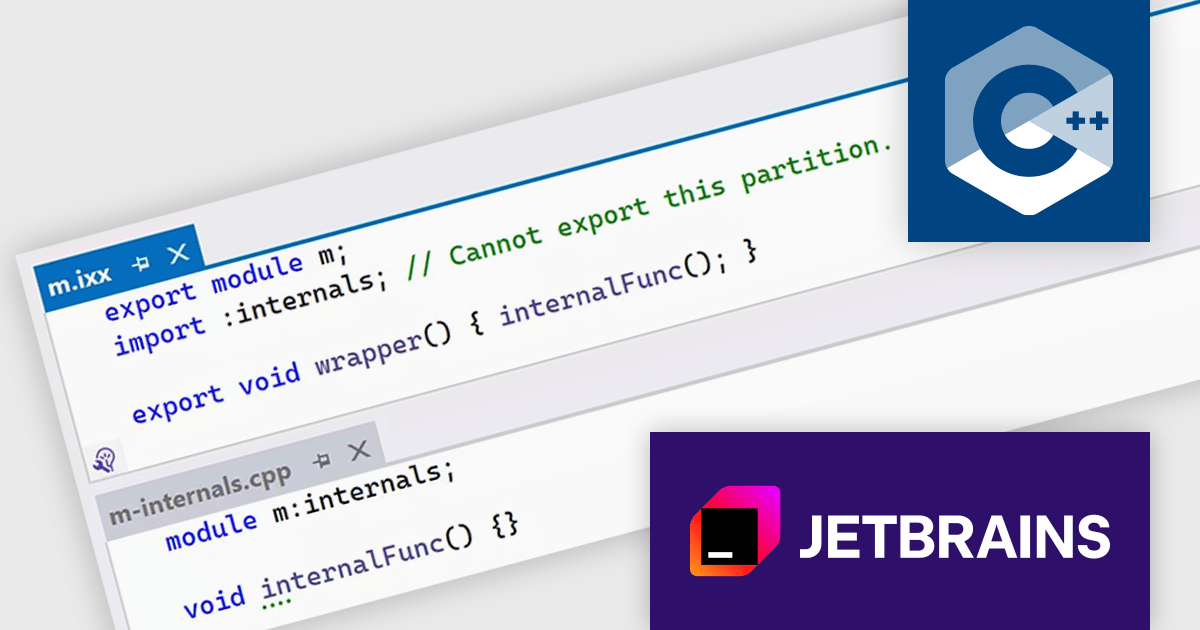
The ReSharper 2024.1 release improves support for C++20 modules through a refined module discovery process. This update enables internal partition units, which are essentially module partitions that remain hidden from the external interface. By internally restructuring how exported C++20 modules handle references from other modules, ReSharper C++ avoids the previous need to re-export these references. This translates to noticeably smaller exported modules and improved performance for projects using C++20 modules.
To see a full list of what's new in version 2024.1, see our release notes.
ReSharper is licensed per user, and is available as a commercial annual subscription license. We can supply new subscriptions, subscription renewals (including continuity discounts), lapsed renewals, and additional user licenses. See our ReSharper licensing page for full details.
ReSharper is available to buy in the following products:
電話: (888) 850 9911
Fax: +1 770 250 6199


