













公式サプライヤー
公式および認定ディストリビューターとして200社以上の開発元から正規ライセンスを直接ご提供いたします。
当社のすべてのブランドをご覧ください。
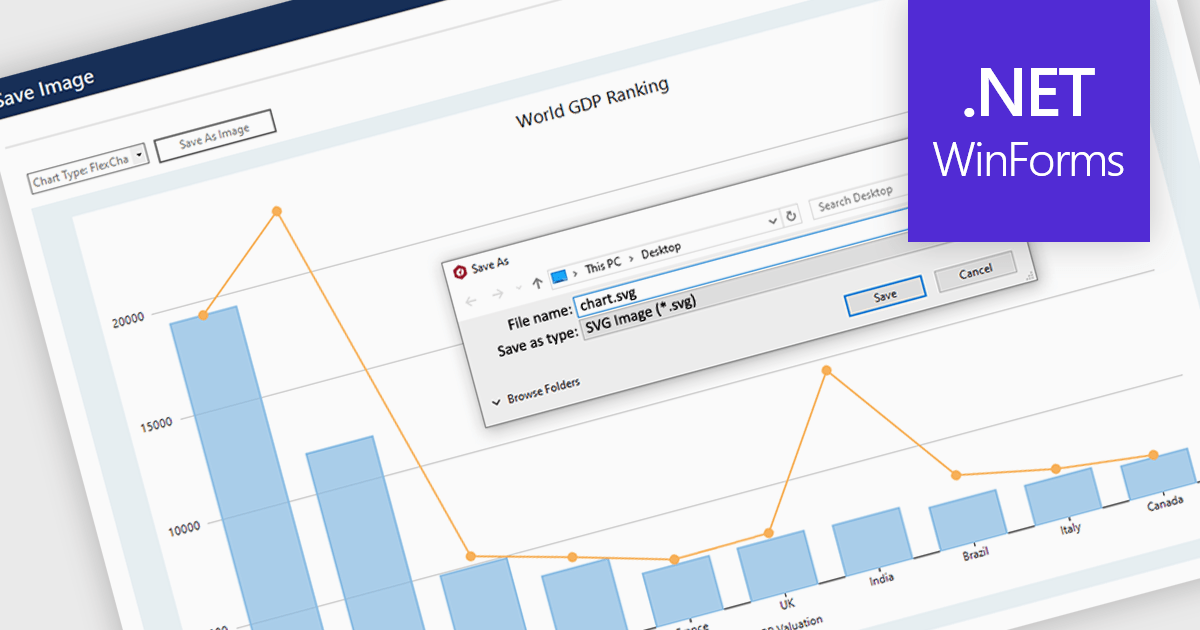
SVG export gives your users the ability to output charts in the Scalable Vector Graphics format. This offers superior quality for both print and web displays, ensuring that your charts remain crisp and detailed at any zoom level. This feature is particularly beneficial for professionals who require high-resolution graphics for presentations, reports, or publications. The SVG format also allows for easy editing and resizing without loss of quality, making it ideal for use across various media. Users can effortlessly integrate their analytical outputs into dynamically scalable projects and retain the aesthetic integrity of their visual data, streamlining the process from data exploration to communication.
Several WinForms chart controls offer SVG export including:
For an in-depth analysis of features and price, visit our WinForms chart controls comparison.
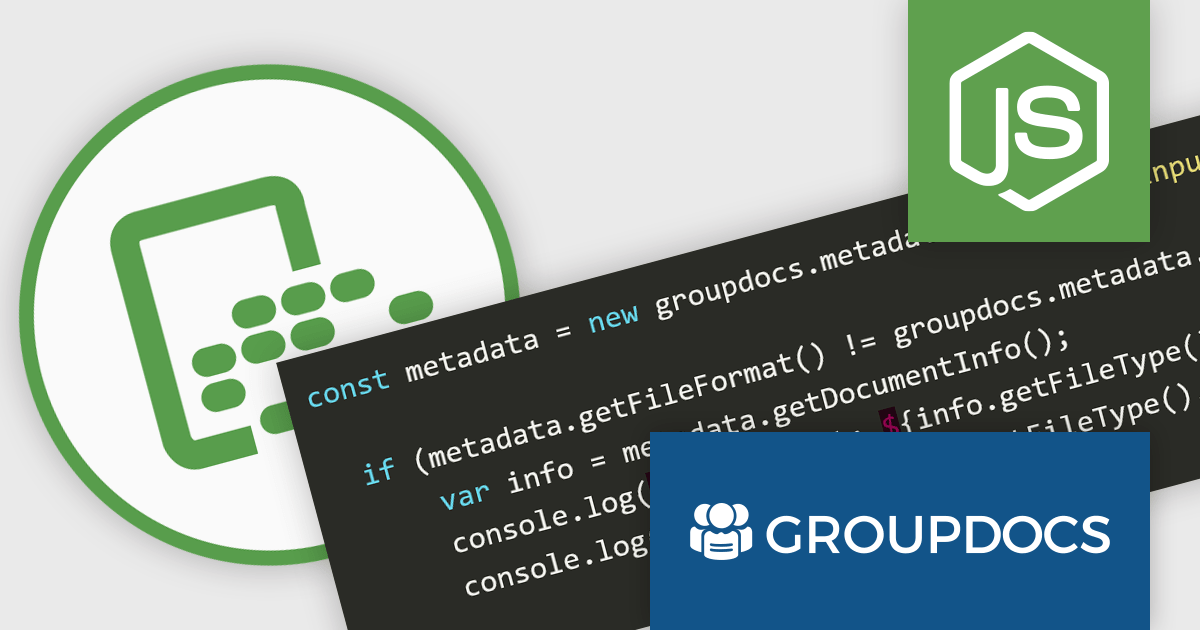
GroupDocs.Metadata for Node.js via Java bridges the gap between Node.js applications and the powerful Java library, GroupDocs.Metadata. This integration empowers developers to seamlessly manage document metadata within their Node.js projects. It enables CRUD (Create, Read, Update, Delete) operations on a vast array of file formats, including popular document, image, and archive types.
This solution unlocks numerous benefits for developers. It grants Node.js applications the ability to leverage GroupDocs.Metadata's robust features, such as searching and updating specific metadata properties, handling password-protected documents, and extracting technical details from various file types. It also streamlines development by providing a familiar Node.js interface for a powerful Java library, simplifying the integration of metadata management functionalities into existing projects.
GroupDocs.Metadata for Node.js via Java is offered as Developer Small Business, Developer OEM, Site Small Business, and Site OEM licenses catering to a range of business needs. Licenses are perpetual, and include 1 year of support and maintenance. Subscription renewals are also available. See our GroupDocs.Metadata for Node.js via Java licensing page for full details.
GroupDocs.Metadata for Node.js via Java is available in the following products:
CLion is a cross-platform Integrated Development Environment (IDE) created by JetBrains specifically for C and C++ development. It boasts intelligent code completion, navigation, and refactoring features to streamline your workflow. CLion integrates with popular debuggers and testing frameworks, and supports various build systems for seamless project management.
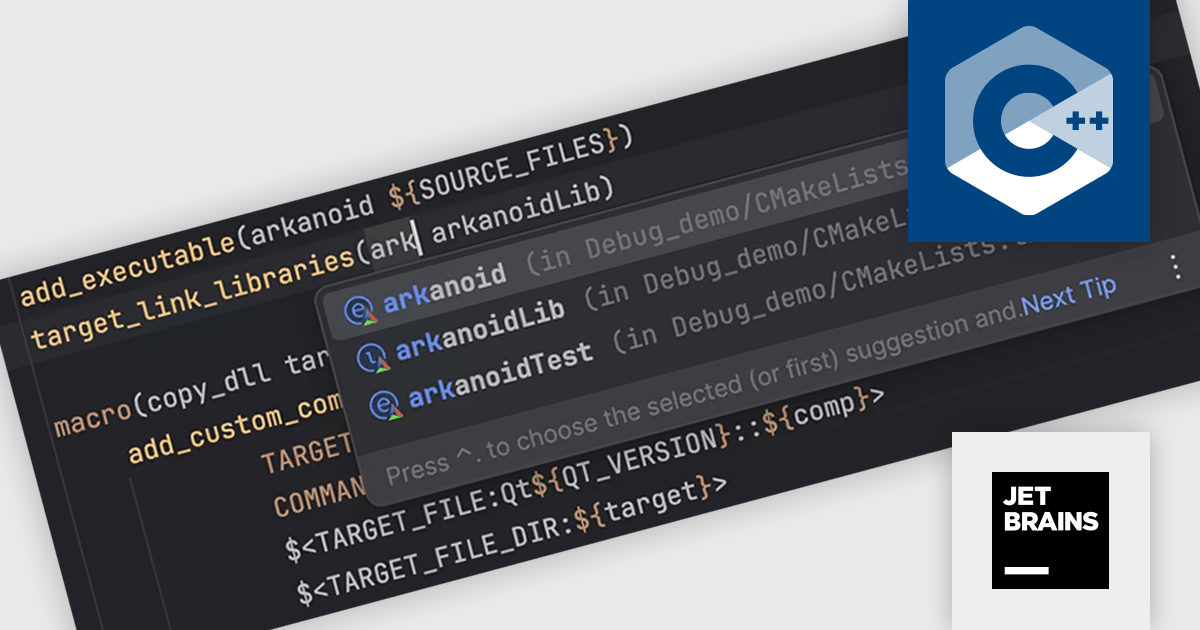
The CLion 2024.1 update introduces several new features for CMake. These include live templates to simplify creating new targets, target name completion for easier linking, navigation to target definitions to locate where targets are specified, Find Usages to identify all instances of a target throughout a project, the ability to suggest fixes for missing minimum required CMake versions, and the option to configure which CMake preset types are imported.
To see a full list of what's new in version 2024.1, see our release notes.
CLion is licensed per user as a commercial annual subscription. We can supply New Subscriptions, Subscription Renewals, Lapsed Subscription Renewals, and Additional Developer Licenses. See our CLion licensing page for full details.
For more information, visit our CLion product page.
RAD Studio by Embarcadero is a integrated development environment (IDE) used to build applications for various platforms. It allows programmers to create native apps for Windows, macOS, mobile devices (Android and iOS), and more using C++ or Delphi. RAD Studio is known for its rapid application development features and is targeted towards professional developers building data-rich and visually appealing applications.
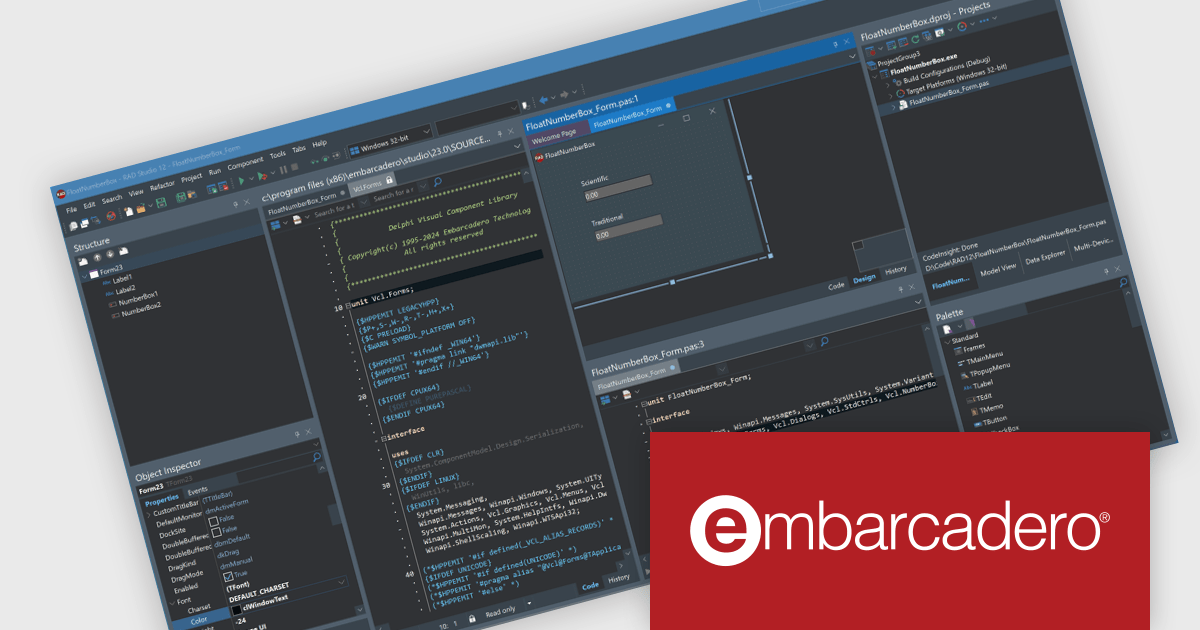
RAD Studio 12.1 Athens introduces split editor views, letting you work with multiple editor windows simultaneously. These windows can be arranged side-by-side or stacked vertically. This feature is especially helpful for editing different parts of the same file at once and viewing both the design and code for your application side-by-side.
To see a full list of what's new in version 12.1 Athens, see our release notes.
RAD Studio is licensed per Named, Network Named or Concurrent user and is available as a Perpetual License with an Update Subscription that includes support and free upgrades for 1 Year. See our RAD Studio licensing page for full details.
RAD Studio is available to buy in the following products:
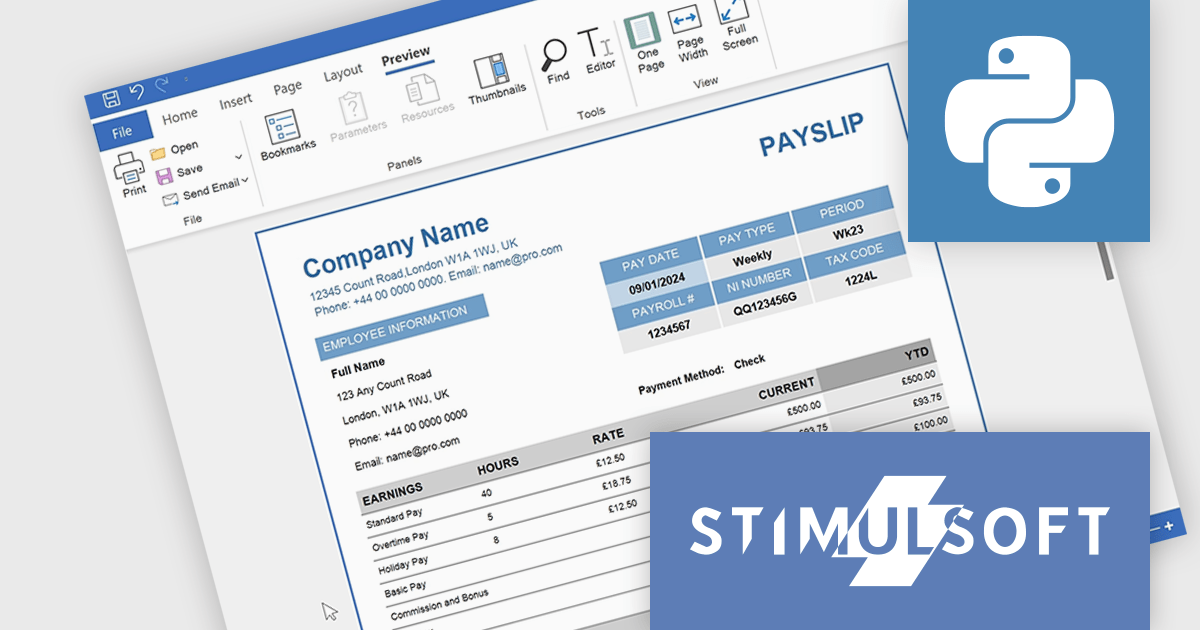
Stimulsoft Reports.PYTHON offers a robust reporting solution for Python developers. It integrates seamlessly into various development environments and boasts cross-platform compatibility. This empowers you to design visually stunning reports featuring charts, gauges, and other interactive elements. By leveraging Stimulsoft Reports, you can efficiently generate informative summaries of your Python application's data, enhancing decision-making capabilities.
Stimulsoft Reports.PYTHON offers a number of benefits for developers. Its versatile data source connectivity allows for effortless report generation from various sources. Additionally, the client-server architecture ensures efficient report processing and a smooth user experience. This makes Stimulsoft Reports.PYTHON an ideal solution for creating informative reports across diverse use cases, from generating financial statements and sales invoices to compiling customer data and project summaries.
Stimulsoft Reports.PYTHON is licensed per developer and is available as a Perpetual license with 1 year support and maintenance. See our Stimulsoft Reports.PYTHON licensing page for full details.
Stimulsoft Reports.PYTHON is available in the following products:
電話: (888) 850 9911
Fax: +1 770 250 6199


