













公式サプライヤー
公式および認定ディストリビューターとして200社以上の開発元から正規ライセンスを直接ご提供いたします。
当社のすべてのブランドをご覧ください。

Aspose.CAD for .NET is a standalone class library that allows .NET developers to enhance their applications with CAD drawing processing capabilities without requiring AutoCAD or any other rendering workflow. It supports a wide range of CAD file formats, including DWG, DXF, DWF, DGN, STL, OBJ, and IFC, and can convert them to PDF and raster image formats.
The Aspose.CAD for .NET 23.11 release adds the ability to create IFC (Industry Foundation Classes) files from scratch. This unlocks doors to greater flexibility and precision in BIM (Building Information Modeling) workflows. Instead of relying on the translation limitations of existing models, you get granular control over every element, property, and relationship within your design. This level of detail facilitates deeper collaboration across disciplines, optimizes downstream processes like cost estimation and simulation, and ultimately paves the way for a truly optimized and future-proofed building project.
To see a full list of what's new in Aspose.CAD for .NET 23.11, see our release notes.
Aspose.CAD for .NET is licensed per developer and is available as a Perpetual license with 1 year support and maintenance. See our Aspose.CAD for .NET licensing page for full details.
Aspose.CAD for .NET is available to buy in the following products:
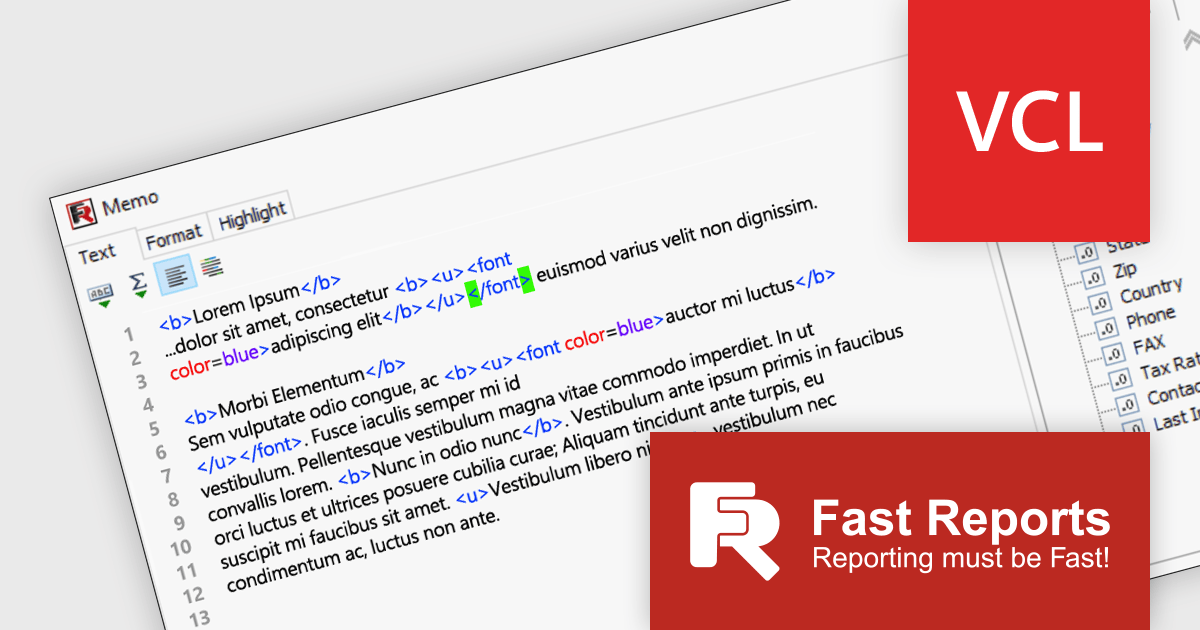
FastReport VCL is a VCL library for creating documents and reports in Embarcadero Delphi, C++Builder, RAD Studio, and Lazarus. It is an add-on component that includes all of the tools needed to create reports, such as a visual report designer, a reporting core, and a preview window, allowing you to add functionality to your application for quick and efficient report generation.
FastReport VCL v2024.1 significantly enhances report design with its focus on streamlined expression editing* and data handling. The revamped report designer features a new "Text" object editor that elevates the editing experience by highlighting expression elements and tags within regular text. It also boasts interactive bracket highlighting and word wrap for added convenience. The redesigned Data Field editor empowers precise field definition through its new mode for modifying the field list. This mode allows for customized field handling, without requiring a connection to a large database.
To see a full list of what's new in 2024.1, see our release notes.
FastReport VCL is licensed per named user and is available as a Perpetual license with 1 year of technical support and product updates. See our FastReport VCL licensing page for full details.
For more information, see our FastReport VCL product page.
*Only available in the Enterprise and Ultimate Editions.

MSIX installers offer a modern way to install and manage software on Windows. They bundle an app with its data, ensuring a reliable and clean installation. MSIX combines the best features of traditional installers like MSI with the sleekness of modern Windows app formats like AppX. This means apps install faster, take up less space, and can be easily updated or uninstalled without any messy leftovers. Converting MSI to MSIX is a feature that allows legacy MSI packages to be converted into the latest MSIX format, leveraging the enhanced security, reliability, and deployment features of MSIX.
Several installation tools support the conversion of MSI to MSIX including:
For an in-depth analysis of features and price, visit our Installation Tools comparison.
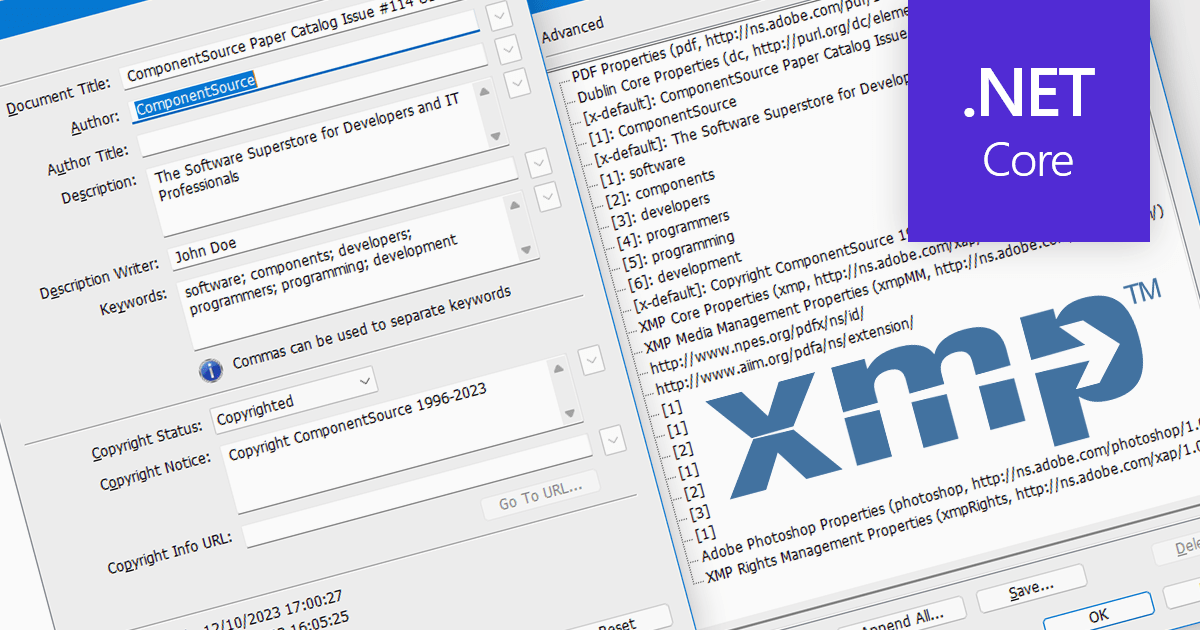
XMP, or Extensible Metadata Platform, acts like a digital label embedded within PDFs, carrying information beyond the document itself. It holds details like author names, creation dates, keywords, and even revision history. Programmatically extracting this XMP data unlocks a treasure trove of possibilities. Imagine automatically organizing PDFs based on author or keyword, extracting copyright information for legal purposes, or even tracing the evolution of a document through its XMP timestamps. This power makes XMP extraction invaluable for researchers, librarians, and anyone who wants to squeeze the most out of their PDF collection.
Several .NET Core PDF components support the extraction of XMP metadata including:
For an in-depth analysis of features and price, visit our .NET Core PDF Components comparison.
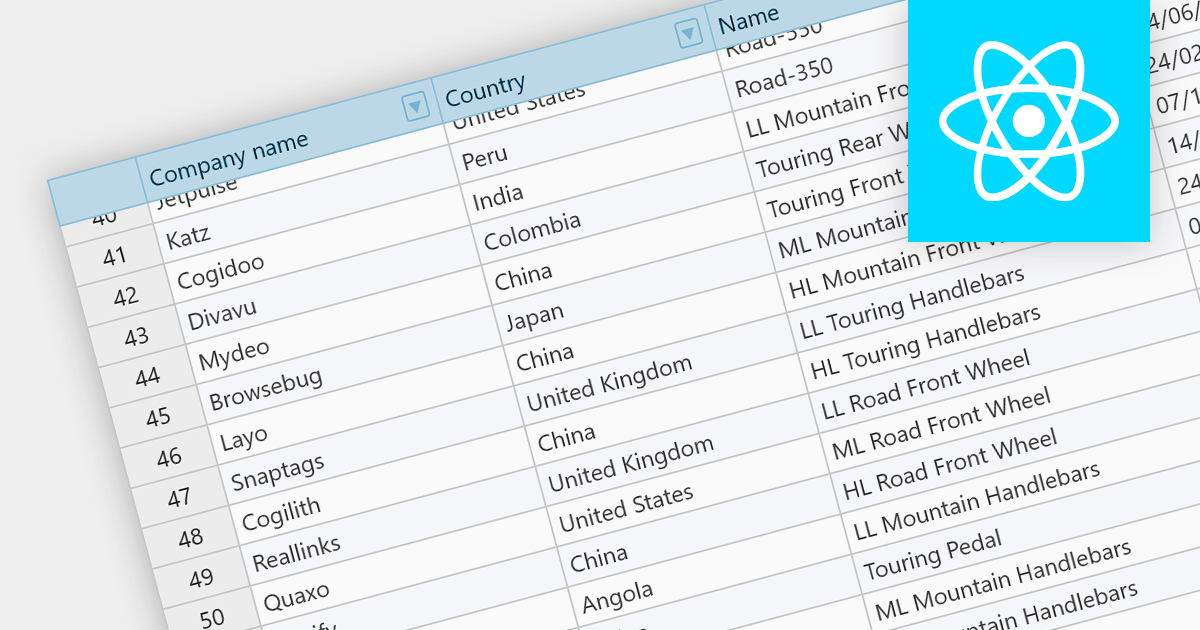
Fixed headers are a user interface element found in grids, particularly those managing large datasets. They comprise the top section of the grid, typically encompassing the row containing column labels and potentially additional rows with key information. Unlike the scrollable body of the grid, these headers remain anchored to the viewport, acting as a persistent reference point while users navigate through the data, thus improving user experience.
Several React grids support fixed headers including:
For an in-depth analysis of features and price, visit our React grids comparison.
電話: (888) 850 9911
Fax: +1 770 250 6199


