













公式サプライヤー
公式および認定ディストリビューターとして200社以上の開発元から正規ライセンスを直接ご提供いたします。
当社のすべてのブランドをご覧ください。
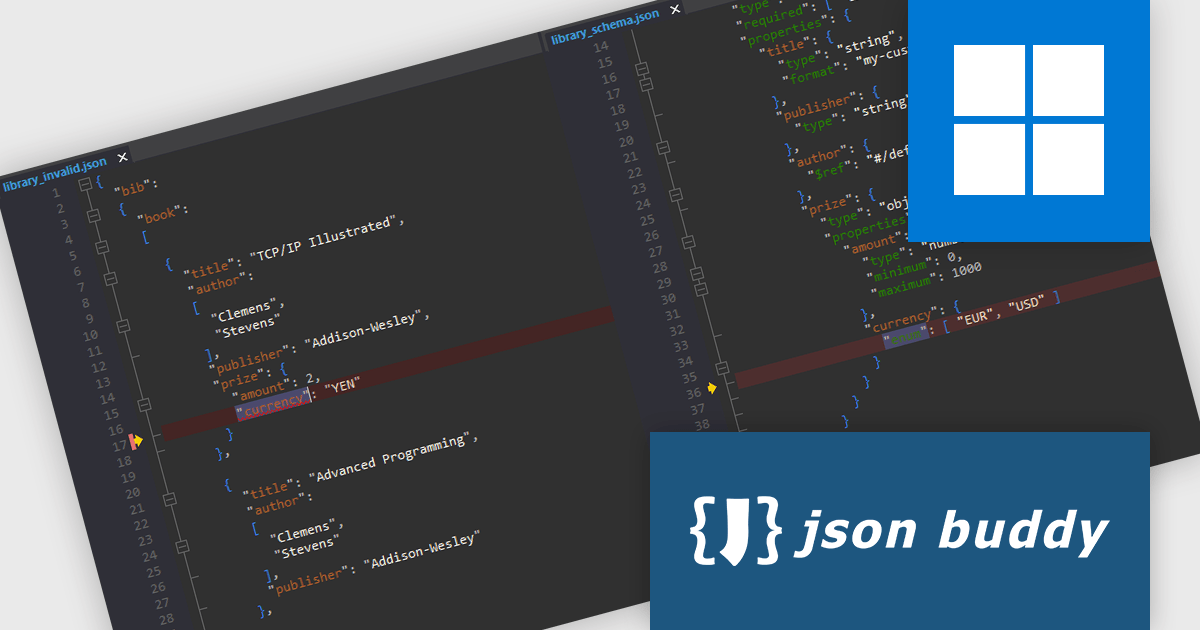
JSONBuddy is a JSON editor and validator for Windows that improves the creation, editing and validation of JSON and JSON Schema. It provides a user friendly interface with Text, Grid and Schema views, intelligent auto completion and a powerful step by step validation debugger to help users understand complex schemas and resolve issues quickly. With support for very large files, a streaming validation engine for massive datasets and easy conversion between JSON, CSV and XML, JSONBuddy is ideal for developers, data engineers and API designers working with structured data.
JSONBuddy provides a JSON Schema validation debugger that gives developers clear, step-by-step insight into how their JSON data is evaluated, making it easier to identify the exact source of validation issues. By showing which schema rules are applied at each stage and allowing breakpoints in both the JSON instance and referenced schemas, it reduces the time spent diagnosing errors and improves accuracy when working with complex or unfamiliar schemas. This level of visibility helps developers understand schema behavior more quickly, refine their data structures with confidence and maintain higher quality in API and data-driven applications.
JSONBuddy is licensed per user with a perpetual model, offering Standard, Plus, Personal, Visual Studio Extension, and .NET/C++ Library licenses for various development needs. See our JSONBuddy licensing page for full details.
For more information visit our JSONBuddy product page.
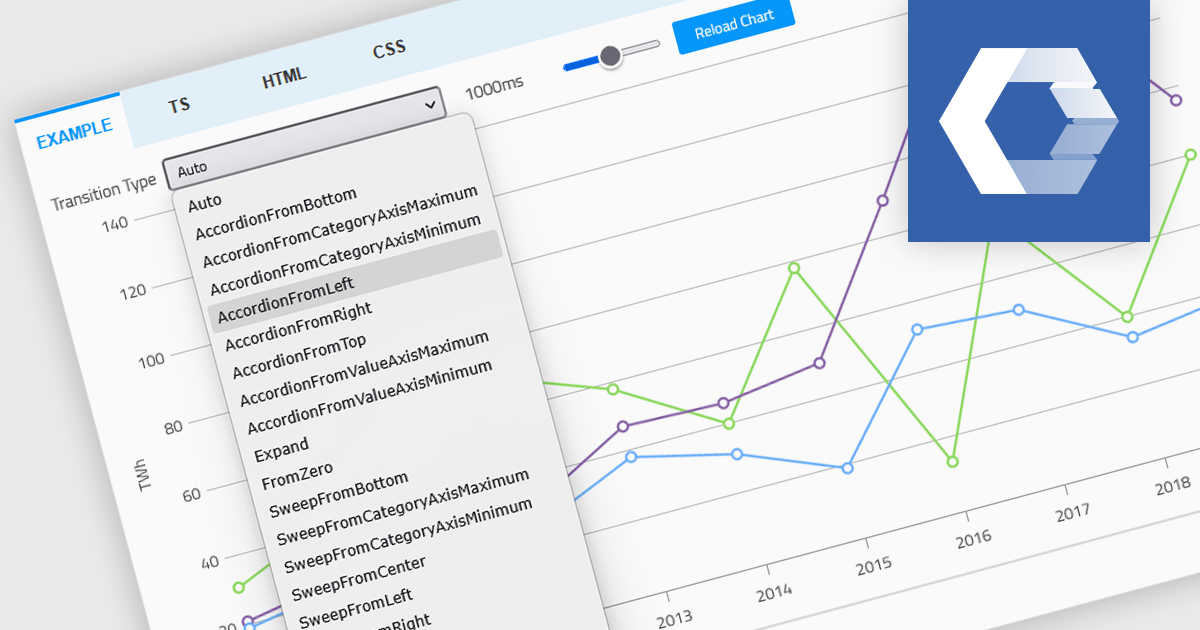
Animation in a Web Components Chart control refers to the visual transitions applied to chart elements as data is rendered, updated, or interacted with. It enhances the user experience by making changes in the data more perceptible and easier to follow, particularly when dealing with dynamic or real-time datasets. For developers, animation helps improve data readability and provides a more engaging and polished interface, especially when charts are updated frequently or involve user interaction. It also makes it easier for users to track what’s changed in the chart, even when the visuals are complex.
Several Web Components chart controls offer animation including:
For an in-depth analysis of features and price, visit our comparison of Web Components Chart Controls.

ComponentSource and combit have partnered for 15 years, providing developers worldwide with powerful reporting, reporting designers, and data visualization tools to build professional, data-driven applications.
combit is a leading provider of reporting components for software developers, best known for List & Label – a multiple award-winning reporting tool used by development teams around the globe. Their components make it easier to design and integrate customized reports, dashboards, lists, and labels into business applications. Through ComponentSource, customers can conveniently license, and maintain these combit products, confident they’re choosing proven technology backed by professional support and ongoing innovation.
Together, ComponentSource and combit help development teams deliver applications faster, with flexible licensing options, reliable updates, and expert assistance. As demand for advanced reporting and analytics continues to grow, this long-standing collaboration ensures customers can rely on a trusted combination of combit’s technology and ComponentSource’s global distribution and customer service for many years to come.
Learn more about combit.
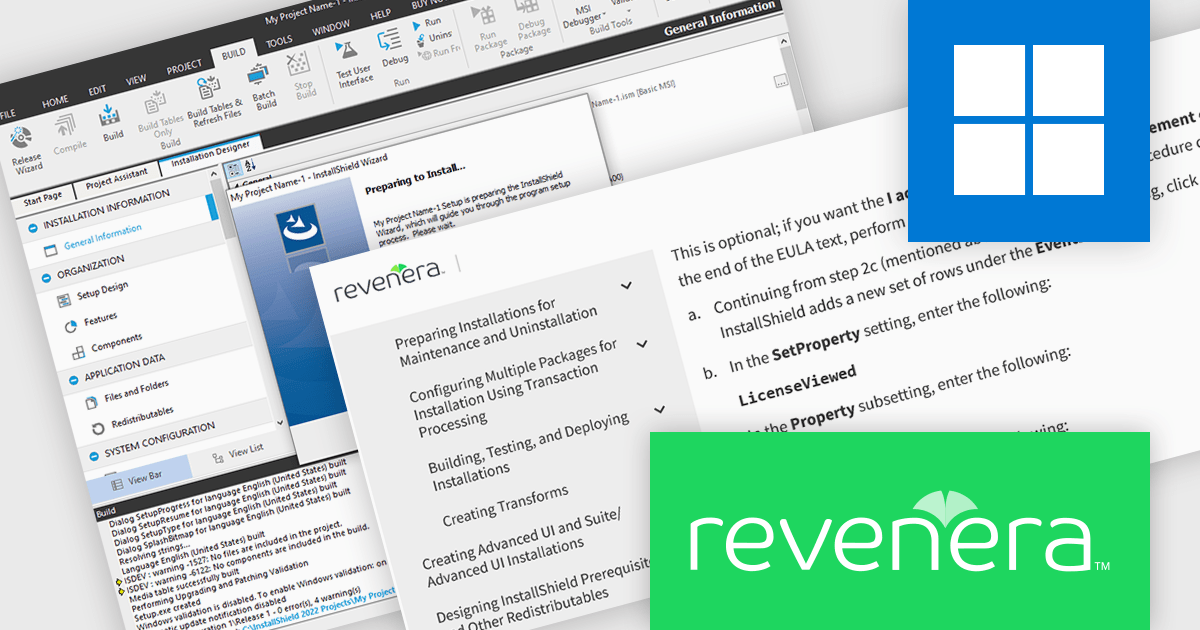
InstallShield by Revenera is a leading Windows installation development solution that specializes in building installers and managing software packages. InstallShield offers a streamlined interface and comprehensive features, enabling developers to efficiently create professional installers, configure prerequisites, manage updates, and customize the installation experience for diverse user needs.
The InstallShield 2025 R2 release adds a time-saving feature for managing end-user license agreements (EULAs). The License Agreement dialog can now automatically select the "I accept the terms in the license agreement" checkbox when users scroll to the bottom of the EULA. This feature simplifies the installation process, especially for non-technical users, by minimizing the number of clicks required while being legally compliant. Developers can utilize this functionality to create user-friendly installation experiences.
To see a full list of what's new in version 2025 R2, see our release notes.
InstallShield is licensed per user and is available as a 3 Year Timed Subscription. See our InstallShield Professional licensing page or InstallShield Premier licensing page for full details.
For more information, visit our InstallShield Professional or InstallShield Premier product pages.
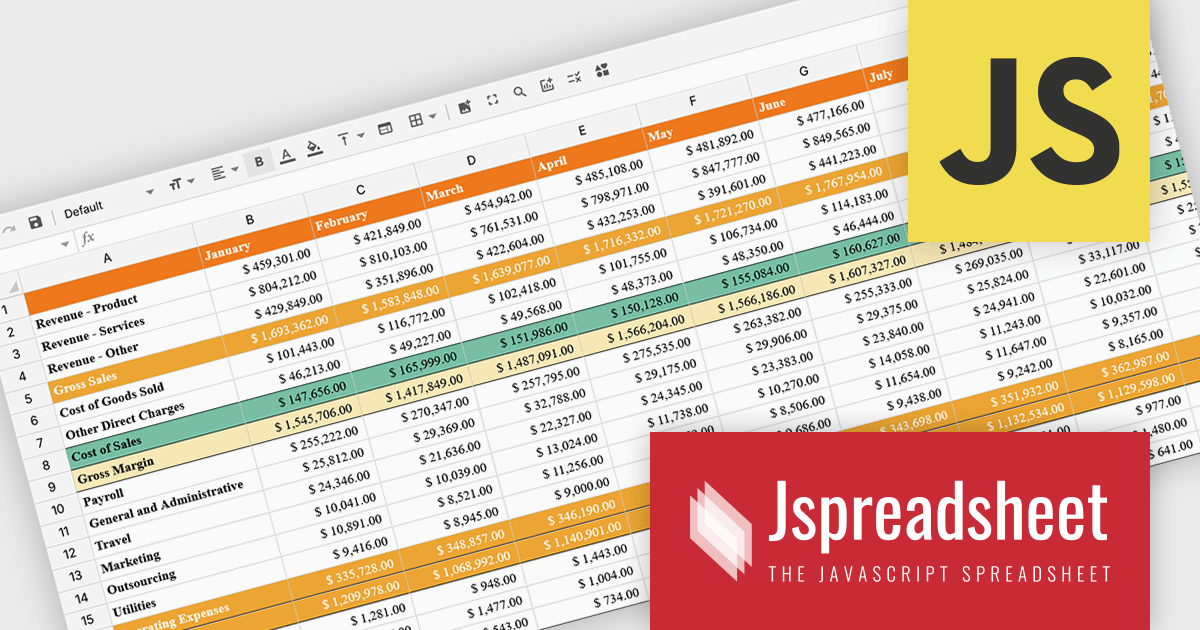
Jspreadsheet Pro is a flexible JavaScript-based spreadsheet solution that enables developers to create customizable, feature-rich data grids for web applications. It offers advanced formulas, data validation, and API integrations. Ideal for tasks like financial modeling, inventory management, and project tracking, it helps businesses efficiently manage and analyze data. Its backend server integration supports real-time data processing, enhancing workflows and boosting productivity across various industries.
The Jspreadsheet Pro v12 update improves handling of large datasets by introducing an extended viewport with optimized rendering that processes only the visible portion of the spreadsheet. This enhancement reduces memory usage, maintains interface responsiveness, and enables smooth interaction even when working with very large or complex data structures. It provides developers with a more scalable foundation for building applications that require high-performance spreadsheet capabilities without compromising speed or usability.
To see a full list of what's new in version 12, see our release notes.
Jspreadsheet Pro is licensed as an Annual or a Perpetual License with support and maintenance. We can supply any Jspreadsheet Pro license including new licenses, maintenance renewals, and upgrade licenses. See our Jspreadsheet Pro for full details.
For more information, visit our Jspreadsheet Pro product page.
電話: (888) 850 9911
Fax: +1 770 250 6199


