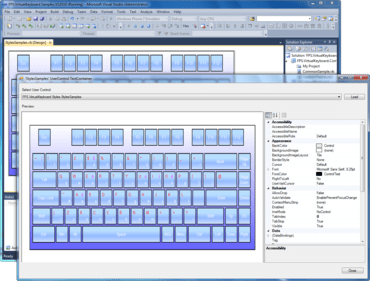
MindFusion.Virtual Keyboard for WinForms 4.4.2

UI言語のカスタマイズ性が改善
5月 26, 2017
新バージョン

機能

  • UI culture handling - The control no longer updates CurrentCulture of UI thread automatically to match current input language. This could lead to subtle bugs in an applications text parsing and formatting code when culture-dependent delimiters and string formats change together with the input language. To better match its purpose and Windows terminology, the old CurrentCulture property of VirtualKeyboard has been renamed to InputLocale. To get the old behavior back where current culture follows input language, set the AutoUpdateCulture property to true.
  • Auto-repeat customization - The AutoRepeat property lets you disable or enable auto-repeat. The RepeatDelay and RepeatRate properties let you customize auto-repeat timing.
  • Miscellaneous
    • The keyboard now detects changes of target window's input language automatically and updates its character labels and layout (previous version only updated when the window is activated).
    • Fix for a problem where language rotation key would not switch language.
    • The component no longer installs its window and keyboard hooks while used in design time, fixing some rare Visual Studio crashes.
MindFusion.Virtual Keyboard for WinForms

MindFusion.Virtual Keyboard for WinForms(英語版)

Windowsフォーム対応のスクリーンキーボード。定義済みのテーマを使用できレイアウトや言語も設定可能

ご質問がありますか?

今すぐ MindFusion Group ライセンススペシャリストとライブ チャット