CodeRush Ultimate 21.1.6
Released: Aug 11, 2021
21.1.6 での更新項目
機能
- Microsoft Visual Studio 2022 Preview Support - CodeRush now installs and runs in the Visual Studio 2022 Preview. You can use one of the following ways to add the CodeRush extension to Visual Studio 2022 Preview:
- Visual Studio Marketplace - Download the CodeRush for Visual Studio 2022 extension from the Visual Studio Manage Extensions window and run the VSIX installer to install CodeRush.
- Download Manager - If you already have a CodeRush subscription, you can download a registered version from DevExpress Download Manager and install it using the .exe installer.
- Performance Enhancements
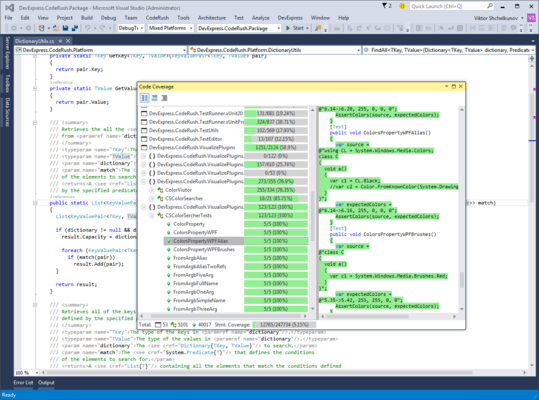
- Code Coverage - The Code Coverage window now loads faster when it runs the first time. The member graph build time has also been decreased.
- The Debug Visualizer is now faster when stepping over, into or out of code blocks.
- JavaScript/TypeScript Region Painting Support - Region Painting is now available in JavaScript and TypeScript. To enable this feature, click the Region Painting button on the CodeRush Visualize toolbar.
不具合の修正
- Formatting - An attribute is indented incorrectly.
- Formatting - The formatting action should not remove a custom new line if the "Keep existing line breaks" option is enabled.
- Formatting - The formatting action incorrectly processes the "#endregion" directive and leads to a compiler error.
- IntelliRush inserts a redundant argument list into a method that already contains them.
- Navigation - "Jump to symbol" navigation performs an endless search when all files are closed.
- Member Icons - The "Copy" command should not keep selection after it is applied.
- Refactorings - "Import Missing Namespaces" does not work for multiple undeclared namespace references in a single file.
- Refactorings - "Sync Namespace with Folder Structure" is canceled only for the second time.
- The Rich Comments feature incorrectly displays inserted transparent images.