Flashback Express v7.6
Released: Aug 28, 2025
v7.6 での更新項目
機能
- Flashback Express now loads directly into the Recorder instead of the Hub.
- Cursor recording options have been added to the Recorder's main window.
- Added a new webcam window UI, including option to record a circular webcam video.
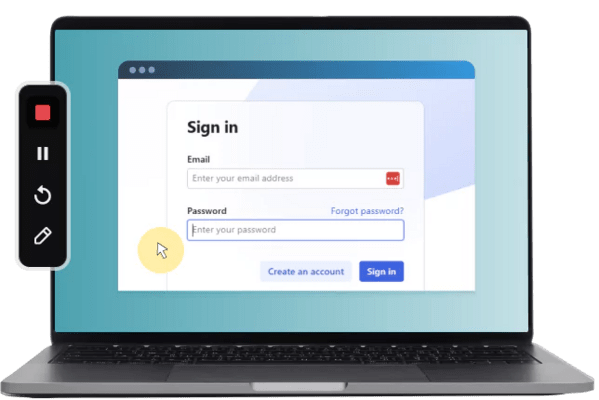
- The recording control bar can now be repositioned while recording.
- Webcam video can now be edited separately to the screen recording.
- Added Zoom and Pan effects for videos and images.
- The speed of video clips is now adjustable.
- The corners of videos and images can now be rounded.
- Increased zoom level is now allowed for the timeline with clearer indications of where each individual frames lies.
- Ripple delete is now available on the timeline to remove gaps between objects.
- Improved support for different character sets in export names.
- Various smaller UI tweaks and improvements for the Recorder and Editor.
不具合の修正
- Possible license check error on PCs with FIPS mode enabled.
- Smart Zoom did not reset when the cursor leaves the recorded region.
- Error when selected audio device is unavailable for playback.
- Missing cursor on screen 2 of multi-display recordings.
- Incorrect subtitle timings could be displayed.
- The region frame could be seen on edge of the other screen when recording just 1 screen in a multi-screen setup.
- Various smaller bug fixes.