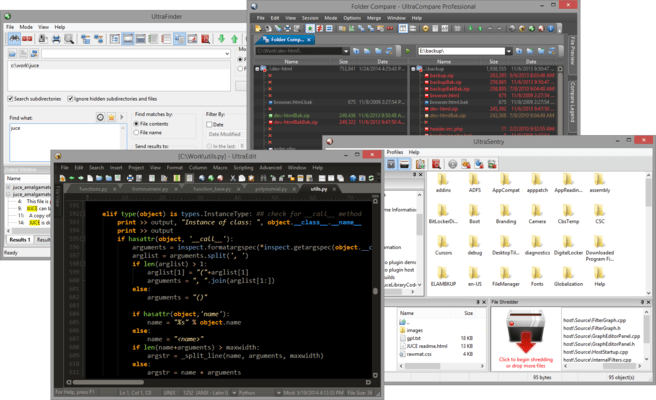
Please Note: UltraEdit Suite is replaced by UltraEdit Enterprise (formerly UltraEdit All Access). The products within the suite are still supported and existing customers can contact us for a quote to renew their maintenance subscription.
UltraEdit Suite - includes UltraEdit v2022.1
Released: Aug 3, 2022
UltraEdit v2022.1 での更新項目
機能
Added an interactive login for SFTP (2FA support):
You can now connect to servers that require two-factor authentication (2FA) or time-based one-time passwords (TOTP).
Added new "Interactive login" account option (Advanced tab).
Added a single persistent connection which is used for 2FA accounts to prevent multiple 2FA prompts.
The connection stays alive during file editing to avoid further 2FA prompts.
Improved Google Chrome (Edgium) rendering for browser view / live preview:
Upgraded HTML / Markdown preview to modern rendering engine.
Requires WebView2 browser component from Microsoft (included in Windows 11, available on Windows 10).
Added a fallback to older browser control for legacy rendering on systems not supporting WebView2.
Command palette expansions:
Added the ability to quick open any previously opened file.
Added the ability to quick open any file.
Added Go-to shorthand.
Templates are now included in command palette.
Syntax highlighting parser overhaul:
Syntax highlighting is now maintained when selecting.
Added support for block comments opened with same characters as line comments.
Added support for arbitrary string pairs (square brackets, backticks, etc.).
Added support for Perl quote-like string operators like qq(STRING).
Improved XML code highlighting with embedded CDATA sections.
HTML Tidy overhaul:
Updated HTML Tidy library to latest version.
Added a new HTML Tidy UI with dozens of additional options.
Added a new command and associated key mapping to run HTML Tidy.
Output window improvements and additions:
You can now add and remove any number of output windows.
Added the ability to rename output window tabs.
Added the ability to select and copy partial or whole lines in output window.
Other notable user experience improvements:
Added the ability to rename unsaved file tab.
User tools now automatically import embedded icon from external executable.
Re-engineered user clipboards now support selections of >4 GB (exceeding Microsoft Windows clipboard limitations).
"Add file to project" now uses regular File Open dialog.
Reformat JSON now automatically applies code highlighting.
Size column is now right-aligned in all FTP file lists.
不具合の修正
Addressed issues related to complex embedded code highlighting and longer wrapped lines.
Addressed issue with child windows opening off screen when last positioned on disconnected monitor.
Addressed issues parsing URL formats for right-click open.
Addressed Reformat Paragraph issues with large selections of text.
Addressed issue with "Save selection as" and GB of selected data.
Addressed file lock issue when saving FTP file.
Addressed "Server signature does not match" issue with SFTP.
Addressed issue with duplicated characters in SSH log.
Added missing "To uppercase" command to key mapping.
Addressed tool performance issue with "Show DOS box" enabled.