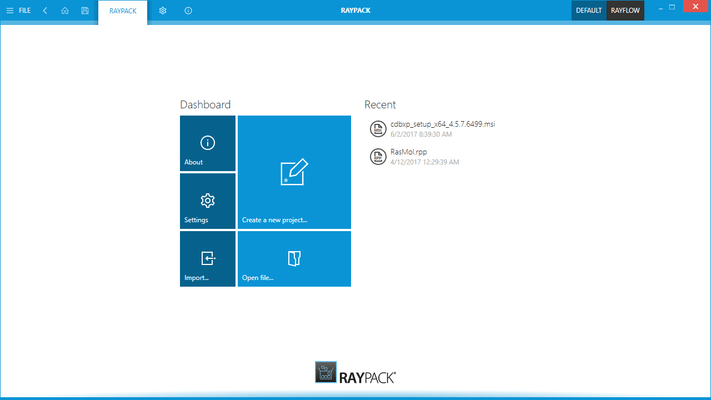
RayPack Studio is the new name for Raynet Packaging Suite.
RayQC Advanced 7.3
Released: Dec 6, 2022
RayQC Advanced 7.3 での更新項目
機能
Added support for Compatibility Tests Against Microsoft Windows 11 22H2 September 2022 Update - In this build there are two separate rulesets for both versions of Windows 11: 21H2 October 2021 and 22H2 September 2022 Update. They replace the previous single generic Windows 11 ruleset.
Improvements:
The Microsoft PowerShell commandlet Import-Package now support an extra parameter to define the MST transform path.
When starting RayQC Advanced for the first time, the UI language is now chosen based on the system language.
Improved validation for user input and its completeness in the Test Wizard / Rule selector.
When selecting a folder, all packages from it are now shown in the details panel.
不具合の修正
Fixed issues with the installation of SQL tables with custom schema.
Fixed the expansion of folders when opening a package from the command-line.
Fixed an issue where it was not possible to remove a single package family during the import process.
Fixed a missing rule name in the Rule page (Test wizard).
Fixed an DispatcherUnhandledException error in the Reimport package wizard.
Fixed an issue where the first connection attempt after changing the database from an invalid state to the right state was still failing.
Fixed inconsistent test results between the testing sessions invoked from RayQC Advanced and from RayPack.
Fixed an issue with the opening of the application console dialog.
Fixed the visibility of the dialog buttons in the Custom property dialog.
Fixed error messages during import of incomplete or broken packages.
Fixed context menu operation to restore and delete packages from the library.