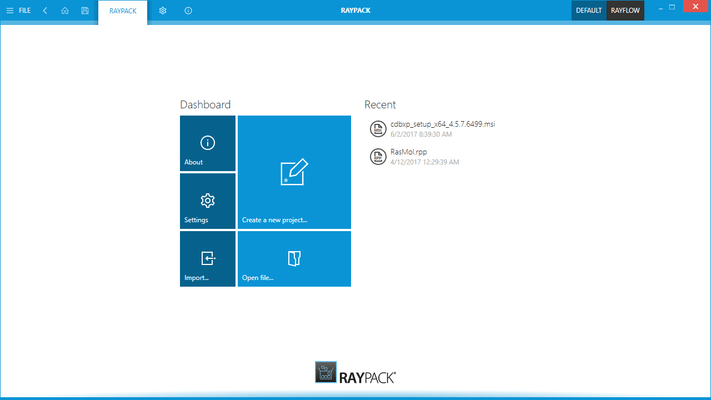
RayPack Studio is the new name for Raynet Packaging Suite.
RayPack Studio - includes RayPack 8.0.7276.3471 [Update 1]
Released: Jun 27, 2025
RayPack 8.0.7276.3471 [Update 1] での更新項目
機能
Optional Telemetry Support:
Added telemetry feature that, when enabled, allows the application to securely send anonymized usage data and technical diagnostics to the Raynet team.
Telemetry is fully optional and can be enabled or disabled at any time in the settings. No personal or identifiable information is collected.
This data helps to identify and fix issues more efficiently, understand how features are used, and enables Raynet to prioritize future improvements based on real-world usage.
Improvements:
Added support for handling root node with custom attributes.
Updated target platforms versions in MSIX PackDesigner.
All views in PackRecorder/PackDesigner now redirect correctly to their respective help documentation pages, for both RCP, RPP and RPPX projects.
The feedback module in RayPack is now fully translated into the Polish version.
不具合の修正
Fixed files counter so it now works properly for MSIX packages, displaying accurate file counts in all relevant views.
RayPack can now successfully import packages from the PackageStore even when the project name includes invalid characters.
An InvalidOperationException no longer occurs when removing applications after adding startup tasks in an RPPX project.
Resolved the NullReferenceException encountered when adding new registry keys and values in RayPack.
Quotation marks are no longer missing in Shortcut parameters when building from RCP to RPP.
Users can now successfully drag and drop files into parent directories in Pack Designer.
All .cmd files are now correctly present in the project directory when creating a new PS1 project.
PackWrapper's new template implementation now correctly copies custom files from the main directory into the project directory.
The "Use Restart Manager" checkbox is now checked by default, aligning with Microsoft's documentation for the MSIRESTARTMANAGERCONTROL property.
The new installation directory window now has appropriate margins, resolving the issue of the "Add or import..." button melting into the application style.
The Set-RegistryKey function in PSADT now correctly reflects all input fields, including value and type, in the manifest.
The "Install MSI action" now behaves correctly with MST and MSP files, allowing proper deletion and persistent display in the UI.
The scroll bar in the build options view is now positioned correctly.
Project numbers are now auto-incremented correctly when creating new empty projects, even after a project with the default name has been created.