
Syncfusion Essential Diagram for Silverlight (英語版)
拡張可能で高機能なダイアグラム アプリケーションを、Windows Formsに対して提供します。
Syncfusion 社の製品
2002 年より日本国内にてComponentSourceで販売中。
この製品の販売は終了しました。
拡張可能で高機能なダイアグラム アプリケーションを、Windows Formsに対して提供します。
Syncfusion 社の製品
2002 年より日本国内にてComponentSourceで販売中。
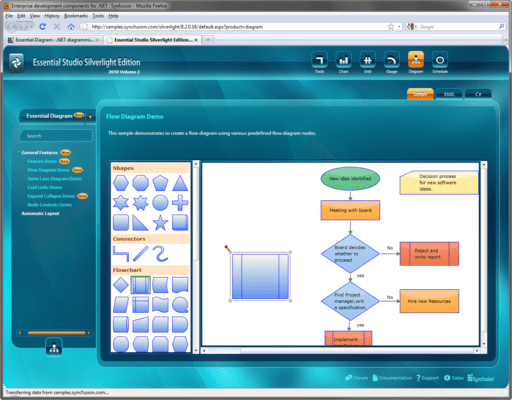
本製品の単体販売は終了され、すべてのコントロールはSyncfusion Essential Studio Enterprise Editionに含まれています。
Released: May 11, 2011
電話: (888) 850 9911
Fax: +1 770 250 6199


