Please note that new Timed Subscription Licenses for Syncfusion Essential Studio ASP.NET MVC are available as part of Syncfusion Essential Studio Enterprise.
Syncfusion Essential Studio ASP.NET MVC 2015 Volume 3
Released: Oct 12, 2015
Updates in this release
Updates in 2015 Volume 3
Theme Studio - Provides support for applying custom themes to Syncfusion web controls. Themes can also be exported as custom CSS files. Data visualization controls are not included in the Theme Studio.
Virtual Scrolling - The virtual scrolling feature can be used to display a large number of records in a drop-down list.
Incremental Search - Items in the drop-down list can be searched to retrieve the exact item you are looking for.
Default Single List Selection - Drop-down list items can now be configured with text only, or as text with an image.
Multi-Selection List - With the multi-selection feature, drop-down list items are configured with a check box.
Grouped List Selection - Drop-down list items can now be grouped under group titles.
Data Binding with Virtual Scrolling - Drop-down list items can now be rendered by a local or remote JSON data source.
Template Support - The drop-down list provides template support to help users configure an item as needed. Users can add any HTML element to the list.
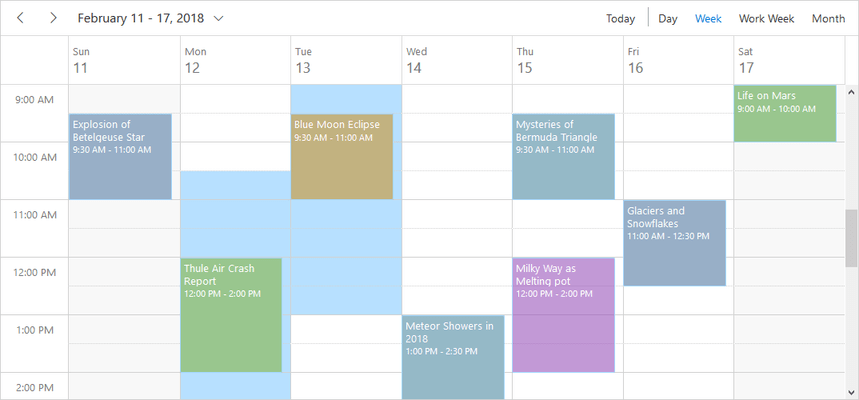
Agenda View - Displays a list of appointments in a grid-like view, categorized on dates and resource levels.
Appointment Tooltips - Allows appointment details to be displayed on mouse over. Tooltips can be customized using templates.
Work Week Customization - The Work Week view can be customized with a set of user-defined days.
Appointment ID Types - The schedule control has been enhanced to allow appointment IDs to accept any data type, including integers, strings and GUIDs.
Radial Slider - The radial slider provides an optimized touch interface for selecting a numeric value. A tick’s value can be set directly by selecting and moving the needle, and values can be rounded by using APIs.
Start Angle and End Angle Customization - The radial slider can be displayed as any type of circle - including a full or half circle - based on its start angle and end angle values.
Vertical Charts - The chart control now supports vertical charts. The axis direction can be changed for applications that require the series to be plotted vertically.
Smart Chart Labels - Smart labels are supported for Cartesian axes which automatically arrange data-labels to avoid intersection when working with a large amount of data.
Selecting Series Based on Cluster - Supports selecting and highlighting a chart series, which display the same points for all series when hovering over or clicking the series.
Pivot Grid Defer Update - Support for deferring updates allows users to refresh the control only on-demand instead of during every UI interaction.
Tree Grid Export - The contents of the tree grid control can now be exported to PDF.
Toggle Axis - Support for toggling axes allows the swapping of dimensions, measures and named sets between column and row axes. The OLAP chart and OLAP grid refresh accordingly.