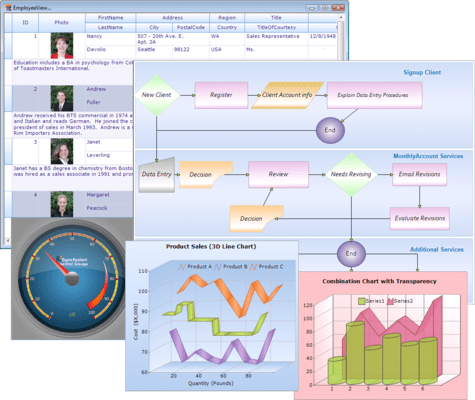
HTML 5 Diagram Modes - SVG (Scalable Vector Graphics) mode and Canvas mode
Export to Image - Export diagram area to multiple image formats (.jpeg, .bmp and .png)
Polyline Support - When in SVG mode, Essential Diagram can support polylines—multiple lines connected by intermediate points
Printing Support - Print diagram layouts when in SVG mode
Saving and Loading Diagram Edits - In SVG mode, the Diagram control can save and reload information regarding changes to nodes and line connectors to and from a database
Data Binding - Diagram data binding has been enhanced to support the ADO.NET Entity Model
Essential Grid
JSON Support (ASP.NET) - TJSON mode can be enabled to handle paging, sorting, grouping and filtering
Editing via Unbound Columns (ASP.NET MVC) - Make changes to multiple fields in a grid at the same time
Essential Tools
Calendar Navigation (ASP.NET) - New navigation pane that makes browsing by day, week, month, year or decade easier. This JavaScript implementation is fast and gives users a fluid experience
Rotator Control Improvements (ASP.NET) - An auto-play button can be added to the Rotator control to allow users to automatically scroll up or down, left or right with one click. While in this button mode, the rotator control retains all its other features
AutoComplete Enhancements (ASP.NET MVC) - Client-side data fetching has been added to increase performance
Captcha Control Refresh (ASP.NET MVC) - Refresh button allows regeneration of the code that has to be entered in the verification text box
Dragging and Dropping Tree Nodes (ASP.NET MVC) - With drag and drop support, tree nodes can be repositioned at different levels in the same tree or dropped into a different tree
Splitter Control (ASP.NET MVC) - Create separate panes in a work area that can be resized or collapsed by dragging or clicking
TimePicker Control (ASP.NET MVC) - Four primary fields can be set: hours, minutes, seconds and a.m. or p.m