













公式サプライヤー
公式および認定ディストリビューターとして200社以上の開発元から正規ライセンスを直接ご提供いたします。
当社のすべてのブランドをご覧ください。
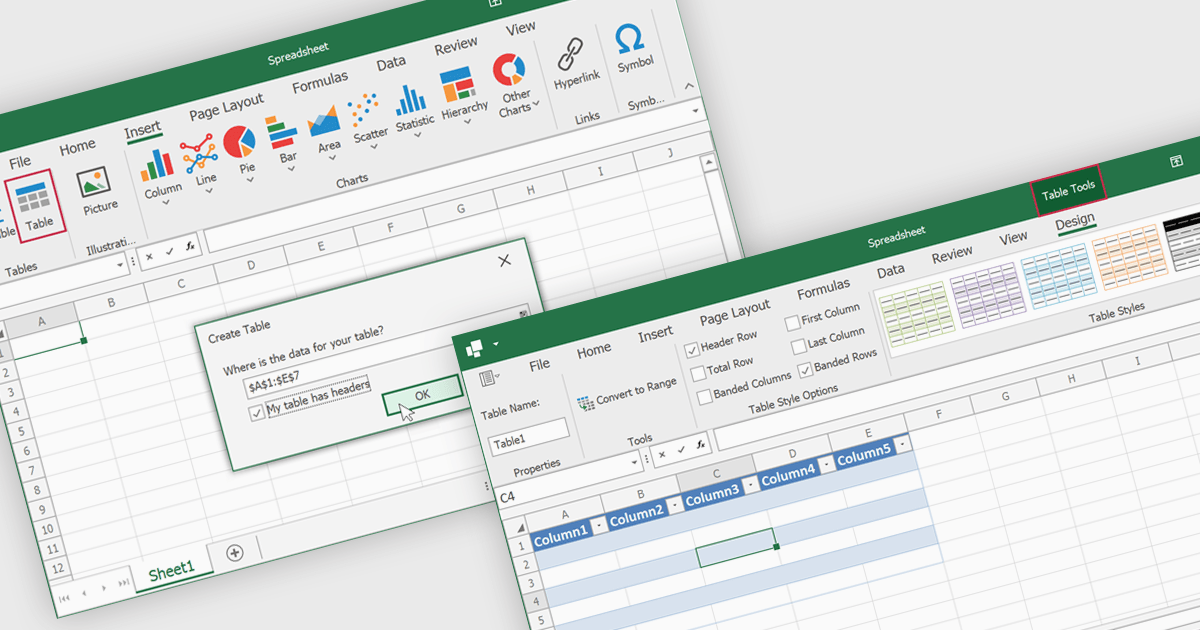
Spreadsheet tables are organized groups of data in a spreadsheet, often with a header row and a range of cells containing related information. They make data management easier by grouping related information, improving how it looks and how easy it is to use. You can use functions and formulas on entire tables to automate calculations and reduce manual work. Tables often let you filter and sort data based on specific criteria, making analysis and reporting easier. Common uses include financial analysis, inventory management, project tracking, and customer databases.
Several WinForms spreadsheet controls offer table support including:
For an in-depth analysis of features and price, visit our WinForms spreadsheet controls comparison.
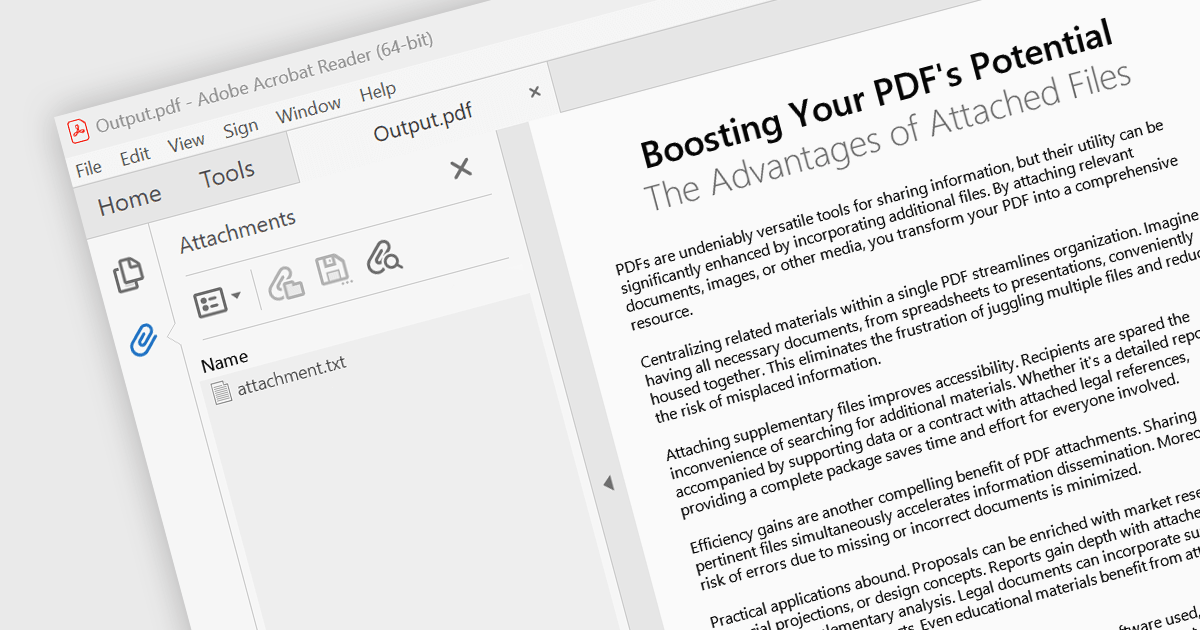
Attaching files to PDF documents involves embedding external files directly into the PDF structure. This capability offers several advantages, including consolidating related data into a single package, improving file management, and enhancing document accessibility. Practical use cases span various industries, from attaching supporting documents to invoices and contracts in business applications to embedding multimedia content like images or audio files within educational or marketing materials.
Several .NET 8 WinForms PDF components support attachments including:
For an in-depth analysis of features and price, visit our comparison of .NET 8 WinForms PDF components.
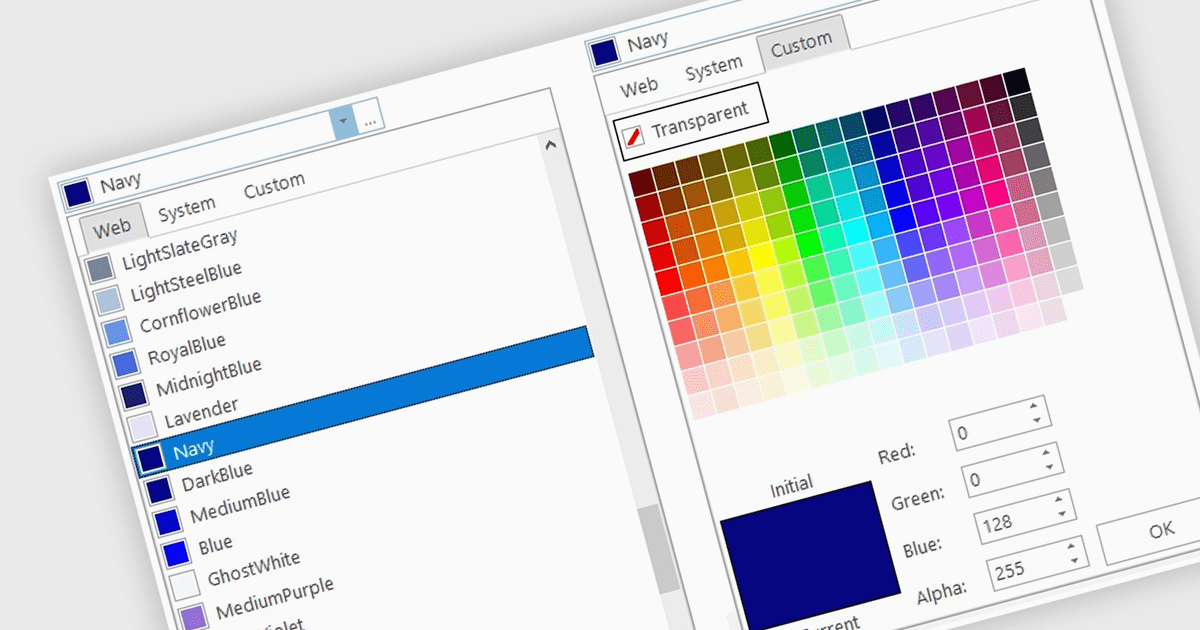
A color picker is user interface component that typically presents a visual spectrum or palette from which users can choose colors, input specific color values like RGB or HEX codes, or use sliders to adjust hue, saturation, and brightness. By enabling users to select and apply colors to various elements, such as text, backgrounds, or data visualizations, this type of data editor enhances the precision and efficiency of color selection and greatly improves the user experience.
Several WinForms data editors can provide you with a color picker, including:
For an in-depth analysis of features and price, visit our WinForms data editors comparison.
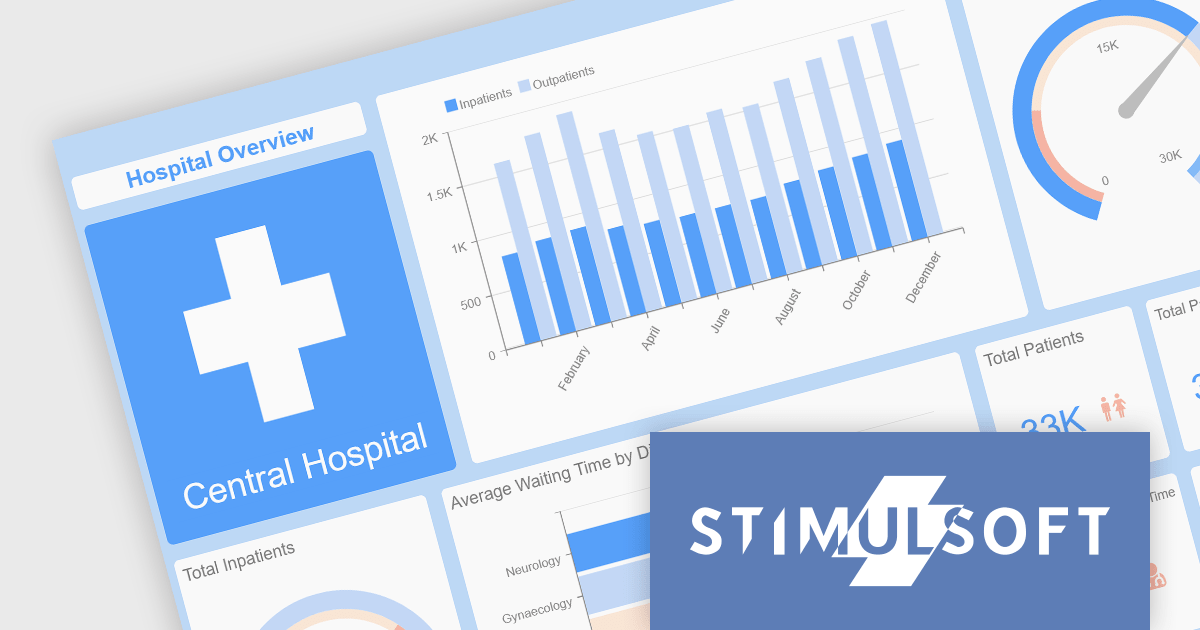
Stimulsoft offers a comprehensive suite of tools for creating interactive data visualizations. Stimulsoft Dashboards excels at crafting engaging dashboards for web and desktop applications, while Stimulsoft BI Designer provides a powerful platform for designing both reports and dashboards. Developers can seamlessly integrate these tools into their projects using platform-specific components or a centralized cloud designer, supporting .NET, JavaScript, PHP, and more. With rich data analysis capabilities, extensive customization options, and pre-built templates, Stimulsoft empowers you to transform complex data into clear, actionable insights for any audience.
The 2024.3.3 release adds a new Scale Mode option when exporting dashboards. This feature enables users to precisely adjust dashboard elements to fit specific output formats, maintain aspect ratios, or optimize for print or digital media.
To see a full list of what's new in 2024.3.3, see our release notes for Ultimate, BI Designer, Dashboards.WEB, and Dashboards.WIN.
Stimulsoft Ultimate is licensed per developer and is available as a Perpetual license with 1 year support and maintenance. See our Stimulsoft Ultimate licensing page for full details.
This update is available in the following products:
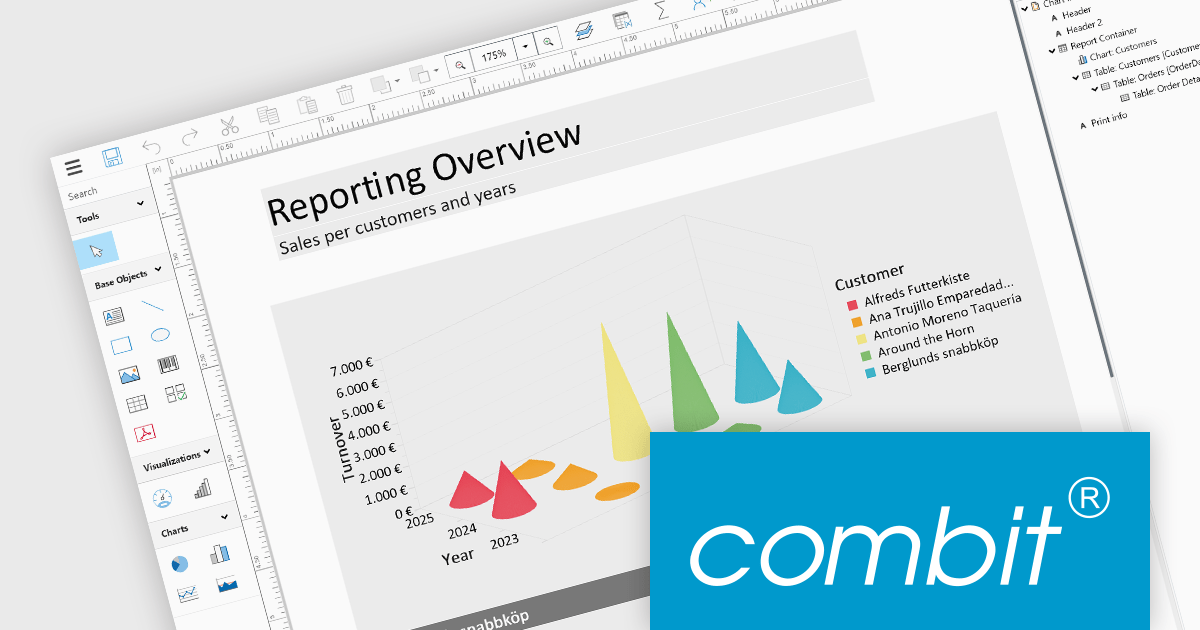
List & Label by combit is a software development toolkit that empowers developers to integrate comprehensive reporting functionalities into their desktop, web, and cloud applications. It offers features such as data binding, complex data visualization, and a user-friendly report designer, along with printing, exporting, and previewing capabilities. List & Label operates independently of programming languages and data sources, providing developers with the flexibility to design and deliver informative reports within their development environment.
The List & Label 29.003 service pack introduces multiple caching mechanisms to optimize performance during operations involving large data structures within the Web Designer. With these mechanisms, the system significantly reduces the frequency of resource-intensive web server requests, thereby decreasing the load on the server. This approach optimizes resource utilization by storing frequently accessed data in temporary storage, thus decreasing the need for repeated data retrieval from the server. The result is faster data processing and improved response times, which is especially beneficial when handling complex design scenarios that demand extensive data processing.
To see a full list of what's new in 29.003, see our release notes.
List & Label is licensed per developer and is available as a Perpetual License with a 12 month support and maintenance subscription. See our List & Label licensing page for full details.
List & Label is available in the following products:
電話: (888) 850 9911
Fax: +1 770 250 6199


