













公式サプライヤー
公式および認定ディストリビューターとして200社以上の開発元から正規ライセンスを直接ご提供いたします。
当社のすべてのブランドをご覧ください。
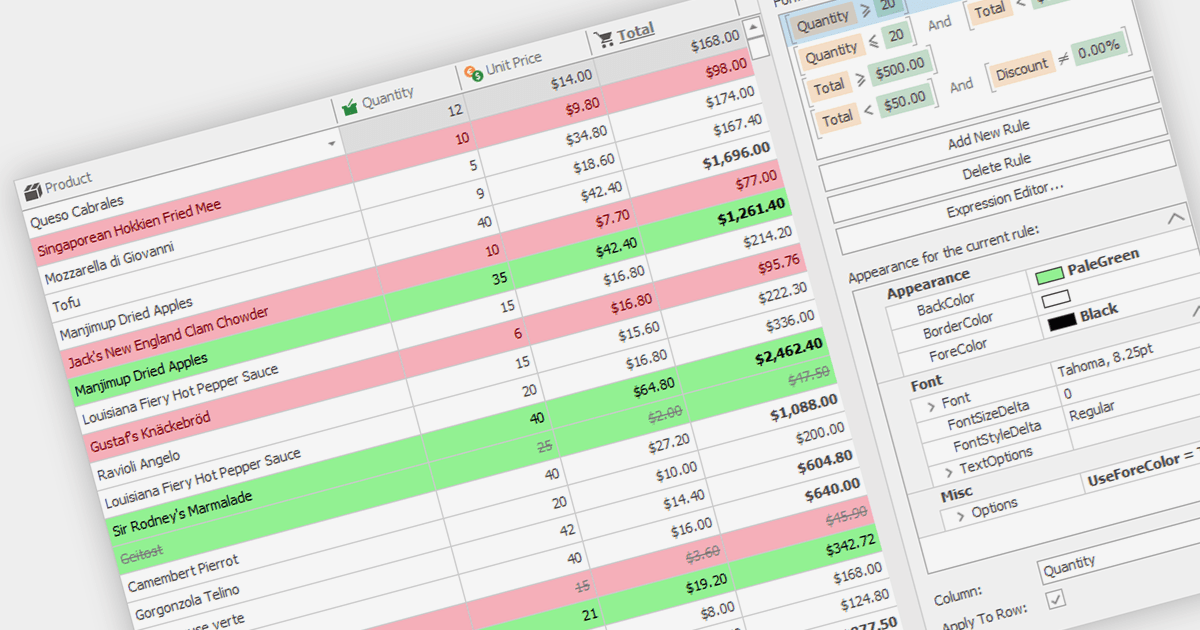
Conditional formatting in grids allows users to apply visual styles to cells or ranges based on the data they contain. It enhances data readability and analysis by highlighting critical values, outliers, or trends in a data-driven manner. For instance, a cell might be colored red if it contains a value below a certain threshold, thereby drawing attention to potential issues.
Several WinForms grid components support conditional formatting including:
For an in-depth analysis of features and price, visit our WinForms Grid comparison.
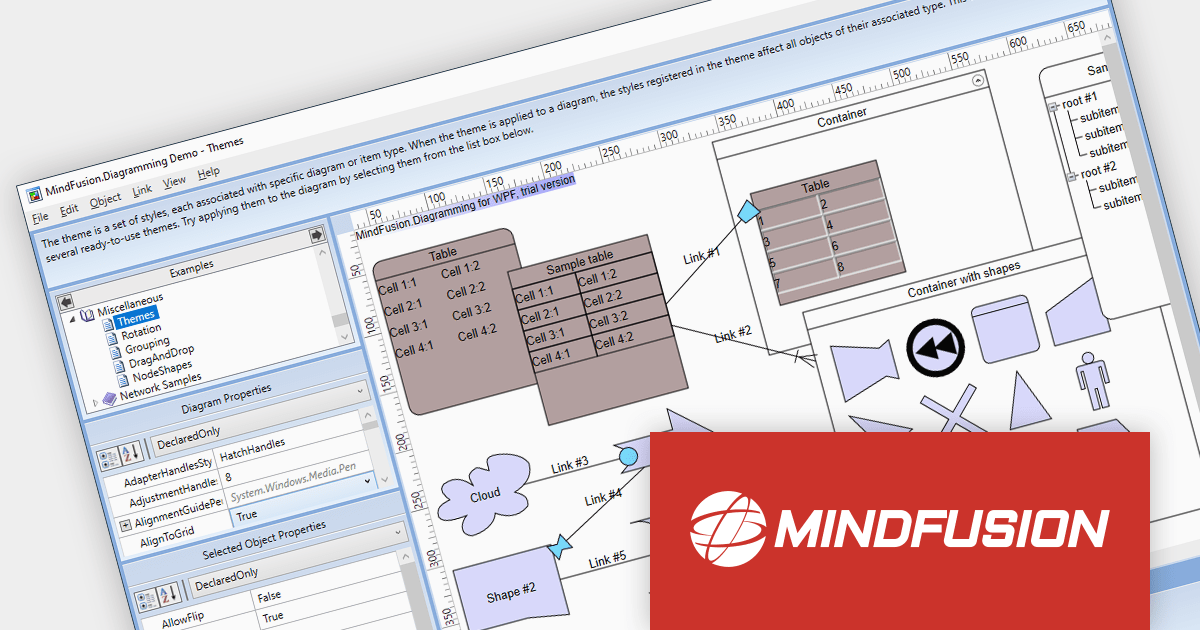
MindFusion.Diagramming for WPF provides a comprehensive toolset for creating a wide array of diagrams, including organizational charts, graphs, class hierarchies, and family trees. It offers extensive customization options for appearance and behavior, as well as save/load options and several automatic layouts.
Version 4.0.0 adds support for asynchronous serialization, which means that files can now be saved and loaded asynchronously. This allows users to interact with the application while data is being loaded or saved, making it feel more responsive.
To see a full list of what's new in version 4.0.0, see our release notes.
For more information, visit our MindFusion.Diagramming for WPF product page.
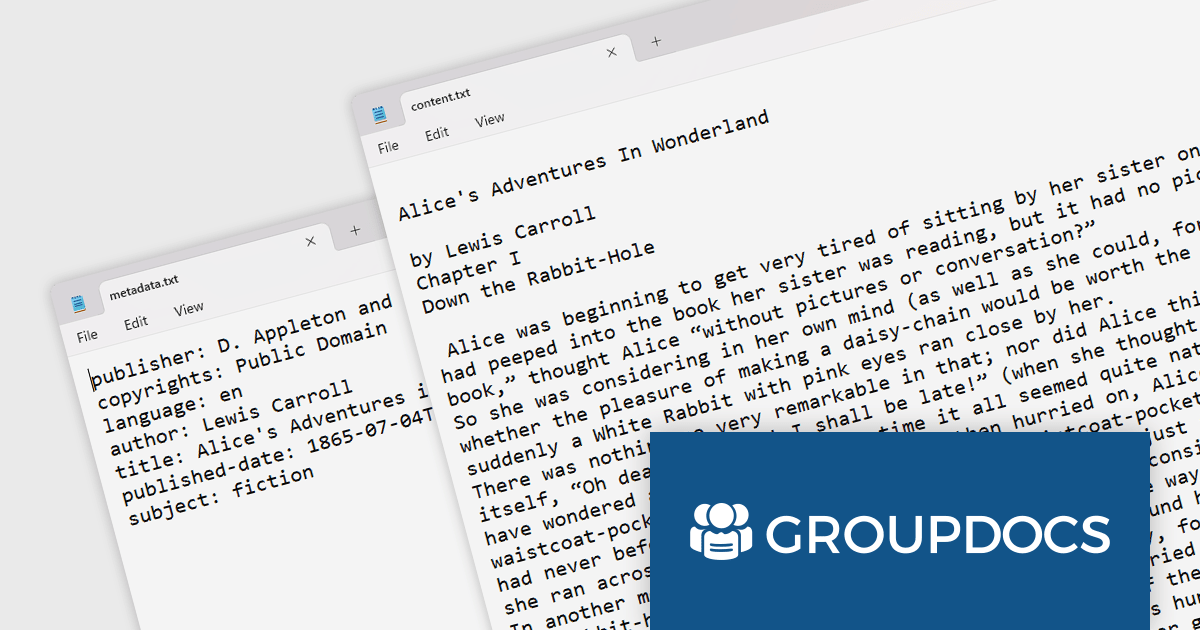
GroupDocs.Parser is a comprehensive document parsing solution that enables you to extract text, metadata, and images from a wide range of document formats, including PDF, DOC, DOCX, PPT, PPTX, XLS, XLSX, ODT, ODS, RTF, and EPUB.
GroupDocs.Parser V23.11 adds support for Kindle document formats, which enables developers to extract text, metadata, and images from Kindle ebooks and files. Developers can now effectively process and analyze Kindle documents, extracting valuable information for various applications, such as document search and indexing, data integration, and workflow automation.
To see a full list of what's new in GroupDocs.Parser V23.11, see our release notes.
GroupDocs.Parser is available to buy in the following products:
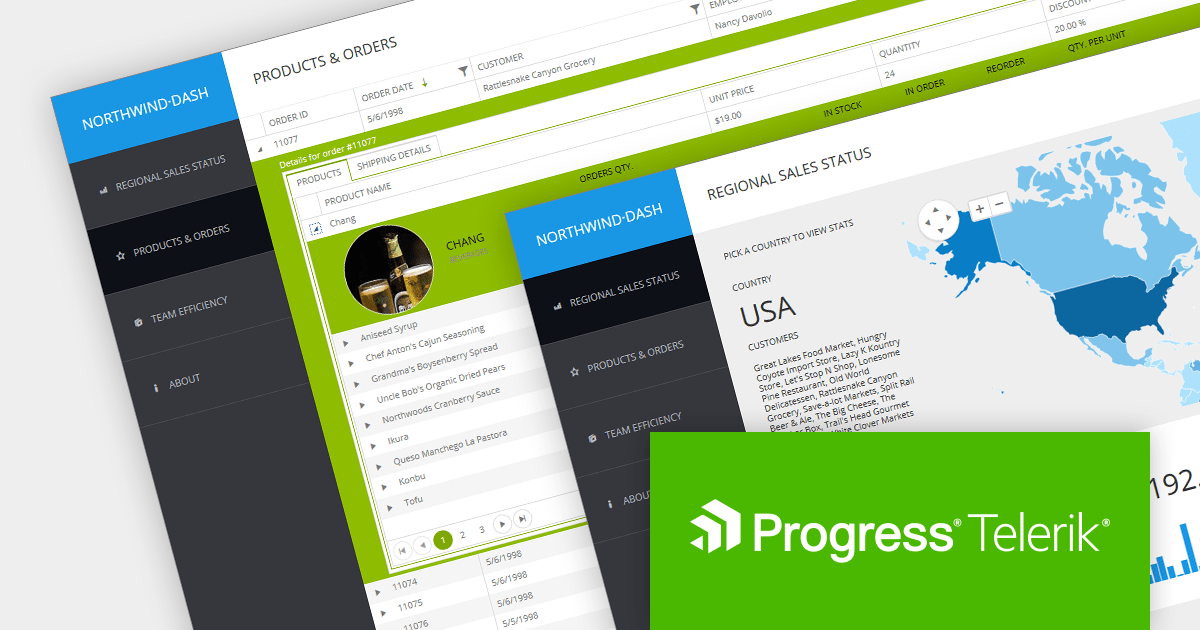
Telerik is a leading software company that offers development tools for web, mobile, and desktop applications. It also provides tools and subscription services for cross-platform application development. Telerik products are used by developers all over the world to create high-quality, user-friendly applications.
Previously, the company's ASP.NET Core and ASP.NET MVC products were only available as part of a bundled package that also included the Kendo UI JavaScript library. However, Telerik is now offering these products individually, giving developers greater flexibility and control over their choice of development tools.
Both products offer 110+ UI components to help developers create high-quality, user-friendly applications, including a wide range of components, such as grids, charts, trees, and editors.
Developers who need access to additional platforms such as Blazor, MAUI, WinForms, WPF, and JavaScript in addition to ASP.NET Core and MVC may be interested in the multi-platform Telerik DevCraft product range:
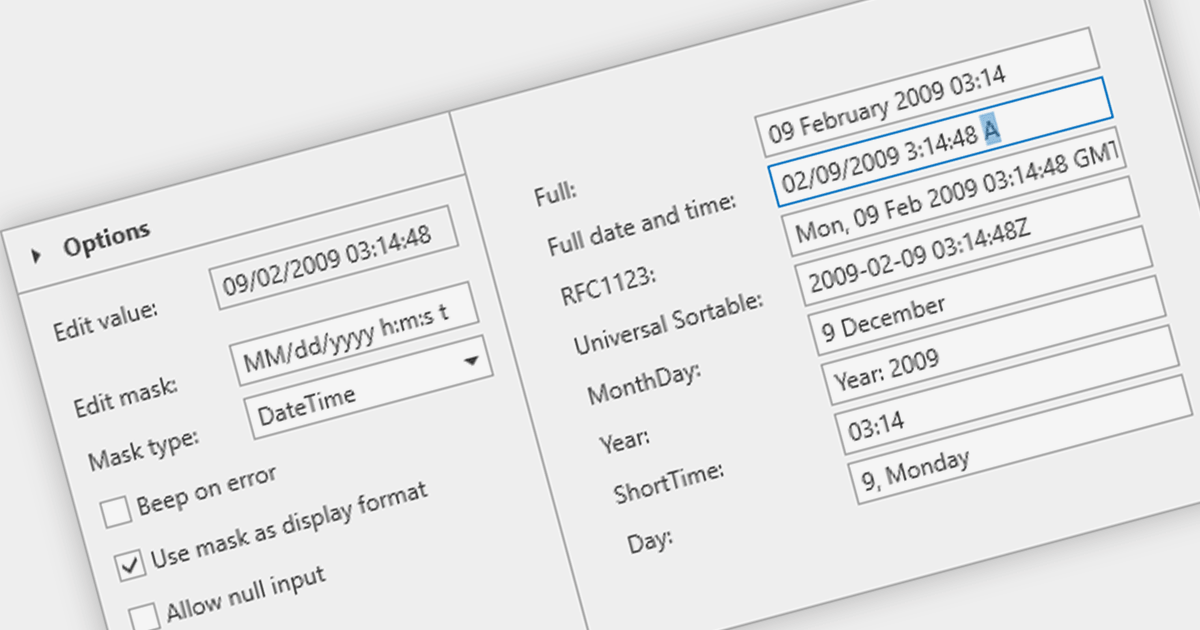
A masked text box is a data editor that requires the user to input data in a specific format. This control is particularly useful in forms where consistency and accuracy of data are critical, such as phone numbers or social security numbers. The mask ensures that the input conforms to a predefined pattern, reducing errors and streamlining data entry processes.
Several WPF data editor components provide masked input text boxes including:
For an in-depth analysis of features and price, visit our WPF Data Editors comparison.
電話: (888) 850 9911
Fax: +1 770 250 6199


