













公式サプライヤー
公式および認定ディストリビューターとして200社以上の開発元から正規ライセンスを直接ご提供いたします。
当社のすべてのブランドをご覧ください。
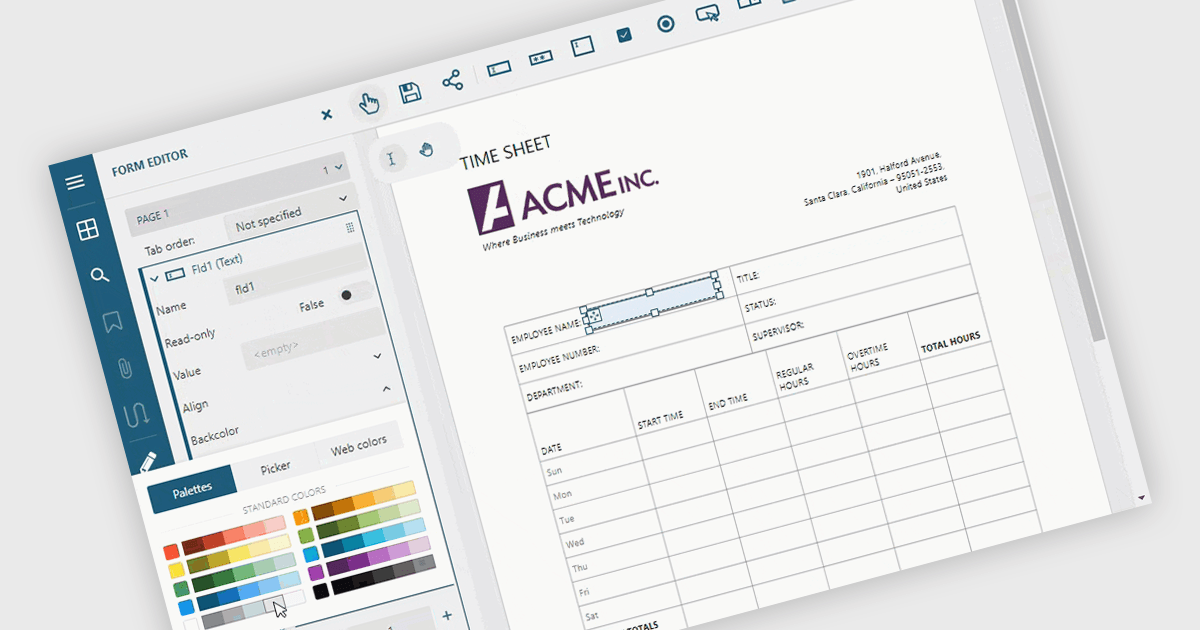
Adding and modifying form fields in PDF editing provides full control over form design and content. It lets users insert, modify, delete, or rename interactive fields such as text boxes, checkboxes, and signature areas to keep forms accurate and up to date. Visual customization, including adjusting field colors and layouts, helps create professional, branded documents. Common uses include updating HR application forms, refining finance templates, and simplifying legal agreements for faster completion.
Several ASP.NET Core PDF components allow you to add, edit and remove form fields from PDF forms, including:
For an in-depth analysis of features and price, visit our comparison of ASP.NET Core PDF components.
DevCraft by Telerik is a comprehensive suite of more than 1,250 UI components and development tools designed for building modern web, desktop, and mobile applications using .NET and JavaScript frameworks. It includes reporting and report management solutions, automated testing and mocking tools, and document processing libraries, as well as a wide range of professionally designed user interface controls from the Telerik and Kendo UI suites. DevCraft enables developers to create feature-rich, high-performance applications with consistent design and user experience, delivering enterprise-level, scalable, and maintainable software solutions.
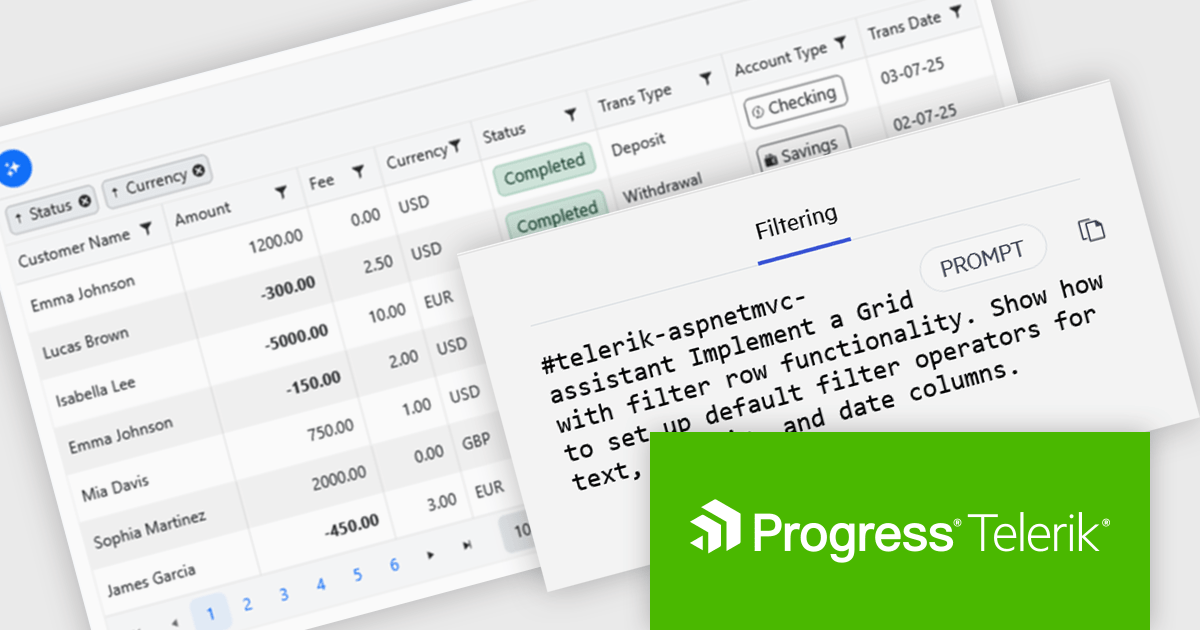
The Telerik DevCraft 2025 Q3 update introduces new AI Coding Assistants for Telerik UI for ASP.NET MVC and Kendo UI for jQuery, designed to improve developer efficiency through intelligent, context-aware code generation within supported IDEs. These assistants automate repetitive coding tasks, generate accurate framework-specific code, and deliver instant access to relevant API documentation and technical insights. By understanding the structure and capabilities of Telerik and Kendo UI components, the AI Coding Assistants enable developers to produce cleaner, more consistent code while reducing time spent on setup, configuration, and troubleshooting.
To see a full list of what's new in version 2025 Q3 (2025.3.1002), see our release notes for Telerik UI for ASP.NET MVC and Kendo UI for jQuery.
Telerik DevCraft is licensed per developer and has two licensing models: an annual Subscription License and a Perpetual License. The Subscription license provides access to the latest product updates, technical support, and exclusive benefits for a flat annual fee, and must be renewed to continue using the software. The Perpetual license is a one-time purchase granting access to the current released version and includes a one-year subscription for product updates and technical support. After this initial period, users can choose to renew the subscription element to continue receiving updates and support; otherwise, they may continue using the installed version available during their active subscription term but will forgo future updates and support. See our Telerik DevCraft Ultimate licensing page for full details.
Telerik DevCraft is available in the following editions:
Stimulsoft BI Designer is a powerful reporting tool designed to create visually appealing and interactive reports. It allows users to design and develop complex reports with ease, integrating data from various sources and presenting it in a clear, concise, and informative manner. With its rich feature set, Stimulsoft BI Designer is widely used in diverse industries, including finance, healthcare, retail, and manufacturing, to generate reports for analysis, decision-making, and compliance purposes. Key benefits include its intuitive interface, extensive customization options, and support for multiple data sources, making it an essential tool for organizations seeking to enhance their reporting capabilities and gain valuable insights.
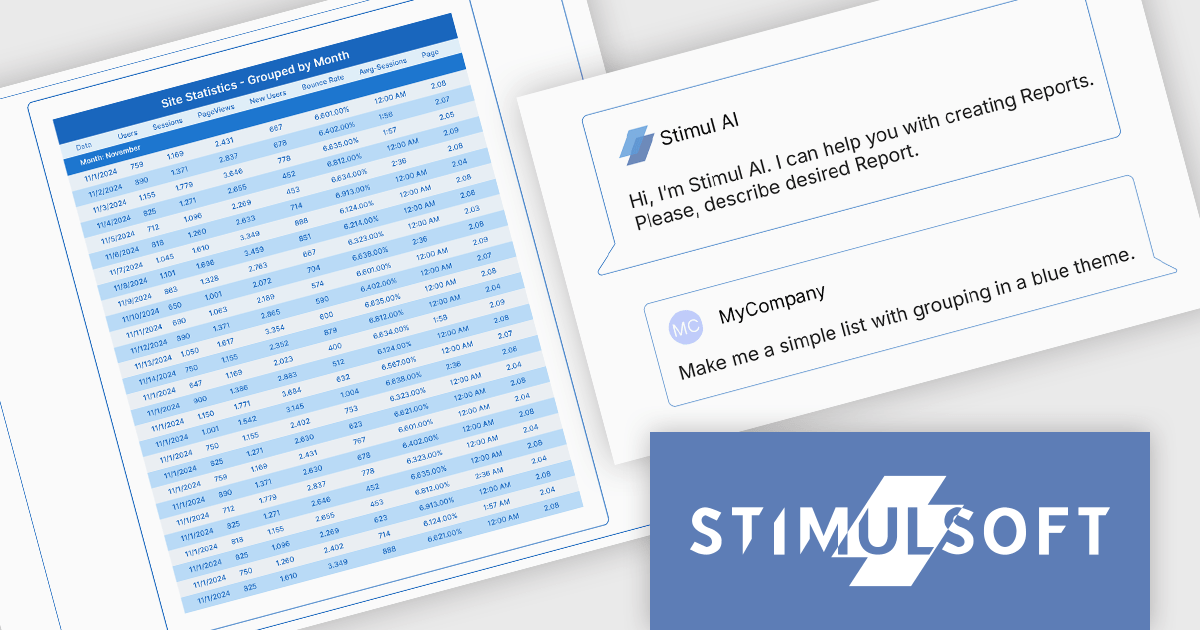
The Stimulsoft BI Designer 2025.4.1 update introduces an AI-powered Report Wizard that improves the report creation process for developers by transforming plain text queries into fully structured reports. It supports various report types, including simple lists, grouped, master-detail, and column-based formats, automatically analyzing connected data sources to generate accurate layouts. Developers can further refine and adjust report designs through custom queries, enabling efficient customization without manual configuration. This feature significantly reduces development time and enhances productivity within the Stimulsoft BI Designer environment.
To see a full list of what's new in 2025.4.1, see our release notes.
Stimulsoft BI Designer is available as a perpetual license and is licensed per creator. A creator is a person who creates reports, dashboards, or forms in a standalone (desktop) designer or online designer. The creator may install one copy of the standalone (desktop) designer. See our Stimulsoft BI Designer licensing page for full details.
Stimulsoft BI Designer is available individually or as part of Stimulsoft Ultimate.
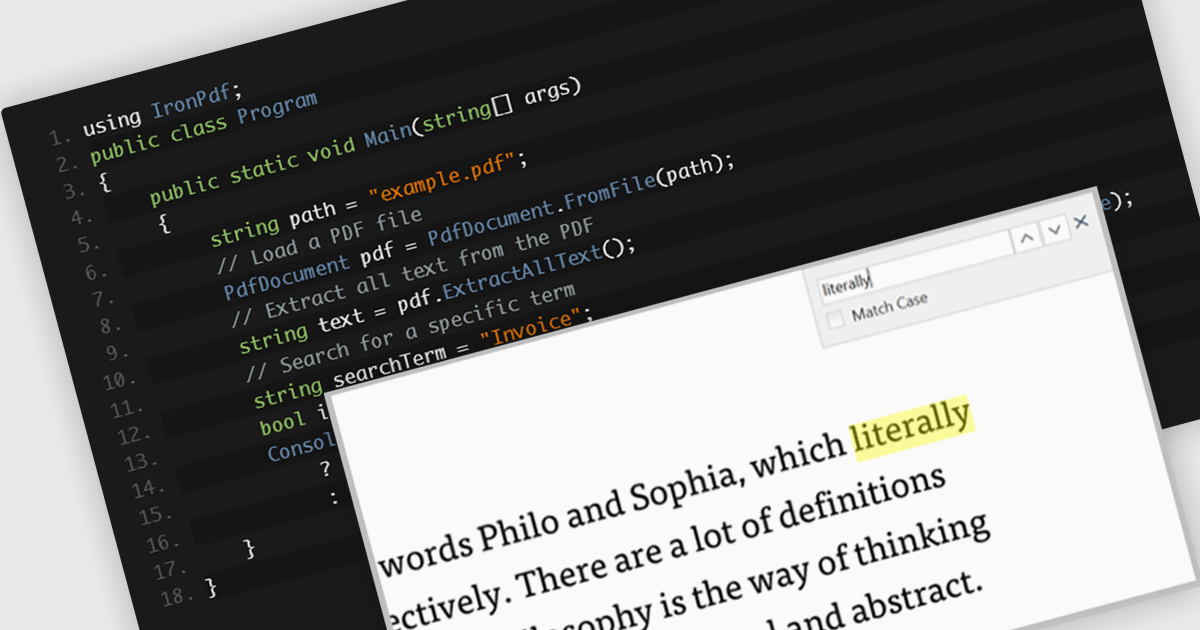
A text search feature in a PDF component allows developers to programmatically locate specific words or phrases within a PDF document. This functionality typically supports options such as case sensitivity, whole word matching, and navigation between search results. It is particularly useful in applications where users need to quickly identify and interact with relevant content in large or complex documents. By enabling this feature, developers can enhance the user experience in document viewing or editing environments, reduce manual search effort, and support features like text highlighting, annotation, or content extraction for further processing.
Several .NET WPF PDF components offer text searching including:
For an in-depth analysis of features and price, visit our .NET WPF PDF components comparison.
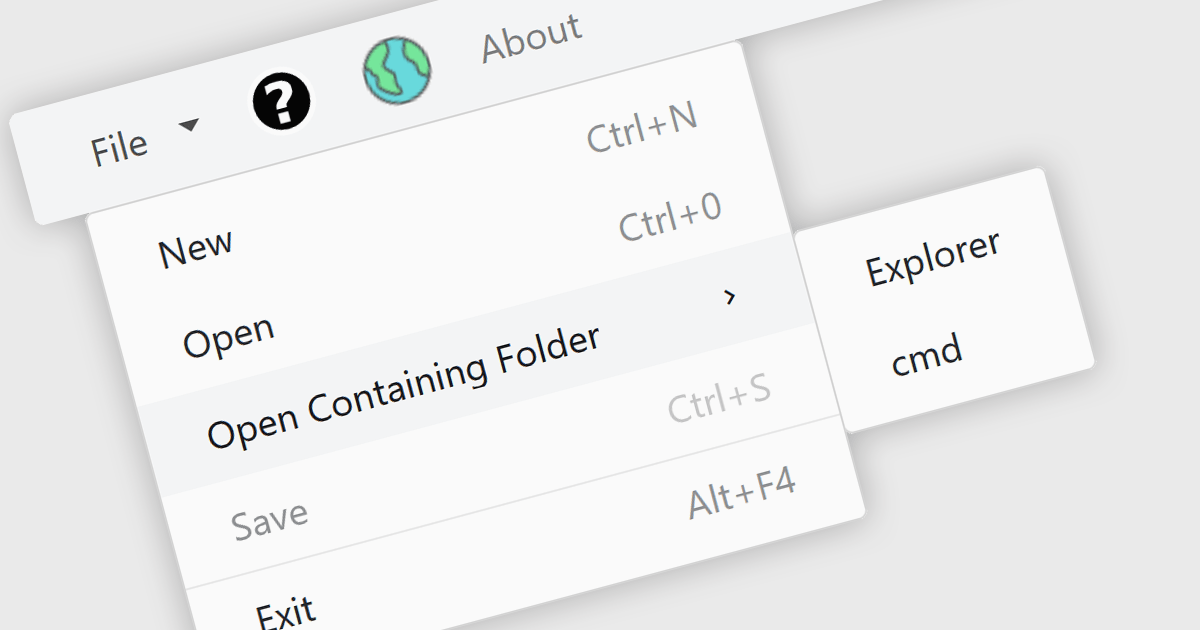
Menu controls in a Blazor UI suite are user interface components that provide structured navigation through an application by organizing links or actions into hierarchical menus. These controls are particularly useful in web applications that require intuitive, accessible, and dynamic navigation elements. In Blazor, menu controls can be rendered either through server-side or WebAssembly-based components, allowing developers to build interactive menus using Razor syntax and C#. They support features like multi-level nesting, icons, templates, and binding to data sources, making them adaptable to a wide range of layouts and user experiences. Menu controls integrate smoothly with routing and layout systems, enabling developers to maintain a consistent navigation experience across the application.
Several Blazor UI suites provide Menu controls, including:
For an in-depth analysis of features and price, visit our comparison of Blazor UI Suites.
電話: (888) 850 9911
Fax: +1 770 250 6199


