













公式サプライヤー
公式および認定ディストリビューターとして200社以上の開発元から正規ライセンスを直接ご提供いたします。
当社のすべてのブランドをご覧ください。
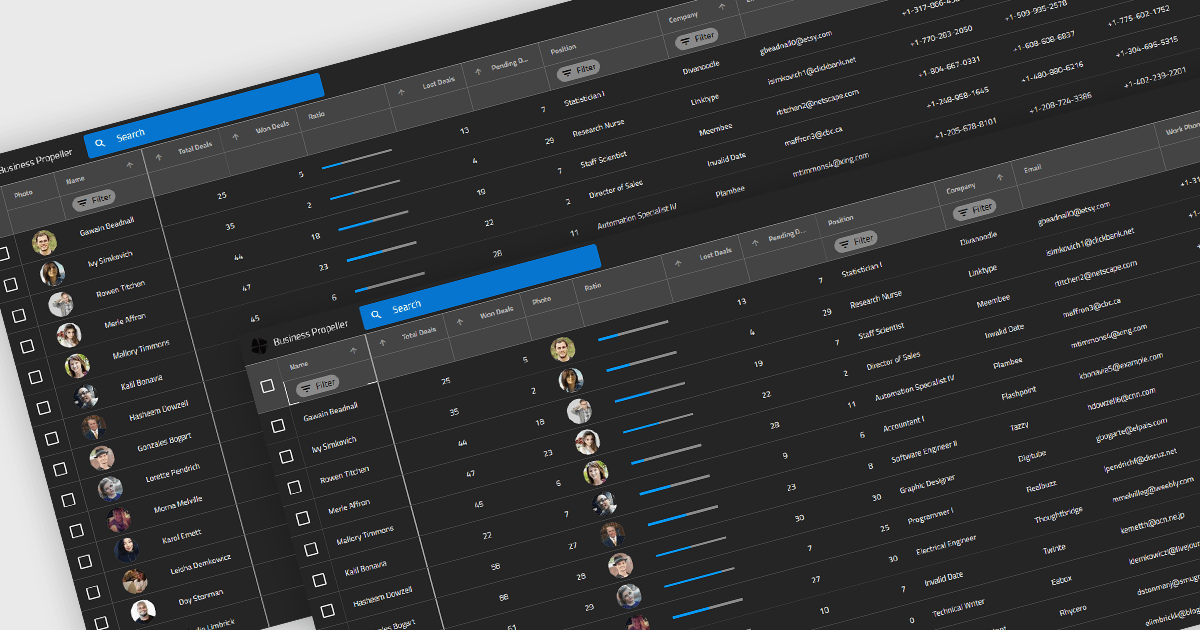
Reordering columns in grid components enables end users to customize the layout of data by dragging column headers into new positions at runtime. This feature improves usability and flexibility, users can adapt the interface to their workflow, prioritize visible information, and reorganize data presentation without developer intervention. A robust implementation also supports programmatic reordering (for restoring user preferences or responding to logic), individual column reordering permissions, and integration with features like column persistence and layout saving.
Several Blazor grid controls offer support for column reordering including:
For an in-depth analysis of features and price, visit our Blazor grid controls comparison.
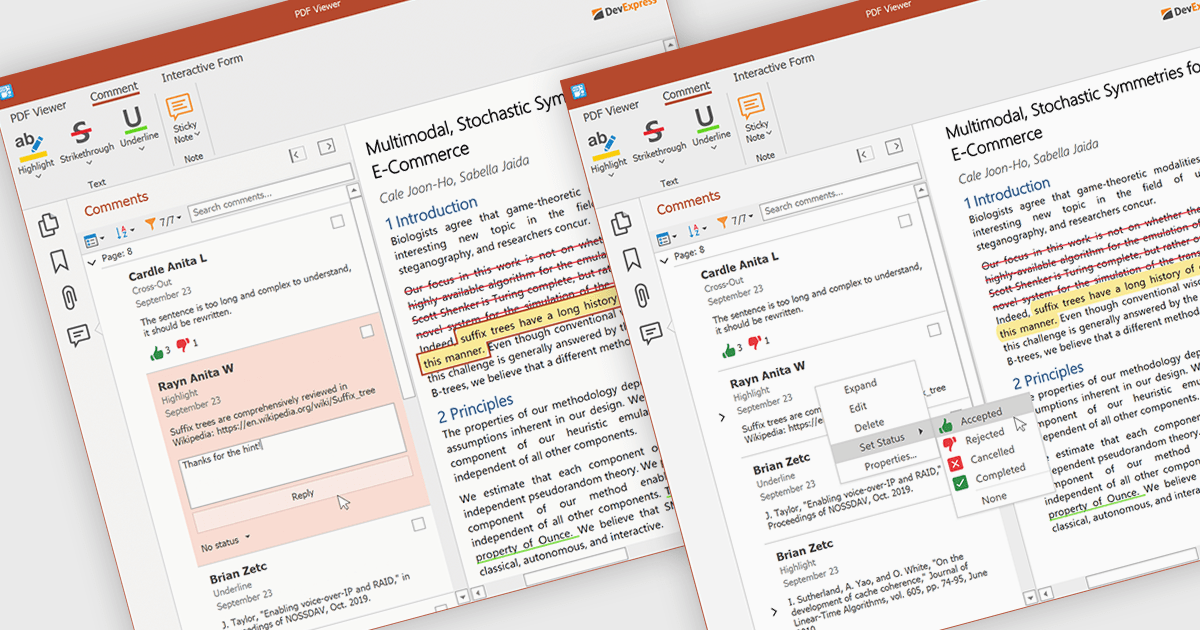
A sticky note in a PDF Viewer is a digital annotation tool that lets users attach comments directly to specific areas of a document. It offers a simple way to share feedback, suggestions, or reminders without changing the original content. Sticky notes are especially useful for reviews and collaboration, helping teams exchange feedback and track revisions efficiently. With a centralized Comments pane, all sticky notes and replies are displayed in one place, making it easy to view, manage, and organize discussions across the document.
Several .NET WPF PDF components offer sticky note annotations including:
For an in-depth analysis of features and price, visit our .NET WPF PDF components comparison.

A report viewer in a Blazor report control allows developers to display interactive, paginated, and print-ready reports directly within Blazor applications. This component bridges the gap between server-side reporting capabilities and client-side UI responsiveness, offering a way to render complex reports in-browser without relying on external viewers or plugins. It supports common report features such as drill-down, export to various formats, and parameterized filtering, making it highly useful for enterprise dashboards and data-driven web applications. By integrating directly into the Blazor ecosystem, it ensures a cohesive development experience with consistent styling, fast rendering, and reduced client-server communication overhead.
Several Blazor reporting controls offer a report viewer including:
For an in-depth analysis of features and price, visit our comparison of Blazor reporting controls.
Syncfusion Essential Studio Enterprise provides a comprehensive collection of UI components and frameworks for building modern cross-platform applications. It offers over 1,800 components compatible with .NET WinForms, WPF, ASP.NET Core & MVC, WinUI, MAUI, JavaScript, Blazor, and more, enabling seamless application development across diverse devices and operating systems.
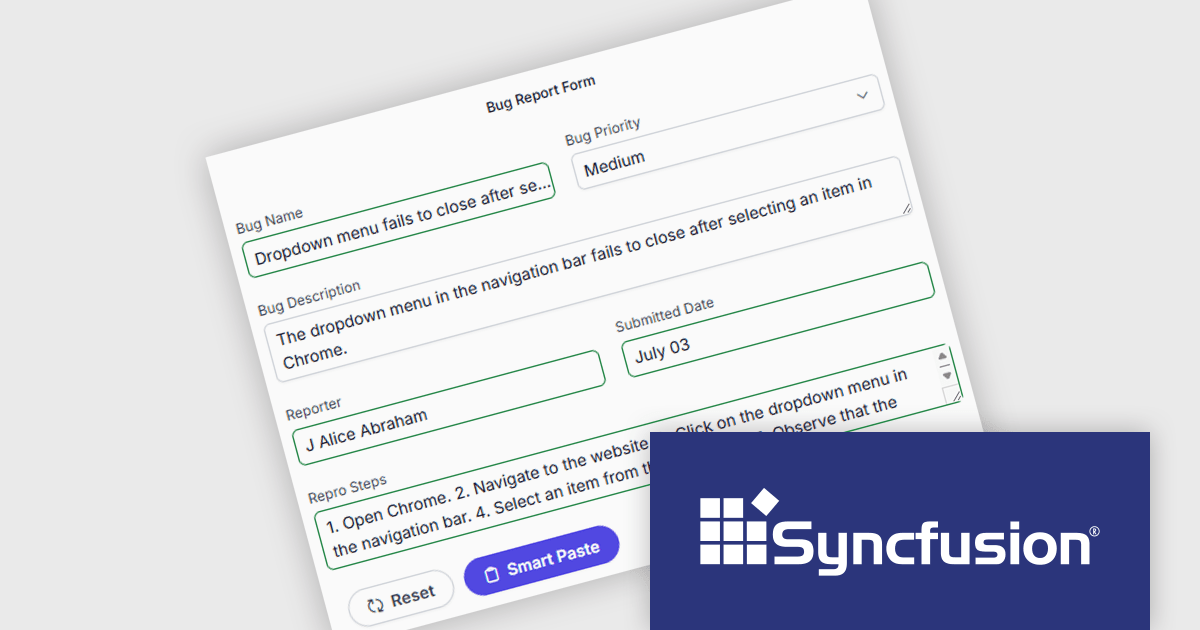
The Syncfusion Essential Studio Enterprise 2025 Volume 3 (31.1.17) release adds new Blazor Smart Paste Button and Smart TextArea components, embedding AI‑assisted intelligence directly in data entry workflows. The Smart Paste Button component analyzes clipboard content, such as structured forms, text snippets, or multi-field data, and pastes it intelligently into relevant form fields with proper formatting and mapping. Meanwhile, the Smart TextArea offers context-aware sentence‑level autocompletion, suggesting text continuations as users type to reduce keystrokes and improve writing consistency. Together, these components reduce user friction, speed up form filling, minimize input errors, and help developers deliver more polished, intelligent interfaces with less custom logic.
To see a full list of what's new in 2025 Volume 3 (31.1.17), see our release notes.
Syncfusion Essential Studio Enterprise is licensed per developer and is available as a 12 Month Timed Subscription License which includes support and maintenance. See our Syncfusion Essential Studio Enterprise licensing page for full details.
Learn more on our Syncfusion Essential Studio Enterprise product page.
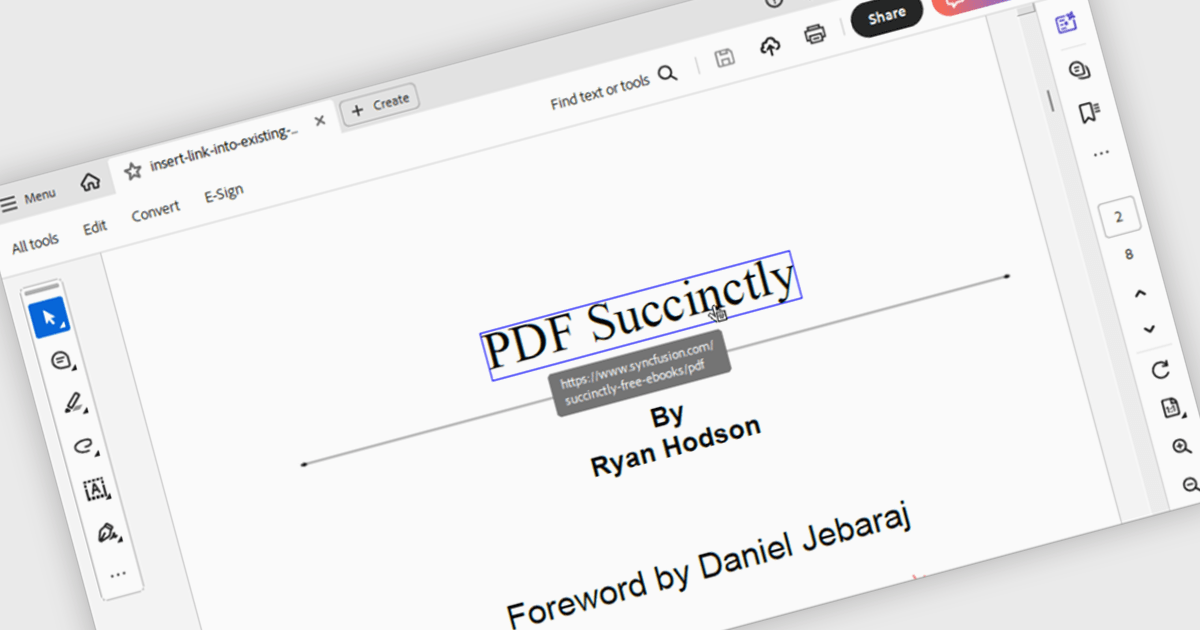
Hyperlink navigation in a PDF component refers to the ability to detect and interact with links embedded within a PDF document, allowing users to jump to external URLs, internal pages, or named destinations directly from the viewer. This functionality enhances the user experience by supporting transitions within or outside the document without manual scrolling or searching. For developers, it enables the creation of interactive documents and applications where navigation is intuitive, efficient, and consistent with modern document consumption expectations.
Several WinForms PDF components support hyperlink navigation, including:
For an in-depth analysis of features and price, visit our comparison of PDF components for WinForms.
電話: (888) 850 9911
Fax: +1 770 250 6199


