













公式サプライヤー
公式および認定ディストリビューターとして200社以上の開発元から正規ライセンスを直接ご提供いたします。
当社のすべてのブランドをご覧ください。
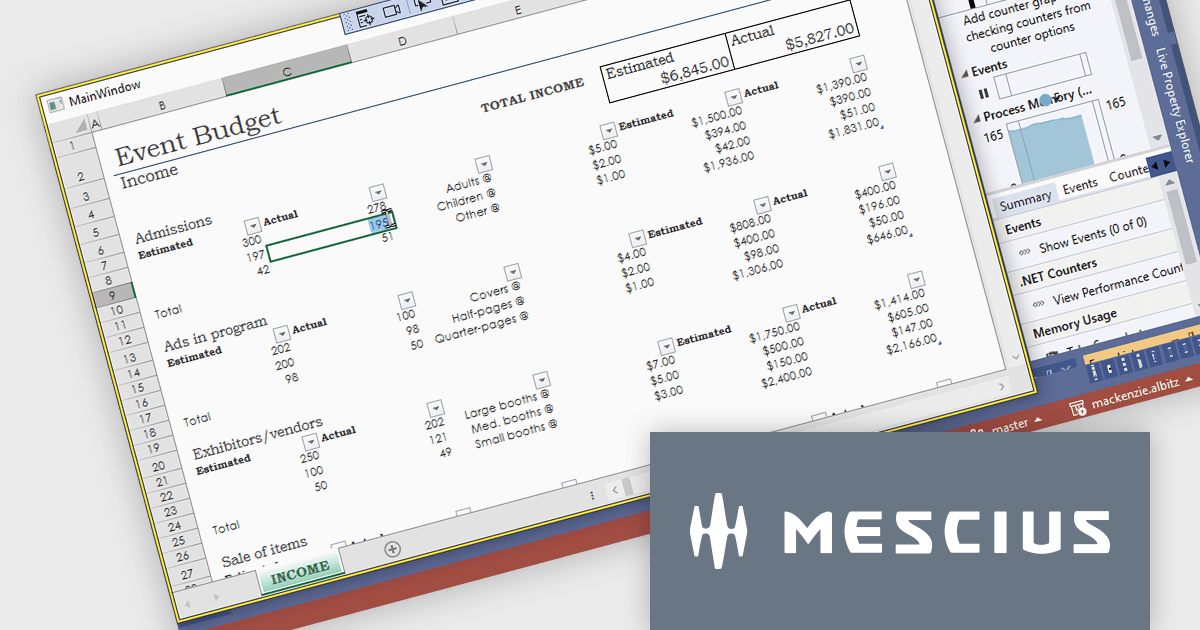
Spread.NET helps you create spreadsheets, grids, dashboards, and forms. It includes a powerful calculation engine with 450+ functions and the ability to import and export Excel spreadsheets. Leverage the extensive .NET spreadsheet API and powerful calculation engine to create analysis, budgeting, dashboard, data collection and management, scientific, and financial applications.
In this blog post, MESCIUS Product Marketing Specialist Mackenzie Albitz demonstrates how to use Spread.NET to enable your WPF application to display or interact with Excel files using a dedicated viewer. She'll walk through how to add an Excel XLSX viewer to a WPF app using the WPF spreadsheet control, Spread.NET for WPF. You'll learn how to load a .xlsx file, lock down the worksheet, and allow users to edit only specific cells — perfect for budget forms, reports, or review-only sheets. Once you have created a WPF project, the steps are as follows:
Detailed sample code is included and you can even download a sample project to follow along.
Read the full blog post to learn how to add this versatile capability to your WPF applications.
Spread.NET is licensed per developer and is available as a Perpetual License with a 12 month support and maintenance subscription. We can supply any Spread.NET license including new licenses, maintenance renewals, and upgrade licenses. See our Spread.NET licensing page for full details.
For more information, visit our Spread.NET product page.
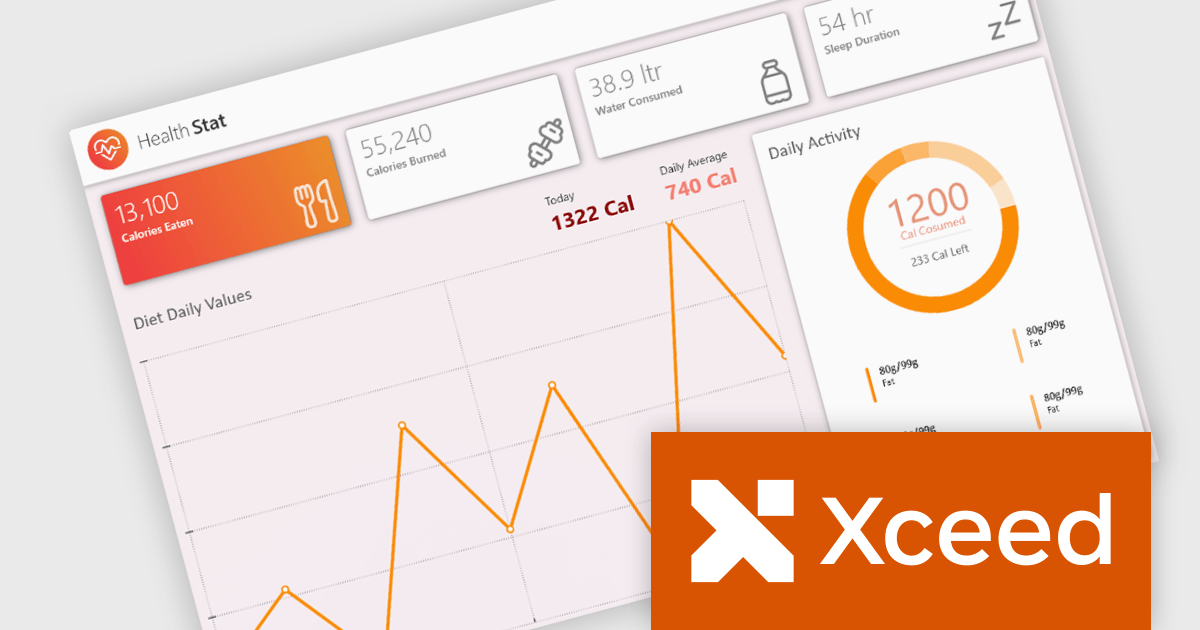
Xceed Toolkit Plus is a comprehensive suite of user interface controls and components designed for Windows Presentation Foundation (WPF) development, providing developers with advanced data visualization, editing, and layout capabilities beyond the standard WPF framework. It offers a wide range of pre-built, customizable controls that simplify complex UI implementations, enhance application functionality, and accelerate development cycles by reducing the need for custom control creation, ultimately enabling developers to build more robust and feature-rich WPF applications.
The Xceed Toolkit Plus for WPF 4.7 release adds support for .NET 9. This ensures developers can leverage the latest performance enhancements and security features offered by the .NET framework, while simultaneously benefiting from Xceed's extensive suite of advanced UI controls. This compatibility update makes the development process more efficient, with fewer integration issues and easier adoption of modern technologies for building high-performance WPF applications
To see a full list of what's new in version 4.7, see our release notes.
Xceed Toolkit Plus for WPF is licensed per developer and is available as a perpetual license with 1 year of updates and support. See our Xceed Toolkit Plus for WPF licensing page for full details.
Xceed Toolkit Plus for WPF is available individually or as part of Xceed Ultimate Suite.

ComponentSource and Devart have worked together since 2005 to provide developers with high-quality database connectivity solutions. This long-standing collaboration reflects a shared commitment to delivering innovative tools that enhance productivity, streamline workflows, and support the development of high-performance applications.
Devart is a leading provider of database tools and data connectivity solutions. With a strong focus on productivity and performance, its tools support a wide range of databases, including Microsoft SQL Server, MySQL, PostgreSQL, Oracle, and many more. From high-performance connectors such as ODBC and ADO.NET drivers to intuitive database IDEs and code review solutions, Devart’s offerings simplify complex development tasks and improve workflows across industries.
Through this 20-year partnership, ComponentSource has played a vital role in making Devart’s products—such as dbForge SQL Complete, dotConnect for Oracle and Universal Data Access Components (UniDAC)—more accessible to developers worldwide. As a premier distributor of software components and development tools, ComponentSource has helped expand Devart’s global reach, ensuring that developers can easily access reliable and efficient database connectivity solutions.
As we celebrate this milestone, we look forward to continuing our strong collaboration and to providing developers with the tools they need to build robust and scalable database applications.
Learn more about Devart.
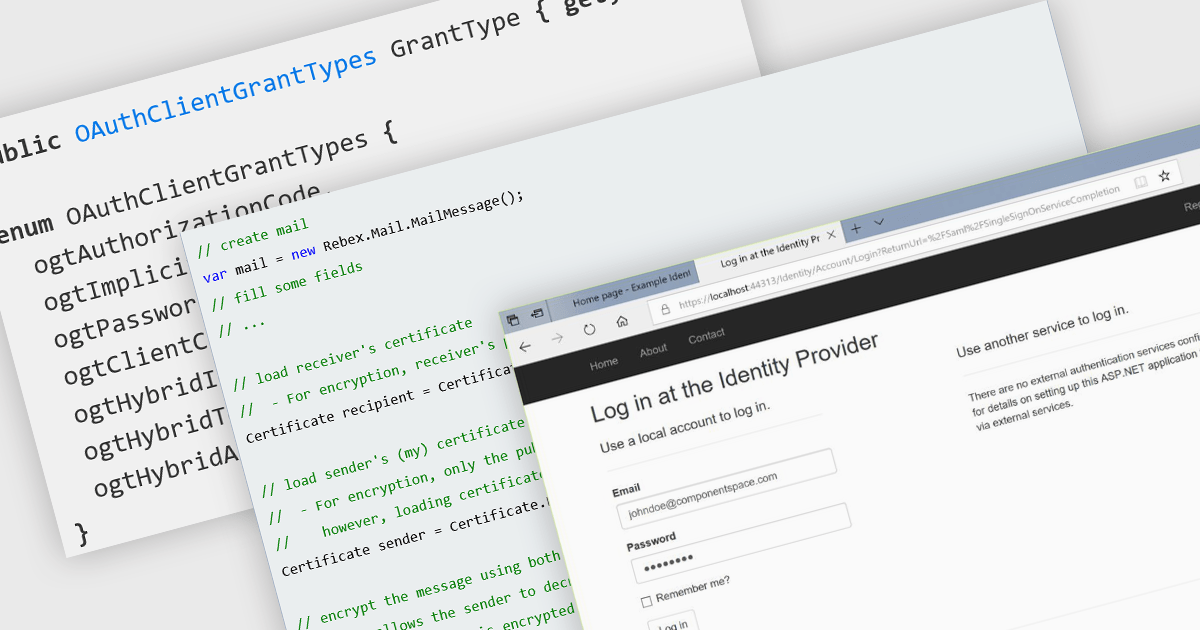
Authentication and security protocols play a critical role in safeguarding communication and messaging systems by verifying identities, protecting data integrity, and ensuring confidentiality. These protocols define the mechanisms by which users and services authenticate, establish trust, and secure data during transmission. As digital communication expands across networks, devices, and platforms, the need for robust, standards-based security frameworks becomes essential to protect against unauthorized access, tampering, and data breaches.
Common features include:
For an in-depth analysis of features and price, visit our .NET Comms & Messaging components comparison..
Telerik Reporting is a comprehensive and lightweight embedded reporting tool for .NET web and desktop applications. It enables developers and reporting users to create, design, and export visually appealing, interactive, and reusable reports to effectively present analytical and business data. It supports various technologies, including ASP.NET Core, Blazor, ASP.NET MVC, ASP.NET AJAX, HTML5/JS, Angular, WPF, WinForms, and WinUI.
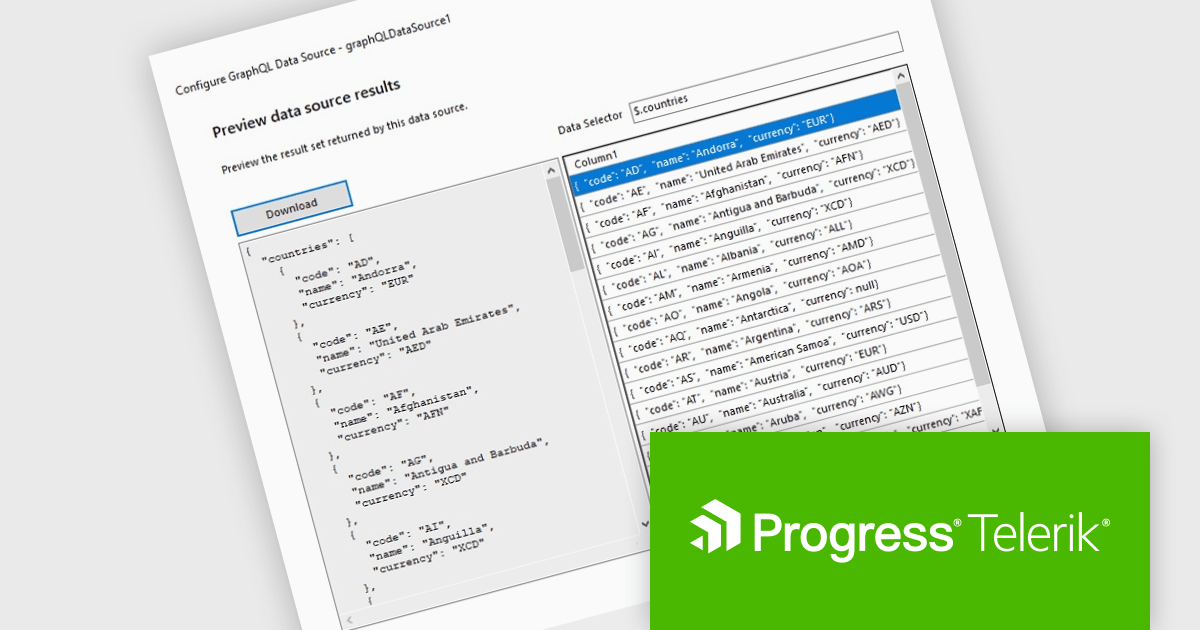
The Telerik Reporting 2025 Q1 update introduces GraphQL native support with a dedicated GraphQLDataSource component, allowing developers to seamlessly connect reports to GraphQL APIs. This enhancement streamlines data retrieval by enabling precise queries that fetch only the necessary information, optimizing performance and reducing overhead. The Standalone Report Designer now includes an intuitive wizard that simplifies the setup process, guiding users through creating and configuring GraphQL data sources with minimal effort. By integrating GraphQL natively, Telerik Reporting enhances flexibility and efficiency, empowering developers to build dynamic, data-driven reports with greater ease and precision.
To see a full list of what's new in 2025 Q1 (19.0.25.211), see our release notes.
Telerik Reporting is licensed per developer and is available as a perpetual license with a one year support subscription, which is offered in three tiers: Lite, Priority or Ultimate. See our Telerik Reporting licensing page for full details.
Telerik Reporting is available to buy in the following products:
電話: (888) 850 9911
Fax: +1 770 250 6199


