













公式サプライヤー
公式および認定ディストリビューターとして200社以上の開発元から正規ライセンスを直接ご提供いたします。
当社のすべてのブランドをご覧ください。
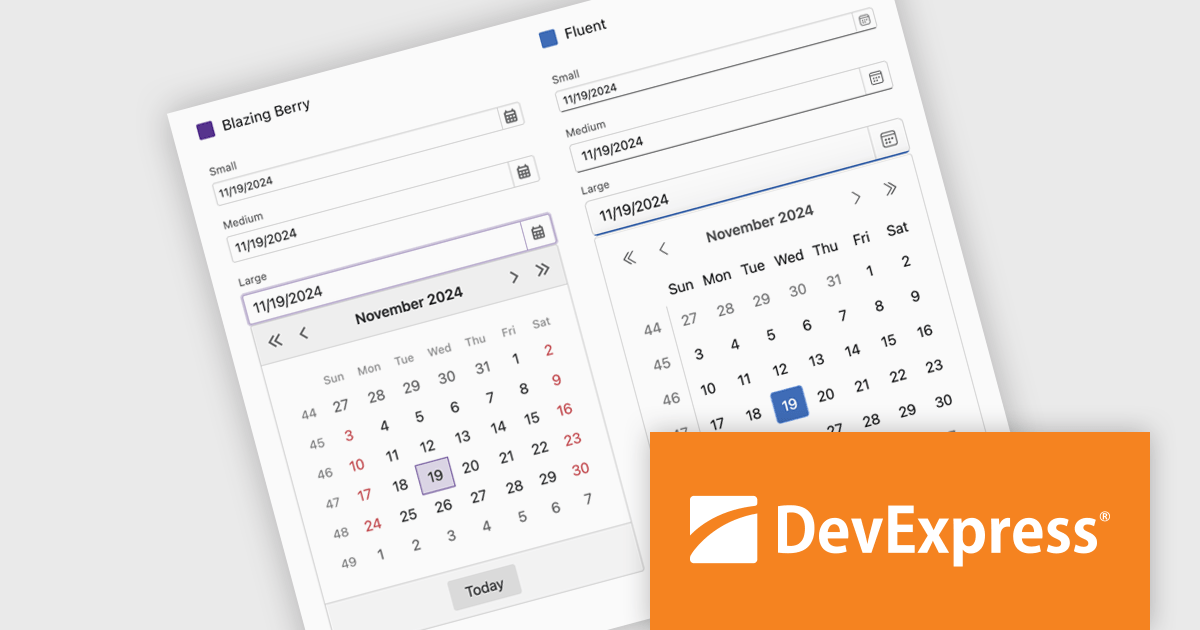
DevExpress Blazor (part of DevExpress ASP.NET and Blazor) helps you create high-impact user experiences for both Blazor Server and Blazor WebAssembly using C#. The Blazor UI Component Library ships with a comprehensive set of native components (including a DataGrid, Pivot Grid, Scheduler, Chart, Data Editors and Reporting).
DevExpress Blazor now includes improved size mode support within the Fluent theme, giving developers greater control over UI density and responsiveness. The Small size mode has been refined to occupy less space, making it well-suited for data-intensive layouts, while the Medium and Large modes have been adjusted to better accommodate standard web and mobile interfaces. Icon sizes now automatically scale with the selected size mode, ensuring visual consistency across the component library and enhancing the overall user experience without additional customization.
DevExpress ASP.NET and Blazor is licensed per developer and is available as a Perpetual License with a 12 month support and maintenance subscription. See our DevExpress ASP.NET and Blazor licensing page for full details.
DevExpress Blazor is available in the following products:
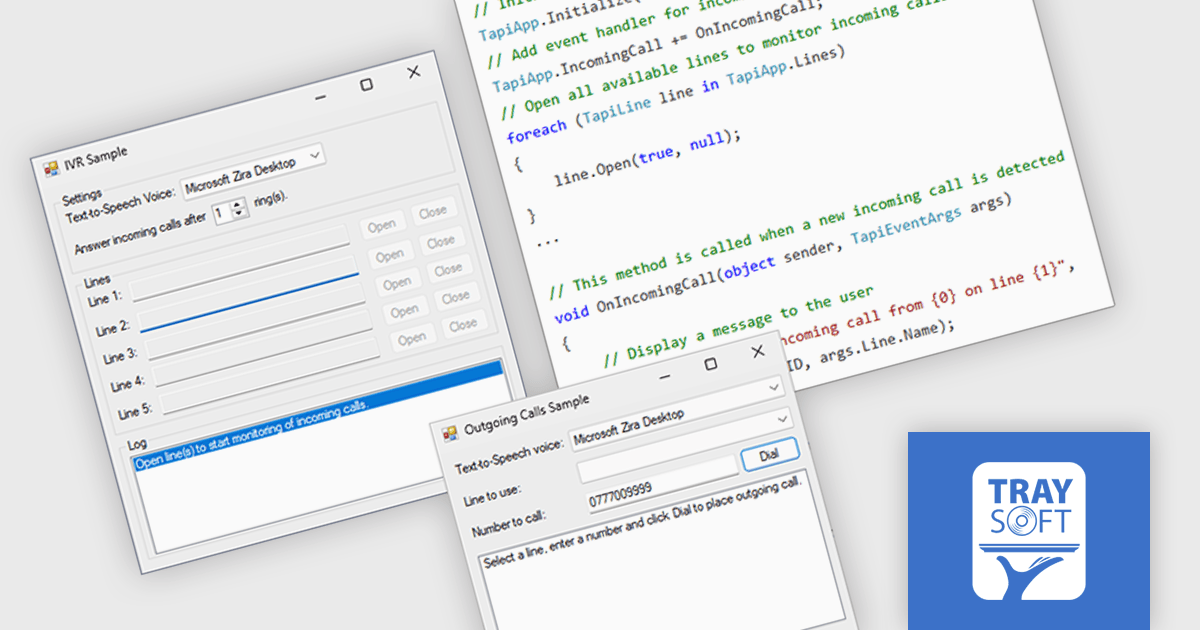
AddTapi.NET by Traysoft is a .NET telephony component that enables developers to build C#, VB.NET or C++ applications using Microsoft's Telephony Application Programming Interface (TAPI). It provides key features such as interactive voice response (IVR) systems, phone dialers, phone surveys, caller ID applications, notification systems, call tracking applications, call recorders and voice mail systems. It also supports a range of telephony hardware, ranging from voice modems to advanced telephony boards, including Cisco Unified Communication Manager, Avaya IP Office and Siemens HiPath. AddTapi.NET doesn't require users to have TAPI knowledge or telephony programming experience and makes an ideal tool for building telephony-integrated solutions.
AddTapi.NET now supports Microsoft .NET 9, allowing developers to leverage the latest performance enhancements, language features, and runtime improvements while building telephony-enabled applications. With AddTapi.NET, developers can programmatically manage multiple phone lines, initiate, hold, transfer, record, park and receive calls, monitor call status, capture caller ID information, and control hardware-based telephony devices through a high-level .NET interface that simplifies the complexities of TAPI. The integration with .NET 9 ensures that these capabilities are now accessible within a modern development framework, offering improved compatibility with contemporary tools, libraries, and deployment strategies, while maintaining robust control over telephony operations in both desktop and server environments.
AddTapi.NET is licensed per developer and is available as a perpetual license with free basic technical support via email, and free updates for a year. See our AddTapi.NET licensing page for full details.
For more information, see our AddTapi.NET product page.
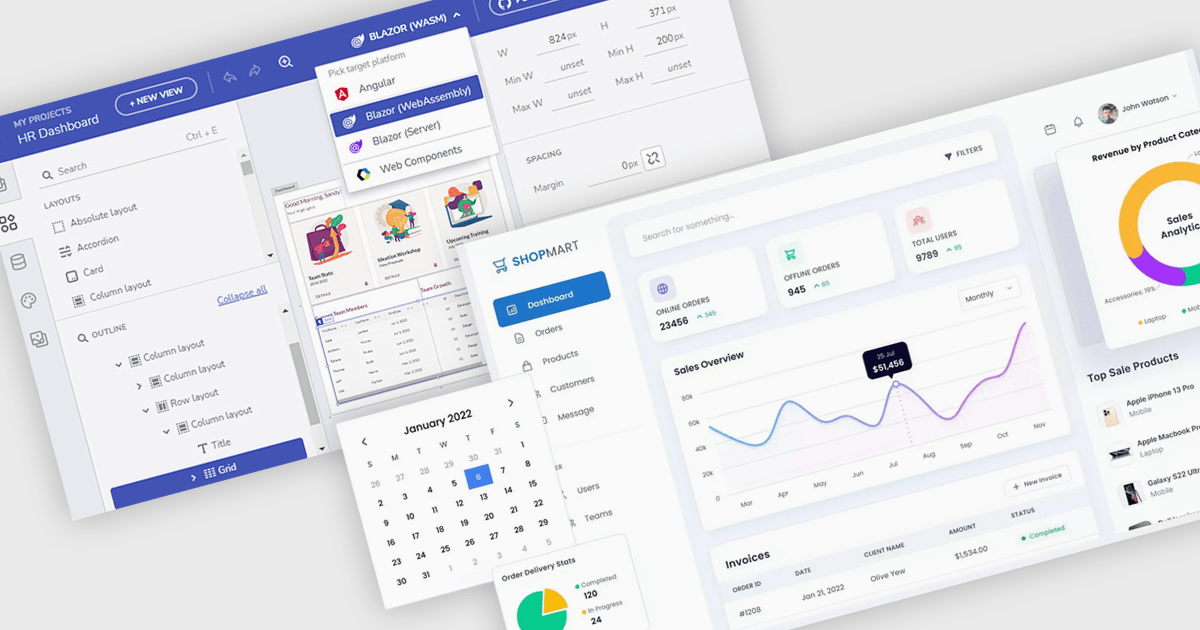
Layout components empower users to customize their software interface by arranging panels and tools to match their specific needs. This personalization boosts productivity by optimizing workflows and information visibility, adapting to various tasks and screen sizes. For instance, analysts can prioritize key data on dashboards, developers can tailor IDEs for coding efficiency, and support agents can organize communication panels for streamlined case handling. In essence, UI Suite Layouts provide a tailored and efficient software experience.
Several .NET Blazor UI suites offer layout components including:
For an in-depth analysis of features and price, visit our .NET Blazor UI suites comparison.
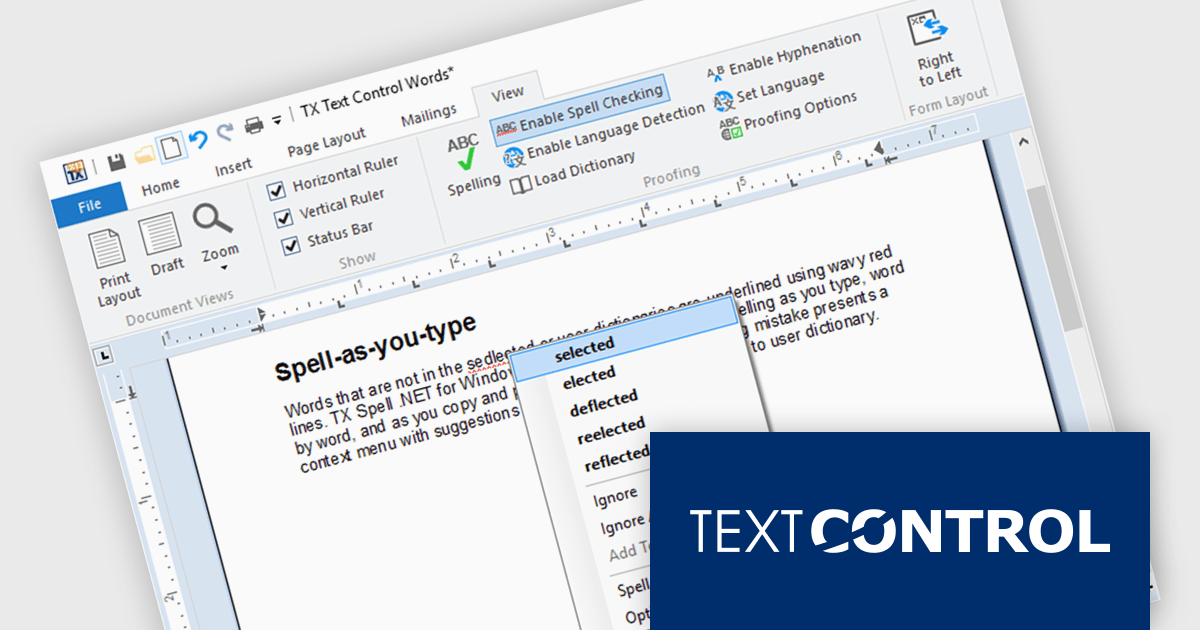
TX Spell .NET is a component that offers developers an easy way to integrate advanced spelling correction into their software. It supports multiple dictionaries, including custom word lists, and provides real-time spell checking for rich text editors, word processors, and other text-based applications. Whether for desktop, web, or cloud-based applications, it enhances text input quality with minimal development effort.
The TX Spell .NET 11.0 release fully supports .NET 9, integrating with the latest framework. This update includes adjustments to licensing, improved NuGet package compatibility, and other refinements to align with .NET 9’s evolving ecosystem. Developers can confidently use TX Spell .NET in modern applications, ensuring stability and compatibility with the latest runtime advancements.
TX Spell .NET for WinForms and ASP.NET and TX Spell .NET for WPF are licensed per developer and are available as a Perpetual License with a 12 month support and maintenance subscription. See our TX Spell .NET for WinForms and ASP.NET licensing page or TX Spell .NET for WPF licensing page for full details.
TX Spell .NET is available to buy in the following products:
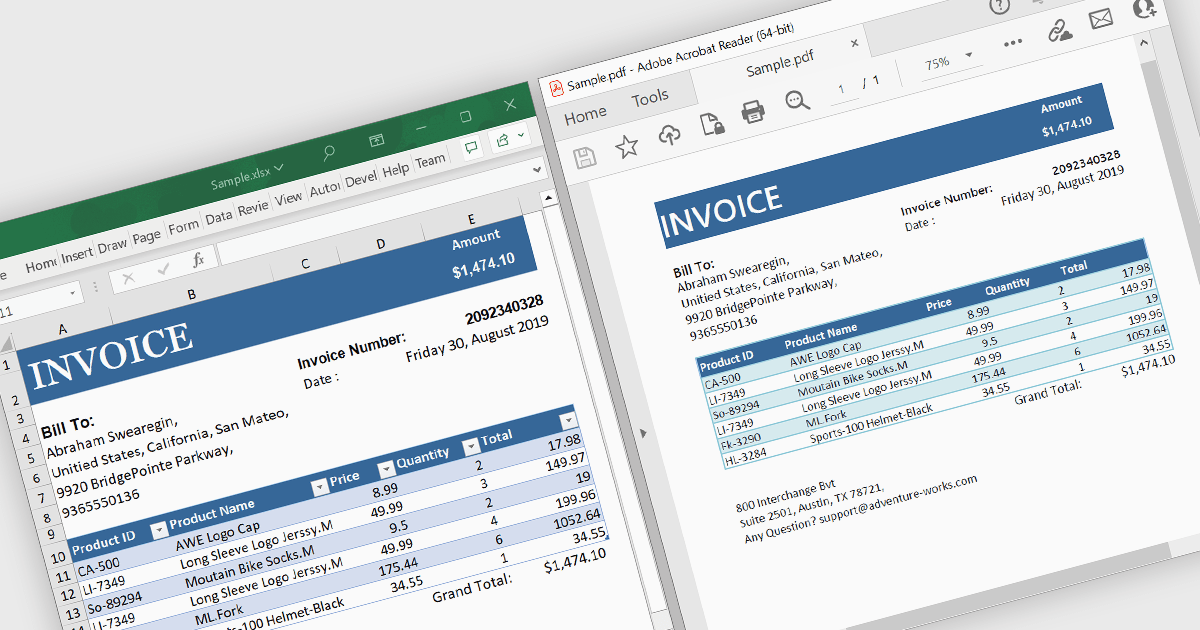
A .NET PDF viewer with Excel to PDF conversion capabilities enables developers to augment their .NET-based applications so that users can transform Microsoft Excel spreadsheets (in XLSX or XLS format) into PDF documents for viewing, sharing, or archiving. All handled within the viewer, this functionality preserves the structure, formatting, and content of the original Excel files while converting them into the widely-used PDF format. The ability to convert Excel to PDF in this manner allows for easy viewing, sharing, printing, and archiving of data without requiring end users to have Microsoft Excel installed. It also allows Excel content to be distributed with greater security and portability, while ensuring consistent rendering across different platforms, systems and devices.
Several .NET PDF viewer components allow you to convert Excel to PDF, including:
For an in-depth analysis of features and price, visit our comparison of .NET PDF viewer components.
電話: (888) 850 9911
Fax: +1 770 250 6199


