













公式サプライヤー
公式および認定ディストリビューターとして200社以上の開発元から正規ライセンスを直接ご提供いたします。
当社のすべてのブランドをご覧ください。
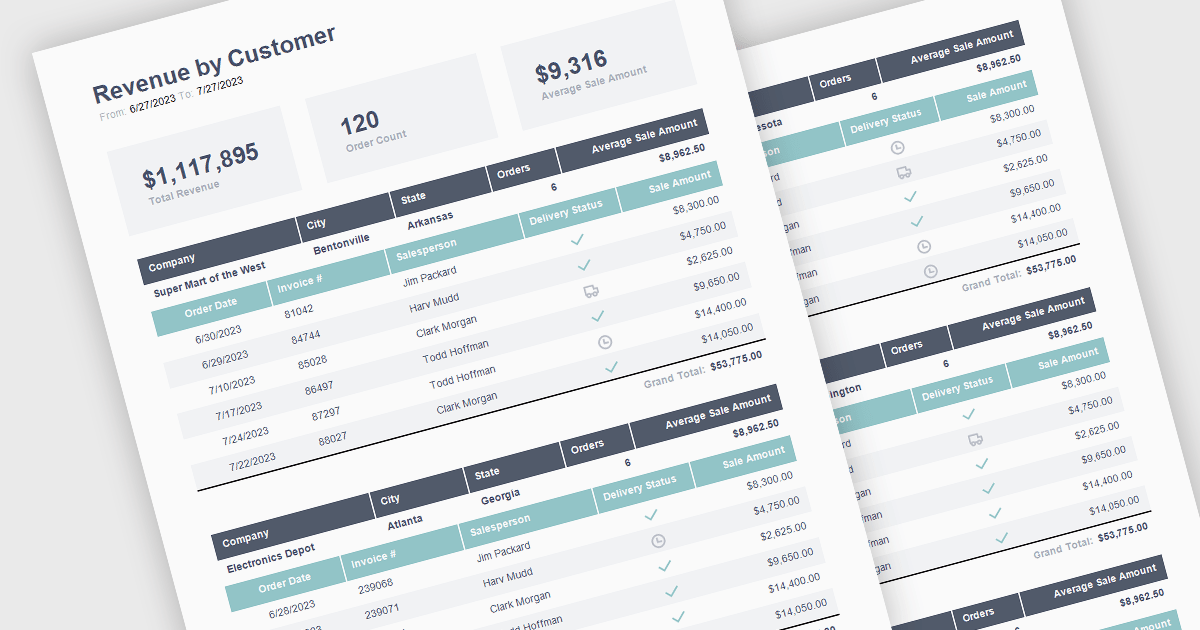
The ability to summarize and aggregate information in a report provides a means of condensing extensive data sets to form part of a concise and meaningful overview of the report's contents. This feature highlights key insights, eliminating the need for readers to sift through raw data. Aggregation processes the data mathematically through calculations such as totals, averages, percentages, means, or medians to identify patterns and trends. By highlighting and summarizing the report's findings in this way, this feature consolidates complex information in a way that aides the reader in identifying patterns and interpreting the data.
The following React reporting components support summaries and aggregates:
For an in-depth analysis of features and price, visit our comparison of React reporting components.
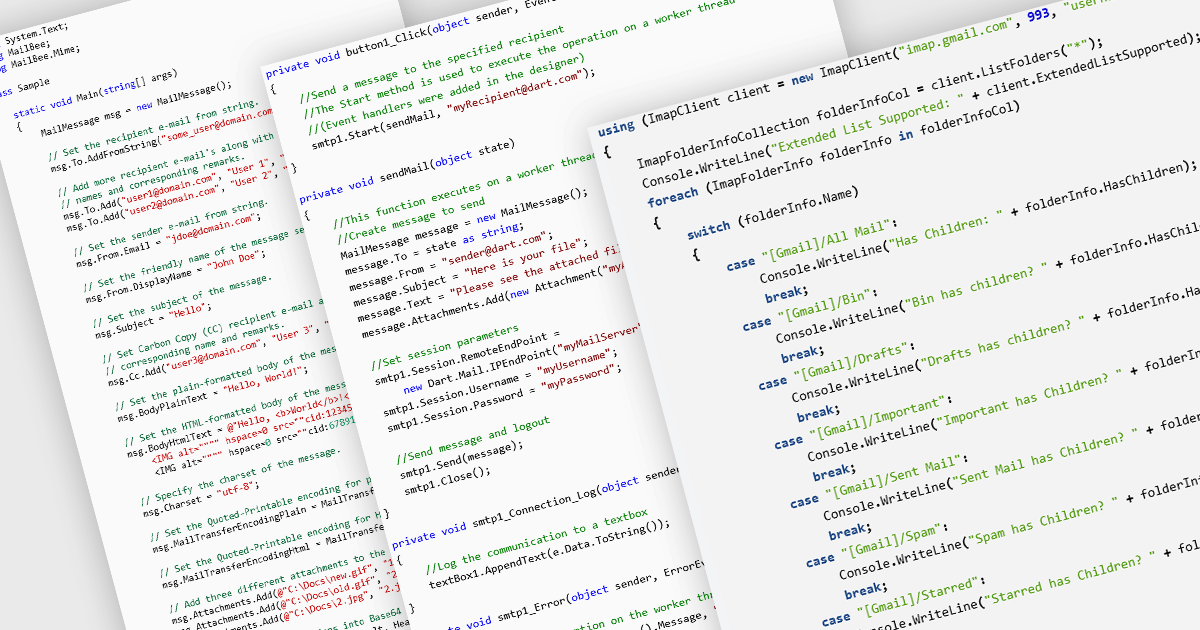
Messaging and communication protocols are essential components in modern communication systems, enabling the exchange of information between applications, services, and users. These protocols define how messages are formatted, transmitted, and processed across networks, ensuring interoperability between different platforms. Whether facilitating real-time messaging, email communication, or content syndication, these protocols provide the backbone for efficient and reliable data exchange. By standardizing communication, they allow diverse systems to interact seamlessly, supporting a wide range of use cases from email services to news aggregation and online discussions.
Common protocols include:
For an in-depth analysis of features and price, visit our .NET Comms & Messaging components comparison.
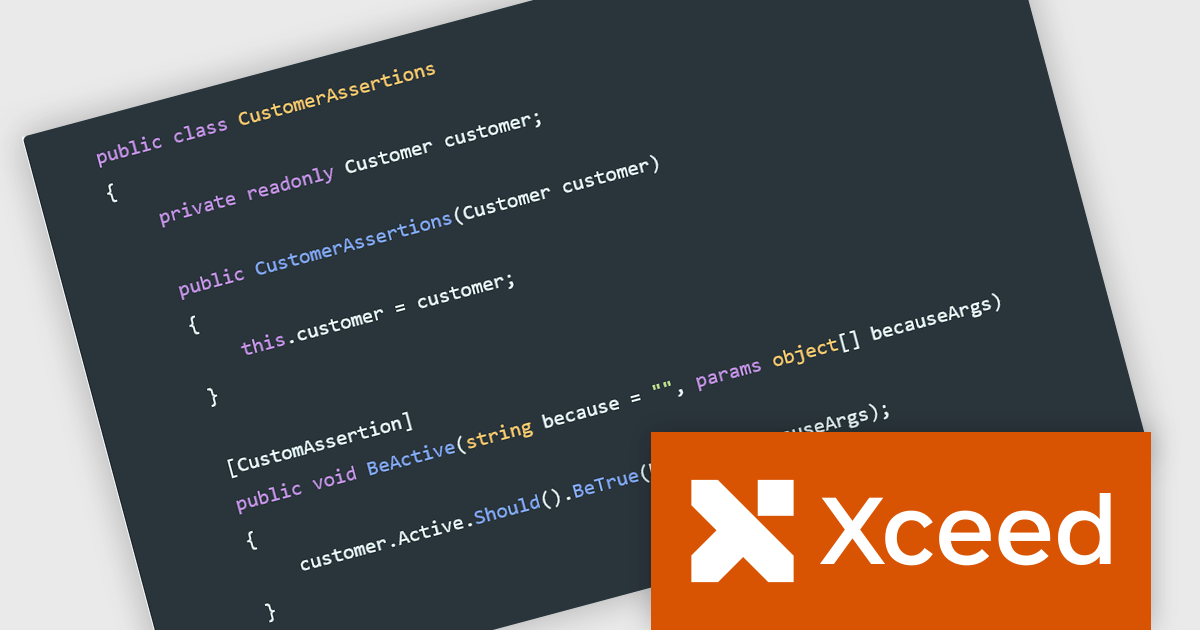
Xceed Fluent Assertions, developed by Xceed Software, is a new .NET library designed to enhance the readability and maintainability of unit tests. It provides a fluent interface for expressing assertions, allowing developers to write more natural and expressive test code. Instead of relying on traditional, often convoluted assertion syntax, Xceed Fluent Assertions enables developers to chain together methods that clearly articulate the expected outcomes of their tests. This promotes a more declarative style of testing, making it easier to understand the intent and logic behind each test case.
By leveraging its fluent API, developers can write concise and self-documenting tests, reducing the time and effort required for debugging and maintenance. Use cases range from simple value comparisons to complex object graph validations, including collections, exceptions, and event assertions. This library is particularly valuable in projects where test clarity and robustness are paramount, such as enterprise applications, libraries, and frameworks. Its ability to generate informative error messages further aids in quickly identifying and resolving issues, ultimately leading to more reliable and maintainable software.
Xceed Fluent Assertions is licensed per developer and is available as a perpetual license with 1 year of updates and support. See our Xceed Fluent Assertions licensing page for full details.
Xceed Fluent Assertions is available individually or as part of Xceed Ultimate Suite.

Aqua Data Studio by AquaFold is a versatile database integrated development environment (IDE) designed for database administration, development, and management. Supporting a wide range of relational, NoSQL, and cloud databases, Aqua Data Studio provides an intuitive interface for writing and executing SQL queries, visualizing data, and managing database structures efficiently. With robust features such as schema comparison, ER (Entity-Relationship) diagram generation, and integrated version control, it enables developers, analysts, and database administrators to streamline workflows and improve productivity across multiple database platforms.
The Aqua Data Studio version 25.0 release adds new innovative Natural Language Querying (NLQ) feature. The democratizes data access by enabling users to converse with their databases using everyday language. Instead of painstakingly crafting complex SQL queries, users can simply articulate their information needs, like "Summarize customer purchase trends by region," and the software intelligently converts these natural language requests into precise, executable SQL tailored to the specific database platform. This capability not only boosts productivity but also facilitates a deeper understanding of data by allowing users to focus on the questions they want to answer rather than the technicalities of query construction.
To see a full list of what's new in version 25.0, see our release notes.
Aqua Data Studio is licensed per user on an annual subscription basis, which includes usage rights, support, and software updates. To continue to use the software, users must renew their subscription each year. See our Aqua Data Studio licensing page for full details.
For more information, visit our Aqua Data Studio product page.
SecureBridge by Devart is a security framework designed to protect network communications in applications by providing encryption and authentication tools. Supporting protocols such as Secure Sockets Layer (SSL), Transport Layer Security (TLS), and Secure Shell (SSH), it enables developers to establish secure data transfers between clients and servers without relying on external dependencies. Compatible with Delphi, C++Builder, and Lazarus, SecureBridge is ideal for securing remote database access, encrypting file transfers, and protecting distributed system communications. With built-in authentication mechanisms, including public key cryptography and password-based access, it helps businesses strengthen cybersecurity, prevent data breaches, and comply with industry security standards.
The SecureBridge V10.7.0 releases introduces support for new chacha20-poly1305, aes128-gcm@openssh.com, and aes256-gcm@openssh.com encryption algorithms enhancing security and performance in secure communications. ChaCha20-Poly1305 offers fast encryption on devices without AES hardware acceleration, while AES-GCM modes provide high-speed, authenticated encryption on modern processors with hardware support. This gives users greater flexibility in choosing encryption methods that balance security and performance, ensuring compatibility with current OpenSSH standards.
To see a full list of what's new in V10.7.0, see our release notes.
SecureBridge is licensed per developer and is available as a Perpetual License with a 12 month support and maintenance subscription. See our SecureBridge licensing page for full details.
Learn more on our SecureBridge product page.
電話: (888) 850 9911
Fax: +1 770 250 6199


