













公式サプライヤー
公式および認定ディストリビューターとして200社以上の開発元から正規ライセンスを直接ご提供いたします。
当社のすべてのブランドをご覧ください。
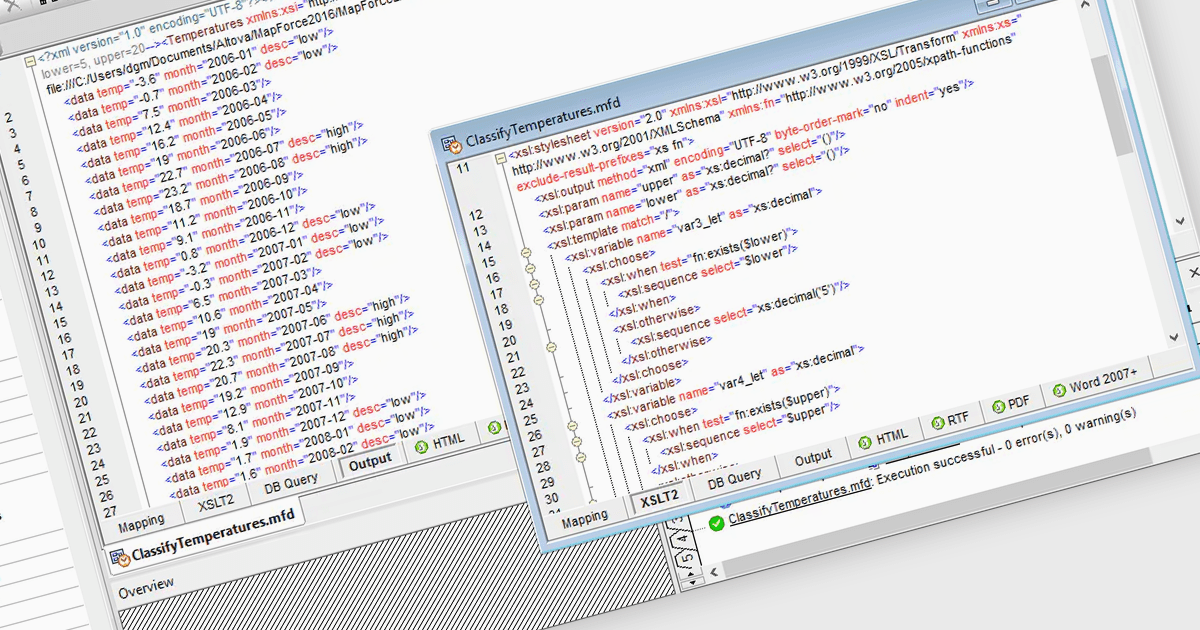
XSLT code generation automates the creation of Extensible Stylesheet Language Transformations, making it easier to process, format, and convert XML data into formats like HTML, PDF, or plain text. Structured document tools provide visual or code-based interfaces that streamline the development of transformation rules, reducing manual coding efforts while ensuring accuracy and efficiency. They commonly include features like drag-and-drop mapping, syntax validation, debugging, and performance optimization to facilitate seamless data transformation. By leveraging XSLT code generation, users can efficiently define structured document layouts, apply business rules, and generate reusable stylesheets tailored to specific output requirements.
Several structured document tools offer XSLT code generation including:
For an in-depth analysis of features and price, visit our structured document tools comparison.
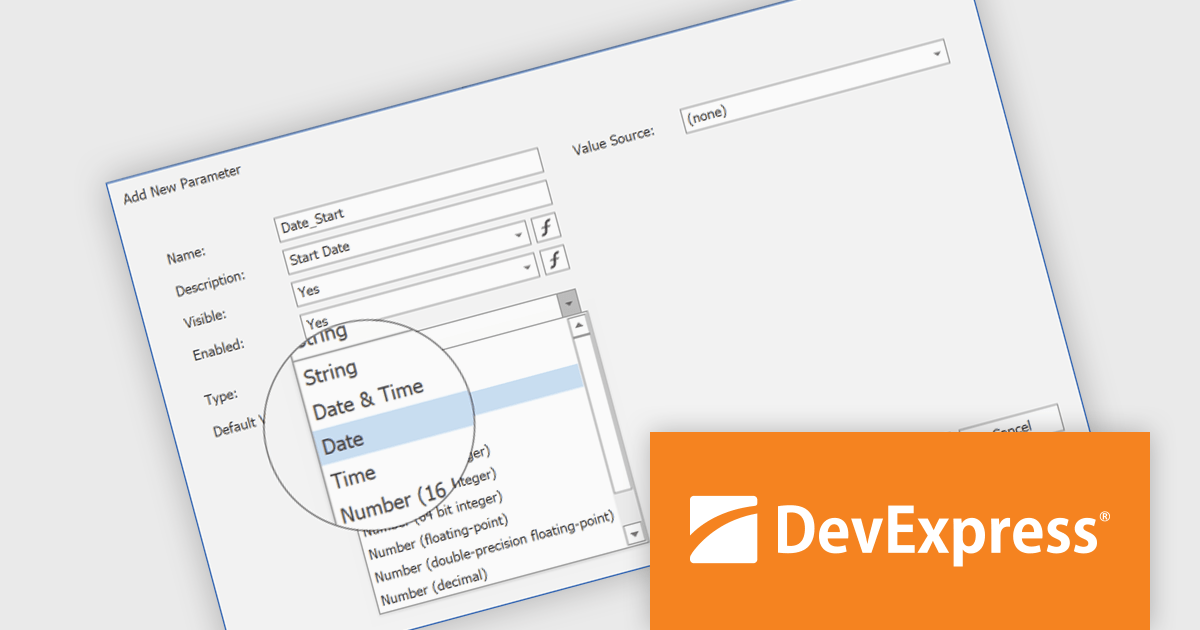
DevExpress Reporting is a comprehensive suite of reporting tools that empowers developers to create visually stunning and highly customizable reports for various applications. With its rich feature set, including data binding, layout design, printing, and exporting capabilities, DevExpress Reporting enables the efficient creation of reports that meet the most demanding business requirements.
The DevExpress Reporting v24.2 update introduces DateOnly and TimeOnly support, enabling more precise data handling in reports. This enhancement allows developers to bind report controls to date or time values without unnecessary datetime components, improving accuracy in calculations, filtering, sorting, and grouping. By eliminating the need for manual conversions, it streamlines query execution and enhances performance when working with date- and time-specific data. With native support for these types, reports can now better align with modern data models, ensuring clarity and consistency across applications.
To see a full list of what's new in version 24.2, see our release notes.
DevExpress Reporting is licensed per developer and is available as a Perpetual License with a 12 month support and maintenance subscription. See our DevExpress Reporting licensing page for full details.
DevExpress Reporting is available to buy in the following products:
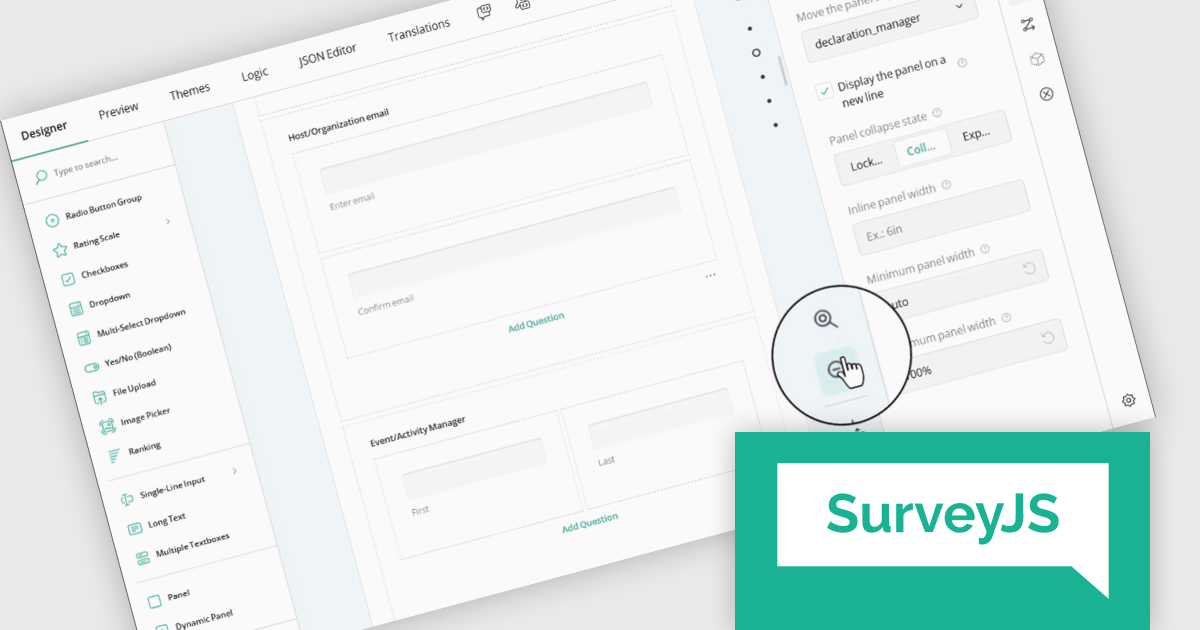
SurveyJS Survey Creator is a JavaScript library that enables developers to embed a drag-and-drop survey and form builder directly within their web applications. It provides a comprehensive UI for designing surveys with various question types, logic branching, and layout customization, generating JSON schemas that can be used by the SurveyJS Survey Library to render and process the surveys. This allows for the creation of dynamic and user-configurable data collection tools without requiring extensive custom development, streamlining the process of integrating survey functionality into applications.
The SurveyJS Survey Creator 2.0.0 release adds support for scaling, enabling users to dynamically adjust the zoom level of the survey design surface. This functionality provides control over the visual representation of forms, allowing users to zoom in for detailed editing of intricate elements or zoom out for a comprehensive overview of complex, multi-page surveys. A dedicated "Zoom to 100%" button ensures a quick and effortless return to the default view.
To see a full list of what's new in version 2.0.0, see our release notes.
SurveyJS Survey Creator is licensed per developer with a one-time payment for indefinite use. Access to updates and technical support is available through a subscription. See our SurveyJS Survey Creator licensing page for full details.
Learn more on our SurveyJS Survey Creator product page.
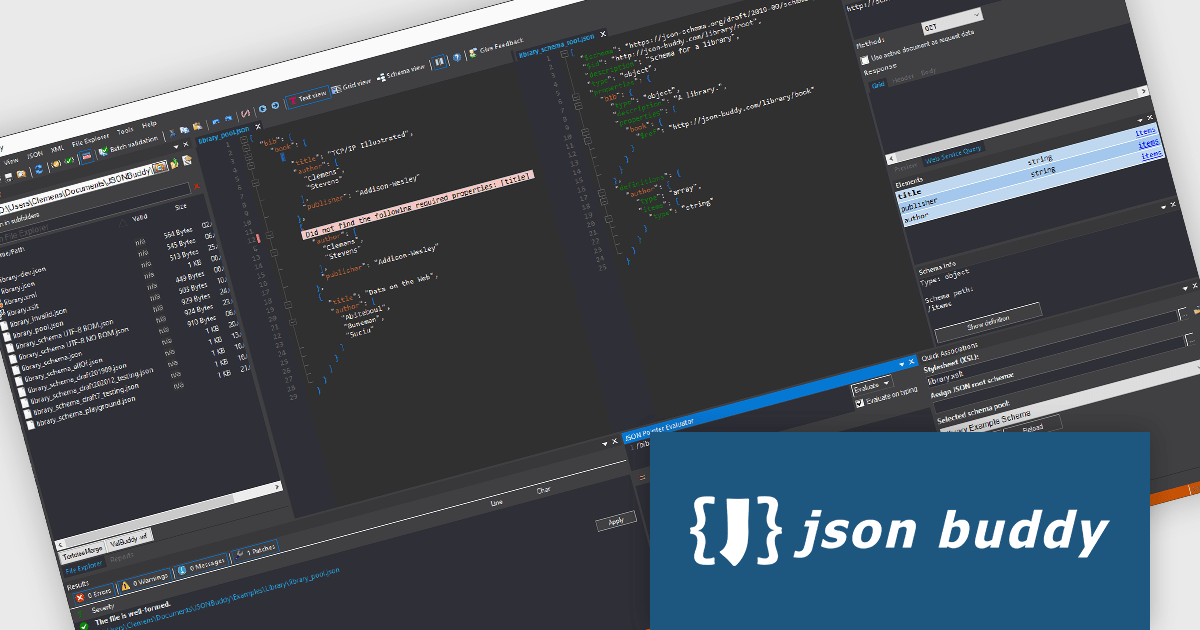
ComponentSource, a leading provider of software development tools, has announced a new partnership with JSONBuddy, the publisher of the JSONBuddy editor and validator for Windows. This collaboration aims to provide developers with an advanced, user-friendly solution for creating, editing, and validating JSON and JSON Schema, enhancing productivity and efficiency when working with structured data.
JSONBuddy is designed for seamless JSON development, offering an intuitive interface with Text, Grid, and Schema views, as well as intelligent auto-completion and a robust validation debugger. Its Plus edition supports large file editing with low memory usage, while the Large Data edition features a streaming validation engine capable of handling massive datasets. Additionally, JSONBuddy enables effortless conversion between JSON, CSV, and XML formats, making it an essential tool for developers managing data structures across various applications.
By partnering with JSONBuddy, ComponentSource expands its portfolio to include cutting-edge tools for JSON development, addressing the growing demand for efficient and scalable solutions in industries relying on structured data processing. This collaboration reinforces ComponentSource’s commitment to providing top-tier software solutions for developers working in fields such as finance, healthcare, and enterprise IT, where data accuracy, validation, and transformation are critical for success.
JSONBuddy is licensed per user with a perpetual model, offering Standard, Plus, Personal, Visual Studio Extension, and .NET/C++ Library licenses for various development needs. See our JSONBuddy licensing page for full details.
For more information visit our JSONBuddy product page.
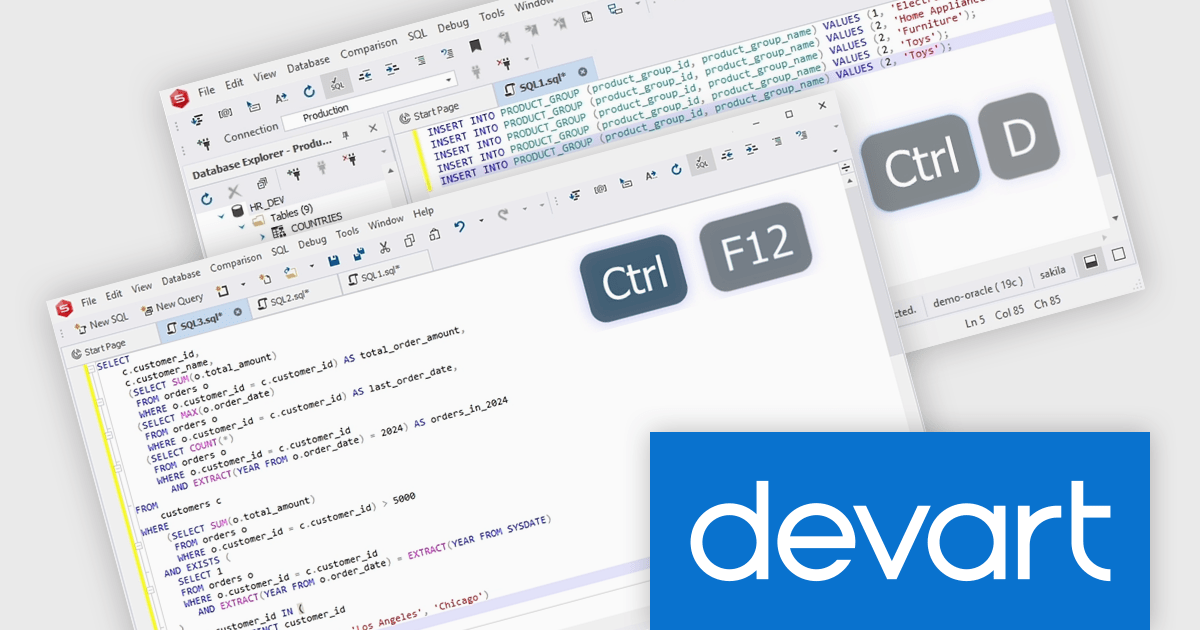
dbForge Studio for Oracle is a comprehensive software tool designed to streamline the development and administration of Oracle databases. It functions as a powerful IDE, offering features like code completion, debugging, and optimization for PL/SQL programming. It also provides versatile data editing tools, schema management, and data synchronization between Oracle servers. dbForge Studio for Oracle aims to enhance productivity for both developers and database administrators working with Oracle environments.
The dbForge Studio for Oracle V6.0.85 release introduces new keyboard shortcuts which enhance productivity by simplifying common code-editing tasks. Users can now quickly duplicate, remove, or join lines, significantly reducing the time spent on repetitive modifications. Additionally, the ability to navigate between matching brackets in SQL documents improves code readability and debugging, making it easier to manage complex queries. These shortcuts not only boost efficiency but also create a more seamless and intuitive coding experience, allowing developers to focus on writing and refining SQL scripts with minimal disruption.
To see a full list of what's new in V6.0.85, see our release notes.
dbForge Studio for Oracle is licensed per developer and is available as an Annual or Perpetual License with a 12 month support and maintenance subscription. See our dbForge Studio for Oracle licensing page for full details.
dbForge Studio for Oracle is available individually or as part of dbForge Edge.
電話: (888) 850 9911
Fax: +1 770 250 6199


