













公式サプライヤー
公式および認定ディストリビューターとして200社以上の開発元から正規ライセンスを直接ご提供いたします。
当社のすべてのブランドをご覧ください。
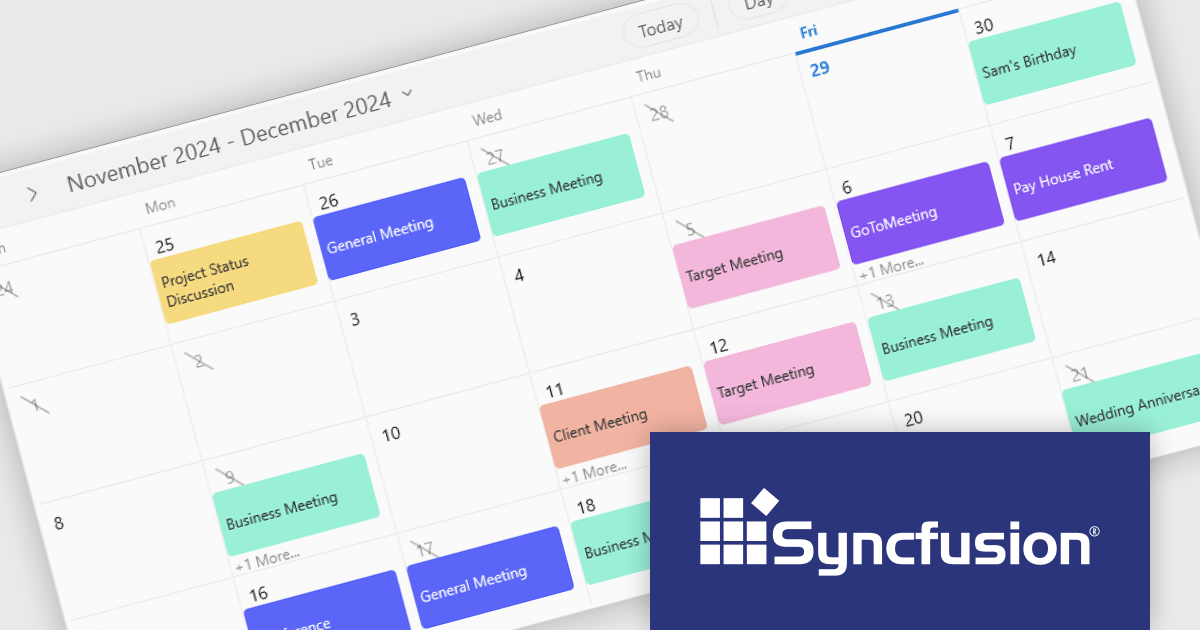
Syncfusion Essential Studio WinUI (available as part of Syncfusion Essential Studio Enterprise) is a comprehensive toolkit for building high performance native Windows desktop applications. It offers tools for crafting modern UI elements like charts, data grids, and ribbon interfaces, alongside powerful editing tools for Word, Excel, and PDF documents.
The Syncfusion Essential Studio WinUI 2024 Volume 4 update enhances the Scheduler control by allowing developers to customize the number of weeks displayed in the month view. This new feature provides greater flexibility for tailoring the interface to meet the specific needs of end users, whether they require a broader overview or a more focused timeframe. By optimizing screen space and improving the usability of the Scheduler, this update empowers developers to deliver more adaptable and user-centric applications, enhancing overall productivity and user satisfaction.
To see a full list of what's new in 2024 Volume 4, see our release notes.
Syncfusion Essential Studio WinUI is available as part of Syncfusion Essential Studio Enterprise which is licensed per developer starting with a Team License of up to five developers. It is available as a 12 Month Timed Subscription License which includes support and maintenance. See our Syncfusion Essential Studio Enterprise licensing page for full details.
Learn more on our Syncfusion Essential Studio WinUI product page.
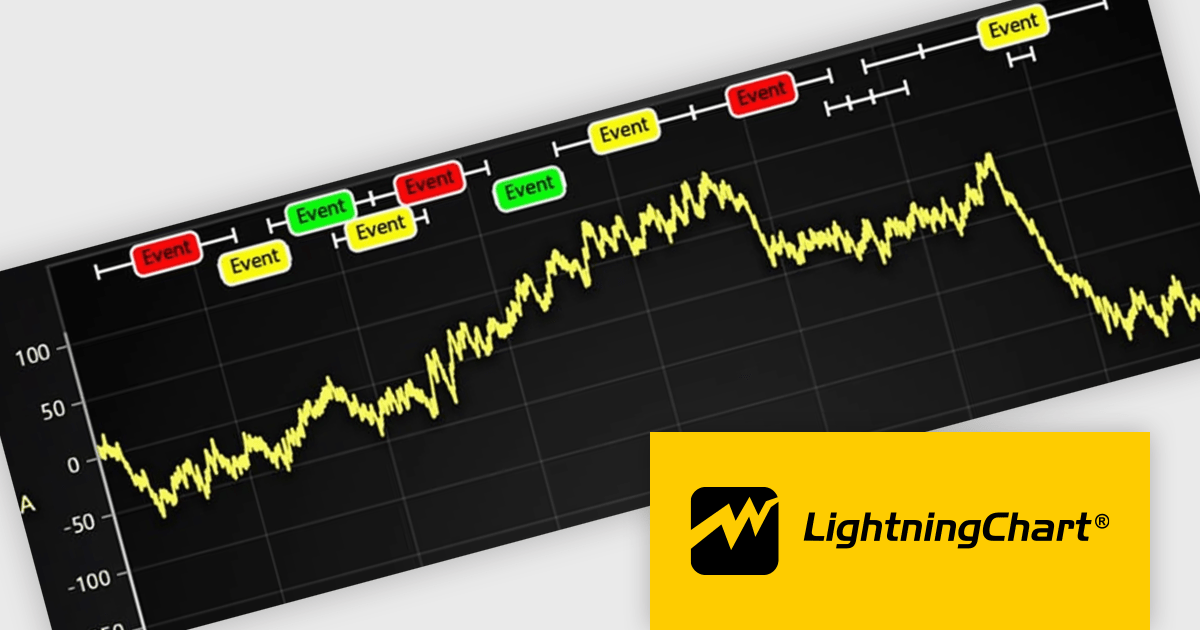
LightningChart JS is a JavaScript/TypeScript library developed by LightningChart that specifically targets the creation of financial and trading applications. It provides high-performance, 2D, 3D, and real-time charting controls and a comprehensive suite of visualizations including candlestick, bar, line, and various technical indicators and drawing tools. This library enables software developers to craft interactive technical analysis tools without the need for server-side setup as it runs completely on the client device.
The LightningChart JS v7.0.1 update introduces the Text Series API, providing a more efficient and flexible way to render text within ChartXY. This new approach enhances performance by optimizing text rendering, supports viewport clipping to maintain clean chart visuals, and offers precise control over text size and boundaries. Designed as a more seamless alternative to chart.addUIElement(), it simplifies development by integrating text elements directly within the chart while ensuring scalability for large datasets.
To see a full list of what's new in v7.0.1, see our release notes.
LightningChart JS is licensed per developer and is available as an annual license with 1 year support. See our LightningChart JS licensing page for full details.
For more information, see our LightningChart JS product page.
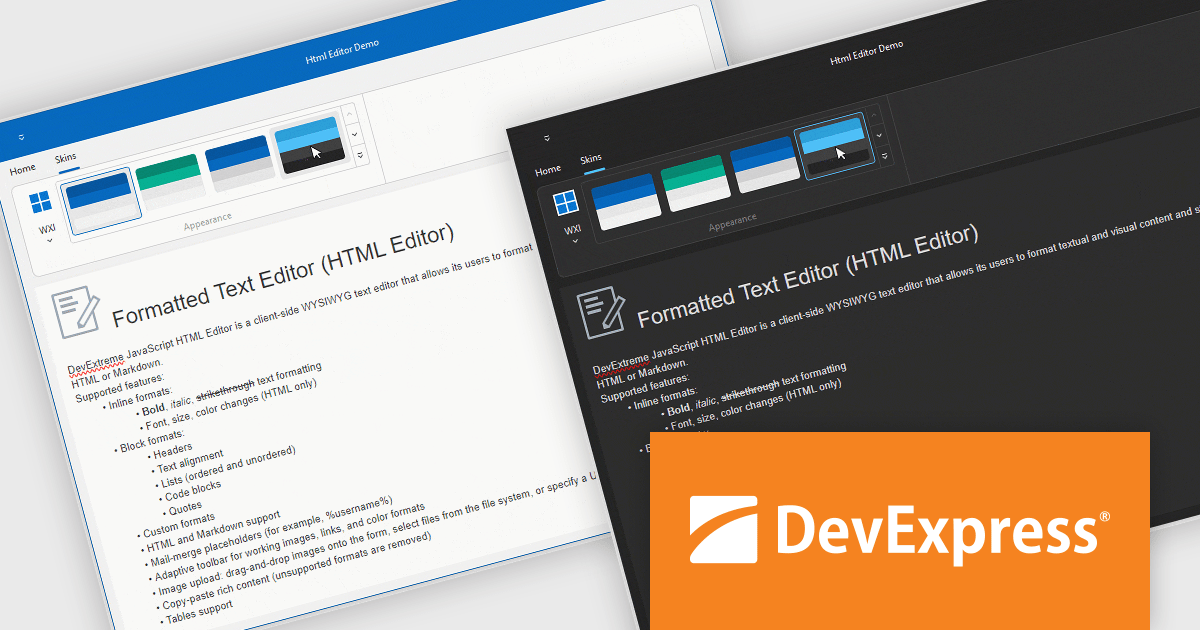
DevExpress VCL Subscription is a comprehensive suite for Delphi and C++ Builder developers that includes high-performance UI components, reporting tools, data visualization elements, and application templates. It lets you build rich, data-driven business applications with ease, offering ongoing updates, technical support, and royalty-free distribution rights, perfect for boosting developer productivity and delivering polished software experiences.
The DevExpress VCL Controls v24.2 update introduces hybrid development capabilities, enabling developers to seamlessly integrate JavaScript widgets into native VCL applications using an embedded WebView component. This allows for the creation of applications that combine the flexibility and modern features of web technologies with the performance and reliability of native VCL development. By supporting Delphi-driven configuration of JavaScript widgets and ensuring synchronized theme changes between DevExpress VCL Skins and DevExtreme CSS themes, this update simplifies the development of visually cohesive and functionally robust desktop applications tailored for Windows.
To see a full list of what's new in version 24.2, see our release notes.
DevExpress VCL Subscription is licensed per developer and is available as a Perpetual License with a 12 month support and maintenance subscription. See our DevExpress VCL Subscription licensing page for full details.
For more information, visit our DevExpress VCL Subscription product page.
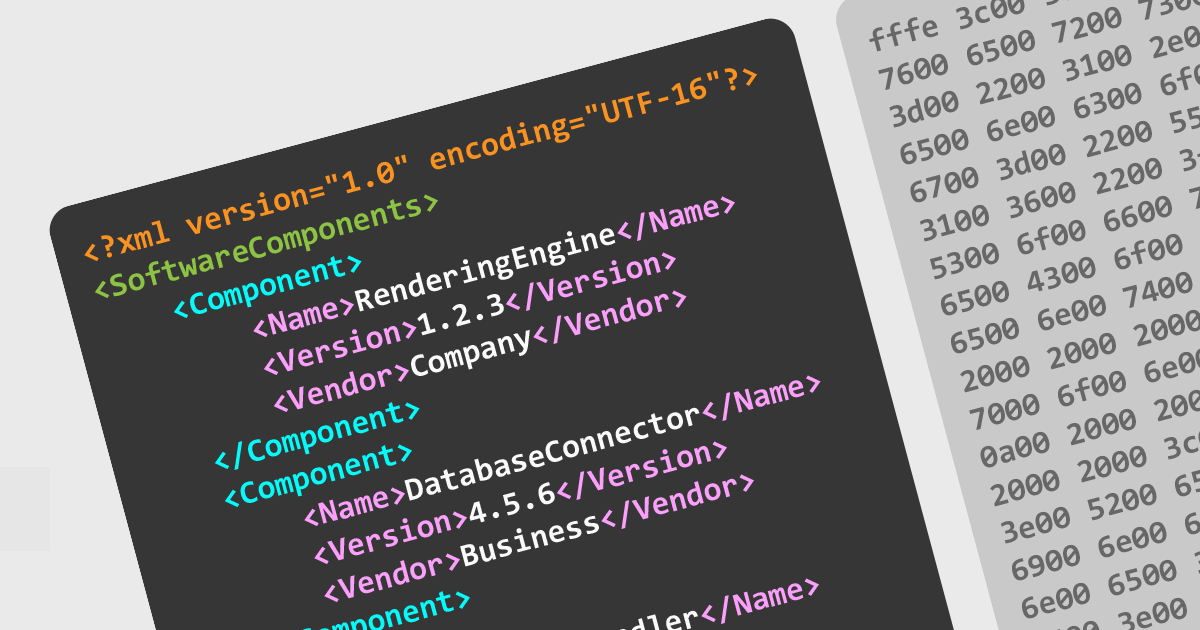
Support for multiple file encodings in structured document tools is essential for ensuring compatibility between different systems, preserving data integrity, and enabling seamless collaboration across environments. These tools allow users to work with various character encodings, such as UTF-8, UTF-16, and legacy formats like ISO-8859, ensuring that documents are correctly interpreted and displayed regardless of their origin. Robust encoding support also helps prevent data corruption and loss when working with XML, JSON, and other structured document formats, making it a critical feature for developers and technical writers handling internationalized content.
Several structured document tools offer file encoding support including:
For an in-depth analysis of features and price, visit our structured document tools comparison.
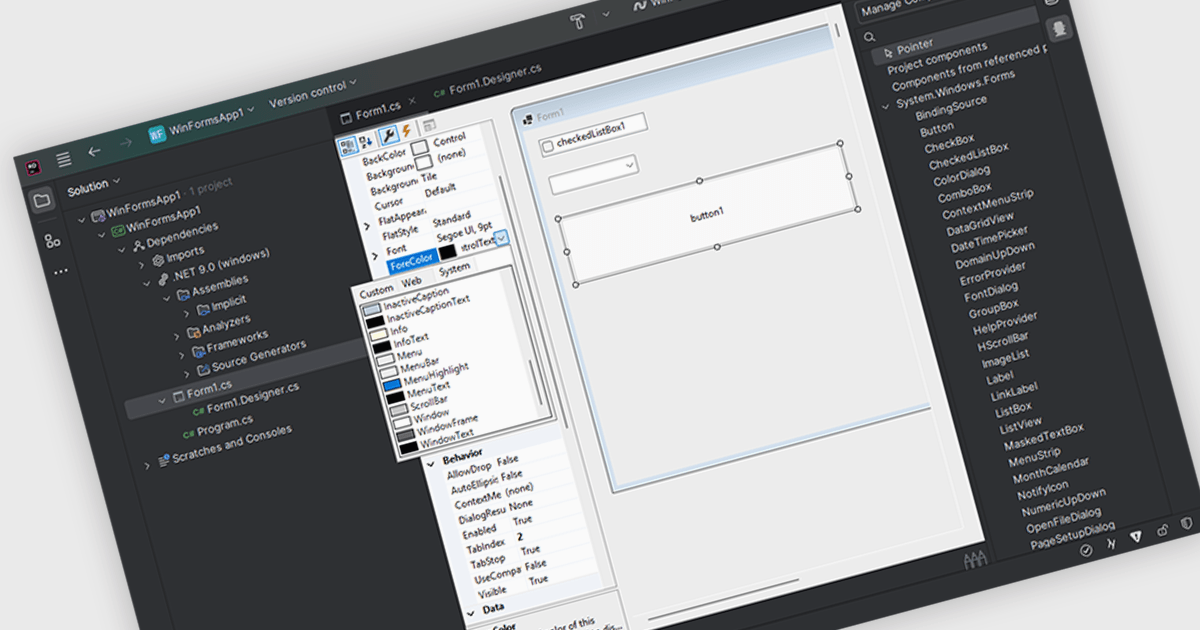
Customizing user interface component in an Integrated Development Environment (IDE) lets you easily modify the visual appearance and interactive functionality of user interface elements. Developers can adjust characteristics like dimensions, background and text colors, font styles, and event handling to tailor components to specific application needs. This customization enables the creation of visually appealing and user-friendly interfaces, ensures consistency across the application, and improves the overall user experience by optimizing component behavior for intended interactions.
Several IDEs support customizable UI components including:
For an in-depth analysis of features and price, visit our comparison of IDEs.
電話: (888) 850 9911
Fax: +1 770 250 6199


