













公式サプライヤー
公式および認定ディストリビューターとして200社以上の開発元から正規ライセンスを直接ご提供いたします。
当社のすべてのブランドをご覧ください。
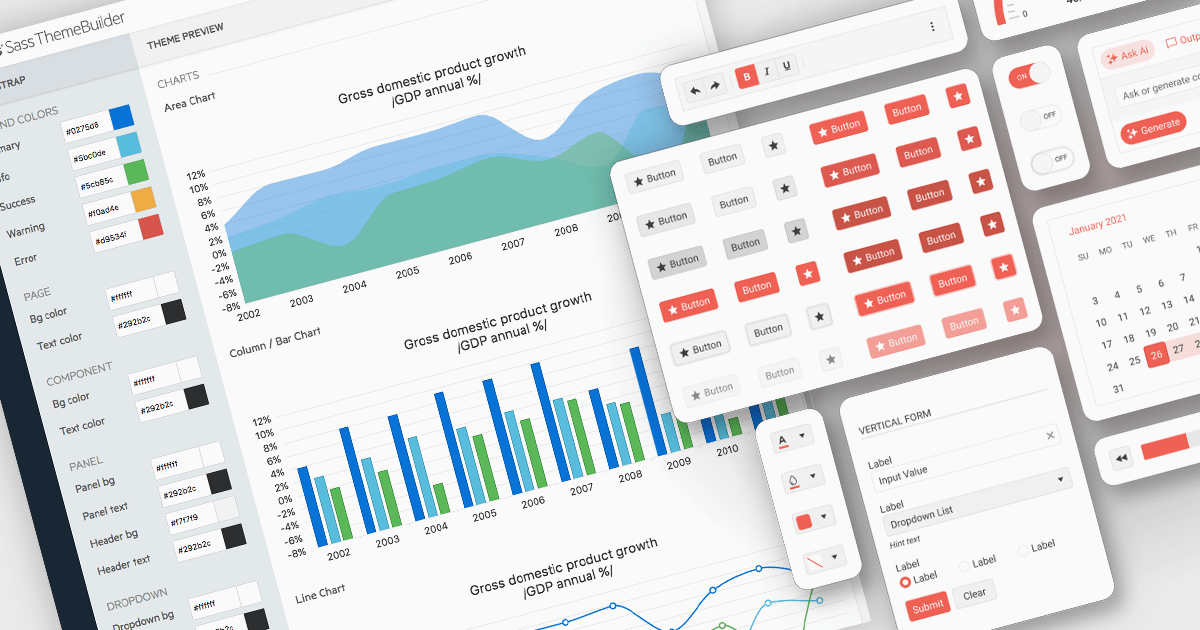
UI theming is the process of defining and applying a consistent visual style across a user interface using centralized settings for elements like colors, typography, spacing, and component styles. It allows developers to create cohesive designs that align with branding requirements, ensure cross-platform consistency, and adapt easily to user preferences or accessibility needs. By leveraging theming, software developers can streamline development workflows, reduce redundancy, and simplify maintenance while delivering customizable, scalable, and user-friendly applications.
Several React UI suites offer theming support, including:
For an in-depth analysis of features and price, visit our comparison of React UI suites.
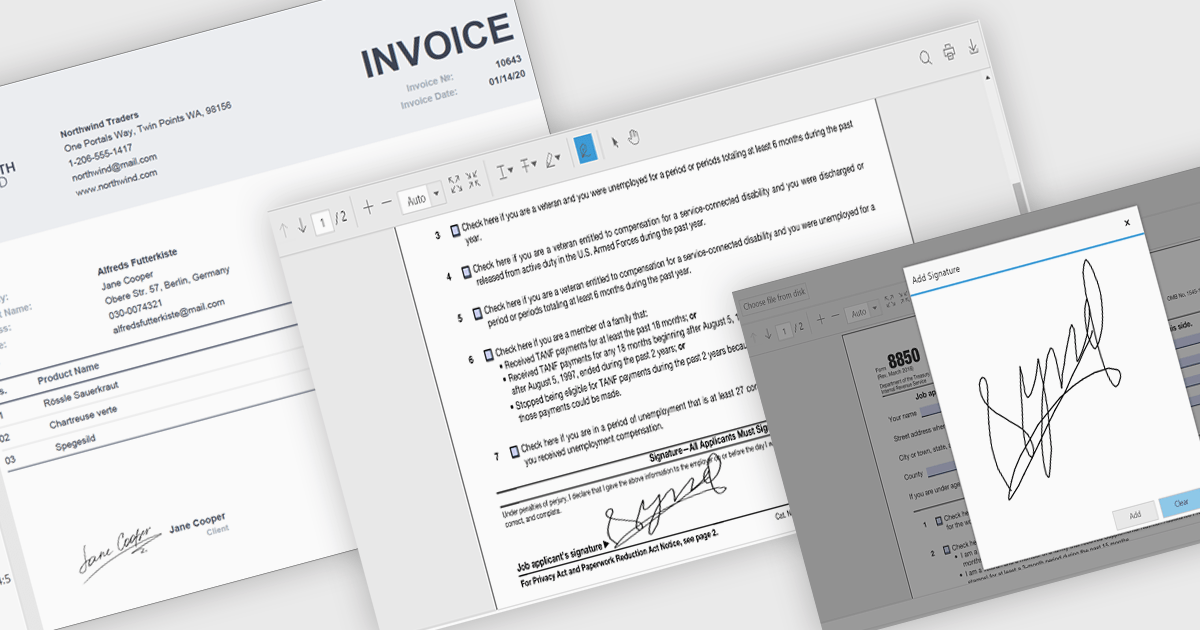
Hand-written signature support allows users to draw or insert a stylized representation of their physical signature directly onto a digital document. This feature provides a familiar and intuitive way to sign documents electronically while maintaining a personal touch. For software developers, integrating hand-written signatures into applications offers an accessible and user-friendly signing option that enhances user engagement, reduces reliance on paper-based workflows, and streamlines document processing. By supporting this functionality, developers can provide users with a convenient, secure, and legally compliant method for signing digital documents, improving overall workflow efficiency.
Several .NET PDF controls offer handwritten signature support including:
For an in-depth analysis of features and price, visit our .NET PDF controls comparison.
GitKraken is a suite of developer tools built around Git, a popular version control system. It offers a graphical user interface (GUI) that allows developers to interact with Git repositories visually instead of relying on the command line. This simplifies complex Git workflows like resolving merge conflicts and visualizing code history, making Git more accessible and efficient for developers of all experience levels.
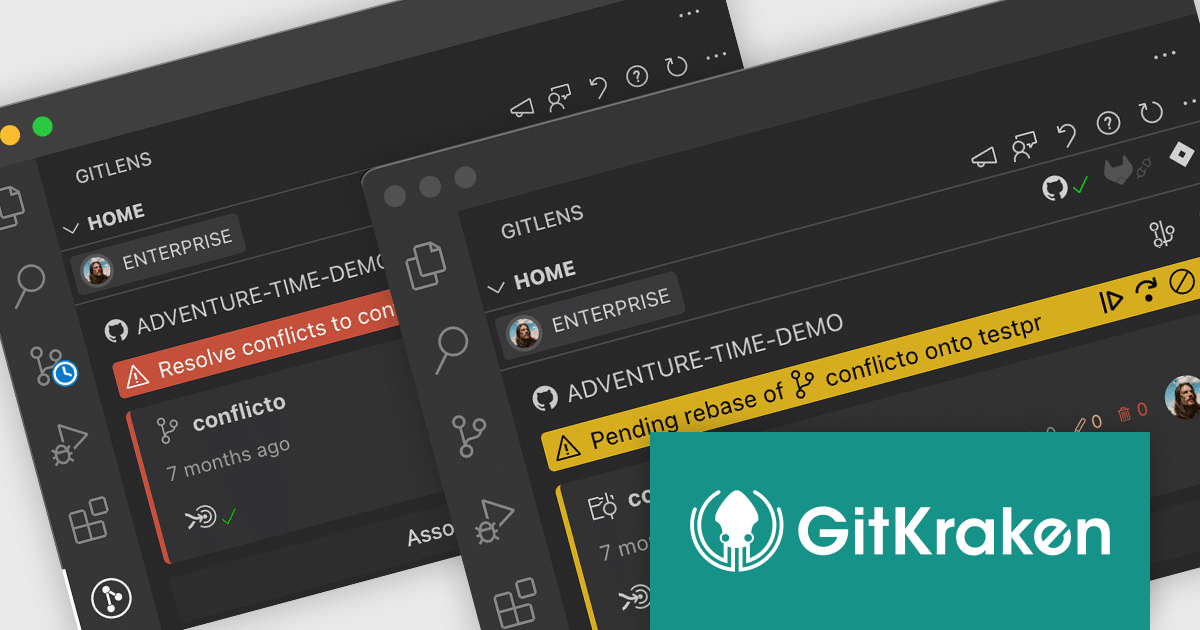
The GitLens for VS Code V16.2 release (available as part of GitKraken) adds new Git action states to the Home View that shows when Git actions (such as merge, rebase, cherry-pick, and revert) are paused due to conflicts, or when you're in the middle of a rebase or merge. By displaying clear status updates, the indicators reduce confusion and help users resume, skip, or abort Git operations with minimal friction.
To see a full list of what's new in V16.2, see our release notes.
GitLens for VS Code is available as part of GitKraken which is available as Cloud-based or On-Premise options, licensed per user as an annual license which includes free updates and technical support. See our GitKraken licensing page for full details.
Learn more on our GitKraken product page.
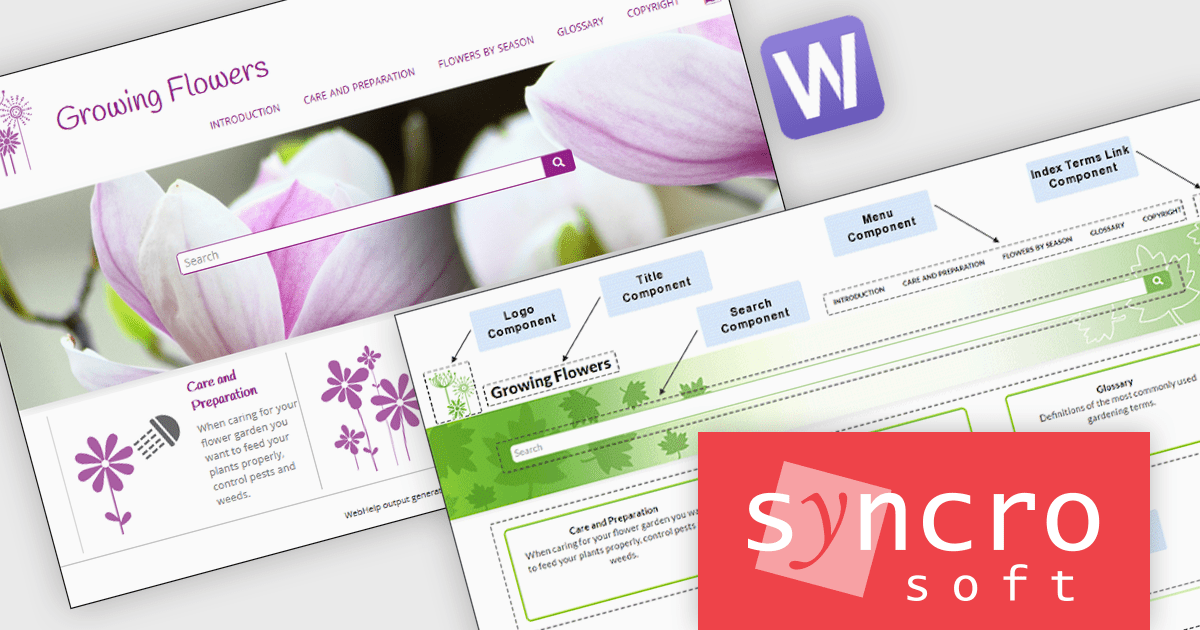
Oxygen WebHelp is a web-based help authoring and publishing tool that enables you to create and publish online help systems from DITA and DocBook sources. It provides a user-friendly interface for creating and managing your content, as well as a variety of features to help you deliver a high-quality help experience to your users.
The Oxygen XML Webhelp 27.0 release allows fine-grained control over which images in WebHelp can be zoomed. By applying the no-zoom value to the @outputclass attribute of specific images, developers can prevent unnecessary or unwanted zoom effects. This is particularly useful for UI elements, small icons, or images that are already optimized for readability at their default size. It improves the user experience by preventing accidental zooming while still allowing other images to benefit from the zoom functionality.
To see a full list of what's new in 27.0, see our release notes.
Oxygen XML Webhelp is licensed per Core. A Core means a physical or virtual processor within a computer's central processing unit (CPU) that receives and executes commands. For a physical computer with a multi-processor CPU, the number of Cores is equal to the number of physical processors in the CPU. It is available as a Perpetual License with support and maintenance subscription. See our Oxygen XML WebHelp licensing page for full details.
Learn more on our Oxygen XML WebHelp product page.
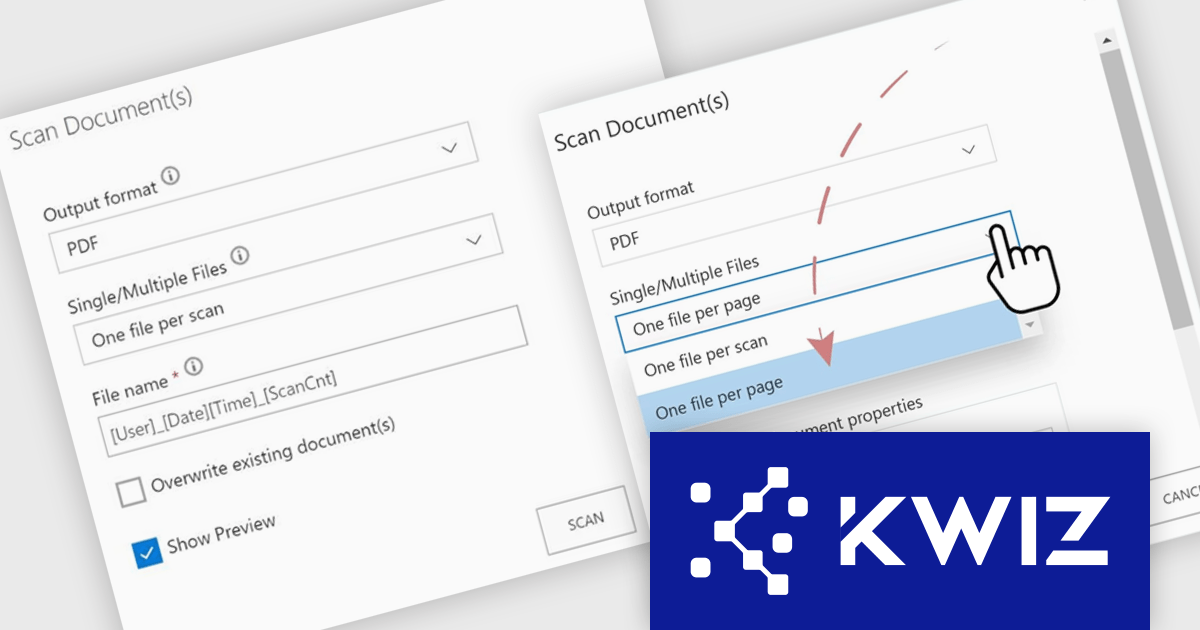
The KWIZ Scan App simplifies document digitization by seamlessly scanning physical documents into SharePoint libraries or lists while ensuring data stays secure within SharePoint Online or Microsoft 365. It offers flexible file management, supporting multiple file extensions and the option to upload files individually or as a single document. Powered by advanced Zonal OCR, it converts text into machine-readable formats, recognizes multiple languages, and maps document sections as SharePoint properties for streamlined workflows. Ideal for businesses, it enhances efficiency, organization, and accessibility in managing physical-to-digital transitions.
The KWIZ Scan App streamlines the process of scanning multiple documents by enabling efficient batch uploads directly into SharePoint libraries or lists, allowing developers to automate workflows and reduce manual effort. By supporting flexible file options, such as uploading documents individually or combining them into a single file, the app provides adaptability for various use cases. With advanced features like Zonal OCR for converting text into machine-readable formats and seamless integration into SharePoint properties, developers can leverage the app to build robust, automated solutions that enhance document management, ensure data consistency, and simplify integration into existing systems.
KWIZ Scan App is licensed on an annual basis, requiring each user in your organization to be covered by an Annual Subscription license. Different levels are available to cater for different numbers of users. See our KWIZ Scan App licensing page for full details.
For more information, visit our KWIZ Scan App product page.
電話: (888) 850 9911
Fax: +1 770 250 6199


