













公式サプライヤー
公式および認定ディストリビューターとして200社以上の開発元から正規ライセンスを直接ご提供いたします。
当社のすべてのブランドをご覧ください。
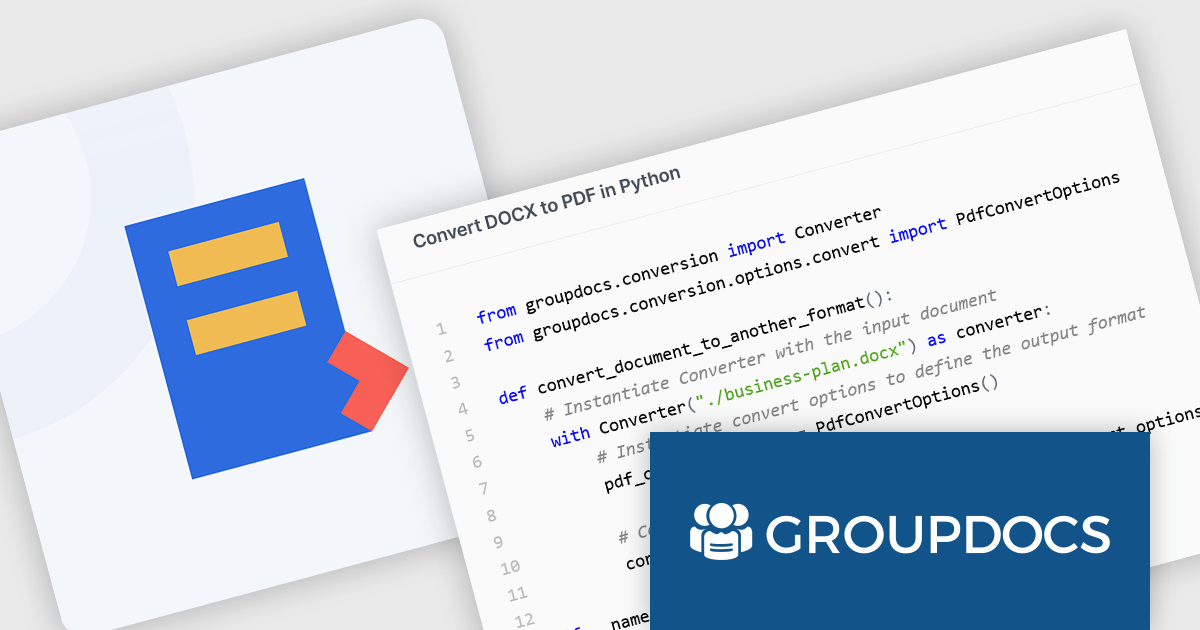
GroupDocs.Conversion for Python via .NET is a document conversion library designed to facilitate seamless file format transformations within Python applications. It enables developers to convert a wide range of document types, including PDFs, Word documents, Excel spreadsheets, PowerPoint presentations, images, and more, while maintaining high fidelity in formatting and structure. The library integrates with .NET, allowing Python applications to leverage its robust document processing capabilities through .NET interoperability. With support for batch processing and various customization options, it offers a flexible solution for handling document conversion tasks efficiently.
GroupDocs.Conversion for Python via .NET preserves document layout, supports a vast array of file formats, and offers easy integration into existing workflows. Developers can automate large-scale document transformations, ensuring consistency across different formats while reducing manual intervention. This makes it particularly useful for businesses dealing with document archiving, data migration, and content management systems. Additionally, the library's API allows for fine-tuned control over conversion settings, such as selective page conversion, watermarking, and format-specific adjustments, making it a powerful tool for organizations that require precision in document processing.
GroupDocs.Conversion for Python via .NET is offered as Developer Small Business, Developer OEM, Site Small Business, and Site OEM licenses catering to a range of business needs. Licenses are perpetual, and include 1 year of support and maintenance. Subscription renewals are also available. See our GroupDocs.Conversion for Python via .NET licensing page for full details.
GroupDocs.Conversion for Python via .NET is available individually or as part of the following products:
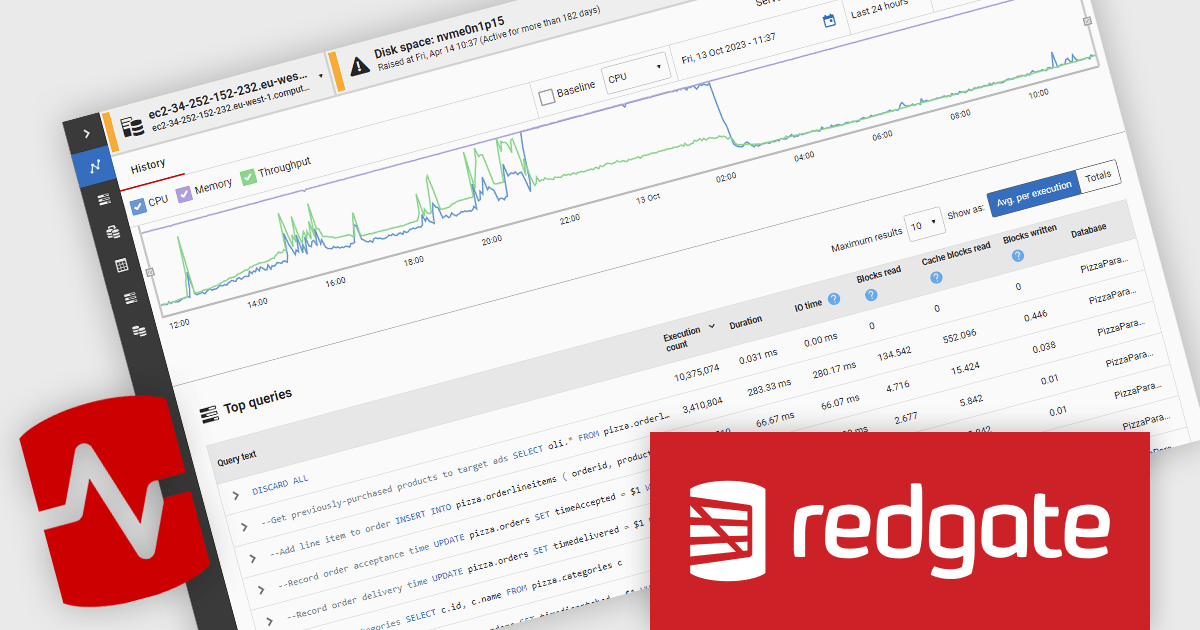
Redgate Monitor (formerly known as SQL Monitor) is a database monitoring tool that helps users quickly identify and fix performance problems on a variety of platforms, including SQL Server and PostgreSQL. It provides real-time monitoring, alerting, root cause analysis, and performance tuning recommendations. Redgate Monitor can be used by DBAs, developers, and operations teams to improve the performance of their databases.
Redgate Monitor provides real-time insights that enable software developers to quickly identify and address performance issues within SQL Server environments. By offering up-to-the-moment metrics on resource usage, query performance, and server health, developers gain the ability to pinpoint bottlenecks, optimize queries, and maintain application responsiveness. This proactive approach minimizes downtime and ensures consistent performance, helping teams meet demanding application requirements while reducing the time spent on diagnosing and resolving issues.
Redgate Monitor is licensed per server on an annual subscription basis. Each Server License will enable you to monitor either 1 Server (Multiple instances), 5 Azure SQL Databases, 1 Cloud (PaaS) instance, or 1 Cluster node. See our Redgate Monitor licensing page for full details.
For more information, visit our Redgate Monitor product page.

Dropdowns and list-based data editors in JavaScript are versatile UI components that offer flexibility and control to both users and developers. They facilitate the selection of options, with a structured way to display and interact with predefined data sets. These editors enhance the user experience by allowing streamlined input, offering features like single or multiple selection, visual representation with images, and checkbox integration. They are widely used in web applications for tasks such as form filling, filtering data, or setting configuration options.
Common dropdowns and list-based data editors include:
For an in-depth analysis of features and price, visit our JavaScript data editors comparison.
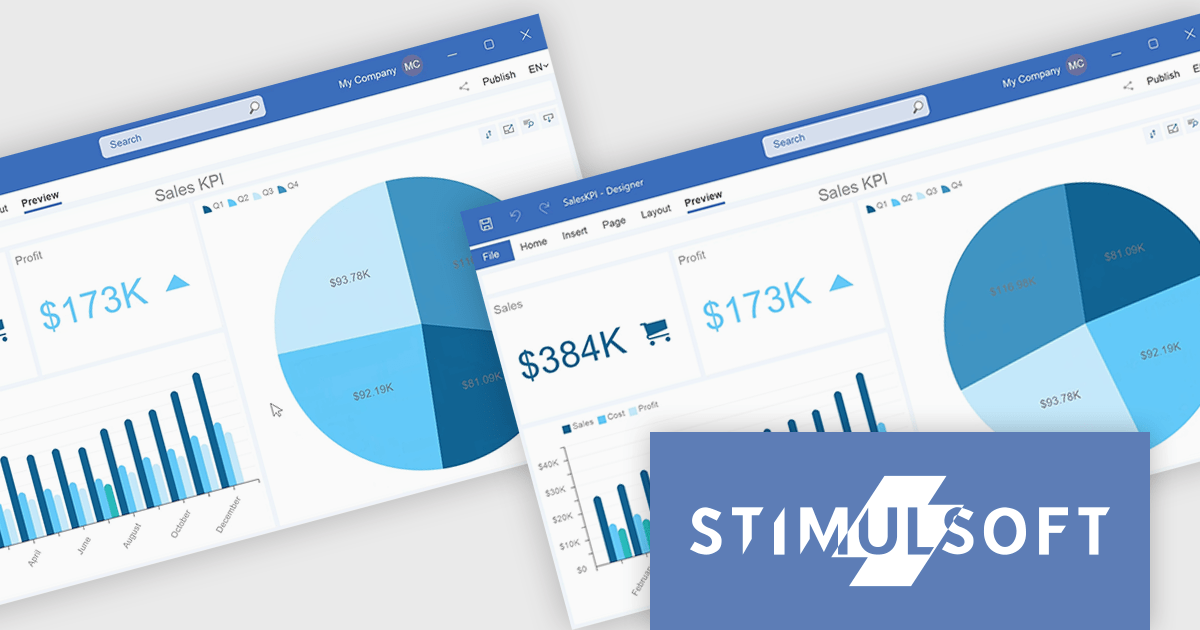
Stimulsoft Dashboards.WIN is a versatile suite of tools for crafting interactive data visualizations for web and desktop applications. It empowers developers to embed intuitive dashboards across various platforms, using platform-specific components or a centralized cloud designer. With data analysis elements, customization options, and pre-built templates, Stimulsoft Dashboards helps you transform complex data into clear, actionable insights for any audience.
The Stimulsoft Dashboards.WIN 2025.1.1 update introduces the ability to rotate pie and doughnut charts directly within the dashboard, providing developers with a powerful new tool for creating more interactive and user-focused applications. This feature allows end-users to manipulate chart orientation using simple mouse actions, enhancing the visualization experience by enabling a closer examination of specific data segments. By integrating this functionality, developers can offer a more intuitive and flexible data analysis environment, aligning with modern UI standards and improving the overall usability of dashboards.
To see a full list of what's new in 2025.1.1, see our release notes.
Stimulsoft Dashboards.WIN is licensed per developer and is available as a perpetual license with 1 year support and maintenance. See our Stimulsoft Dashboards.WIN licensing page for full details.
Stimulsoft Dashboards.WIN is available individually or as part of Stimulsoft Ultimate.
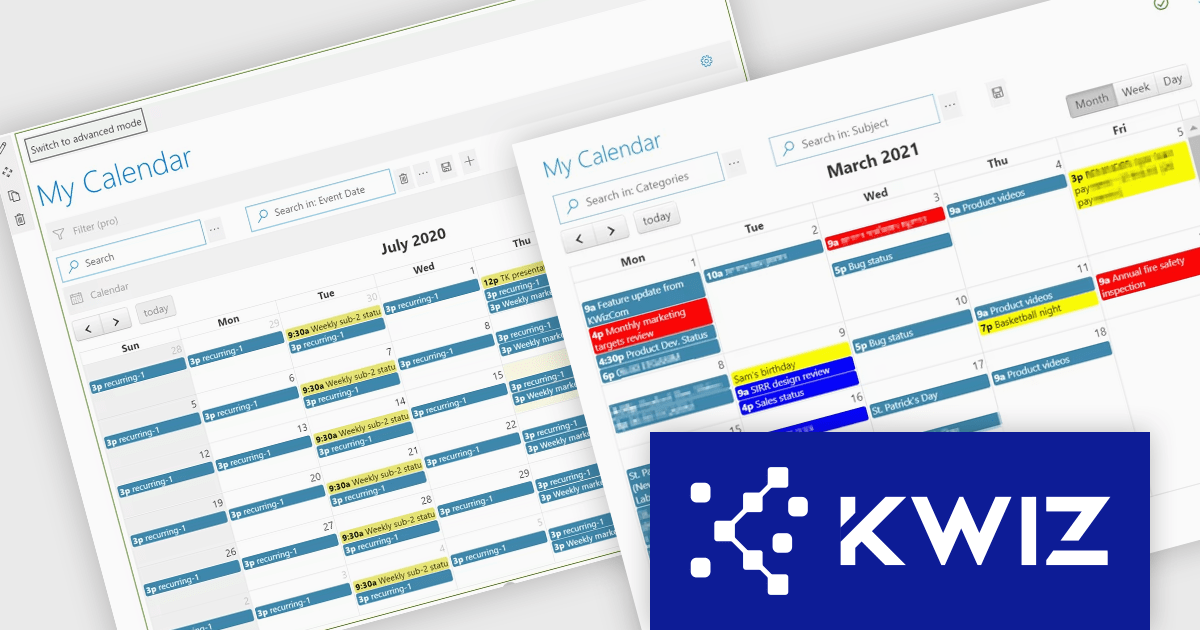
KWIZ Calendar Plus is a powerful tool for managing events and schedules within SharePoint and Microsoft Teams. It integrates seamlessly with multiple data sources, including SharePoint lists, Microsoft Graph API, Exchange Online, and Excel files, consolidating information into a single, dynamic calendar view. With features like real-time updates, customizable views, and conditional formatting, it enhances productivity, simplifies workflows, and supports global teams with time zone flexibility. Ideal for project planning, resource management, and event scheduling, KWIZ Calendar Plus streamlines collaboration and keeps teams aligned.
The Multiple Data Source Integration feature in KWIZ Calendar Plus allows users to seamlessly connect and aggregate information from diverse platforms, including local and remote SharePoint lists, Microsoft Graph API, Exchange Online, Microsoft Planner, SharePoint Search API, and Excel files stored in SharePoint libraries. This powerful capability consolidates data into a single, unified calendar view, eliminating the need to toggle between systems and ensuring real-time updates across all sources. By offering customizable views and filtering options, the feature enables users to organize events effectively. Ideal for organizations managing complex schedules or cross-functional teams, this integration simplifies workflows, enhances collaboration, and provides a centralized solution for streamlined event management.
KWIZ Calendar Plus is licensed on an annual basis, requiring each user in your organization to be covered by an Annual Subscription license. Different levels are available to cater for different numbers of users. See our KWIZ Calendar Plus licensing page for full details.
KWIZ Calendar Plus is also available for purchase as part of the KWIZ Dataview Plus product.
For more information, visit our KWIZ Calendar Plus product page.
電話: (888) 850 9911
Fax: +1 770 250 6199


