













公式サプライヤー
公式および認定ディストリビューターとして200社以上の開発元から正規ライセンスを直接ご提供いたします。
当社のすべてのブランドをご覧ください。
dbWatch is a comprehensive database monitoring and management solution designed to optimize the performance, reliability, and scalability of database environments. It provides features such as real-time monitoring, automated maintenance, detailed reporting, and robust authentication management. These capabilities help database administrators save time, ensure consistency, and enhance security across multiple database instances. dbWatch is ideal for organizations managing complex database infrastructures, supporting use cases such as proactive performance tuning, compliance monitoring, and streamlined database maintenance. With its user-friendly interface and automation tools, dbWatch empowers teams to efficiently manage their databases, reduce operational overhead, and focus on strategic initiatives.
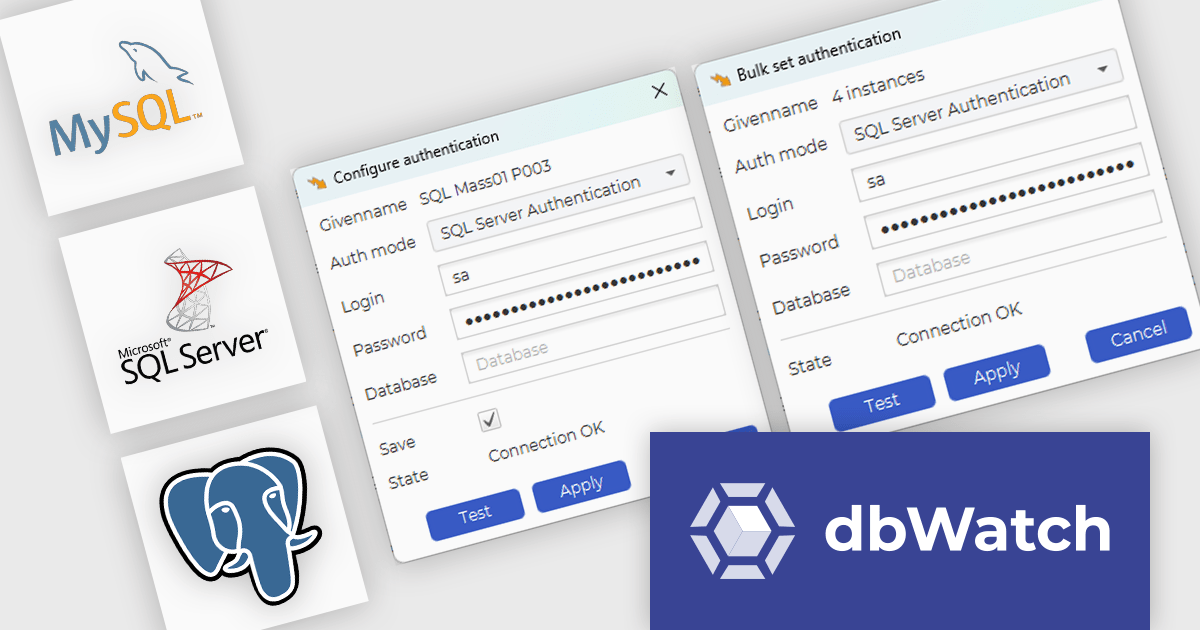
The dbWatch Control Center November 2024 update introduces the bulk authentication feature, providing software developers with a streamlined solution for managing SQL Worksheet authentications across multiple database instances. This feature enhances efficiency by reducing the time and effort required to configure authentication settings manually, ensures uniformity to minimize the risk of errors, and simplifies large-scale database management. By enabling quick and consistent updates to authentication configurations, this enhancement helps maintain security compliance while optimizing workflows in complex development and operational environments.
To see a full list of what's new in the November 2024 update see our release notes.
dbWatch Control Center is licensed per instance and is offered as a 12 month subscription license. Licenses are available for MS SQL Server, Oracle, MySQL, PostgreSQL, MariaDB, and Sybase. For further information see our dbWatch Control Center licensing page.
For more information, visit our dbWatch Control Center product page.
PyCharm by JetBrains is a comprehensive Integrated Development Environment (IDE) specifically designed for Python programming. It offers a range of features to enhance productivity, including code analysis for error detection, a visual debugger for troubleshooting, integrated unit testing for code verification, and support for version control systems to manage code changes. PyCharm also caters to web development using frameworks like Django, making it a powerful tool for both experienced developers and beginners in the Python world.
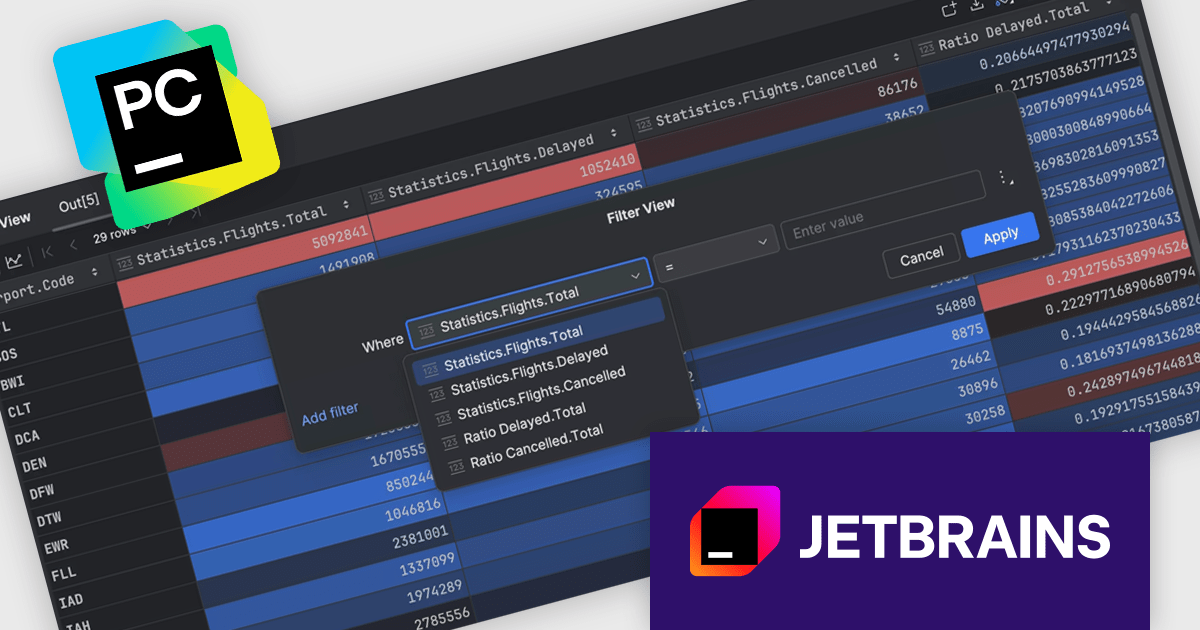
The PyCharm 2024.3 release introduces a powerful no-code data filtering feature, allowing users to seamlessly filter and analyze data directly within the Data View tool window or dataframes using an intuitive Filter icon. This update eliminates the need for coding, providing immediate, in-window results, and supports popular Python frameworks like pandas, Polars, NumPy, PyTorch, TensorFlow, and Hugging Face Datasets. Ideal for data scientists, analysts, and developers, this feature enhances productivity, simplifies data exploration, and enables rapid iteration on datasets, making it particularly useful for tasks like preprocessing, cleaning, and extracting insights from complex data.
To see a full list of what's new in version 2024.3, see our release notes.
PyCharm is licensed per user, and is available as a commercial annual subscription license. We can supply new subscriptions, subscription renewals (including continuity discounts), lapsed renewals, and additional user licenses. See our PyCharm licensing page for full details.
PyCharm is available to buy in the following products:
TSplus Server Monitoring is a powerful solution designed to provide real-time and historical insights into the performance of servers, websites, applications, and user activity. With features like real-time monitoring, performance tracking of key metrics such as CPU, memory, and disk usage, and detailed user analytics, it equips IT administrators with the tools needed to ensure smooth and efficient operations. By offering instant visibility into potential bottlenecks or issues, it enables proactive problem resolution and optimizes resource utilization. Ideal for remote work infrastructures, TSplus Server Monitoring supports distributed teams by ensuring reliable connectivity and uptime. Whether for troubleshooting, performance optimization, or capacity planning, it serves as an essential tool for maintaining seamless remote operations.
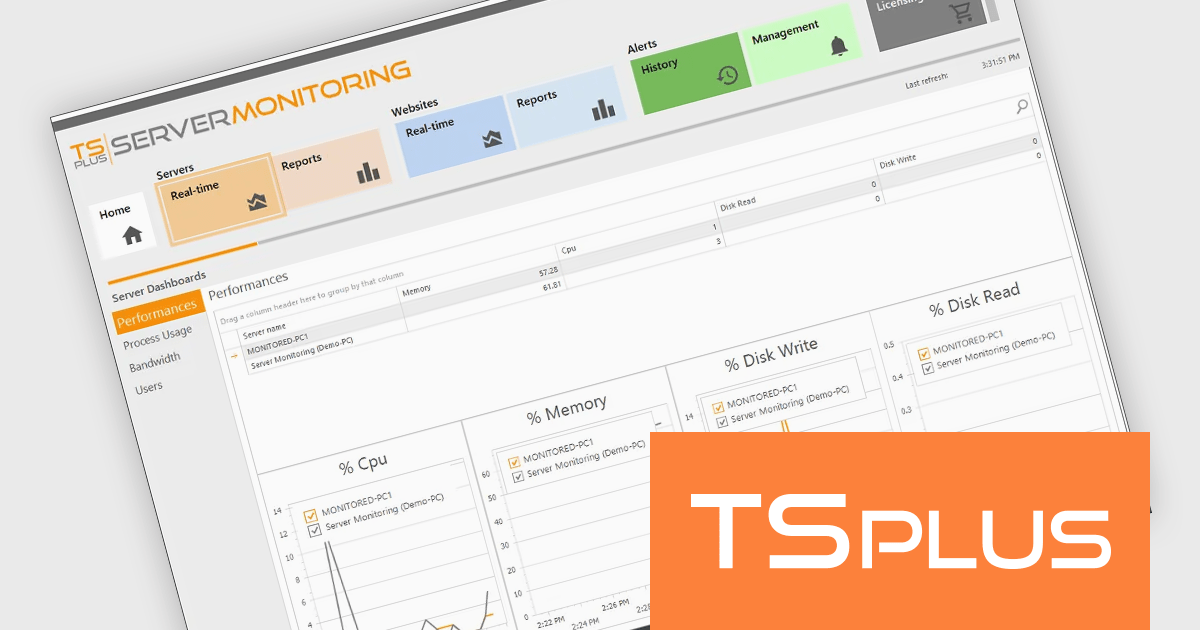
The TSplus Server Monitoring performance monitoring capabilities provide software developers with precise, real-time metrics on server CPU, memory usage, and disk operations. This improvement enables developers to identify performance bottlenecks and optimize resource allocation with greater efficiency. By delivering detailed, time-specific data insights, the update simplifies diagnosing system issues and helps maintain seamless application performance. This advancement supports developers in ensuring stability and reliability for remote work infrastructures, meeting the demands of modern, distributed teams.
TSplus Server Monitoring is licensed per server. Licenses are perpetual and include 1 year of updates and support. See our TSplus Server Monitoring licensing page for full details.
For more information, visit our TSplus Server Monitoring product page.
ComponentSource, a leading provider of software development tools, has announced a new partnership with dbWatch, a Windows-based data management and monitoring platform. This collaboration aims to enable database administrators (DBAs) and IT managers to easily manage large-scale database environments with greater efficiency and control.
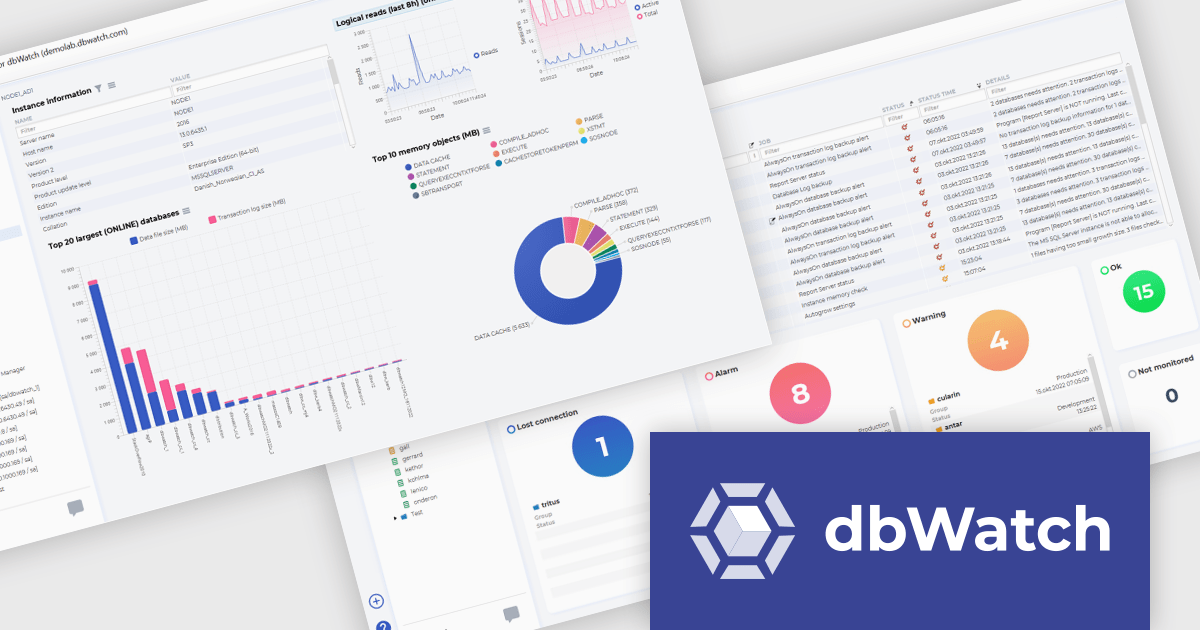
dbWatch specializes in database monitoring and automation tools for professionals in IT and database administration. It provides scalable, user-friendly solutions that cater to organizations managing complex database ecosystems across multiple platforms. dbWatch products streamline database management and monitoring tasks, offering essential tools for professionals in industries relying on robust data infrastructure and performance optimization, such as finance, healthcare, and technology. dbWatch Control Center allows users to monitor, manage, and automate databases, ensuring high performance, security, compliance, and seamless scalability across platforms.
By partnering with dbWatch, ComponentSource expands its portfolio to include advanced database tools, offering its customers cutting-edge solutions for database scalability, security, and efficiency. This partnership also strengthens ComponentSource's position as a leading provider of software solutions, addressing the growing demand for streamlined database solutions in industries such as enterprise IT, telecommunications, and cloud computing.
dbWatch Control Center is licensed per instance and is offered as a 12 month subscription license. Licenses are available for MS SQL Server, Oracle, MySQL, PostgreSQL, MariaDB, and Sybase. For further information see our dbWatch Control Center licensing page.
For more information, visit our dbWatch publisher page.
Installation tools with publishing and deployment capabilities streamline the delivery and management of software applications across environments. These tools allow organizations to ensure consistent, efficient deployment processes, minimizing errors and boosting productivity. They often integrate with modern workflows such as cloud services, containerization, and continuous integration, allowing teams to automate and simplify complex deployment tasks while maintaining control and visibility over application updates and performance.
Common features include:
For an in-depth analysis of features and price, visit our installation tools comparison.
電話: (888) 850 9911
Fax: +1 770 250 6199


