













公式サプライヤー
公式および認定ディストリビューターとして200社以上の開発元から正規ライセンスを直接ご提供いたします。
当社のすべてのブランドをご覧ください。
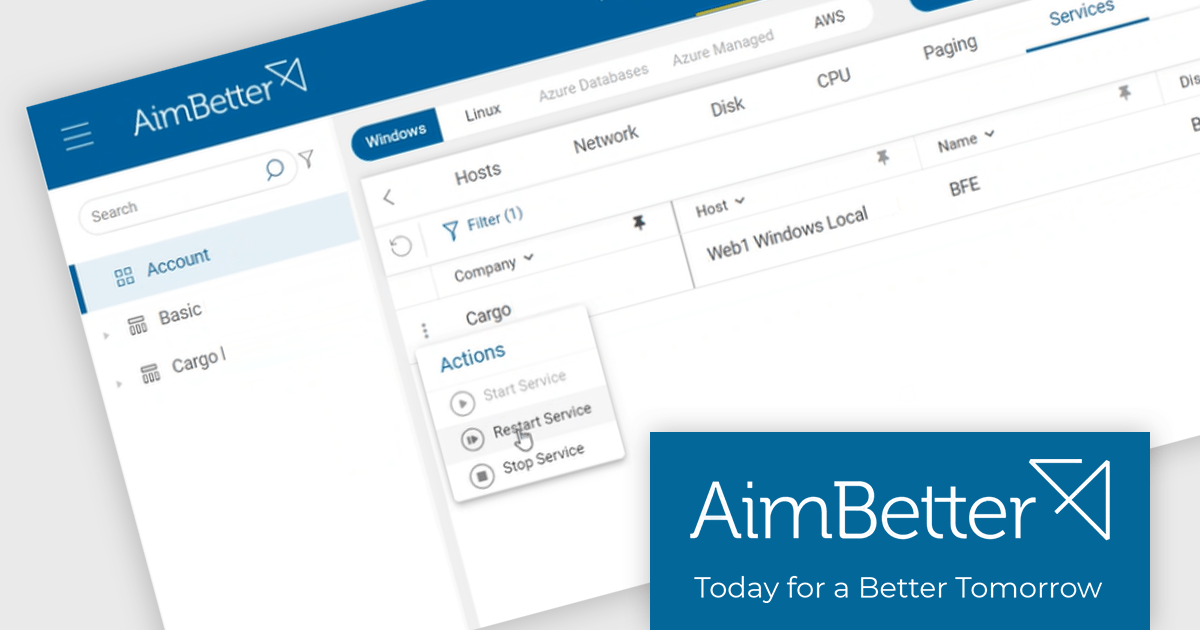
AimBetter is a comprehensive performance monitoring and optimization platform designed for database management systems (DBMS). It provides real-time diagnostics and analytics, allowing IT professionals to identify and resolve performance issues quickly and efficiently. By offering detailed insights into database operations, AimBetter enhances system stability, boosts performance, and reduces downtime. The platform supports various database environments and integrates seamlessly with existing infrastructure, ensuring continuous monitoring and proactive management. Its user-friendly interface and advanced alerting mechanisms enable prompt action on critical issues, thereby optimizing resource utilization and improving overall operational efficiency.
The AimBetter July 2024 update introduces a "Responsive Agent" feature that empowers users to take immediate action upon problem detection. This streamlines operational workflows by equipping users with the ability to make choices based on real-time insights and alerts from the platform. It consolidates action-taking functionalities within AimBetter, granting users control over their IT environments. Responsive Agent is secure-by-design, requiring OTP authentication for all actions, and must be enabled within the AimBetter Agent configuration program.
To see a full list of what's new in the July 2024 update, see our release notes.
AimBetter is licensed per instance/per year with different plans available dependent on the services you require. See our AimBetter licensing page for full details.
Learn more on our AimBetter product page.
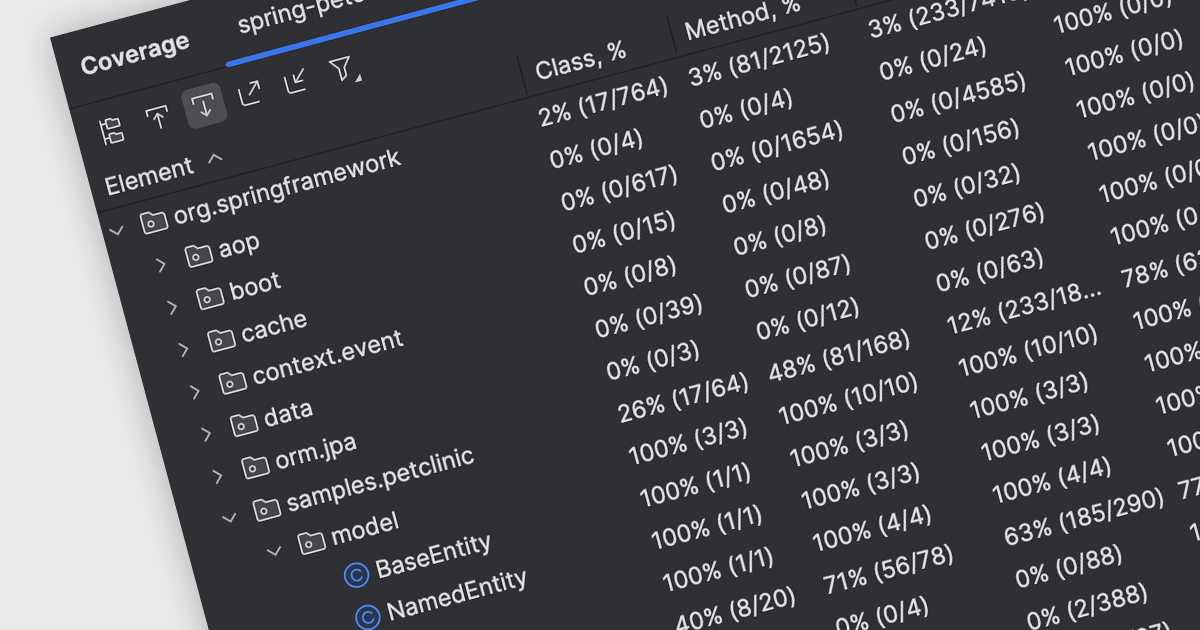
Code coverage is a software metric that measures the extent to which a codebase is exercised by a test suite. By determining which parts of the code are executed and which are not, developers can assess the effectiveness of their tests and identify areas requiring additional testing. This practice helps improve code quality, reduce the risk of defects, and enhance overall software reliability. Code coverage is particularly valuable for critical systems, where thorough testing is essential, and can be used to prioritize testing efforts, optimize test suites, and increase confidence in software releases.
Several IDEs offer support for code coverage including:
For an in-depth analysis of features and price, visit our IDEs comparison.
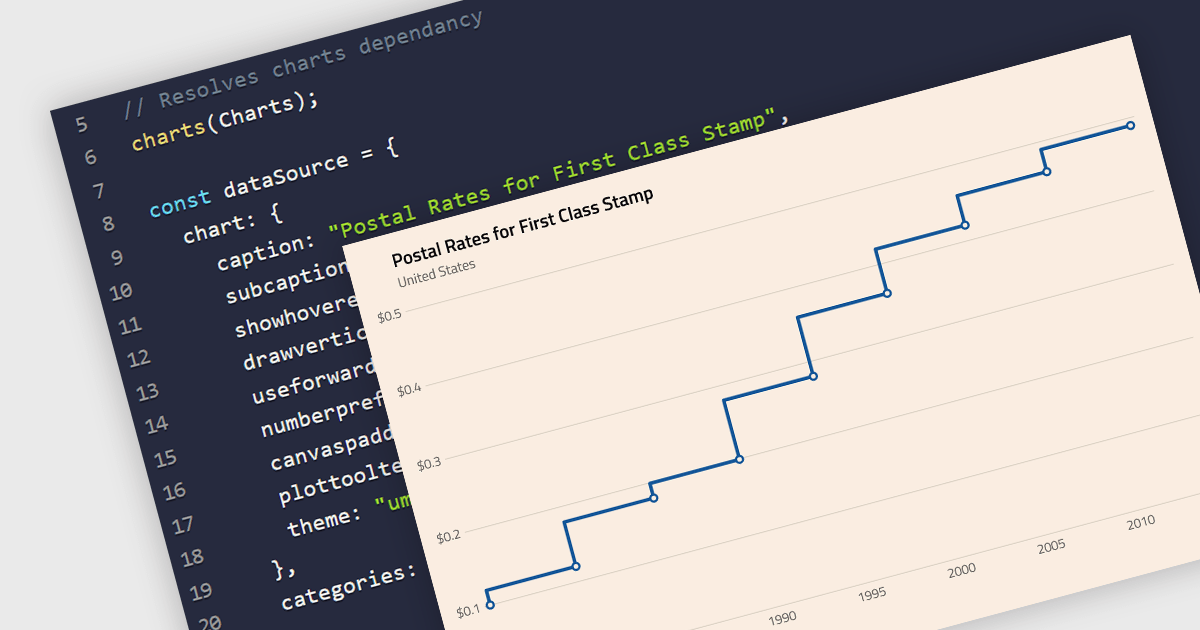
A step line chart is a type of data visualization that displays data points connected by horizontal and vertical line segments, forming a step-like appearance. Unlike traditional line charts that emphasize continuous trends, step line charts highlight changes that occur at irregular intervals and are for depicting data that changes at specific points in time. This makes them particularly effective for representing data that undergoes discrete shifts, such as inventory levels, interest rates, or monitoring server performance, where the exact timing and magnitude of changes are crucial to understand. By clearly showing these transitions, these charts provide precise insights into the timing and impact of changes, aiding in more accurate decision-making and analysis.
Several React chart components support the step line chart type, including:
For an in-depth analysis of features and price, visit our comparison of React chart components.
ComponentSource, the world’s largest reseller of software components, is proud to celebrate the 20 year anniversary of its partnership with Advanced Software Engineering (ASE).
Advanced Software Engineering (ASE) is a company that specializes in the development of advanced software solutions, particularly in the field of data visualization. The company's flagship product, ChartDirector, is a versatile and powerful charting library used globally by developers to create professional and interactive charts across multiple programming environments. ASE is committed to providing robust and scalable software solutions to meet the dynamic needs of its clients.
ComponentSource is a leading global distributor of software components and development tools. Established in 1995, the company provides developers with a comprehensive marketplace featuring a wide range of high-quality software components, libraries, and development tools designed to enhance productivity and streamline the development process.
By combining Advanced Software Engineering’s innovative charting capabilities with ComponentSource’s distribution and support, businesses and organizations have been able to transform complex data into compelling visual presentations. We look forward to many more years of partnership and continued success.
Learn more about Advanced Software Engineering.
ComponentSource, the world's largest marketplace for software components and development tools, and Bunifu Technologies, a software development company specializing in creating user interface (UI) components and development tools for .NET, are pleased to celebrate their three year partnership.
Bunifu Technologies is a leading provider of UI/UX components and design tools for developers building cross-platform applications. The Bunifu Ultimate Bundle offers a comprehensive suite of premium grids, charts, forms, and navigation components that make it easy to craft visually stunning, user-centric interfaces. By leveraging Bunifu’s expertise, developers can significantly improve the look and feel of their applications while reducing development time, ultimately delivering exceptional user experiences.
ComponentSource is a leading global distributor of software components and development tools, providing a comprehensive marketplace for developers to find, evaluate, and purchase reusable software components. Since 1995 ComponentSource has been serving developers, IT professionals, and enterprises by offering an extensive catalog of high-quality, pre-built software components, along with expert support and resources.
ComponentSource's global reach and licensing expertise has enabled Bunifu Technologies to attract a wider audience for its UI components.
Learn more about Bunifu Technologies.
電話: (888) 850 9911
Fax: +1 770 250 6199


