













公式サプライヤー
公式および認定ディストリビューターとして200社以上の開発元から正規ライセンスを直接ご提供いたします。
当社のすべてのブランドをご覧ください。
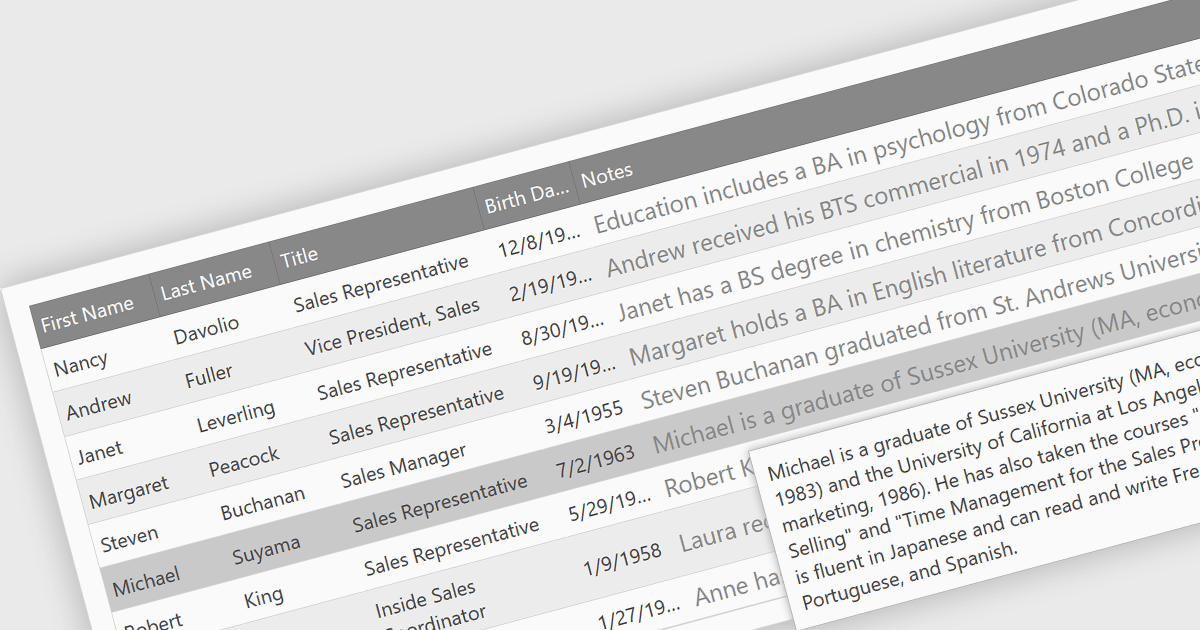
In datagrids, tooltips are on-demand informational popups that appear when hovering over a cell. They provide critical context for truncated content, enhancing usability by allowing users to view the full data point without sacrificing grid layout or requiring them to navigate elsewhere. This improves data comprehension and reduces the need for scrolling or resizing columns, leading to a more efficient user experience.
Several jQuery grid controls offer support for tooltips including:
For an in-depth analysis of features and price, visit our jQuery grid controls comparison.
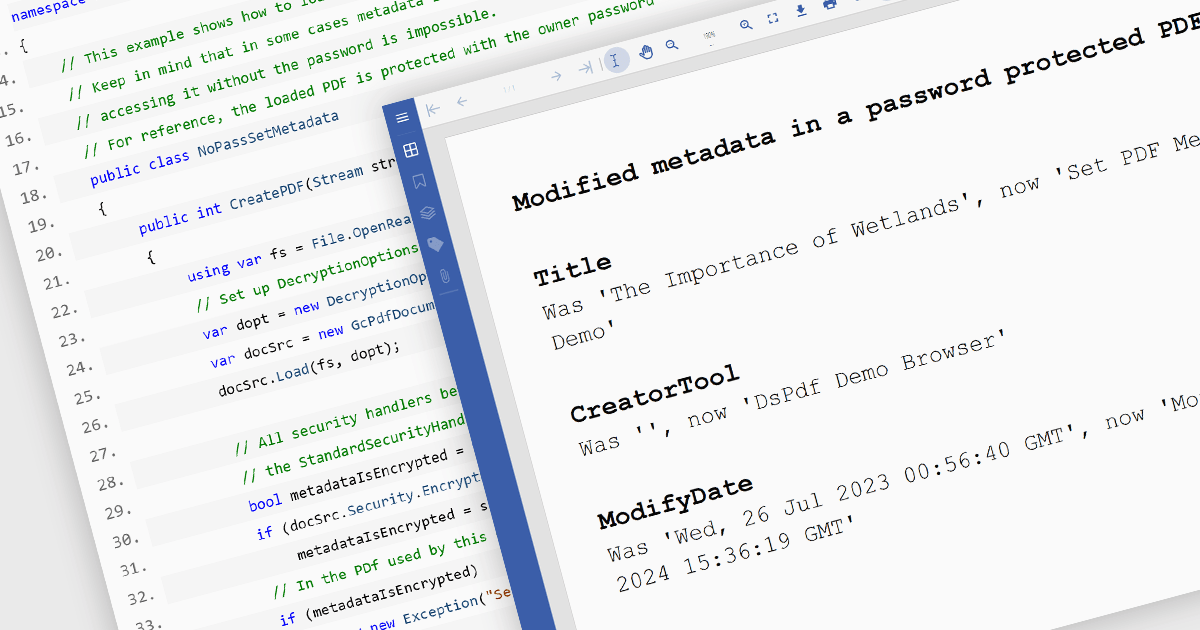
.NET PDF components that support custom metadata empower developers to embed rich, searchable data within PDF documents. By defining and populating custom metadata fields, organizations can significantly enhance document discoverability and retrieval. This capability is invaluable for applications requiring robust search functionality, enabling users to efficiently find documents based on specific criteria beyond standard properties. Ultimately, this leads to improved document management, streamlined workflows, and increased productivity.
Several .NET PDF viewer components allow you to create custom metadata, including:
For an in-depth analysis of features and price, visit our comparison of .NET PDF viewer components.

Devart's ODBC Drivers provide high-performance connectivity to various databases and cloud services. They ensure broad compatibility with existing tools, offer advanced features like stored procedures and secure data encryption, and optimize data processing efficiency. This empowers developers to seamlessly work with live data across Windows, macOS, and Linux environments without requiring additional software installations or vendor libraries, streamlining data access and integration.
Devart expands its ODBC Driver suite with seamless connectivity to Microsoft Excel, and the Smartsheet and Zoho Billing Cloud services. Now you can effortlessly integrate these valuable data sources into any ODBC-compliant application or programming language, streamlining data access and analysis for maximized efficiency.
The ODBC Drivers are licensed per developer and is available as an Annual or Perpetual License with a 12 month support and maintenance subscription. See our ODBC Driver licensing pages for Microsoft Excel, Smartsheet, and Zoho Billing.
For more information about the ODBC Drivers visit our product pages:
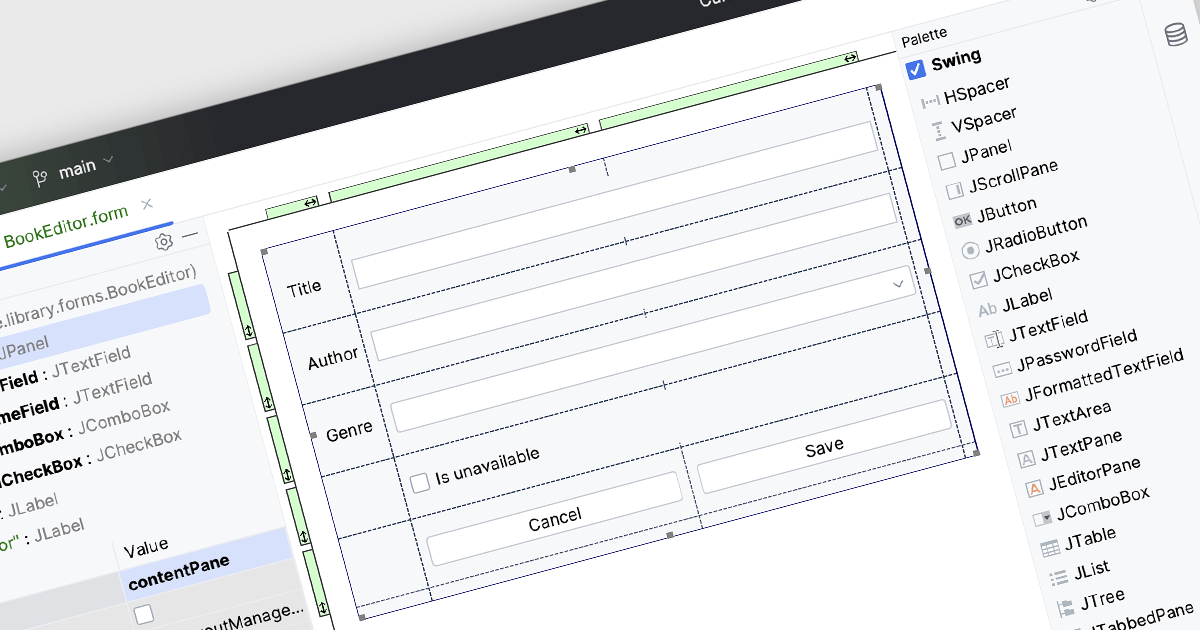
Integrated Development Environments (IDEs) with visual editing allow developers to manipulate and arrange graphical elements and code components using a user-friendly, often drag-and-drop, interface. This capability enhances the development process by providing real-time visual feedback, reducing the need to manually write extensive code for UI layouts and other visual elements. The benefits include increased efficiency, as developers can quickly iterate and refine designs, improved accuracy through immediate visual validation of changes, and a more intuitive development experience that bridges the gap between design and implementation, ultimately leading to faster project completion and higher quality software products.
Several IDEs offer visual editing including:
For an in-depth analysis of features and price, visit our comparison of IDEs.
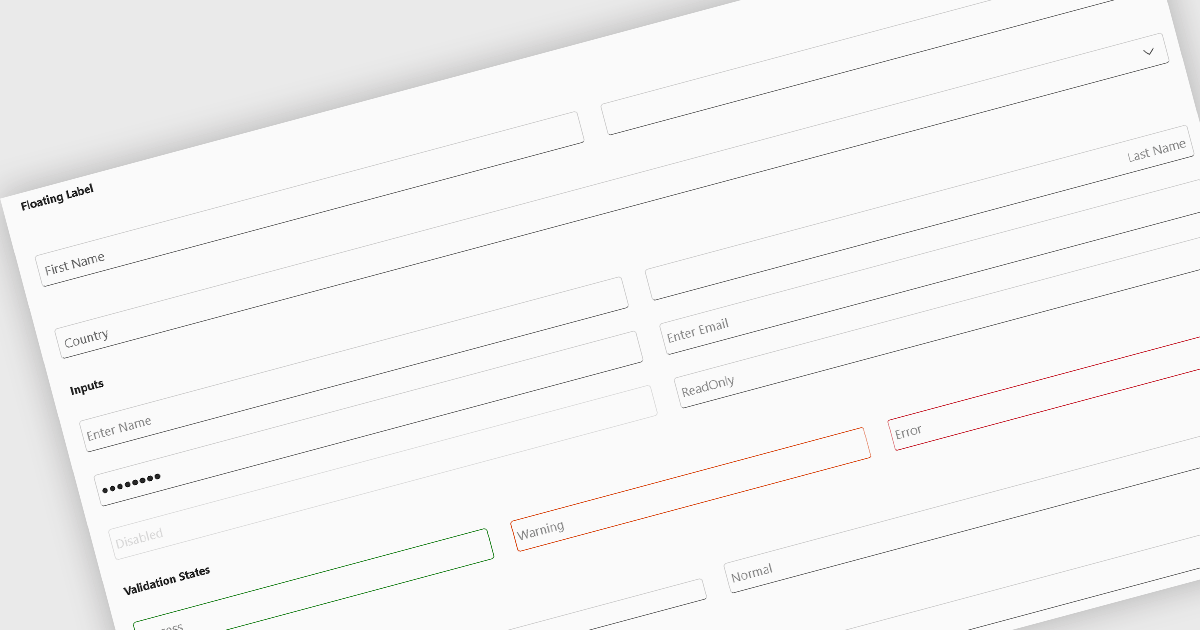
Text box components, also known as text fields, are essential elements allowing users to input and edit text within a user interface. They play a crucial role in forms and dialogs by facilitating data entry, improving user experience through clear labeling and validation, and ultimately enabling users to interact and provide information to the system.
Several Blazor data editor collections offer text box components including:
For an in-depth analysis of features and price, visit our Blazor data editors comparison.
電話: (888) 850 9911
Fax: +1 770 250 6199


