













公式サプライヤー
公式および認定ディストリビューターとして200社以上の開発元から正規ライセンスを直接ご提供いたします。
当社のすべてのブランドをご覧ください。
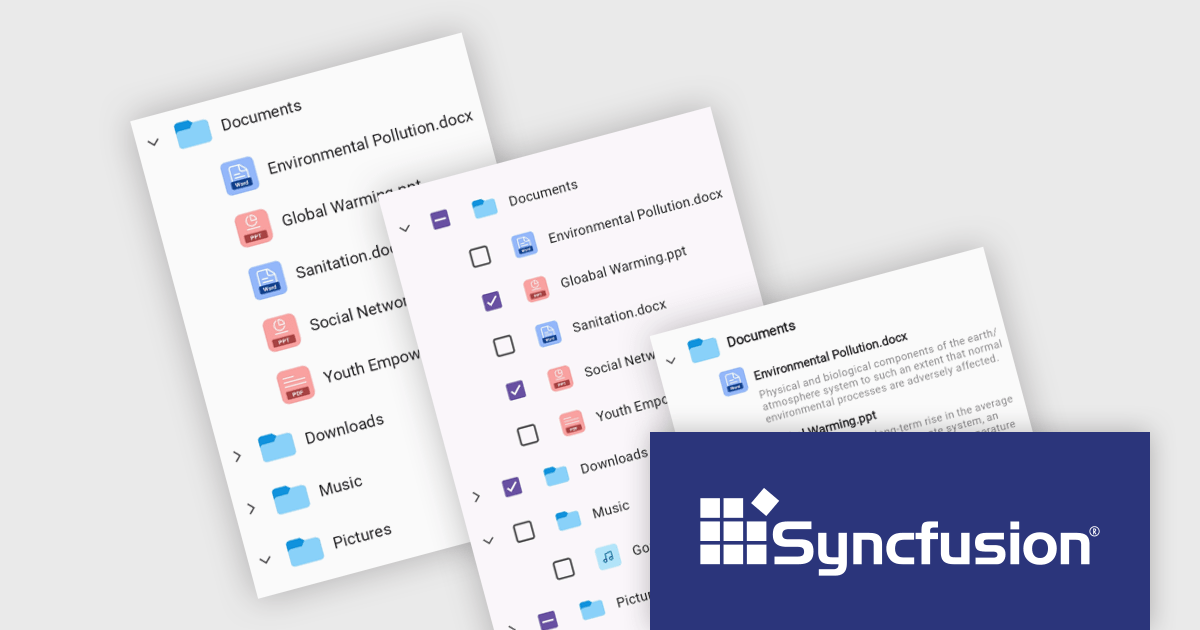
Syncfusion Essential Studio .NET MAUI, available as part of Syncfusion Essential Studio Enterprise, empowers developers with a comprehensive suite of native UI controls, data visualization tools, and performance optimizations for building modern, cross-platform mobile and desktop applications. This professional-grade toolkit leverages the power of C# and XAML, enabling rapid development of stunning and responsive experiences across diverse platforms.
The Syncfusion Essential Studio .NET MAUI 2024 Volume 1 (25.1.35) release introduces the production-ready TreeView component which is designed to display hierarchical data in a familiar tree-like structure. It allows users to expand and collapse branches, ensuring efficient navigation through complex information. Optimized for smooth scrolling and data reuse, the TreeView supports data binding for easy population and offers customization options for both UI appearance and selection behavior.
To see a full list of what's new in version 2024 Volume 1 (25.1.35), see our release notes.
Syncfusion Essential Studio .NET MAUI is available as part of Syncfusion Essential Studio Enterprise which is licensed per developer starting with a Team License of up to five developers. It is available as a 12 Month Timed Subscription License which includes support and maintenance. See our Syncfusion Essential Studio Enterprise licensing page for full details.
For more information, visit our Syncfusion Essential Studio .NET MAUI product page.
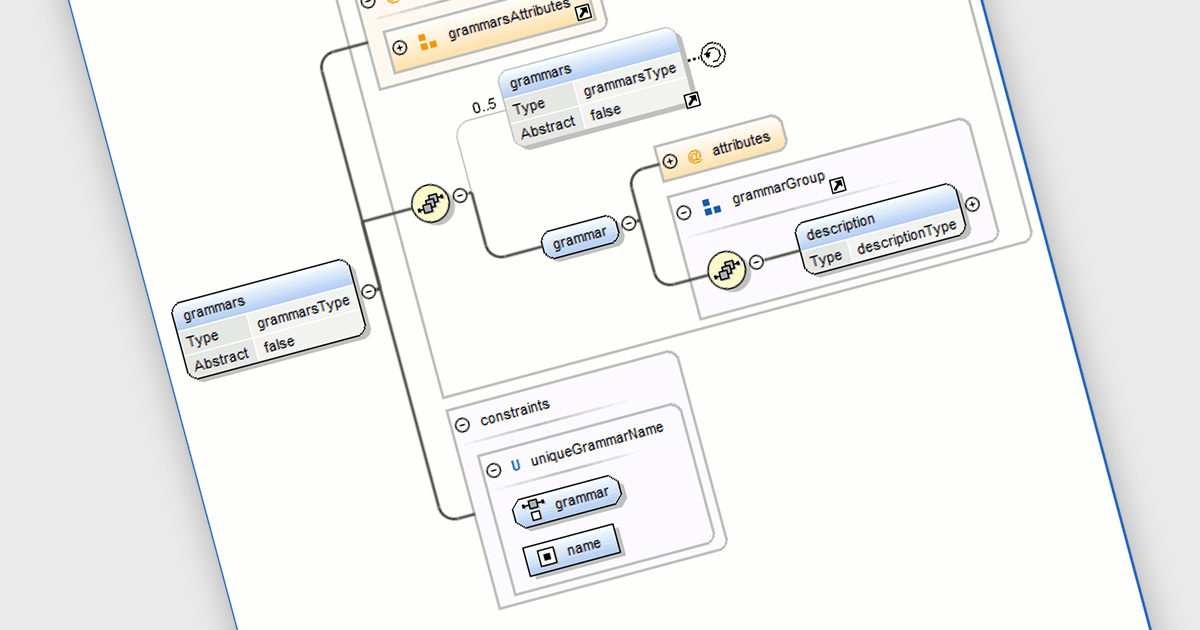
DTD Editing refers to the process of modifying Document Type Definitions (DTDs) within an XML tool's interface. This functionality enables software developers to define and refine the structure, elements, and constraints of XML documents. By providing a centralized platform for DTD manipulation, developers can streamline the document validation process, ensure compliance with predefined standards, and enhance interoperability across different systems. Additionally, DTD editing enables developers to enforce data integrity, improve error handling, and facilitate seamless data exchange within their applications, ultimately contributing to enhanced reliability and efficiency in software development workflows.
Several Structured Document Tools offer DTD Editing including:
For an in-depth analysis of features and price, visit our comparison of Structured Document Tools.
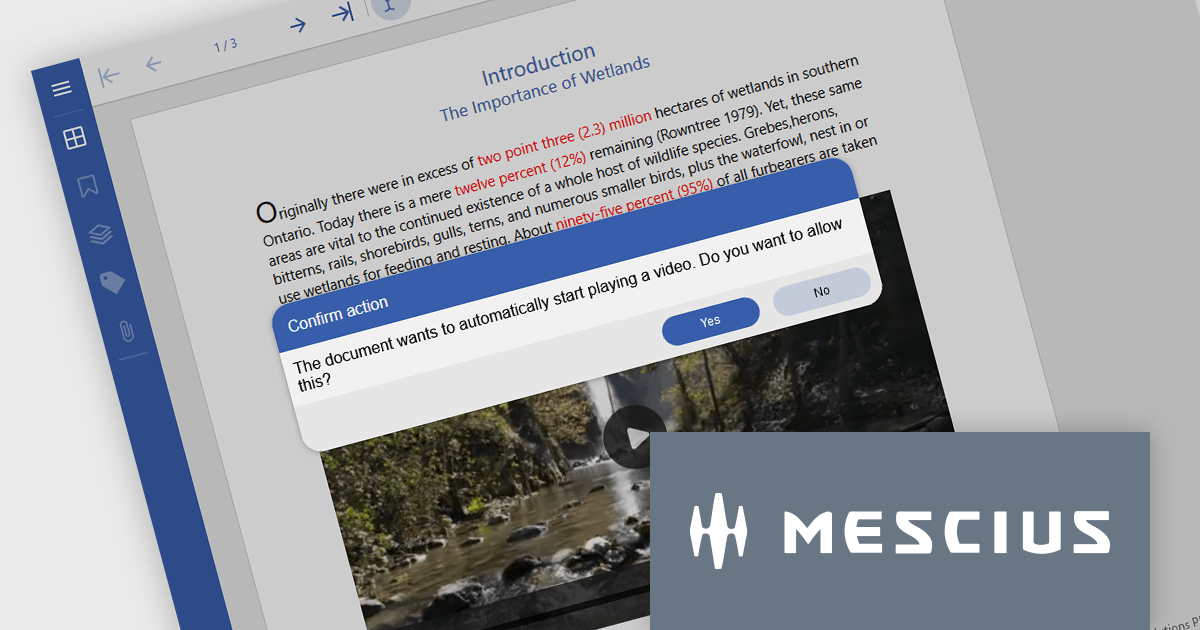
Document Solutions for PDF (DsPdf) by MESCIUS is a software development toolkit that provides .NET Core libraries and a JavaScript PDF viewer for manipulating and displaying PDFs. DsPdf enables developers to create, edit, annotate, and redact PDF documents directly within web applications. The included DsPdfViewer component offers a feature-rich, cross-platform solution for viewing and interacting with PDFs in modern browsers on various operating systems, including mobile devices.
The Document Solutions for PDF (DsPdf) v7.1 update introduces support for Rich Media, enabling developers to embed and interact with multimedia content directly within PDFs. This functionality expands the capabilities of DsPdf beyond traditional text and image manipulation, allowing for the creation of more engaging and interactive PDF documents. Developers can now integrate audio, video, and other multimedia elements into their PDFs, enhancing the user experience and providing new avenues for content creation.
To see a full list of what's new in 7.1, see our release notes.
Document Solutions for PDF is licensed per developer and is available in several license options for differing distribution needs. Team licenses are also available for multiple developers within the same organization. See our Document Solutions for PDF licensing page for full details.
Learn more on our Document Solutions for PDF product page.
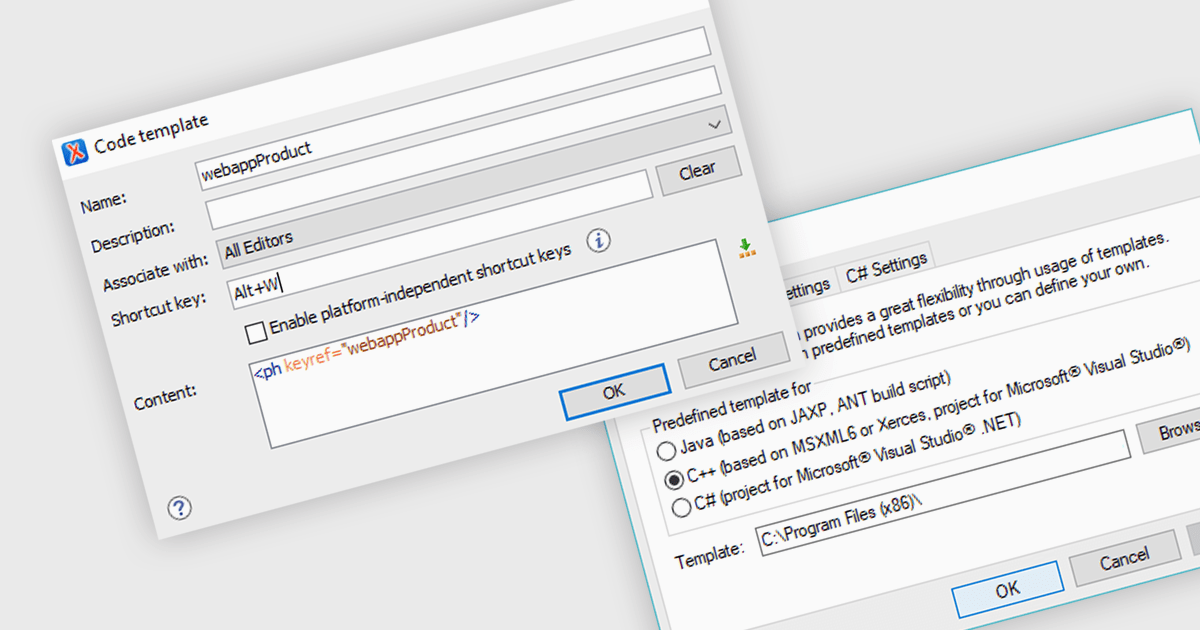
XML code templates offer a time-saving and efficient approach to generating well-structured XML documents. By pre-defining common elements and attributes, these templates ensure consistency and reduce errors during data entry. This reusability proves valuable for tasks like creating product catalogs, financial reports, or any scenario requiring the creation of similar XML structures.
Several structured document tools offer code templates including:
For an in-depth analysis of features and price, visit our Structured Document Tools comparison.
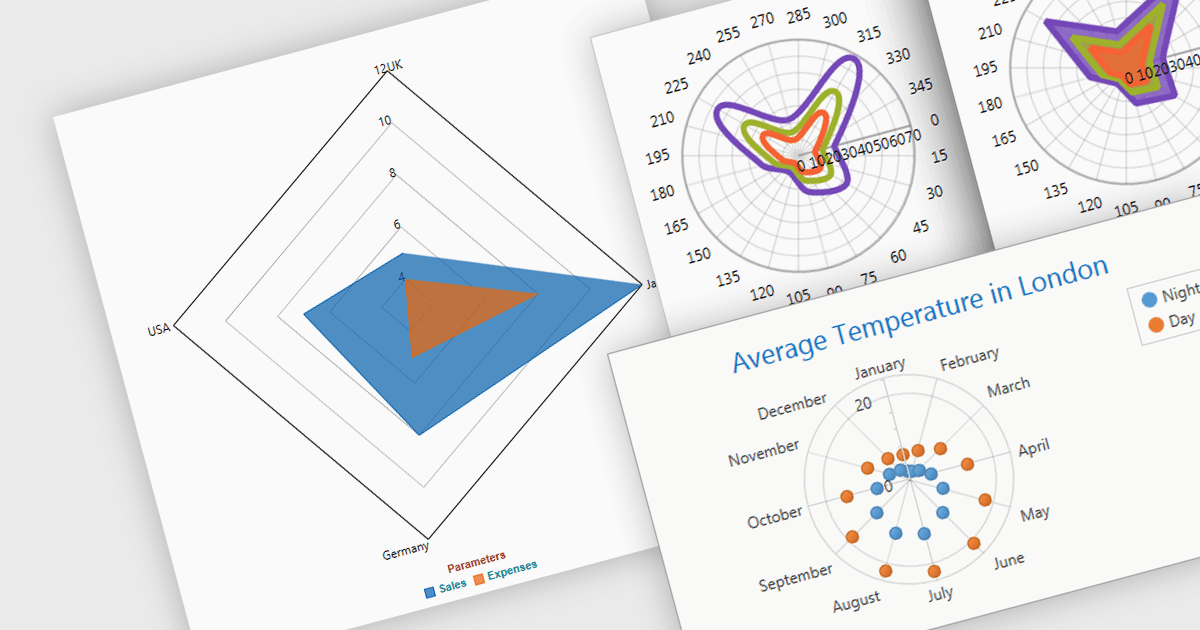
Radar and polar charts are both visualizations for displaying multiple data Radar charts specifically connect the data points to form a web-like shape, highlighting relative strengths and weaknesses across categories. Polar charts focus on the angular relationship between data points. Both are ideal for comparing sets of data with several variables, making them valuable tools in fields like performance analysis, where strengths and weaknesses across different metrics need to be understood.
Several WPF chart components support radar and polar charts, including:
For an in-depth analysis of features and price, visit our comparison of WPF chart components.
電話: (888) 850 9911
Fax: +1 770 250 6199


