













公式サプライヤー
公式および認定ディストリビューターとして200社以上の開発元から正規ライセンスを直接ご提供いたします。
当社のすべてのブランドをご覧ください。
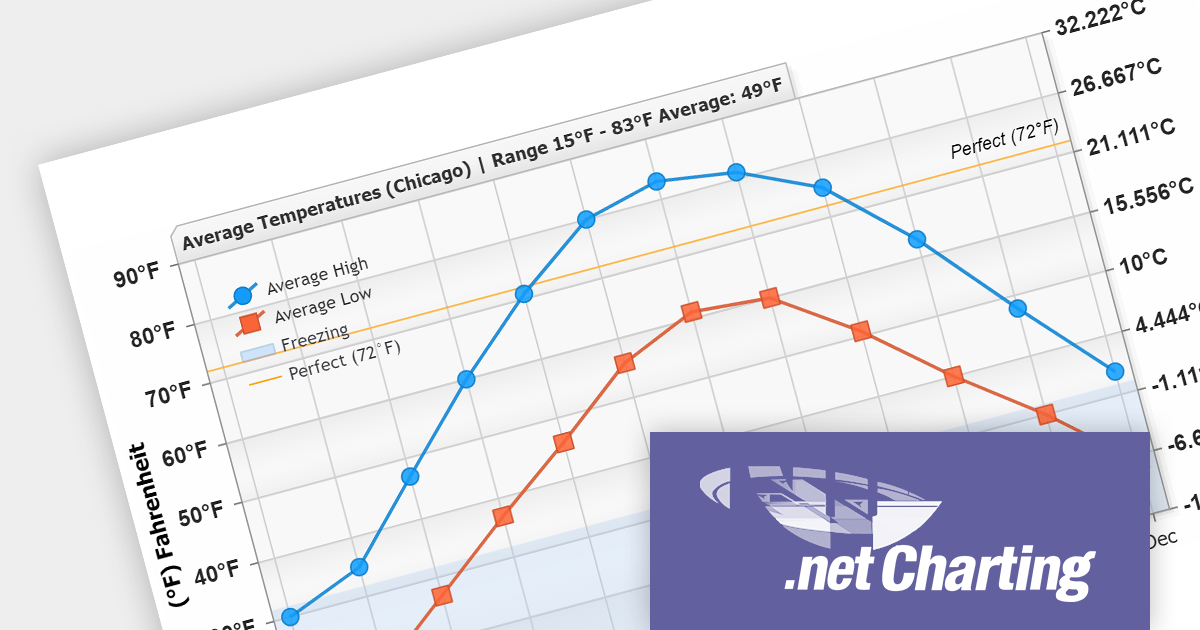
.netCHARTING provides a managed charting solution for C# and VB.NET developers working with ASP.NET or WinForms. It combines visually stunning graphics and a comprehensive interface that help add compelling charts to your apps. This high performance charting control also contains a feature rich data access and aggregation system with calculation support.
The .netCHARTING V10.6 release adds support for .NET 8. This allows developers to enjoy the performance boosts, enhanced cross-platform compatibility, and new APIs in the latest version of Microsoft's popular development framework.
.netCHARTING is licensed per site (1 web site on 1 sever), per server (unlimited web sites on 1 server) or per developer (single application) and is available as a Perpetual License with a 12 month subscription which includes major and minor upgrades and priority email support. See our .netCHARTING licensing page for full details.
For more information, visit our .netCHARTING product page.
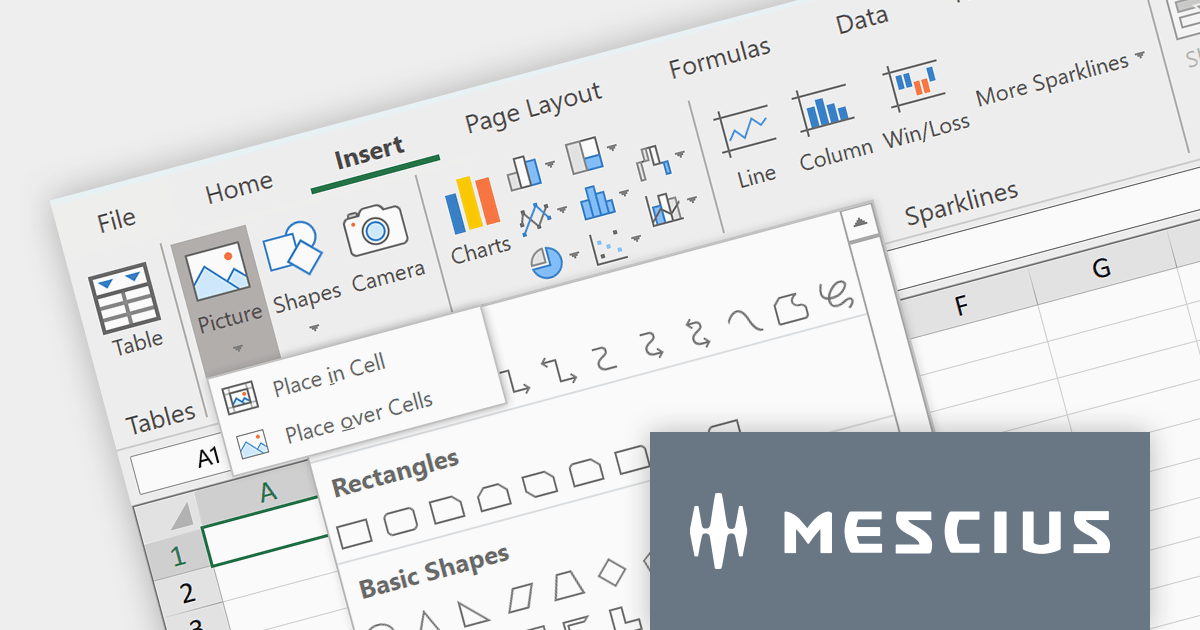
Spread.NET by MESCIUS is a powerful tool for building Excel-like applications in your .NET projects. It lets you create interactive spreadsheets, grids, dashboards, and even forms within WinForms, ASP.NET, and WPF applications. With its rich feature set, including a robust calculation engine, formula support, and Excel compatibility, Spread.NET empowers developers to build data analysis tools, budgeting apps, scientific dashboards, and more, all within the familiar .NET environment.
The Spread.NET v17 release adds a new Ribbon control to modernize your spreadsheet's look and feel. Inspired by Excel, this intuitive interface organizes commands into clear, contextual tabs and groups, making it easy for users to find the tools they need. This modern upgrade not only boosts productivity but also brings a familiar feel to your spreadsheets, streamlining the entire user experience.
To see a full list of what's new in version 17, see our release notes.
Spread.NET is licensed per developer and is available as a Perpetual License with a 12 month support and maintenance subscription. We can supply any Spread.NET license including new licenses, maintenance renewals, and upgrade licenses. See our Spread.NET licensing page for full details.
For more information, visit our Spread.NET product page.
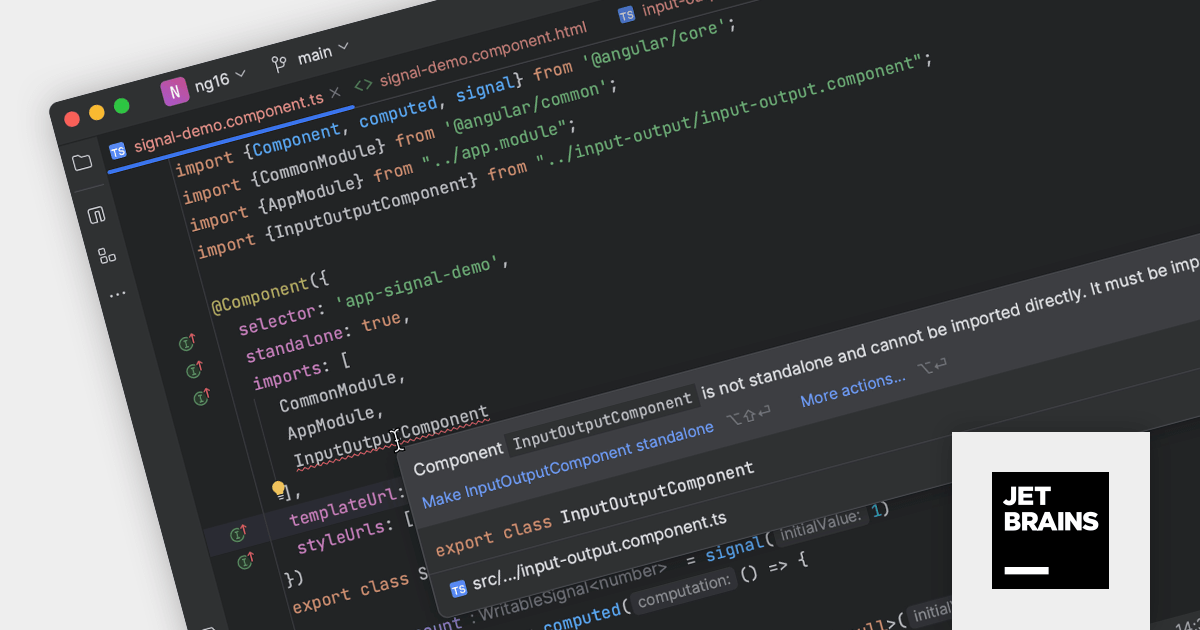
JetBrains WebStorm is a powerful and modern Integrated Development Environment (IDE) specifically designed for web development. It offers a feature-rich environment that supports popular web technologies like JavaScript, HTML, CSS, and Node.js. WebStorm helps you write cleaner, more efficient code with features like syntax highlighting, autocompletion, code refactoring, and built-in testing tools. It integrates seamlessly with various web frameworks and libraries, making it a versatile choice for both front-end and back-end development.
Version 2023.3 is a major release for Angular developers, including:
To see a full list of what's new in version 2023.3, see our release notes.
WebStorm is licensed per user, and is available as a commercial annual subscription license. We can supply new subscriptions, subscription renewals (including continuity discounts), lapsed renewals, and additional user licenses. See our WebStorm licensing page for full details.
For more information, visit our WebStorm product page.
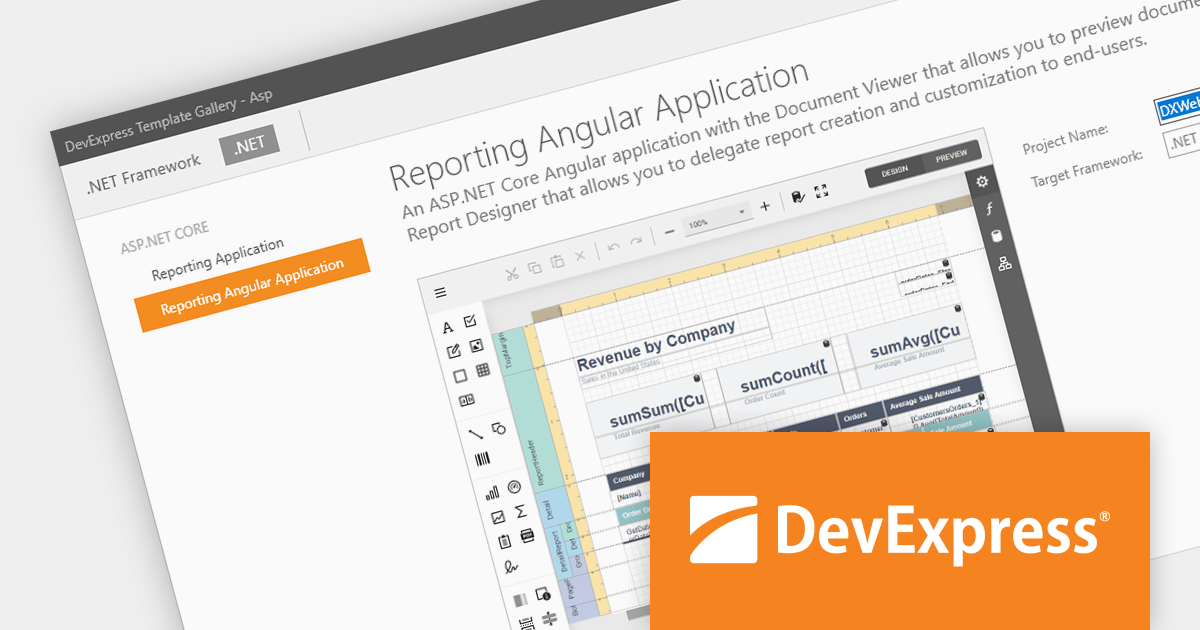
DevExpress Reporting is a powerful, versatile tool for building reports in the .NET ecosystem. It lets you design professional-looking reports with a visual editor, connect to various data sources, and customize them with charts, graphs, and interactive elements. Whether you're creating invoices, sales summaries, or complex dashboards, DevExpress Reporting offers the flexibility and features to bring your data to life in a clear and insightful way. It integrates seamlessly with WinForms, WPF, Web, and Blazor applications, making it a popular choice for developers who need a robust reporting solution.
The DevExpress Reporting 23.2 release introduces a native Angular Report Viewer. This new component seamlessly integrates into your Angular applications, eliminating the need for Knockout.js. Built for performance, it leverages native platform rendering for lightning-fast document visualization. Property management is simplified, replacing observable complexities with a straightforward event-based mechanism. To optimize development, you can now utilize native Angular components as templates for report viewer elements. Embrace a streamlined, efficient, and Knockout-free reporting experience with the Native Angular Report Viewer.
To see a full list of what's new in version 23.2, see our release notes.
DevExpress Reporting is licensed per developer and is available as a Perpetual License with a 12 month support and maintenance subscription. See our DevExpress Reporting licensing page for full details.
DevExpress Reporting is available to buy in the following products:
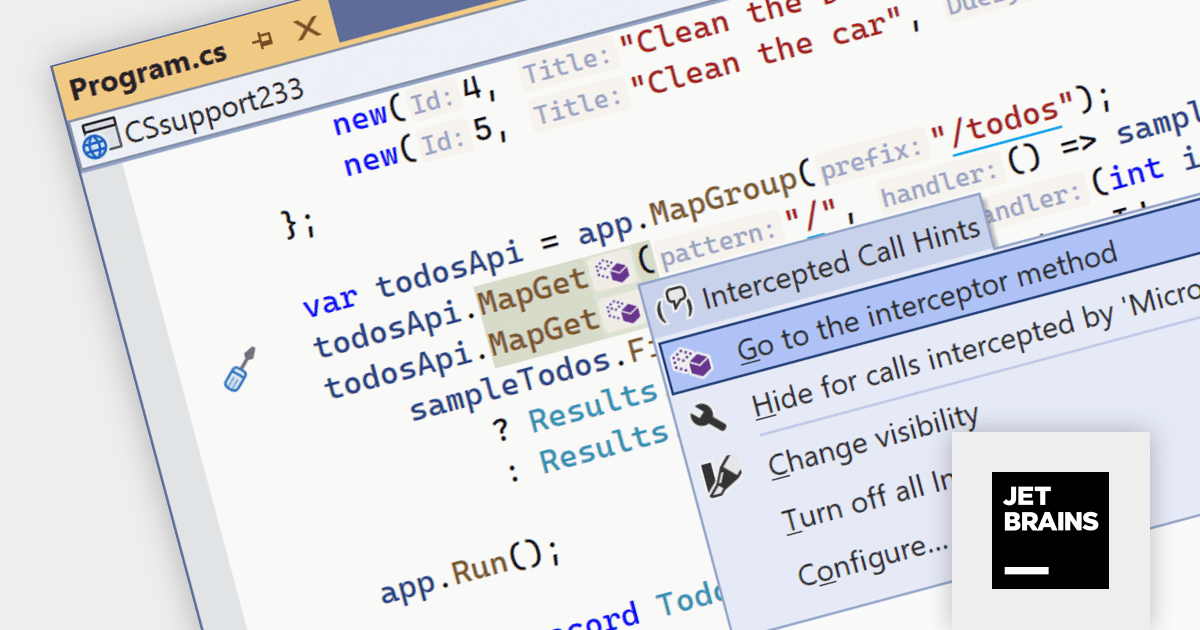
ReSharper is an intelligent add-in for Visual Studio. It comes equipped with a rich set of features including intelligent coding assistance, on-the-fly error highlighting and quick error correction. ReSharper also supports code refactoring, unit testing, navigation and search.
The ReSharper 2023.3 release improves C# 12 features with support for primary constructors, alias directives to reference any kind of type, collection expressions and interceptors. Eliminate repetitive field declarations and assignments by directly using primary constructor parameters within members. Constructor logic becomes more streamlined and focused, enhancing code clarity and maintainability. Easily transform existing classes and structs to leverage primary constructors, guided by ReSharper's refactoring capabilities.
To see a full list of what's new in version 2023.3, see our release notes.
ReSharper is licensed per user, and is available as a commercial annual subscription license. We can supply new subscriptions, subscription renewals (including continuity discounts), lapsed renewals, and additional user licenses. See our ReSharper licensing page for full details.
For more information, visit our ReSharper product page.
電話: (888) 850 9911
Fax: +1 770 250 6199


