













公式サプライヤー
公式および認定ディストリビューターとして200社以上の開発元から正規ライセンスを直接ご提供いたします。
当社のすべてのブランドをご覧ください。
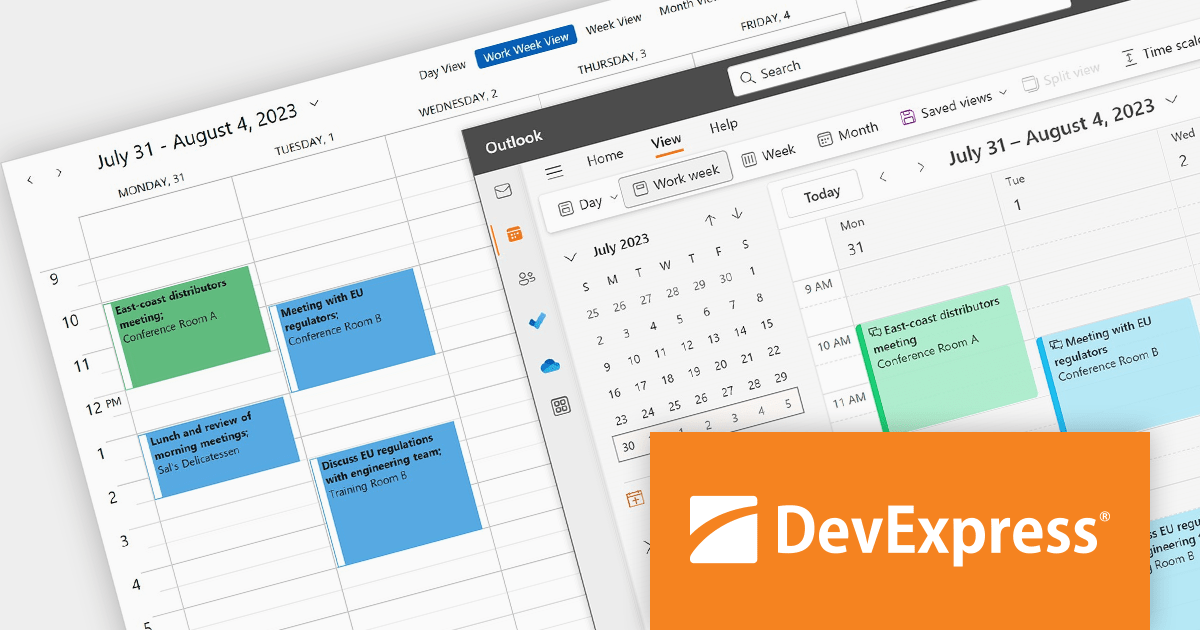
DevExpress WPF is a powerful suite of controls that enhances your WPF development toolkit. It offers data grids, ribbon menus, rich text editors, spreadsheets, charts, and more – all with beautiful themes and touch-friendly interfaces. DevExpress WPF empowers you to build professional-looking, responsive applications that meet modern user expectations, saving you time and effort while adding polish and functionality.
The DevExpress WPF 23.2 update helps you stay organized and on top of your schedule. The WPF Scheduler component now seamlessly connects with Microsoft 365 (Outlook) Calendars. Effortlessly export appointments, import events, and even merge calendars and resolve conflicts with ease.
To see a full list of what's new in version 23.2, see our release notes.
DevExpress WPF is licensed per developer and is available as a Perpetual License with a 12 month support and maintenance subscription. We can supply new subscriptions, subscription renewals, and additional licenses. See our DevExpress WPF licensing page for full details.
DevExpress WPF is available to buy in the following products:
Infragistics App Builder is a cloud-based tool that helps designers and developers build modern web apps faster. It acts as a bridge between design and code, letting you drag-and-drop UI components and generate production-ready Angular or Blazor code instantly. This eliminates the need for hand-coding layouts and saves time, allowing you to iterate on designs quickly and get feedback sooner. App Builder is a visual development platform that includes a toolbox of 60+ UI controls to turn your ideas into pixel-perfect apps without the coding headache.
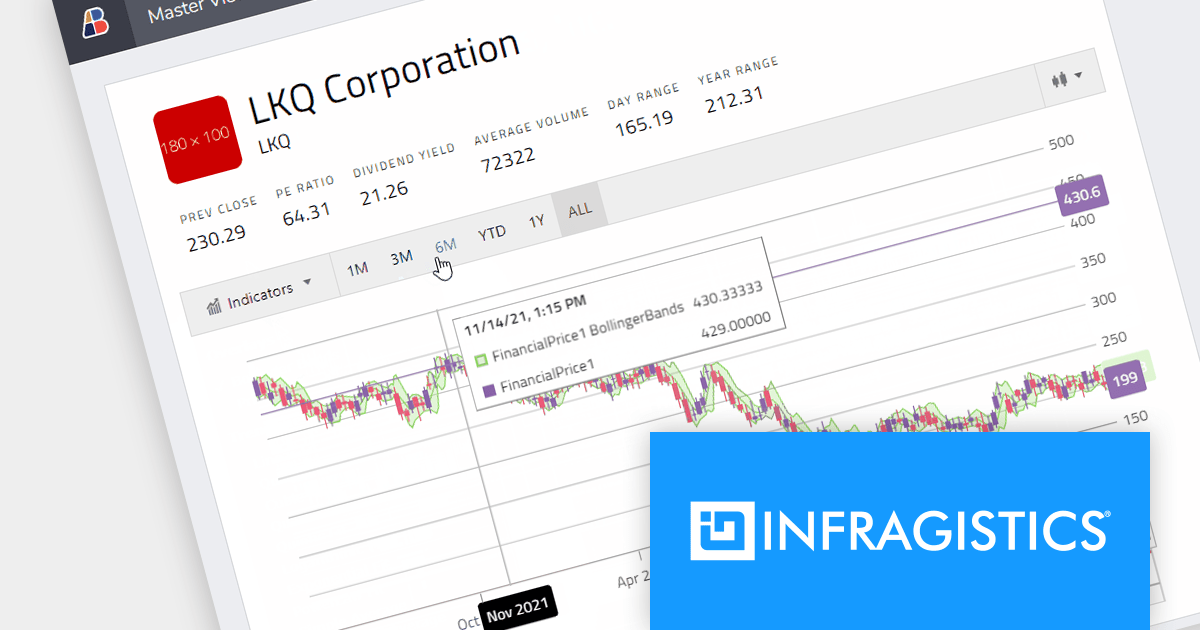
The December 2023 release adds a new financial chart component to the App Builder Toolbox. This comprehensive visualization tool presents stock ticker data or price data in a dynamic time-series display. The Financial Chart illustrates the progression of stock prices for a specific ticker over time, plotted on a Time Series X-Axis. Additionally, it provides details such as the open, high, low, and close prices (OHLC) of a company's ticker data, which can be adjusted for different time periods.
This new component unleashes the power of market visualization, transforming raw data into captivating stories. Users can track stock prices over time, compare multiple tickers, and dissect key metrics, all within an interactive interface. This empowers users to gain deeper insights, make informed decisions, and even learn the language of the market, making your app an invaluable tool for investors, analysts, and anyone curious about the financial world.
To see a full list of what's new in the December 2023 release, see our release notes.
Infragistics App Builder is licensed per user as an annual subscription. It is available as Cloud and On Premise solutions. See our Infragistics App Builder licensing page for full details.
For more information, visit our Infragistics App Builder product page.

Financial apps can be significantly enriched by integrating open-high-low-close charts. These versatile visualizations condense price movement data into clear, concise bars, empowering users to rapidly grasp market trends and identify potential trading opportunities. With a quick glance, users can assess open, high, low, and closing prices within a chosen timeframe, gaining valuable insights into market sentiment and volatility. This immediate understanding fosters informed decision-making, transforming your Vue.js app into a dynamic platform for financial analysis and informed action.
Several Vue.js chart controls offer OHLC charts including:
For an in-depth analysis of features and price, visit our Vue.js chart controls comparison.
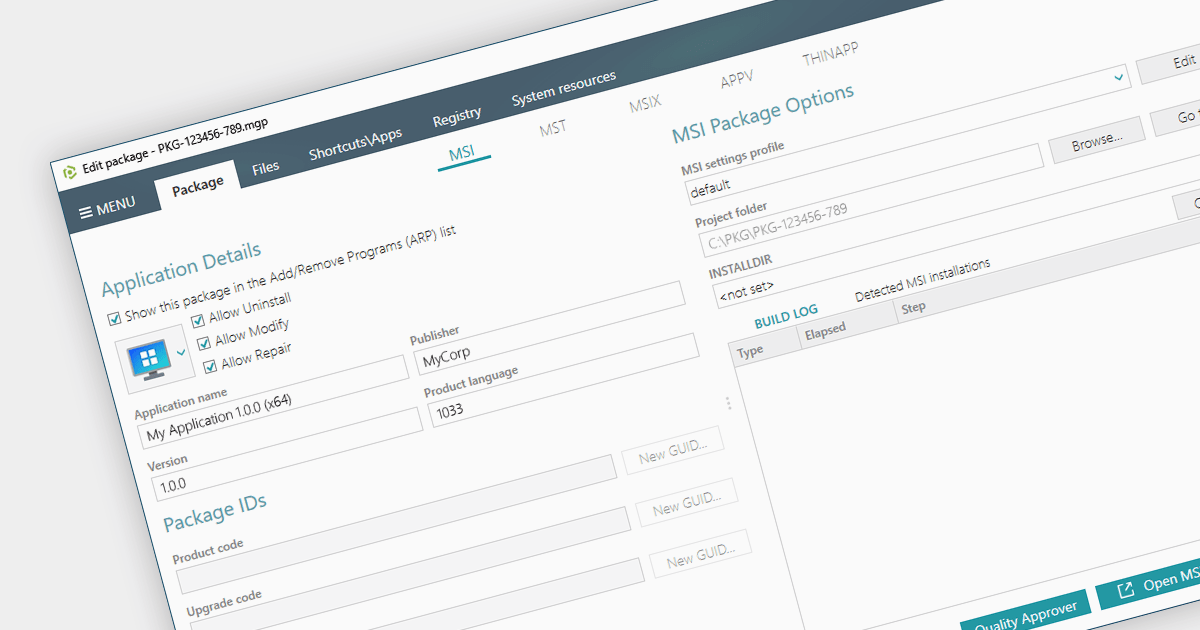
Converting an EXE to an MSI provides a wealth of benefits for system administrators. Forget manual installations across countless devices - MSIs integrate seamlessly with management tools, automating deployment and silent installs. MSIs also track every change, allowing you to easily roll back or uninstall with a single click. Security gets a boost too, with granular permissions and dependency checks ensuring only authorized components are allowed onto your systems. Centralized management means you can store and manage all your MSIs in one place, making software updates and license distribution easier than ever.
Several installation tools provide EXE to MSI conversion including:
For an in-depth analysis of features and price, visit our Windows Installation Tools comparison.
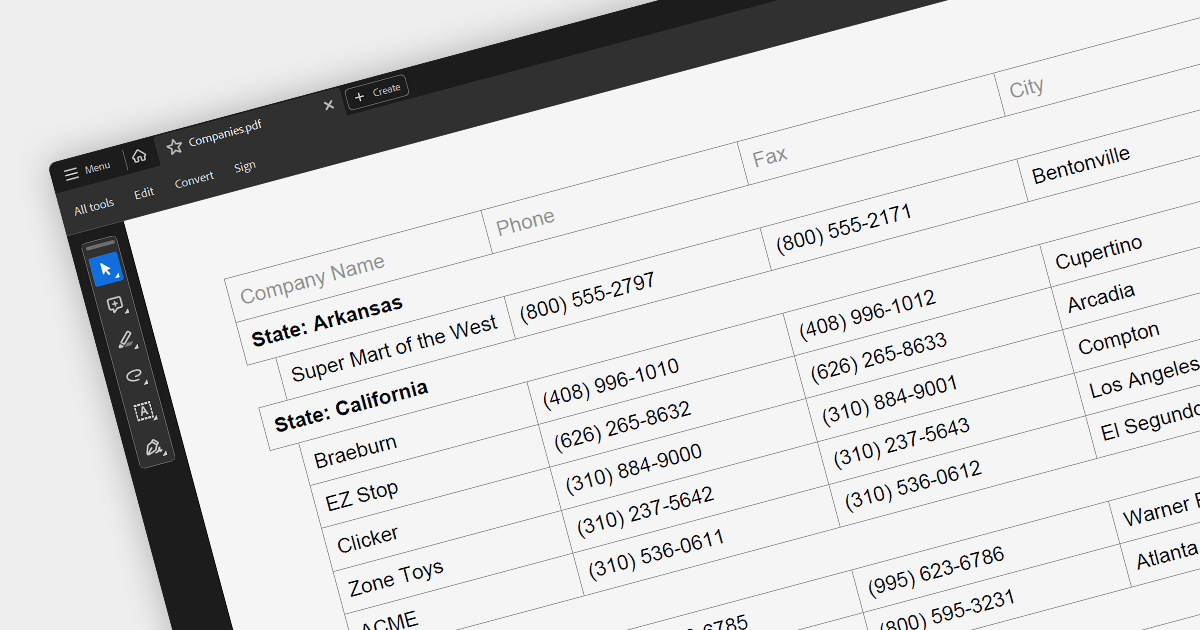
PDF export is a powerful feature in grid controls, allowing users to capture and share data presented in a readily accessible format. This functionality typically involves dedicated methods or settings within the grid, enabling seamless transformation of the displayed data into a structured PDF document. Users often have control over what sections and columns to export, along with formatting options like headers, fonts, and page layout. This flexibility makes PDF export ideal for generating printable reports, archiving snapshots of grid data, and distributing information beyond the confines of the application.
Several ASP.NET Core grids support exporting to PDF including:
For an in-depth analysis of features and price, visit our ASP.NET Core grids comparison.
電話: (888) 850 9911
Fax: +1 770 250 6199


