













公式サプライヤー
公式および認定ディストリビューターとして200社以上の開発元から正規ライセンスを直接ご提供いたします。
当社のすべてのブランドをご覧ください。
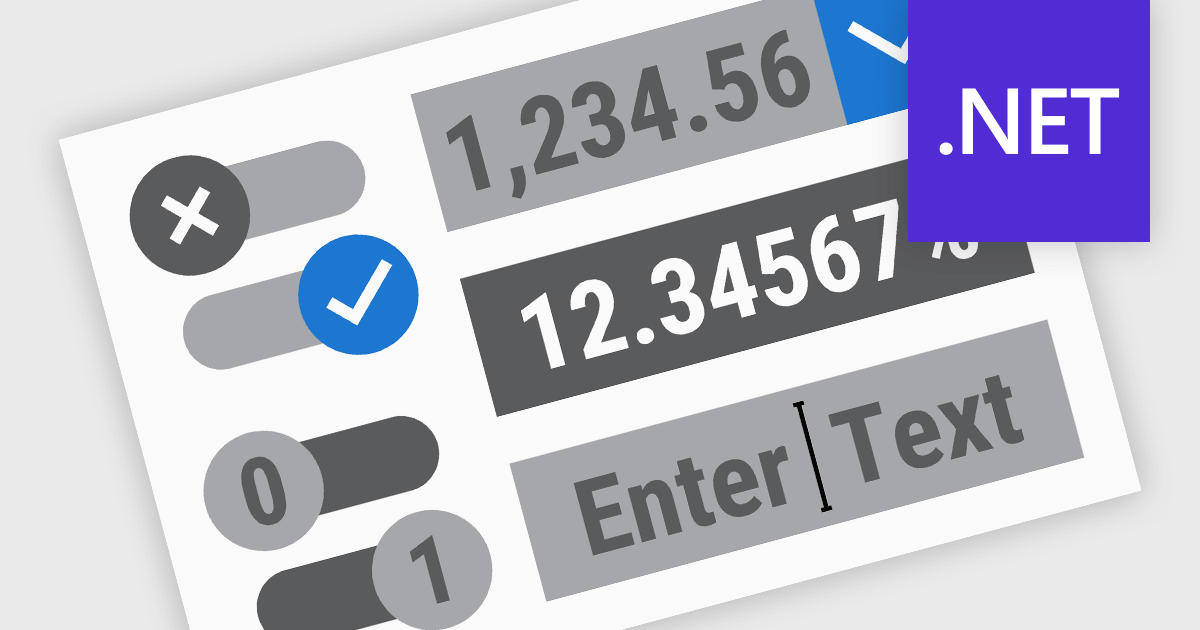
.NET Data Editor components provide a versatile set of tools for handling text, numeric, and Boolean data input within applications. These components enable developers to create user-friendly interfaces that accommodate various data entry needs, from simple text input to structured numeric formats and binary (true/false) selections. By integrating these editors, applications can ensure accuracy, enhance user experience, and streamline data validation. Whether used in forms, reports, or interactive dashboards, these components are essential for building efficient and responsive applications.
Common text, numeric and boolean data editor .NET controls include:
For an in-depth analysis of features and price, visit our .NET Data Editors comparison.
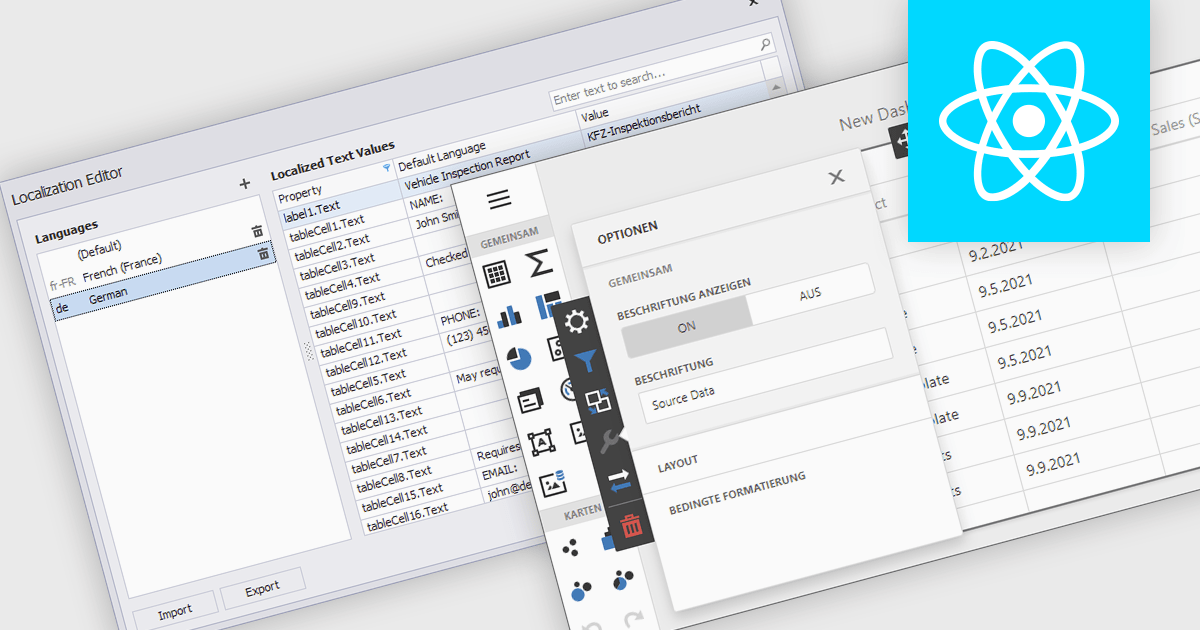
Localization is the process of adapting the user interface and data formatting to support multiple languages and regional conventions. This ensures users can interact with the editor in their preferred language while maintaining accuracy in date, number, and currency formats. It enhances usability, improves accessibility for global teams, ensures compliance with regional standards, and minimizes errors caused by inconsistent formatting. By enabling seamless multilingual collaboration, localization helps developers create inclusive, globally scalable applications that provide a consistent user experience across diverse markets.
Several React data editor collections offer localization support including:
For an in-depth analysis of features and price, visit our React data editors comparison:
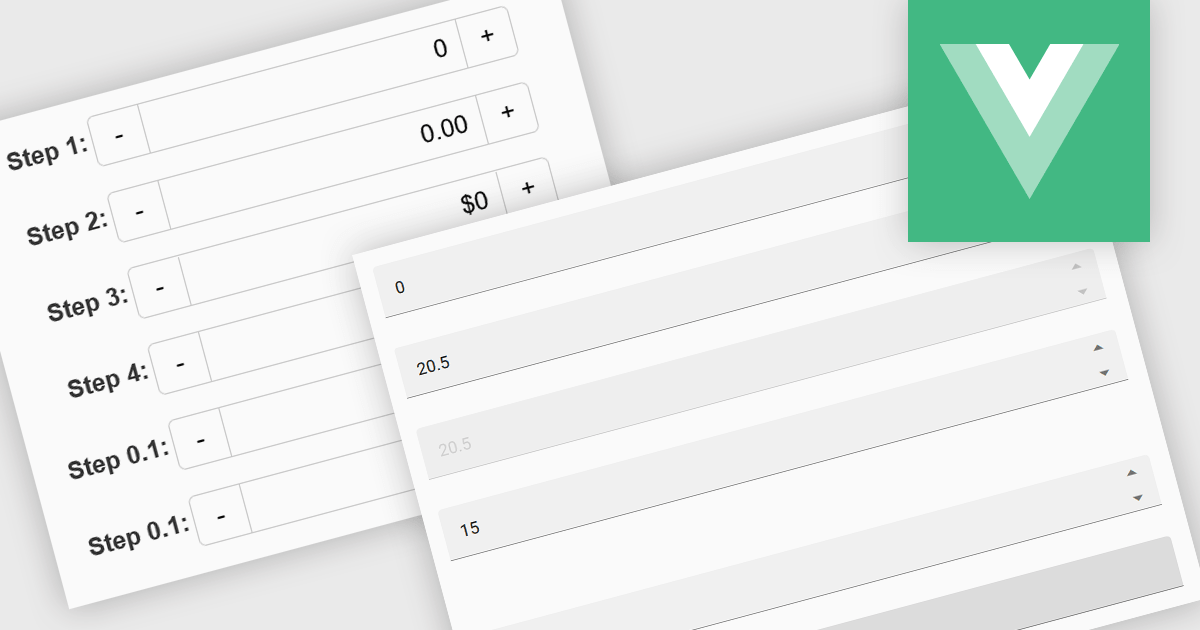
Numeric Spin data editor controls are intended for the efficient and precise input of numerical values. By combining an edit box with up/down spin buttons, users may either type to input directly or utilize the spin buttons to increase or decrease the value. This method promotes faster and less error-prone data entry than manual typing, particularly for large quantities or recurrent value revisions. Many spin editors include built-in validation, range limitations, data type selection, and formatting choices, which further improve data accuracy.
Several Vue.js data editor collections contain numeric spin components including:
For an in-depth analysis of features and price, visit our Vue.js data editors comparison.
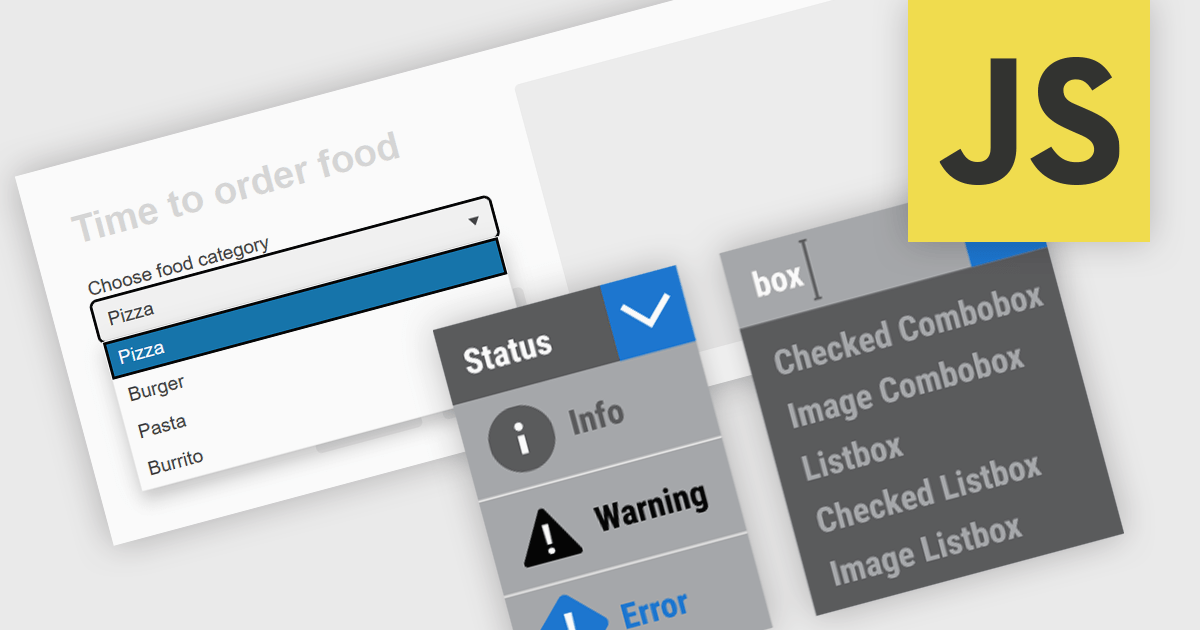
Dropdowns and list-based data editors in JavaScript are versatile UI components that offer flexibility and control to both users and developers. They facilitate the selection of options, with a structured way to display and interact with predefined data sets. These editors enhance the user experience by allowing streamlined input, offering features like single or multiple selection, visual representation with images, and checkbox integration. They are widely used in web applications for tasks such as form filling, filtering data, or setting configuration options.
Common dropdowns and list-based data editors include:
For an in-depth analysis of features and price, visit our JavaScript data editors comparison.
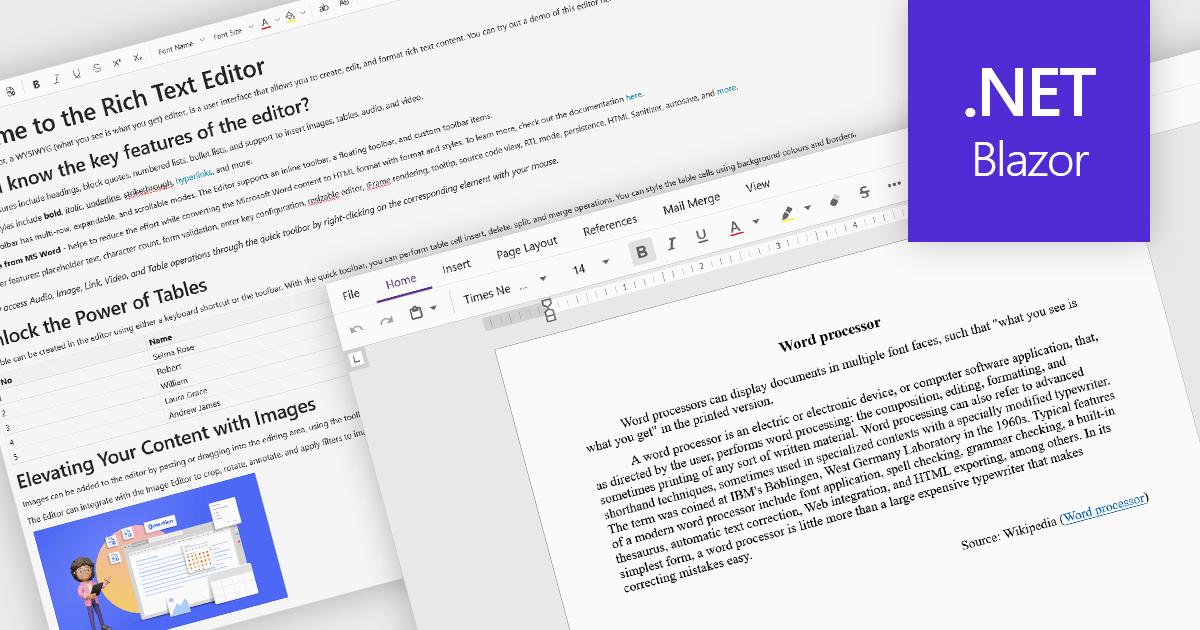
Rich Text Format (RTF) are specialized tools that enable the creation and manipulation of richly formatted text within development environments. The WYSIWYG (What You See Is What You Get) interface allows end users to easily design and format content visually without needing to write code, enhancing usability and reducing the learning curve. These editors commonly offer features such as text formatting, alignment options, list creation, image embedding, and table support, facilitating seamless incorporation of formatted content into applications, documentation, and user interfaces. Benefits include increased productivity, consistent cross-platform formatting, and minimized coding effort for managing text styles. Common use cases involve designing user documentation, generating dynamic web and mobile content, creating rich-text emails, and developing content management systems. By providing intuitive WYSIWYG capabilities, RTF editors are essential for developers aiming to integrate sophisticated text features efficiently into their projects.
Several Blazor data editor collections offer RTF editing capabilities including:
For an in-depth analysis of features and price, visit our Blazor data editors comparison.
電話: (888) 850 9911
Fax: +1 770 250 6199


