













公式サプライヤー
公式および認定ディストリビューターとして200社以上の開発元から正規ライセンスを直接ご提供いたします。
当社のすべてのブランドをご覧ください。
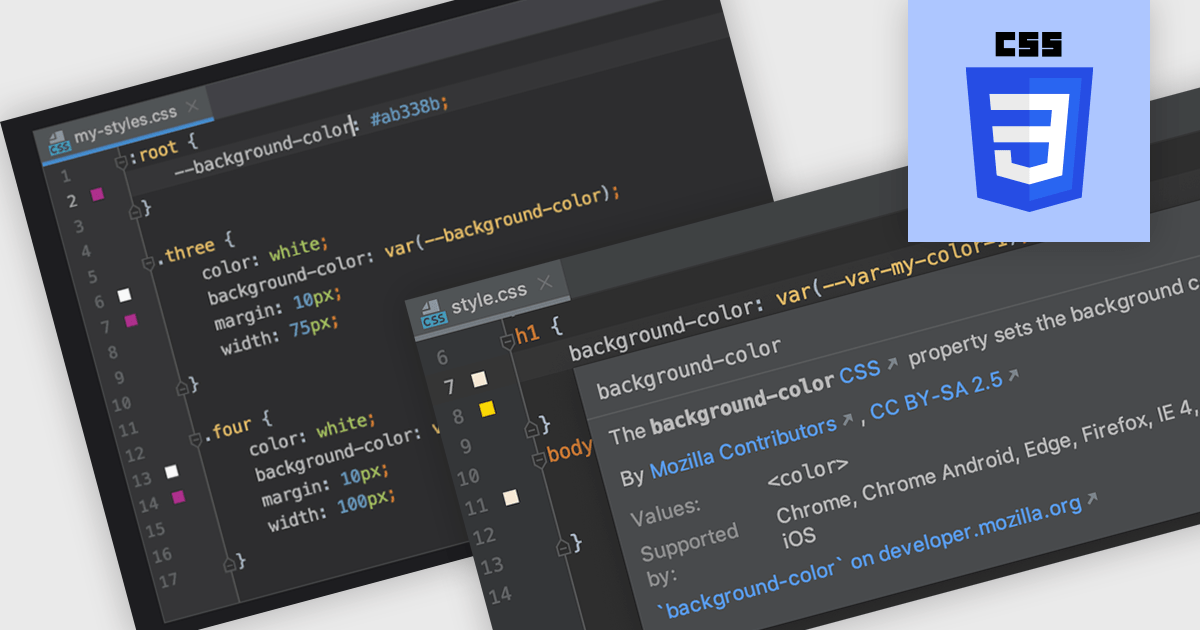
CSS (Cascading Style Sheets) is the language used to define the presentation of HTML documents. IDEs with CSS support include features that simplify writing, debugging, and managing stylesheets. With syntax highlighting, code completion, real-time validation, and integrated documentation, developers can catch errors early and speed up development. These tools enhance efficiency and accuracy, leading to cleaner code and better-performing web applications.
Several Integrated Development Environments (IDEs) offer Cascading Style Sheets (CSS) support including:
For an in-depth analysis of features and price, visit our comparison of IDEs.
Embarcadero is celebrating 30 years of innovation with a special month-long event! Throughout February, the company is hosting 30 exclusive webinars, bringing together developers, industry experts, and technology enthusiasts to explore the latest advancements in RAD Studio, Delphi, C++Builder, and more. Whether you’re looking to enhance your skills, discover new tools, or gain insights from experts, this webinar series offers something for everyone. Don’t miss this opportunity to be part of the celebration and learn from the best in the industry!
Join Embarcadero Developer Advocate Ian Barker for an exciting lineup of 30 webinars, running every Tuesday and Friday until April 28, 2025. As part of the series, don’t miss a special 30th birthday webinar on February 14, 2025, celebrating three decades of innovation!
Learn more about Embarcadero's 30 for 30 webinar schedule.
Register today for the webinars and discover how you can harness Embarcadero’s powerful tools to enhance your development and productivity.
Explore the full range of products and latest news on our Embarcadero brand page.

JetBrains WebStorm is a powerful and modern Integrated Development Environment (IDE) specifically designed for web development. It offers a feature-rich environment that supports popular web technologies like JavaScript, HTML, CSS, and Node.js. WebStorm helps you write cleaner, more efficient code with features like syntax highlighting, auto-completion, code refactoring, and built-in testing tools. It integrates seamlessly with various web frameworks and libraries, making it a versatile choice for both front-end and back-end development.
JetBrains WebStorm enhances the Tailwind CSS development experience by providing seamless integration with its intelligent coding tools. It supports the latest Tailwind features like cascade layers, custom properties, and container queries, offering autocompletion, hover previews, and real-time error detection to streamline development. With support for high-performance builds and accurate P3 color previews, WebStorm ensures developers can efficiently create visually rich, responsive designs while maintaining clean and optimized code. The IDE’s robust navigation and project-wide search capabilities further simplify managing Tailwind CSS configurations, making WebStorm an ideal choice for developers seeking speed, precision, and efficiency in their workflows.
WebStorm is licensed per user, and is available as a commercial annual subscription license. We can supply new subscriptions, subscription renewals (including continuity discounts), lapsed renewals, and additional user licenses. See our WebStorm licensing page for full details.
WebStorm is available to buy individually, or as part of the JetBrains All Products Pack.
1995年のリリース以来、Delphiは高性能なアプリケーション開発を支えるツールとして進化を続けてきました。2025年2月、Delphiは30周年を迎えます。これを記念し、Delphi、C++Builder、RAD Studioの各製品を特別価格でご提供する「Delphi 30周年記念キャンペーン」 を実施いたします。本キャンペーンでは、最新バージョン RAD Studio / Delphi / C++Builder 12 Athens の Professional / Enterprise / Architect 各エディションを、期間限定の特別価格でご購入いただけます。
各製品別のキャンペーン詳細およびご購入は、以下のリンクからご確認いただけます。
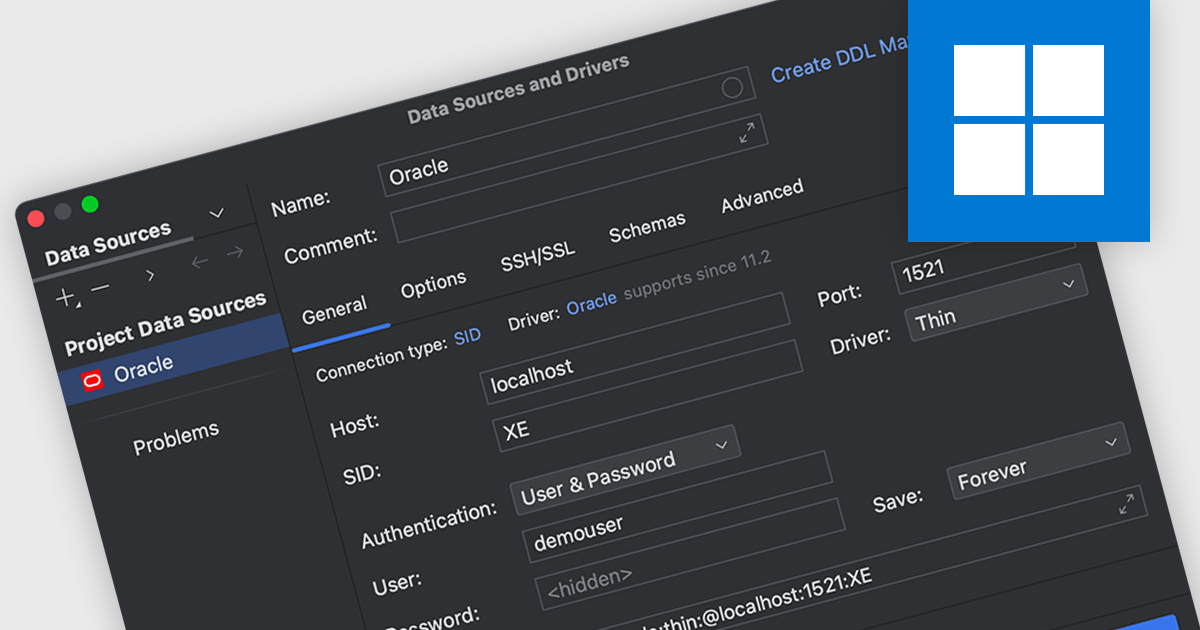
Oracle connectivity allows an Integrated Development Environment (IDE) to seamlessly interact with Oracle databases, making it a central hub for database-related tasks. Developers can connect directly to databases within the IDE to execute SQL queries, browse objects, debug stored procedures, and more, all without switching to a separate database client. This streamlined integration enhances productivity and reduces the likelihood of errors by keeping workflows consistent and efficient.
Several integrated development environments (IDEs) offer Oracle connectivity including:
For an in-depth analysis of features and price, visit our comparison of IDEs.
電話: (888) 850 9911
Fax: +1 770 250 6199


