













公式サプライヤー
公式および認定ディストリビューターとして200社以上の開発元から正規ライセンスを直接ご提供いたします。
当社のすべてのブランドをご覧ください。
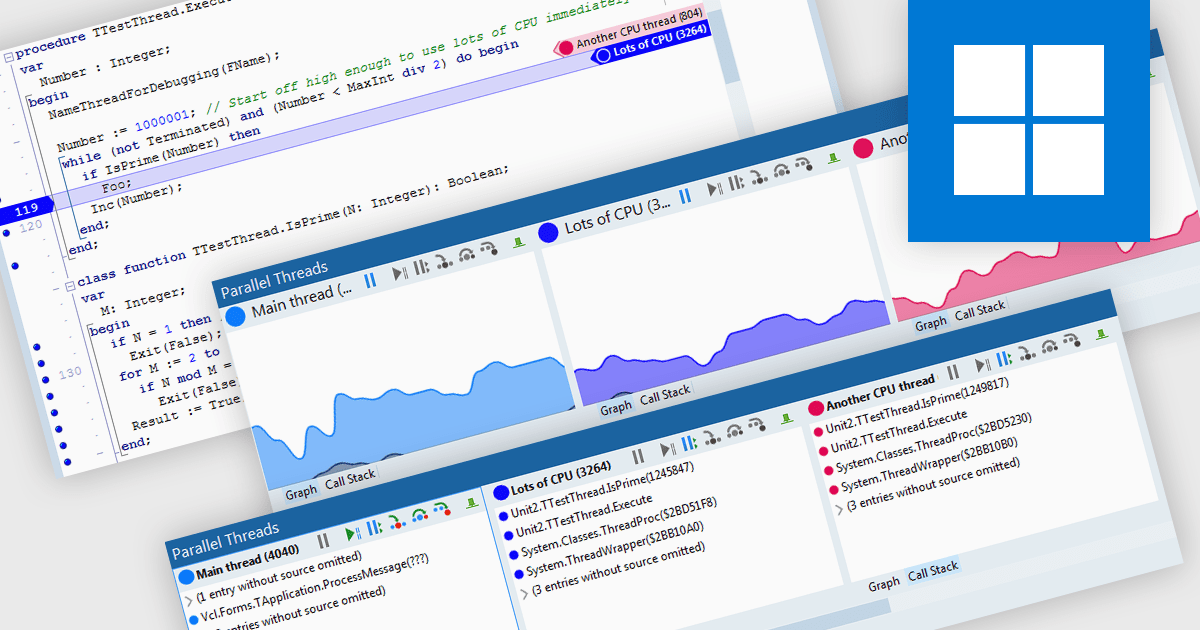
Code threading enables concurrent execution of multiple tasks within a single program, sharing resources. Each thread acts as an independent mini-program, often implemented through subroutine calls. This approach improves application responsiveness (for example syntax highlighting while compiling code) and CPU utilization but necessitates careful debugging due to complexities in thread scheduling. Debugging threaded code is crucial for ensuring software reliability and performance as it tackles issues arising from interactions and timing between these concurrent threads.
Several integrated development environments allow you to debug threaded code, including:
For an in-depth analysis of features and price, visit our comparison of IDEs.
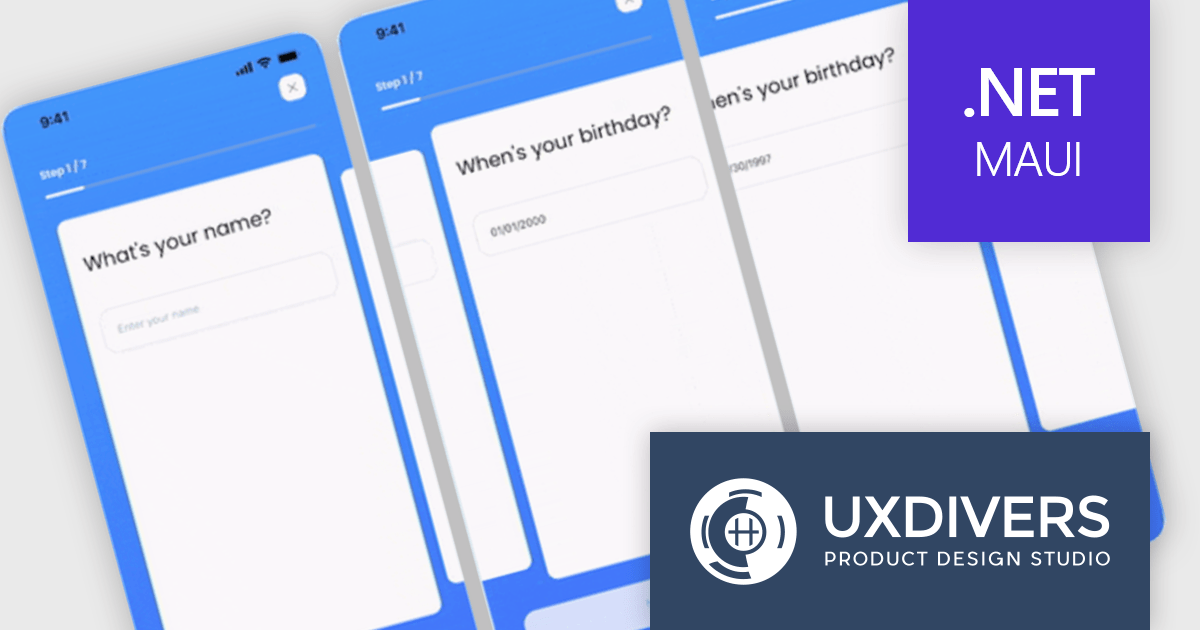
Grial UI Kit by UXDivers is a collection of pre-designed user interface components and templates specifically built for Xamarin.Forms and .NET MAUI app development. It offers a wide range of customizable XAML code snippets, custom controls, and helpers, allowing developers to rapidly build modern and visually appealing mobile applications for Android and iOS platforms while focusing on the core functionalities of the app.
The Grial UI Kit 4.2.114 release introduces an enhanced Carousel component designed for displaying lists of elements with a familiar, swipeable interface. Inspired by .NET MAUI's CarouselView, the Carousel is a flexible UI component that allows for extensive customization of appearance, behavior, and animations. It offers features like pre-built animations, commands to notify view models of carousel state changes, MVVM compatibility for data binding, optimized performance with virtualization, and a comprehensive API for controlling looping, positioning, item appearance, dragging, events, and integration with Grial's Progressive Animations.
To see a full list of what's new in 4.2.114.0, see our release notes.
Grial UI Kit is licensed per application and is available as an perpetual license. See our Grial UI Kit licensing page for full details.
For more information, see our Grial UI Kit product page.
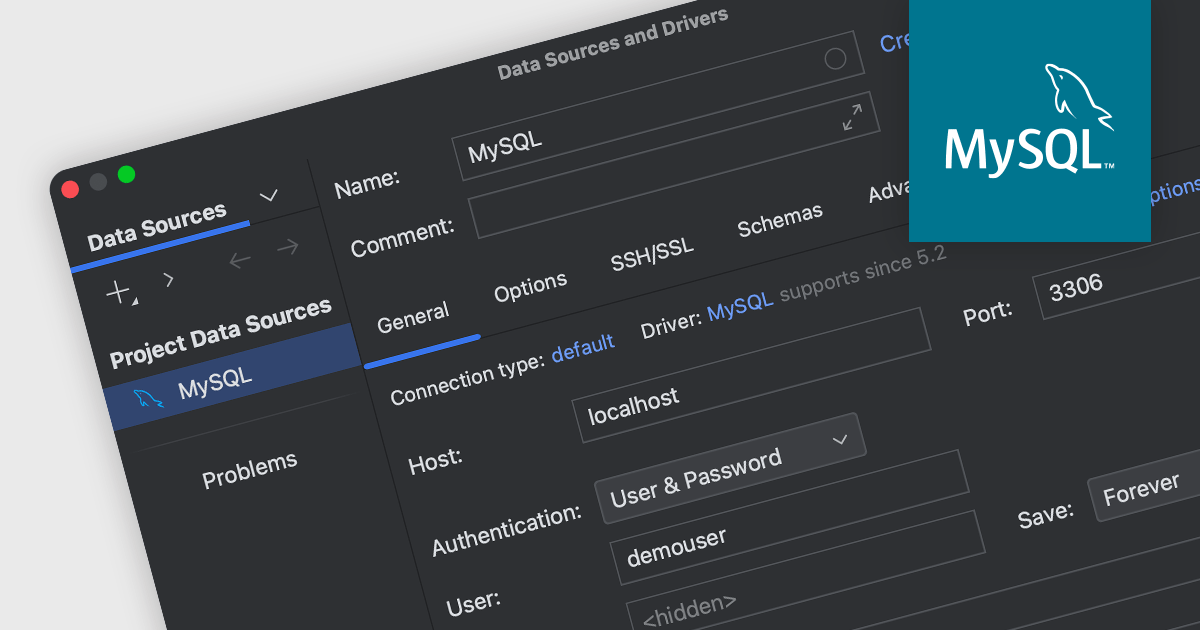
MySQL connectivity in an integrated development environment (IDE) enables developers to connect to MySQL databases from within the IDE, allowing developers to directly interact with MySQL databases through the IDE's interface. This integration simplifies database operations, from querying to schema modification, which is crucial for web development and managing data-driven applications. By eliminating the need to switch between separate database management tools and the IDE, MySQL connectivity significantly improves development efficiency and reduces the risk of errors.
Several IDEs include MySQL connectivity, such as:
For an in-depth analysis of features and price, visit our comparison of integrated development environments.
PyCharm by JetBrains is a comprehensive Integrated Development Environment (IDE) specifically designed for Python programming. It offers a range of features to enhance productivity, including code analysis for error detection, a visual debugger for troubleshooting, integrated unit testing for code verification, and support for version control systems to manage code changes. PyCharm also caters to web development using frameworks like Django, making it a powerful tool for both experienced developers and beginners in the Python world.
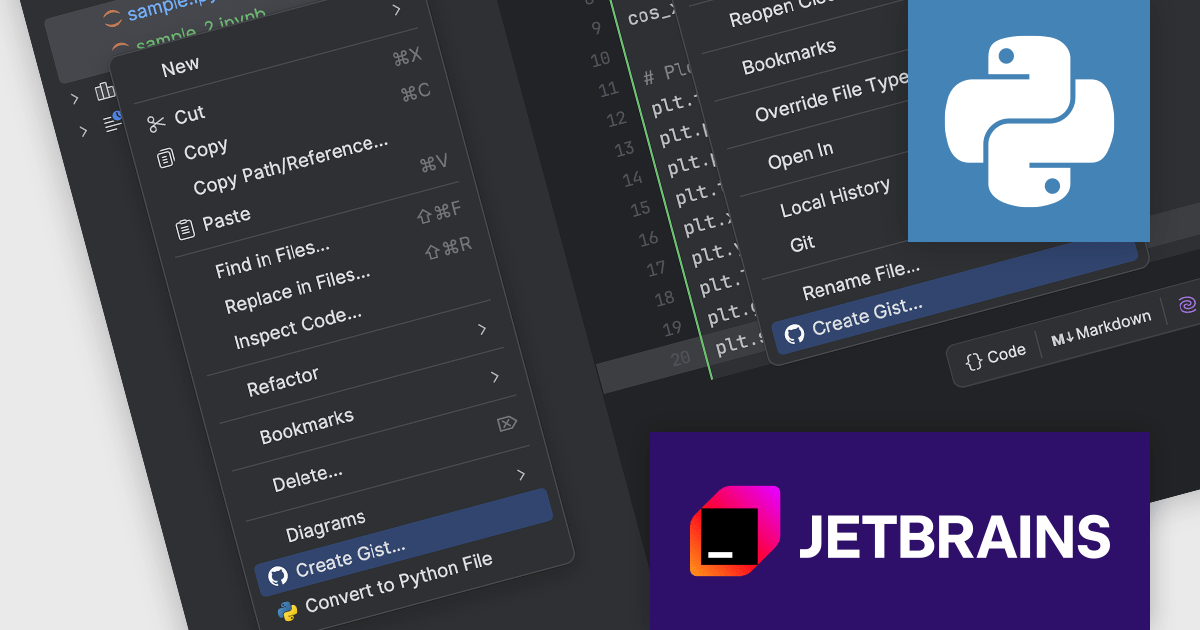
The PyCharm 2024.1.1 release streamlines sharing Jupyter notebooks with GitHub gists. This new functionality allows you to directly create gists from individual notebooks or multiple files within the Project tool window. This simplifies collaboration and code distribution, making it easier to share your Jupyter notebooks with colleagues or the wider developer community.
To see a full list of what's new in version 2024.1.1, see our release notes.
PyCharm is licensed per user, and is available as a commercial annual subscription license. We can supply new subscriptions, subscription renewals (including continuity discounts), lapsed renewals, and additional user licenses. See our PyCharm licensing page for full details.
PyCharm is available to buy in the following products:
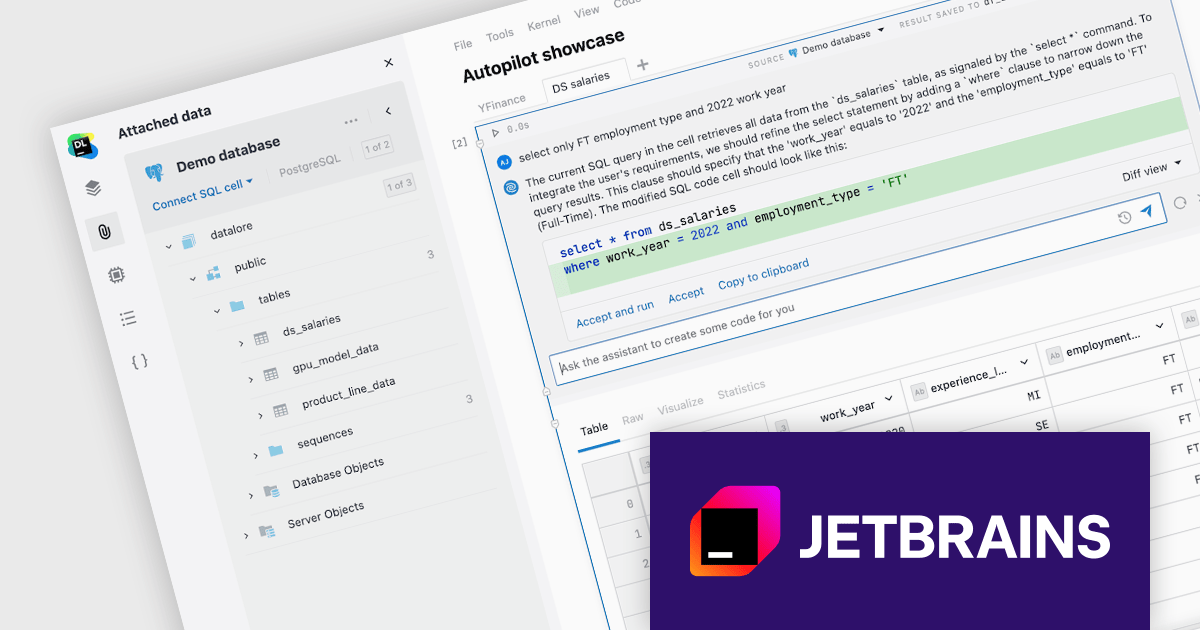
JetBrains Datalore is a collaborative data science platform that streamlines data exploration, analysis, and visualization through Jupyter-compatible notebooks. It empowers teams with features like automatic visualizations, pre-configured environments, interactive controls, and seamless collaboration functionalities. Datalore offers both cloud-based and self-hosted deployment options, catering to both individual and team-based data science workflows.
The Datalore 2024.2 release takes its AI Assistant to the next level with Datalore Autopilot. This new tool goes beyond simply answering questions; it can analyze your notebook data in Python, Kotlin, R, or Scala, and proactively suggest the next steps in your analysis. The existing Ask AI feature has also been improved to generate SQL or Markdown. These advancements empower researchers to streamline their workflows and focus on higher-level tasks. Datalore AI is now available for on-premise deployments, allowing Enterprise customers to leverage its powerful functionalities within their own infrastructure while maintaining full administrative control.
To see a full list of what's new in version 2024.2, see our release notes.
Datalore is licensed per user, and is available as a commercial annual subscription license. See our Datalore licensing page for full details.
For more information, visit our Datalore product page.
電話: (888) 850 9911
Fax: +1 770 250 6199


