













公式サプライヤー
公式および認定ディストリビューターとして200社以上の開発元から正規ライセンスを直接ご提供いたします。
当社のすべてのブランドをご覧ください。
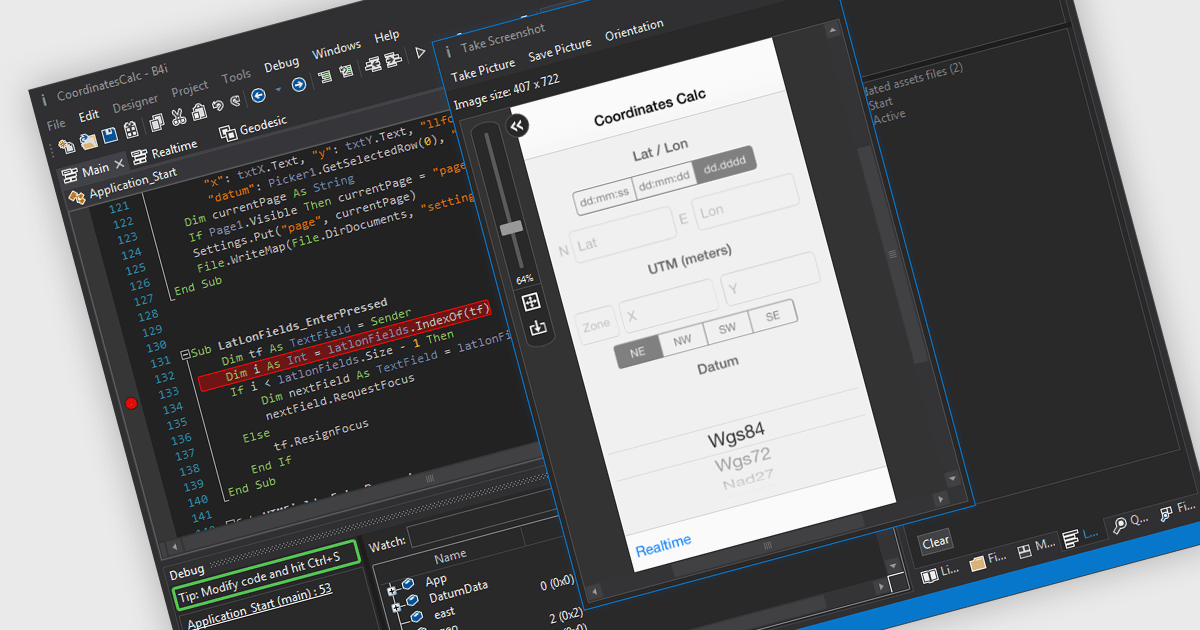
iOS Framework support in IDE (Integrated Development Environment) development tools refers to the capability of the IDE to recognize, integrate, and assist in building applications using Apple's iOS-specific libraries and APIs (Application Programming Interfaces). This support typically includes features such as code completion, syntax highlighting, debugging, and interface design tailored to frameworks like UIKit, SwiftUI, CoreData, and others. It enables developers to efficiently write, test, and deploy applications for iPhone and iPad by providing tools that understand the structure and behavior of iOS applications, manage device simulators, and integrate with Apple's development ecosystem, including Xcode project structures and provisioning profiles.
Several IDEs offer iOS Framework support including:
For an in-depth analysis of features and price, visit our comparison of IDEs.
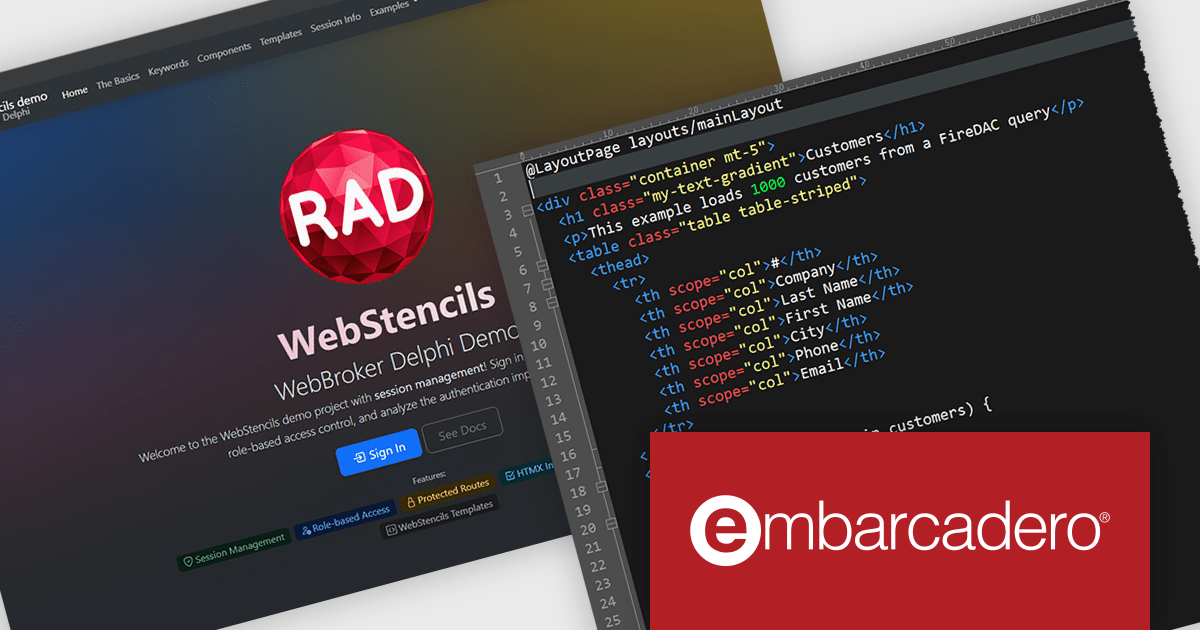
RAD Studio by Embarcadero is a integrated development environment (IDE) used to build applications for various platforms. It allows programmers to create native apps for Windows, macOS, mobile devices (Android and iOS), and more using C++ or Delphi. RAD Studio is known for its rapid application development features and is targeted towards professional developers building data-rich and visually appealing applications.
RAD Studio WebStencils introduces a rapid way to develop dynamic, database-driven web applications using minimal syntax and no dependency on heavy JavaScript frameworks. By integrating with HTMX (A lightweight open-source library that extends HTML to enable interactivity without complex JavaScript), WebStencils enables responsive, interactive pages through simple HTML attributes, removing the complexity of traditional frontend frameworks. Developers can build sophisticated applications using standard HTML and CSS, while backend developers leverage FireDAC datasets for data operations.
A key strength lies in its automatic form generation from database schemas. Developers can change a field or data type in the database and immediately see the reflected change in the browser - no manual adjustments needed. This drastically reduces the effort in maintaining CRUD (Create, Read, Update, Delete) interfaces.
RAD Studio is licensed per Named, Network Named or Concurrent user and is available as a Perpetual License with an Update Subscription that includes support and free upgrades for 1 Year. See our RAD Studio licensing page for full details.
RAD Studio is available to buy in the following products:
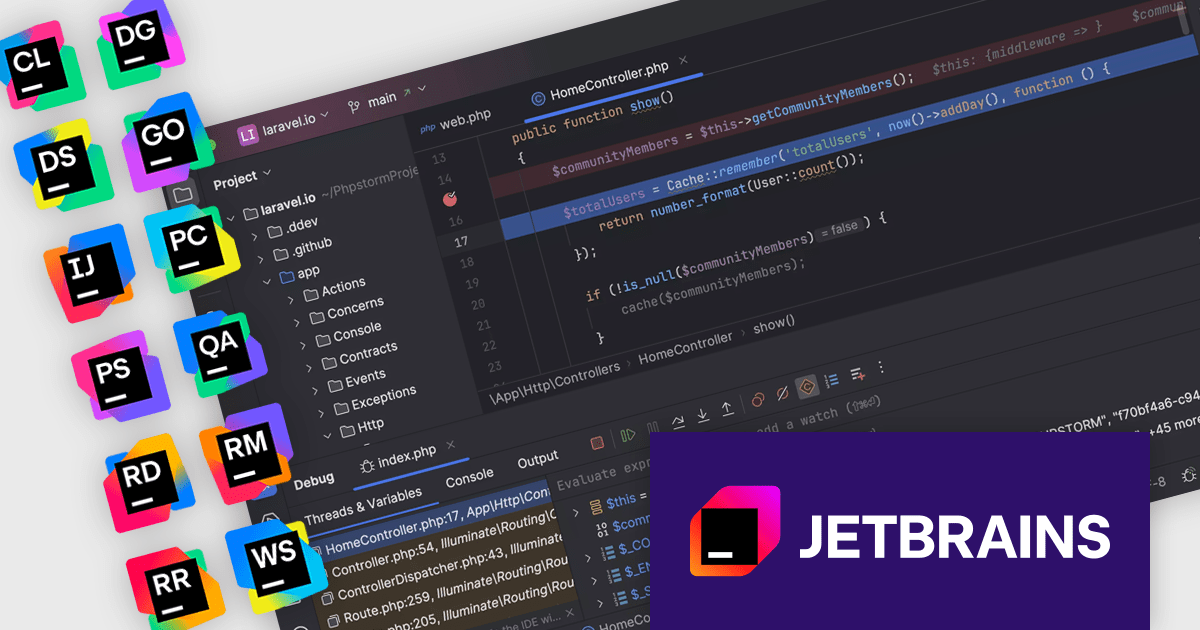
The JetBrains All Products Pack provides access to a comprehensive suite of JetBrains tools, including 11 IDEs, 3 extensions, and 2 profilers, all under one unified license. This flexible solution allows users to switch between tools across multiple machines, adapting to different projects with ease. With a single license, you benefit from simplified license management and significant cost savings - 11 IDEs for the price of two. The All Products Pack is designed to advance your skills by giving you unlimited access to industry-leading professional tools, empowering efficient, high-quality development across a variety of languages and platforms.
The JetBrains All Products Pack enhances development by incorporating integrated debuggers within each IDE, providing developers with immediate access to powerful tools for diagnosing and resolving code issues. This integration eliminates context switching, allowing for efficient setting of breakpoints, real-time inspection of variable states and call stacks, and granular control over program execution. By offering these capabilities directly within the coding environment, the integrated debugger facilitates a more intuitive and productive debugging experience, ultimately leading to faster identification and resolution of software defects.
JetBrains All Products Pack is licensed per user as a commercial annual subscription. We can supply new subscriptions, subscription renewals, lapsed subscription renewals, and additional developer licenses. See our JetBrains All Products Pack licensing page for full details.
For more information, see our JetBrains All Products Pack product page.
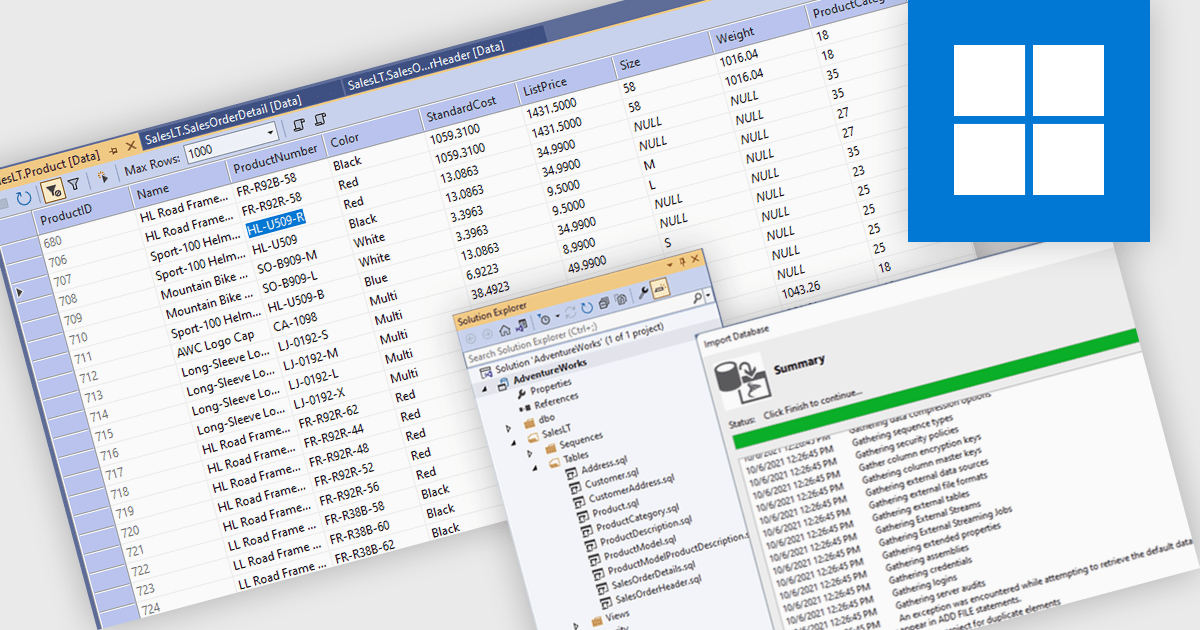
Database management in an Integrated Development Environment (IDE) refers to a set of tools and features that enable developers to interact with databases directly within the coding environment. This integration typically supports connecting to various database types, running SQL queries, browsing and editing data, managing schemas, and handling version control for database scripts. It simplifies processes by centralizing database interactions alongside application development, reducing context switching and improving efficiency. For developers, this leads to faster development cycles, greater visibility into data structures, and more consistent alignment between applications and databases.
Several IDEs offer database management features including:
For an in-depth analysis of features and price, visit our comparison of Integrated Development Environments (IDEs).
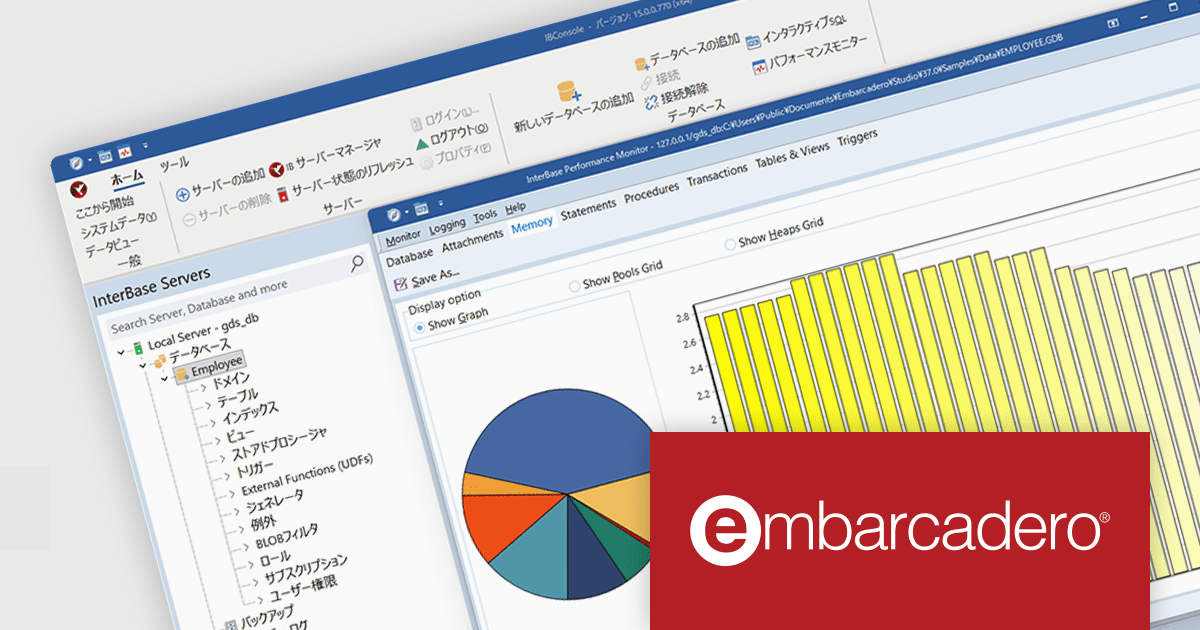
InterBase 15では、セキュリティと暗号化の大幅な改善がリリースの中心に据えられています。まず、保存および通信時の両面において、デフォルトでAES 256ビット暗号化が適用されるようになりました。 また、ユーザー認証の基盤も強化され、アカウントのパスワード保存および送信にはSHA-256ダイジェスト方式が追加されました。これにより、認証情報の安全性が格段に高まり、いたずらや不正アクセスに対する耐性が向上しています。
通信プロトコルも見直され、クライアントとサーバー間の通信ではTLS 1.2以降が必須となり、旧バージョンのTLS 1.0/1.1はサポートが終了しています。さらに、暗号通信ライブラリとしては、長期サポート(LTS)版のOpenSSL 3.5を採用し、将来にわたって信頼できる基盤が整備されています。特に政府・金融・医療など厳格な規制環境に対応するため、オプションとして米国政府標準規格のFIPS 140‑3準拠モードもサポートされており、コンプライアンス要件を満たす用途にも適します。
バージョン15の新機能については、リリースノートをご覧ください。
製品や販売情報の詳細は InterBase(日本語版)のリンクをご参考ください。
電話: (888) 850 9911
Fax: +1 770 250 6199


