













公式サプライヤー
公式および認定ディストリビューターとして200社以上の開発元から正規ライセンスを直接ご提供いたします。
当社のすべてのブランドをご覧ください。
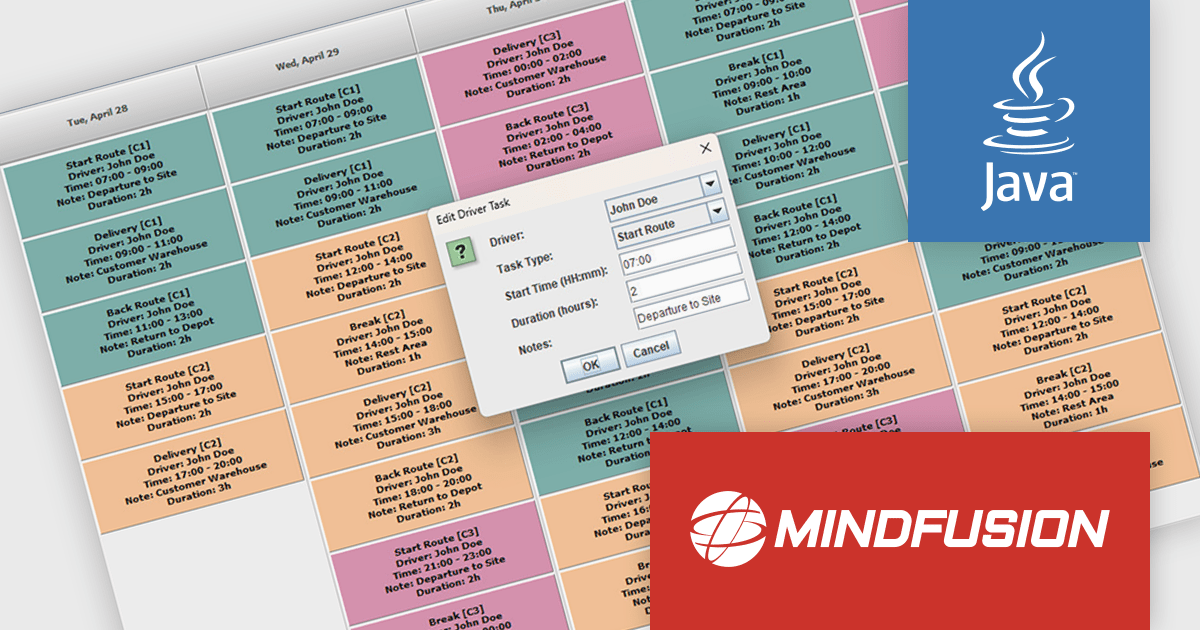
MindFusion Scheduling for Java Swing is a feature rich component for building calendars, appointments, timetables, and scheduling interfaces in Java applications. It enables quick integration with minimal code, supports multiple views, custom event types, and undo and redo functionality, and offers flexible styling and theming options. Designed for scenarios such as booking systems, workforce management, and logistics, it helps developers create efficient, customizable scheduling solutions with improved usability and control.
MindFusion Scheduling for Java Swing improves fleet scheduling by providing developers with structured tools to manage lane assignments, support overlapping tasks without conflicts, and integrate customizable management dialogs into their applications. This enables more precise control over scheduling logic, improves visibility across concurrent operations, and reduces the need for complex manual coordination, resulting in more efficient resource utilization and easier maintenance of logistics and dispatching systems.
MindFusion Scheduling for Java Swing is licensed per developer, per site, or across an entire enterprise with perpetual licensing. All options include royalty free distribution with no additional runtime or end user fees. See our MindFusion Scheduling for Java Swing licensing page for full details.
For more information, visit our MindFusion Scheduling for Java Swing product page.
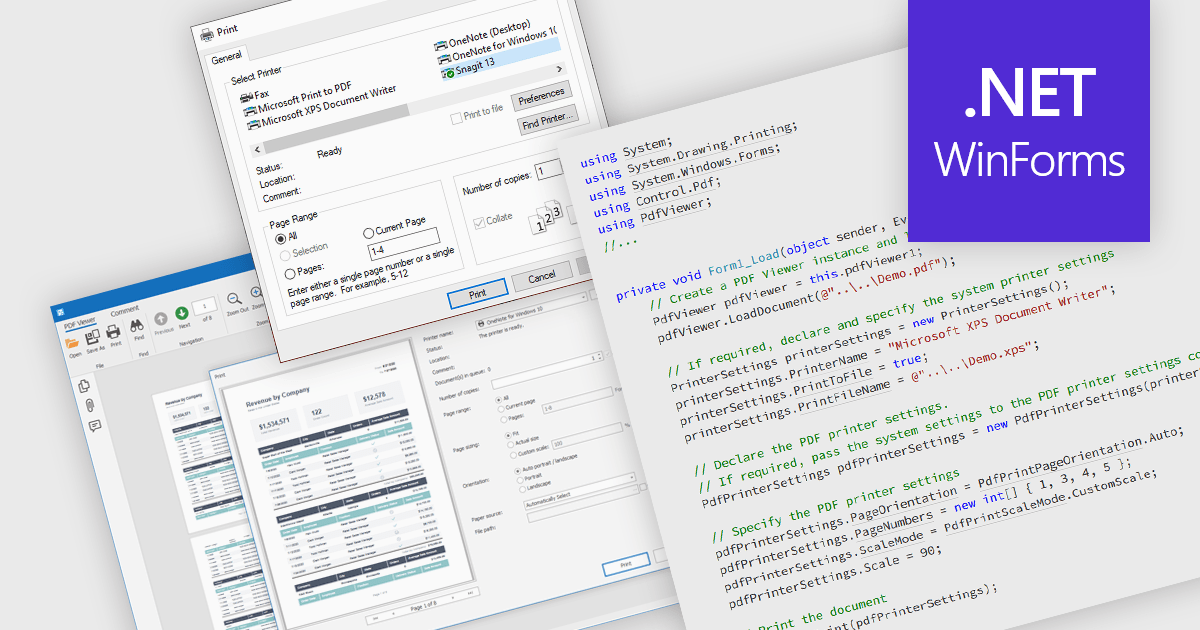
Printing PDFs to a printer is the process of sending a Portable Document Format (PDF) file from an application to a physical or virtual printer while preserving its layout, fonts, and graphical fidelity. A PDF viewer control typically handles rendering and pagination, ensuring consistent output across devices and print environments. The main benefit is predictable, high-quality output, which is especially important for documents that require precise formatting. Modern PDF viewer components support printing either directly through built-in user interface elements such as a toolbar or print dialog, or programmatically through application code using API methods, giving developers flexibility in how printing capabilities are exposed and controlled within an application.
Several WinForms PDF Viewer components allow you to print PDFs to a printer, including:
For an in-depth analysis of features and price, visit our comparison of WinForms PDF Viewer components.
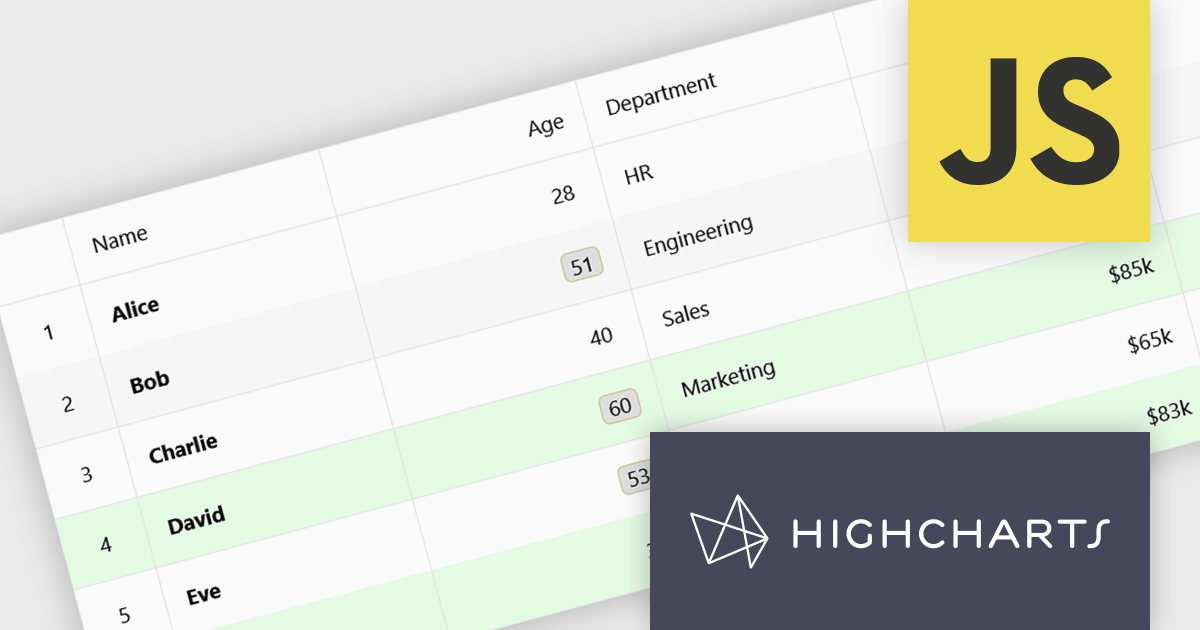
Highcharts Grid Pro is a versatile data grid component developed by the creators of Highcharts, offering both standalone functionality and tight integration within the Highcharts and Highcharts Dashboards ecosystems. It features advanced capabilities such as real-time data binding, column sorting, filtering, inline editing, pagination, and data export, enabling users to work with structured data efficiently. Features include:
Highcharts Grid Pro is licensed per developer as an Annual or Perpetual License with Internal, Saas, SaaS+ and OEM distribution options. The annual license includes support and all product updates for 1 year and must be renewed to continue to use the software. The perpetual license includes an "Advantage Subscription" which provides support and updates for a set period of time. If you do not renew Advantage then you may continue to use the software at the last release available during the active Advantage period. See our Highcharts Grid Pro licensing page for full details.
Learn more on our Highcharts Grid Pro product page.
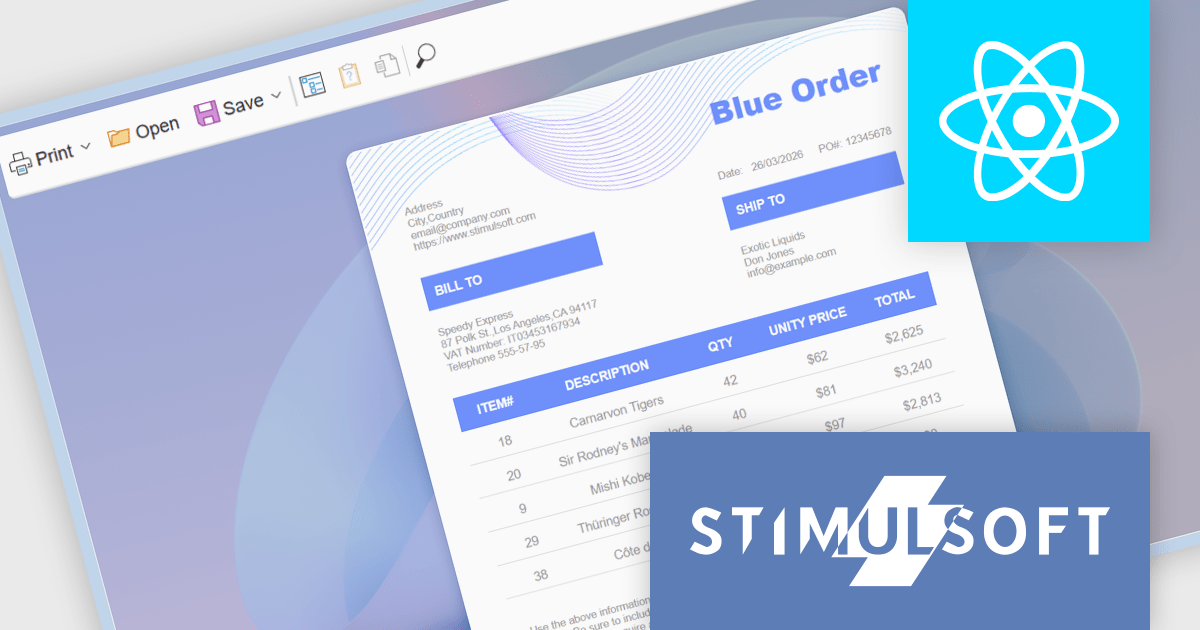
Stimulsoft Reports.WEB is a cross-platform reporting solution designed for integration within web applications. It leverages a client-server architecture for report generation, viewing, printing, and exporting directly in web browsers. Its powerful .NET report engine offers efficient report processing, a user-friendly HTML5 report designer for building reports with various data sources and visualizations, and an interactive HTML5 viewer for seamless report display within web applications. This integration allows developers to implement robust reporting functionalities without browser plugins or additional client-side dependencies.
The Stimulsoft Reports.WEB 2026.2 update introduces a native React Viewer component that allows developers to embed report viewing and interaction directly within React applications using standard npm and NuGet packages. This approach simplifies integration and deployment by aligning with familiar tooling and workflows, while the clear separation between client-side and server-side components supports scalable architecture and easier maintenance. It also enhances performance through efficient client-side rendering and provides a consistent way to deliver interactive reporting functionality within modern web development environments.
To see a full list of what's new in 2026.2, see our release notes.
Stimulsoft Reports.WEB is licensed per developer and is available as a perpetual license with 1 year support and maintenance. See our Stimulsoft Reports.WEB licensing page for full details.
Stimulsoft Reports.WEB is available individually or as part of Stimulsoft Ultimate.
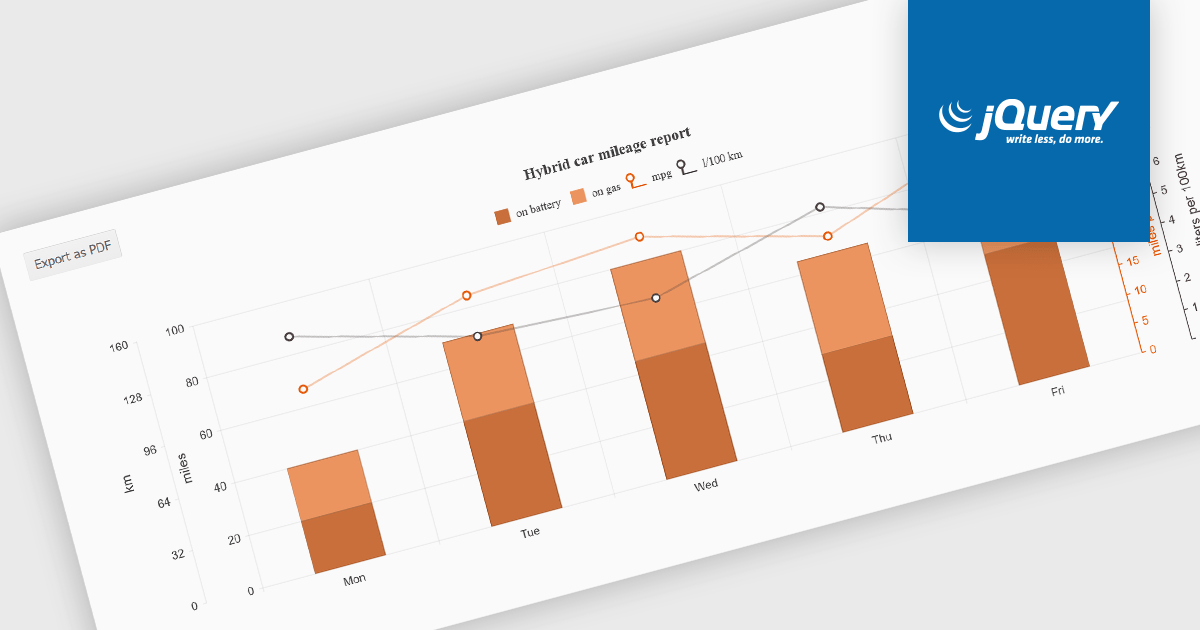
Exporting charts to PDF involves generating a static, portable document version of a chart that preserves its visual structure and data representation. This capability is valuable for reporting, compliance, and sharing insights in a consistent format that does not depend on a live application or browser environment. It allows teams to distribute visual data in a widely accepted file format, ensures layout stability across devices, and supports archival or print-ready use cases without requiring additional tooling.
Several jQuery chart components allow you to export to PDF, including:
For an in-depth analysis of features and price, visit our comparison of jQuery chart components.
電話: (888) 850 9911
Fax: +1 770 250 6199


