













公式サプライヤー
公式および認定ディストリビューターとして200社以上の開発元から正規ライセンスを直接ご提供いたします。
当社のすべてのブランドをご覧ください。

DevExpress, established in 1998, is a software development company that specializes in tools and components for desktop, web, and mobile application development. Primarily targeting Microsoft Visual Studio users, it offers extensive UI libraries, reporting tools, business intelligence dashboards, and cross-platform development frameworks. Recognized for its intuitive interface elements and feature-rich solutions, DevExpress empowers developers to build high-performance, visually appealing applications across numerous platforms. ComponentSource has been in partnership with DevExpress since 2001, helping to distribute its award-winning products to the global developer community.
Congratulations to DevExpress on winning the #1 Publisher and #1 Product Awards in the annual ComponentSource Awards for 2025, along with further Top 5, Top 10, Top 25, and Top 100 Product Awards. We're pleased to once again recognize DevExpress's continued excellence in developing high-quality components and tools.
Each year, the ComponentSource Awards leverage real global sales data to identify the top 100 bestselling software components and development tools. This recognition not only reflects real-world adoption by developers but also provides valuable insights into current market trends and preferred solutions, making it a trusted source for gauging developer preferences. For full details on this year's awards see:
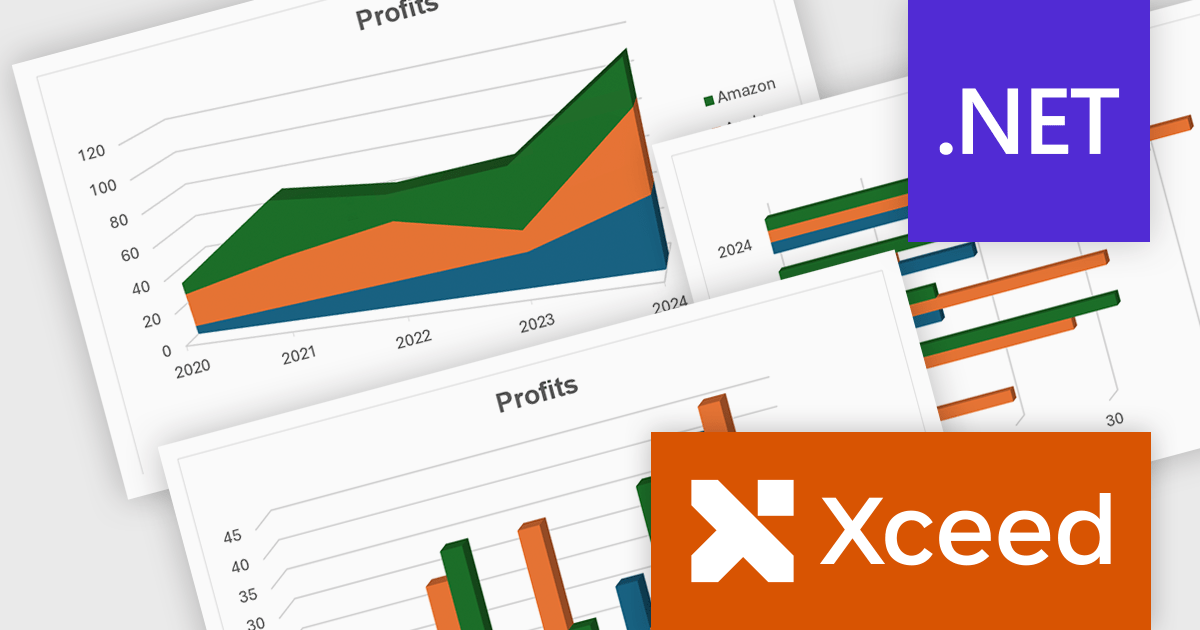
Xceed Workbooks for .NET is a software component designed for .NET developers that enables the creation and manipulation of Microsoft Excel .xlsx files directly within their applications, without requiring Microsoft Excel or Office to be installed; it provides an API that allows for programmatic control over spreadsheet content, formatting, and structure, facilitating tasks such as report generation, data analysis, and document automation.
The Xceed Workbooks for .NET V3.0 release significantly enhances charting capabilities by allowing developers to programmatically create and manage a wide range of chart types without relying on external tools. From standard line, column, bar, pie, and doughnut charts to more advanced options like scatter, bubble, radar, and stock charts, the update ensures broad coverage of data visualization needs. Notably, the version also brings in new 3D chart types such as Surface3D and Contour3D, offering more depth and interactivity for technical and scientific data presentation. This expanded support empowers users to deliver polished, professional-grade reports and dashboards within their .NET environments.
To see a full list of what's new in V3.0, see our release notes.
Xceed Workbooks for .NET is licensed per developer and is available as a perpetual license with 1 year of updates and support. See our Xceed Workbooks for .NET licensing page for full details.
Xceed Workbooks for .NET is available individually or as part of Xceed Ultimate Suite.
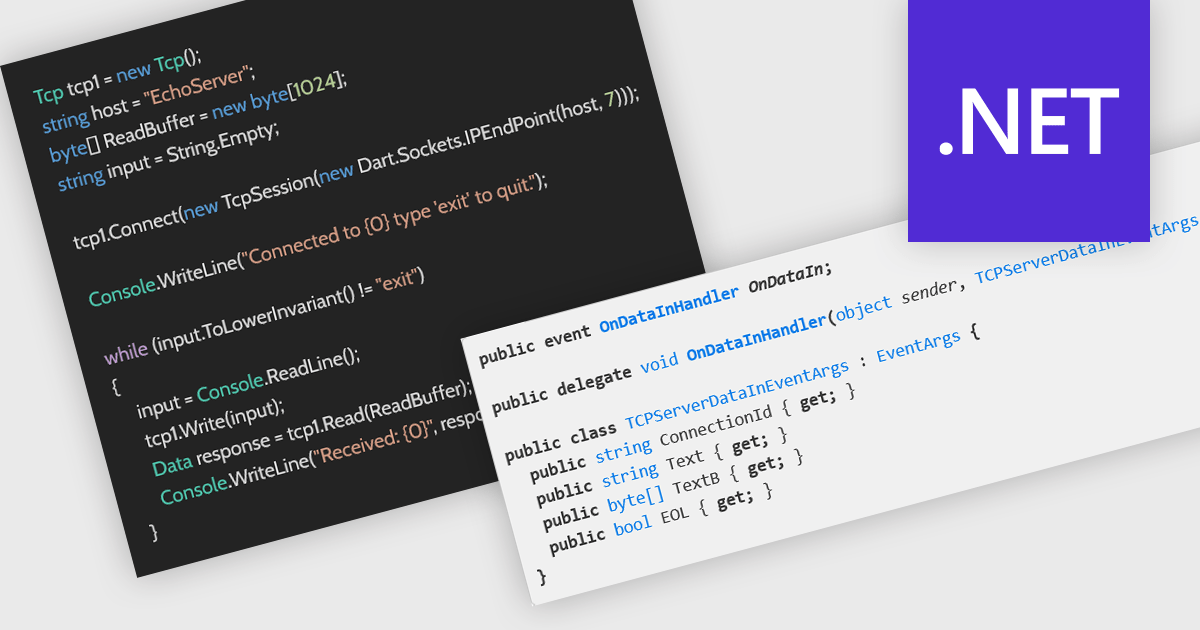
The Transmission Control Protocol (TCP) is a core network protocol that ensures reliable, sequential, and error-checked delivery of data between devices over IP networks. It is fundamental to many internet applications, including web browsing, email, and file transfer. TCP support enables developers to create distributed applications capable of exchanging structured data over both internet and local network connections. This ensures stable and consistent communication between clients and servers, making it ideal for scenarios like real-time processing, remote procedure calls, and service-oriented architectures that require dependable connectivity.
Several .NET communications and messaging components offer TCP features including:
For an in-depth analysis of features and price, visit our comparison of .NET communications & messaging components.

Every year, ComponentSource recognizes our Top 100 bestselling publishers and products with awards. These honors are determined by the total USD value of sales from our customers around the world, providing a realistic perspective on the products that are in high demand. Consequently, these awards offer some of the most comprehensive and reliable data on the market size and trends for software components and development tools on a global scale.
This year's Top 5 Product Awards have been awarded to:
Products have each been allocated a Top 5, Top 10, Top 25, Top 50 or Top 100 Bestselling Product Award for 2025 based on the following ranking:
See our Product Awards 2025 for the full Top 100 Bestselling Products in 2025.
This year's Top 5 Publisher Awards have been awarded to:
Publishers have each been allocated a Top 5, Top 10, Top 25, Top 50 or Top 100 Bestselling Publisher Award for 2025 based on the following ranking:
See our Publisher Awards 2025 for the full Top 100 Bestselling Publishers in 2025.
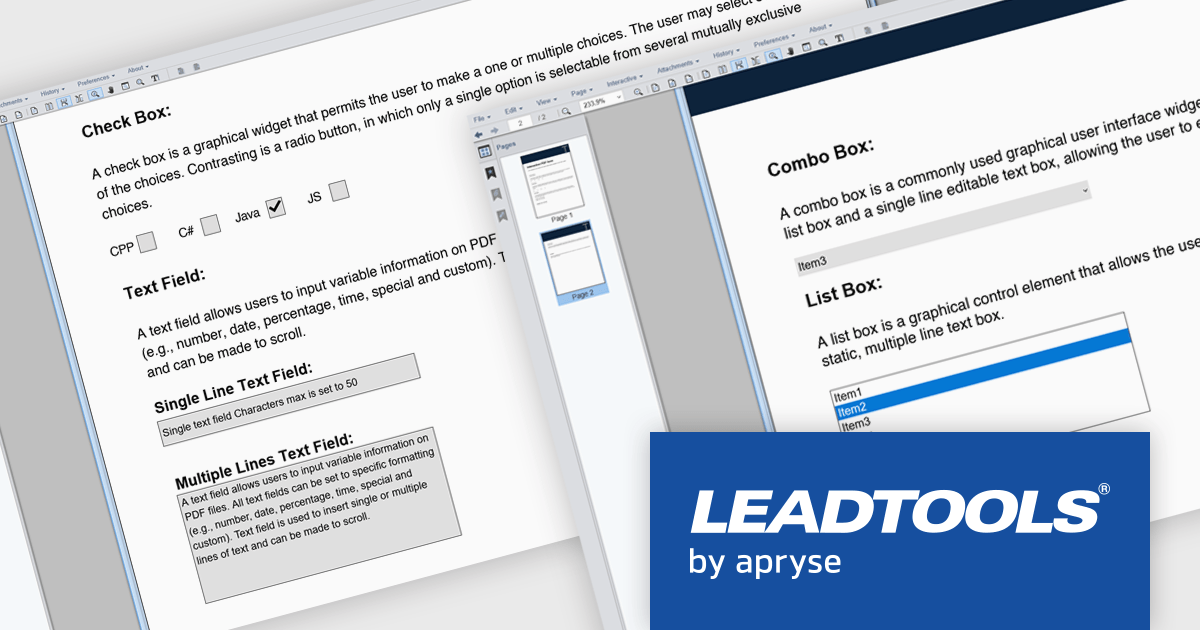
LEADTOOLS PDF presents a comprehensive toolkit for developers seeking to integrate robust PDF functionality into their applications. This solution enables efficient management of PDF files, offering features such as precise text, image, hyperlink, and metadata extraction, alongside complete control over document pages. The inclusion of the LEADTOOLS PDF Optimizer further facilitates web preparation through linearization and compression. Use cases range from document management systems and content processing applications to solutions requiring efficient PDF viewing, editing, and conversion capabilities.
LEADTOOLS PDF provides the ability to incorporate interactive PDF form functionality into software applications, enabling the creation and manipulation of fillable PDF documents. This feature facilitates efficient data collection directly within PDF files, minimizing manual data entry and potential errors. Programmatic access to form fields allows for the automation of data extraction and processing, leading to enhanced application efficiency and an improved user experience for individuals interacting with digital forms. This capability supports diverse use cases, including automated data gathering, digital document signing processes, and the creation of dynamic, user-friendly document interfaces.
LEADTOOLS PDF is licensed per developer and per application, requiring a development license for each programmer using the SDK and a separate license for each application developed. For deployment, a runtime license is needed, with options for desktop, concurrent, or server licenses depending on the application's use. See our LEADTOOLS PDF licensing page for full details.
For more information, visit our LEADTOOLS PDF product page.
電話: (888) 850 9911
Fax: +1 770 250 6199


