













公式サプライヤー
公式および認定ディストリビューターとして200社以上の開発元から正規ライセンスを直接ご提供いたします。
当社のすべてのブランドをご覧ください。
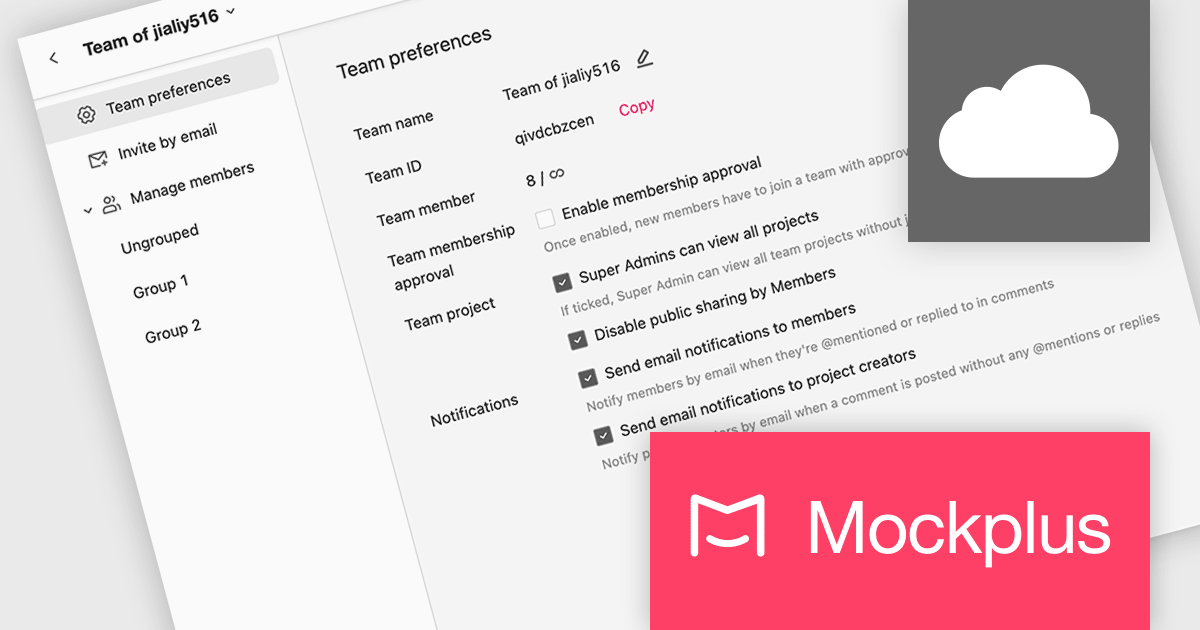
Mockplus Cloud streamlines the design collaboration and hand-off process, empowering product design teams to work seamlessly, centralize designs, and deliver high-converting products with greater efficiency. It keeps every team member informed and streamlines the entire design-to-development workflow, fostering enhanced collaboration and accelerating product delivery.
The latest Mockplus Cloud release adds new email notifications and settings for design file comments. Team members can now receive email notifications when they are @mentioned or replied to in a design file comment, allowing them to easily stay up to date with the latest news.
To see a full list of what's new in September 2024, see our release notes.
Mockplus Cloud is licensed per user and is available as an Annual License. See our Mockplus Cloud licensing page for full details.
Learn more on our Mockplus Cloud product page.
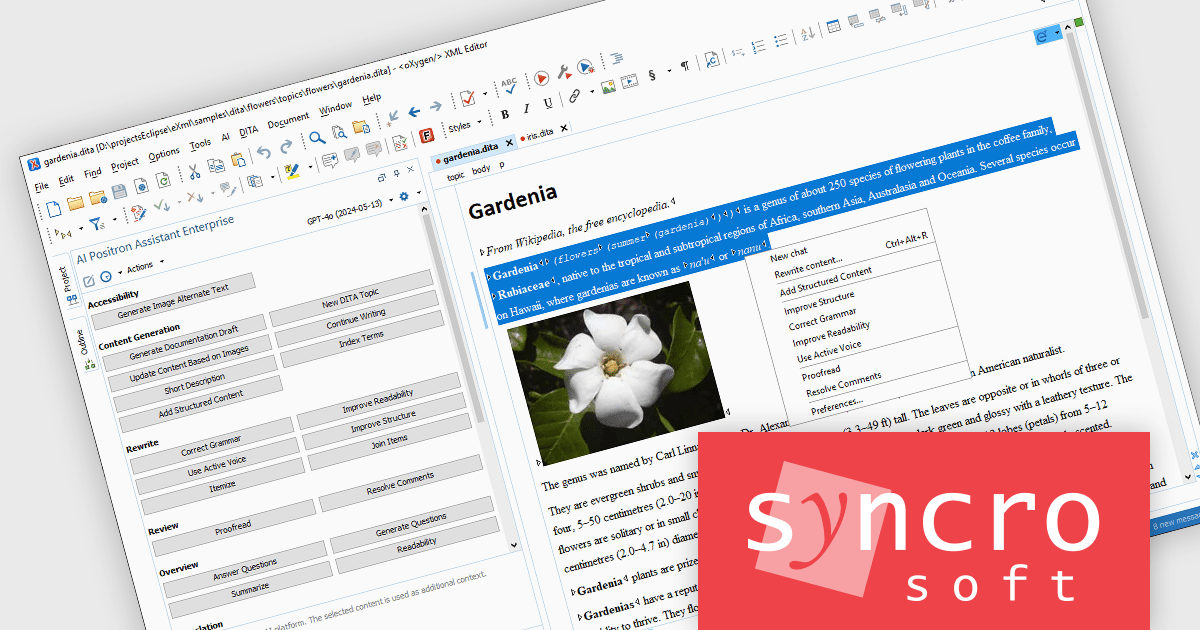
The Oxygen AI Positron Assistant Enterprise Plug-in is an Artificial Intelligence powered extension for the Oxygen XML editing suite designed specifically for technical writers. It leverages OpenAI, Microsoft Azure OpenAI Service, or Anthropic Claude to automate repetitive tasks, improve content structure and flow, and generate draft text based on user prompts. The plugin integrates seamlessly within the Oxygen environment, offering visual comparisons of suggested changes and allowing developers to control the creative process through ongoing prompts and revisions.
The Oxygen AI Positron Assistant Enterprise V3.0 release provides a convenient way to access AI-powered features for creating and improving document structure and content within the Author visual editing mode. The new drop-down widget in the top-right corner of the editor offers quick and efficient access to various AI actions, enhancing the document editing experience and streamlining workflows.
To see a full list of what's new in V3.0, see our release notes.
Oxygen AI Positron Assistant Enterprise is licensed per Named user and is available as a Timed License with support and maintenance subscription. See our Oxygen AI Positron Assistant Enterprise licensing page for full details.
Learn more on our Oxygen AI Positron Assistant Enterprise product page.
KeepTool is a comprehensive software suite designed to enhance database management and development for Oracle databases. It offers a range of tools, including a database browser, SQL editor, PL/SQL debugger, ER diagrammer, and database comparison utility. These tools empower database administrators, developers, and end-users to efficiently navigate, analyze, and modify database structures, write and execute SQL queries, debug PL/SQL code, and manage database changes. KeepTool's intuitive interface and powerful features streamline database tasks, improving productivity and reducing errors.
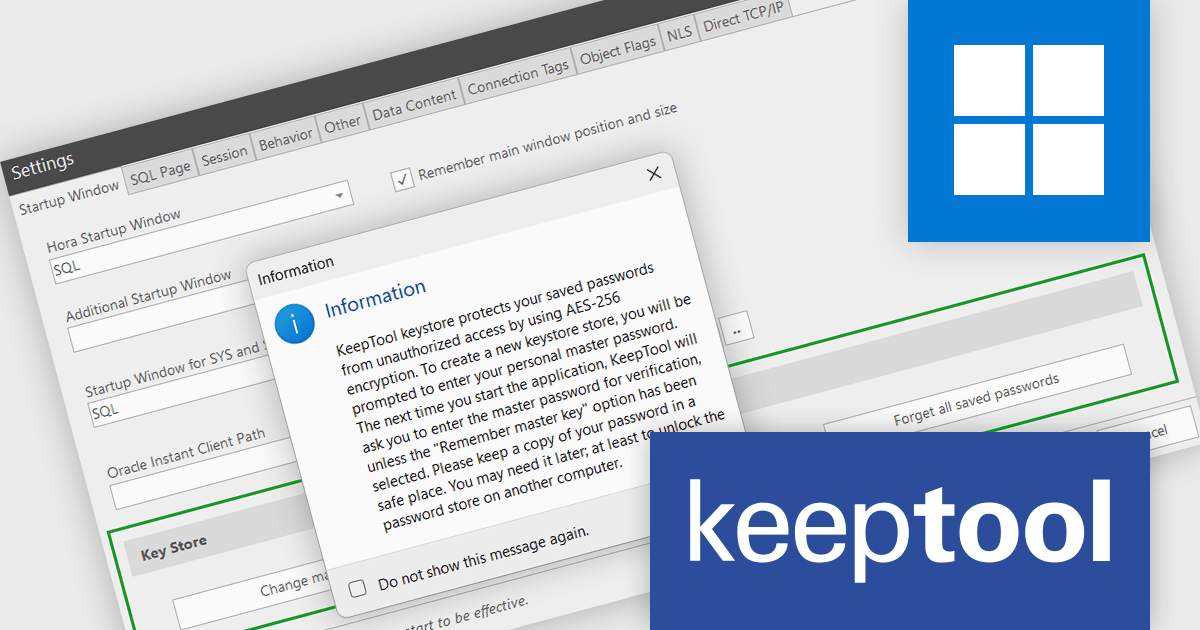
The KeepTool 16.2.0 release adds AES-256 encryption support, enabling you to protect your stored database connection passwords from unauthorized access and potential data breaches. This is particularly valuable for organizations handling sensitive data such as financial records, personal information, or intellectual property.
To see a full list of what's new in 16.2.0, see our release notes.
KeepTool is licensed on a perpetual basis and is available as a workstation or network license. A workstation license is bound to your computer and a network license is bound to a license server within your network. See our KeepTool licensing page for full details.
KeepTool is available in the following editions:
GroupDocs.Viewer for Node.js via Java is a JavaScript library that allows you to display images and document formats in your web applications without needing to install additional software. It supports a wide range of file formats, including PDF, HTML, XML, Microsoft Word, Visio, Project, metafiles, and images. GroupDocs.Viewer for Node.js is also highly customizable, allowing you to display the whole document or render it partially to speed up the process. You can also view single pages, a specific cell range in a spreadsheet, or even render an individual document layer in formats such as, PDF and CAD.
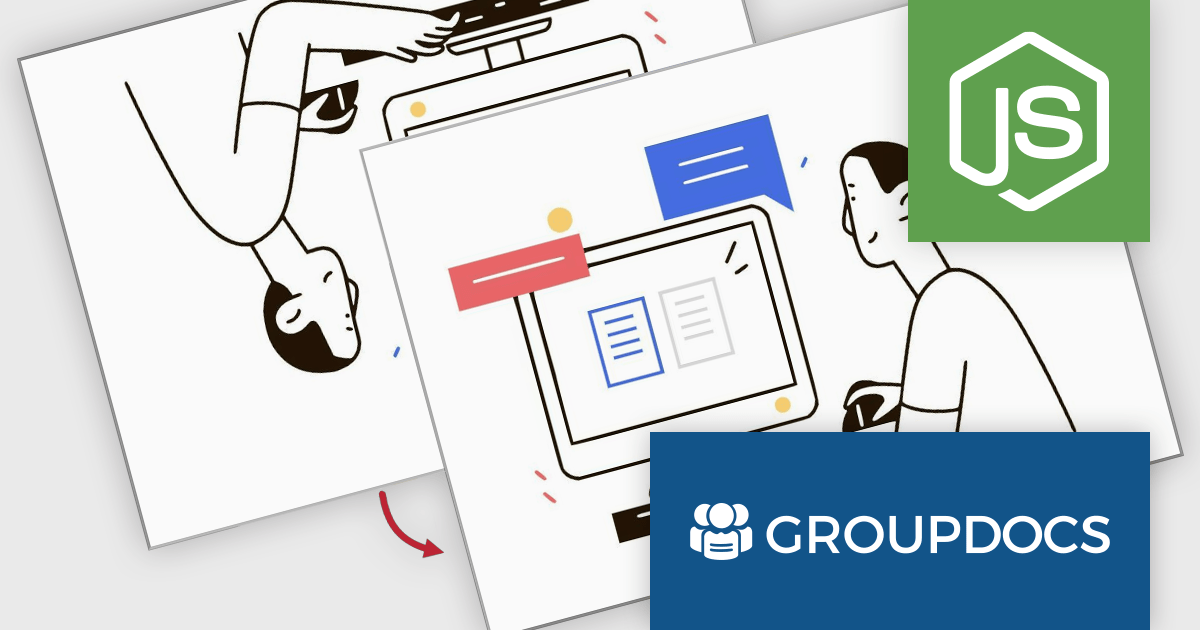
The GroupDocs.Viewer for Node.js V24.8 release introduces a significant enhancement in image handling. By leveraging the embedded EXIF Orientation metadata within JPEG files, the library can now automatically rotate and flip images to their correct orientation. This ensures that regardless of how the image was originally captured or stored, it will always be displayed accurately to the viewer. This feature not only improves the user experience but also streamlines the development process by eliminating the need for manual image adjustments.
To see a full list of what's new in V24.8, see our release notes.
GroupDocs.Viewer for Node.js via Java is offered as Developer Small Business, Developer OEM, Site Small Business, and Site OEM licenses catering to a range of business needs. Licenses are perpetual, and include 1 year of support and maintenance. Subscription renewals are also available. See our GroupDocs.Viewer for Node.js via Java licensing page for full details.
GroupDocs.Viewer for Node.js via Java is available in the following products:
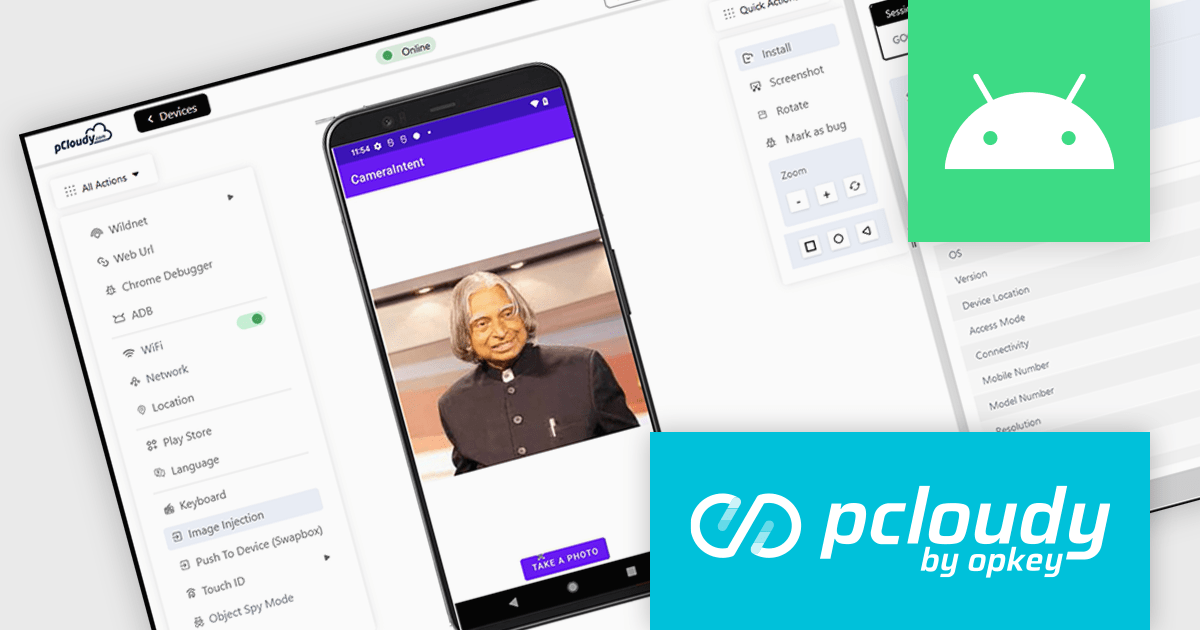
Pcloudy is a unified app testing platform that helps developers and testers ensure the quality and functionality of their applications across a wide range of devices and browsers. It provides a cloud-based infrastructure for manual and automated testing, offering access to thousands of real devices and browser combinations.
The Pcloudy 6.11 release improves the testing of image capture features in Android apps. It now supports CameraX Jetpack, a library that streamlines the process of capturing images and videos across various Android devices. These enhanced image capture capabilities offer significant benefits for developers testing their apps, including easier integration, improved compatibility and faster testing cycles.
To see a full list of what's new in 6.11, see our release notes.
Pcloudy is offered as a 1 Year Subscription, licensed per user, per parallel session. Licenses are available for Manual or Automated Testing, for Web or Mobile. See our Pcloudy licensing page for full details.
For more information, visit our Pcloudy product page.
電話: (888) 850 9911
Fax: +1 770 250 6199


