













公式サプライヤー
公式および認定ディストリビューターとして200社以上の開発元から正規ライセンスを直接ご提供いたします。
当社のすべてのブランドをご覧ください。

Infragistics Ignite UI for React is a comprehensive suite of enterprise-grade React UI components designed to accelerate the development of modern, high-performance web applications. Packed with features such as data grids, charts, gauges, and spreadsheets, it empowers developers to visualize and interact with complex data effortlessly. Ignite UI for React offers exceptional performance, customization options, and responsive design, facilitating the creation of engaging user experiences across various devices.
Infragistics Ignite UI Version 24.1 (Infragistics Ignite UI for React 18.6.0) adds a new Hierarchical Data Grid component, which provides a robust solution for visualizing and interacting with complex, hierarchical datasets. It empowers users to effortlessly expand or collapse parent rows to reveal detailed child grids, offering an intuitive, dynamic way to explore data at various levels of granularity. With rapid data binding, extensive customization options, and a comprehensive suite of functionality the Hierarchical Data Grid is a versatile tool for creating engaging and informative data-driven applications.
To see a full list of what's new in version 24.1 (18.6.0), see our release notes.
Infragistics Ignite UI for React is part of Infragistics Ignite UI which is licensed per developer and is available as a Perpetual License with a 1, 2 or 3 year support and maintenance subscription. See our Infragistics Ignite UI licensing page for full details.
Infragistics Ignite UI for React is available to buy in the following products:

ComponentSource, the leading distributor of software components and development tools is pleased to celebrate 15 years working with Liquid Technologies to deliver intuitive productivity software for XML, JSON, data integration and web services to developers worldwide.
Liquid Technologies is recognized for its expertise in data modeling and XML development, offering tools like Liquid Studio that assist developers in working with XML and JSON data, as well as in data mapping and integration. Known for its commitment to simplifying complex data processes, Liquid Technologies has become a trusted resource for developers seeking to improve efficiency and precision in their projects.
The collaboration between these companies has had a positive impact on the developer community by making essential tools more accessible. Through this partnership, developers have gained easier access to Liquid Studio and other important resources, allowing them to manage data tasks more effectively. As this partnership reaches its 15-year milestone, both companies remain committed to supporting developers with the tools they need to succeed.
Learn more about Liquid Technologies.
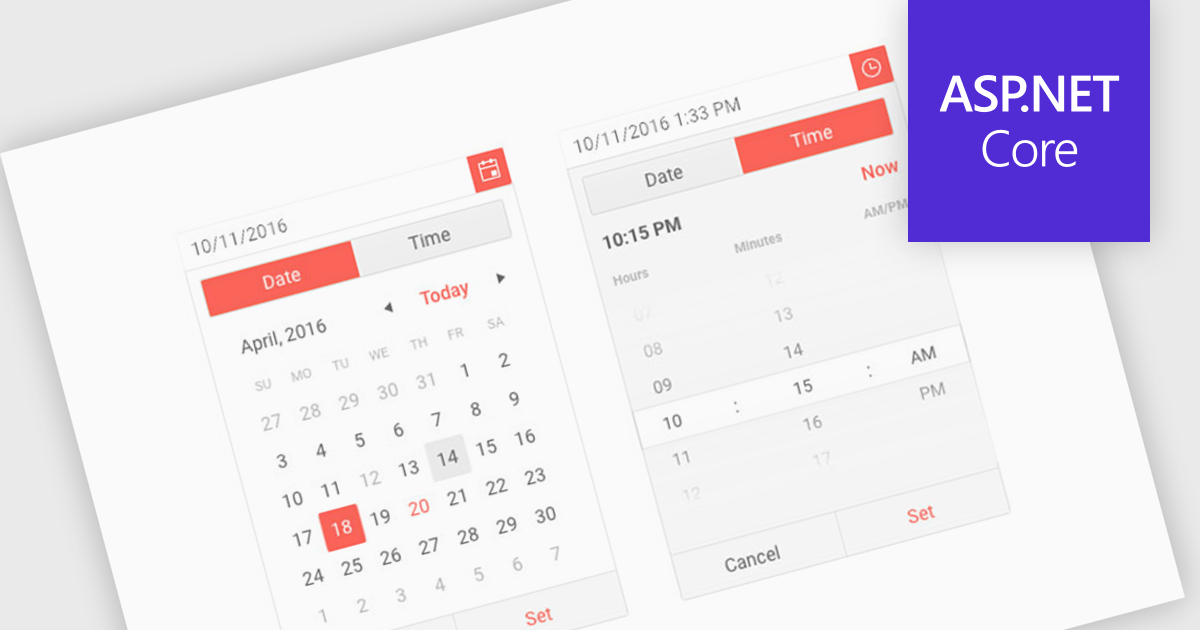
Calendar components are interactive UI elements that provide a visual representation of dates and timeframes, enabling users to select, view, and manage events or deadlines. Common features include date selection, month and year navigation, event creation and editing, recurring events, reminders, and integration with other calendar systems. These components enhance user experience by offering intuitive interfaces for scheduling, planning, and time management across various applications such as project management tools, email clients, and personal organizers.
Several ASP.NET Core UI suites offer a calendar component including:
For an in-depth analysis of features and price, visit our ASP.NET Core UI suites comparison.
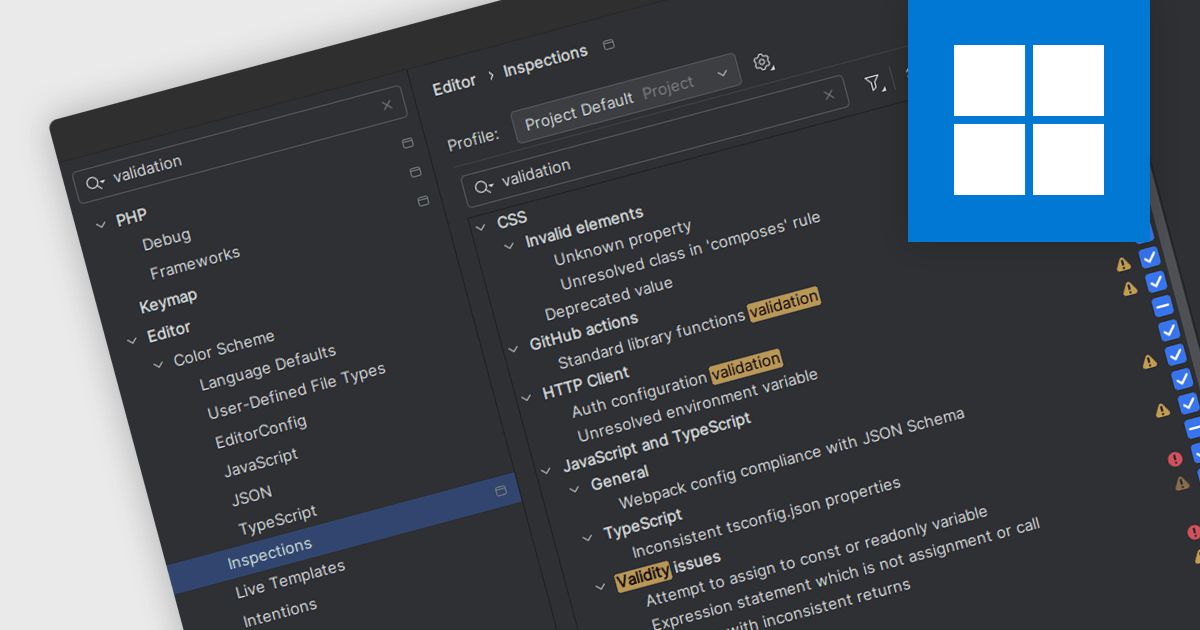
Code validation in IDEs is a real-time analysis process that scrutinizes code syntax, semantics, and adherence to coding standards, providing immediate feedback to developers. By detecting errors, potential issues, and inconsistencies early in the development cycle, it significantly enhances code quality, maintainability, and reliability. This proactive approach streamlines debugging, reduces errors, improves collaboration, and ensures code consistency across projects, ultimately leading to faster development and more robust software.
Several IDEs offer support for code validation including:
For an in-depth analysis of features and price, visit our IDEs comparison.
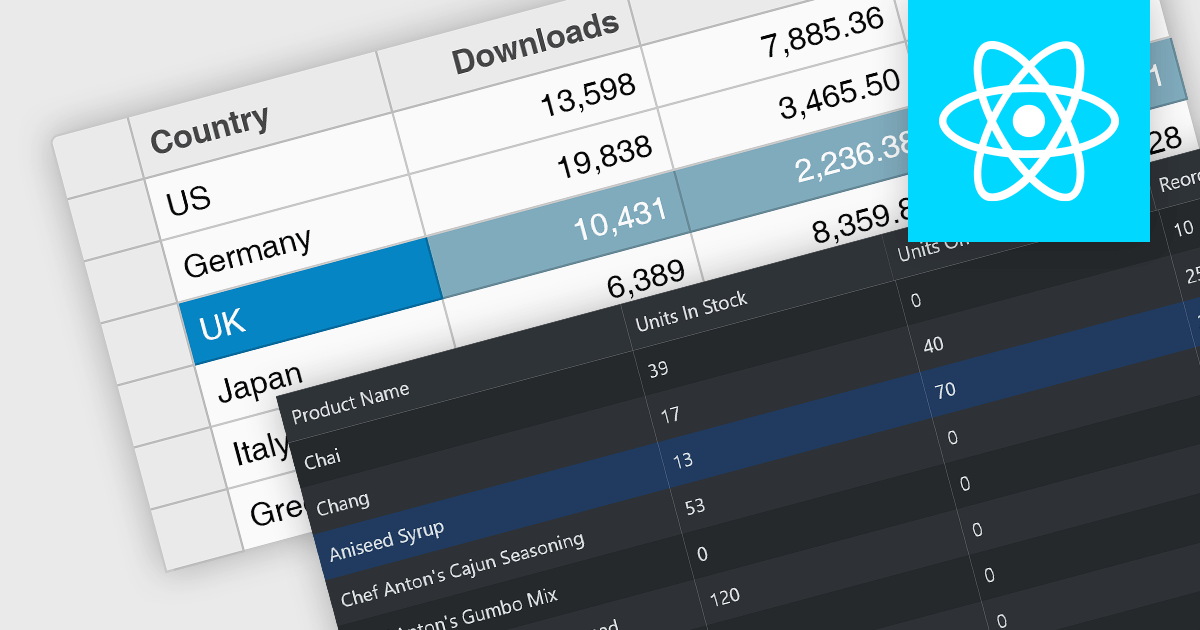
Row selection functionality empowers users to interact with data grids by selecting individual or multiple rows, enabling efficient data manipulation and analysis. Users can perform actions on selected rows such as editing, deleting, exporting, or filtering data. This feature significantly enhances user experience and productivity by providing a direct and intuitive way to manage and process large datasets, facilitating tasks like batch updates, generating reports, or performing complex data operations based on user-defined criteria.
Several React grid controls offer row selection including:
For an in-depth analysis of features and price, visit our comparison of React grid controls.
電話: (888) 850 9911
Fax: +1 770 250 6199


