













公式サプライヤー
公式および認定ディストリビューターとして200社以上の開発元から正規ライセンスを直接ご提供いたします。
当社のすべてのブランドをご覧ください。
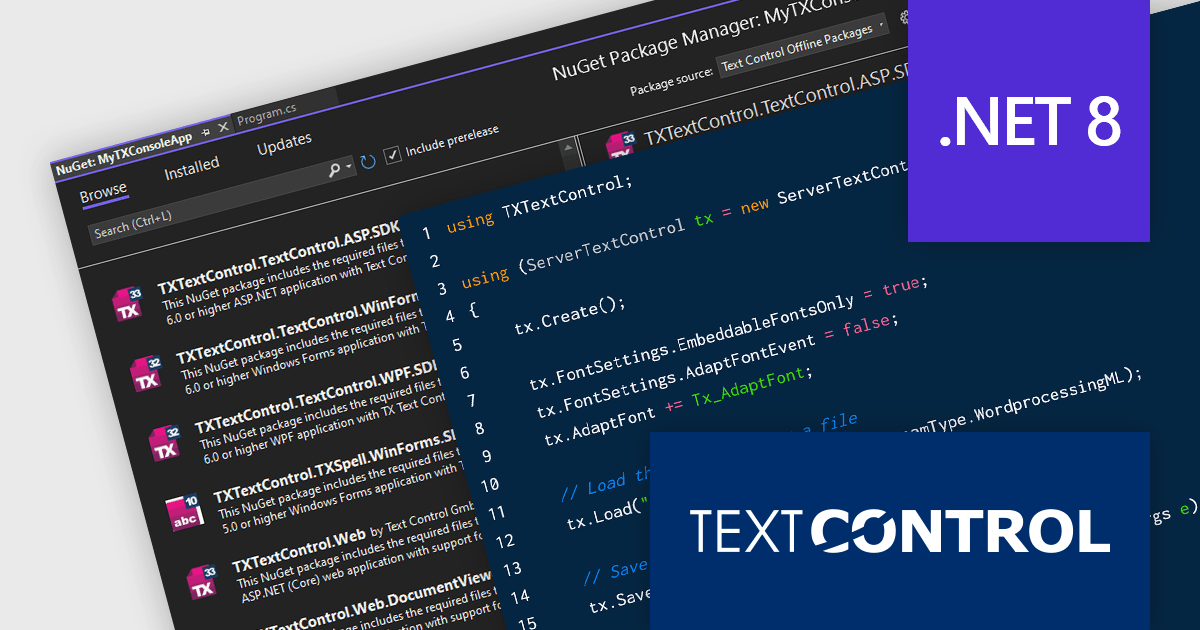
TX Text Control .NET Server for ASP.NET is a server-side component that equips developers with a powerful word processing engine for web applications. It integrates seamlessly with ASP.NET, ASP.NET Core, popular frameworks like Angular and React, and JavaScript, allowing you to build dynamic document editing and generation features directly within your web applications. This empowers you to create documents on the fly using data from various sources, edit existing documents in the browser, and handle functionalities like PDF processing and form filling, all on the server-side.
Converting Microsoft Word documents to PDF is a common requirement across a wide range of applications. From dynamic document generation through mail merges with data sources like JSON to create invoices and other deliverables, the final output often requires PDF conversion for distribution. Additionally, PDF/A, an ISO standard, is essential for the secure, long-term archiving of documents. In this blog post, Text Control's Bjoern Meyer shows you how to convert a DOCX file to PDF using TX Text Control in a .NET 8 console application. Steps include:
Read the complete blog now and learn how to accomplish this very common task quickly and easily using TX Text Control.
TX Text Control .NET Server for ASP.NET is licensed per Developer and includes Run-time licensing for up to 5 Servers. Licensing is perpetual, and include a 1-year subscription. See our TX Text Control .NET Server for ASP.NET licensing page for more details.
Learn more about TX Text Control .NET Server for ASP.NET.
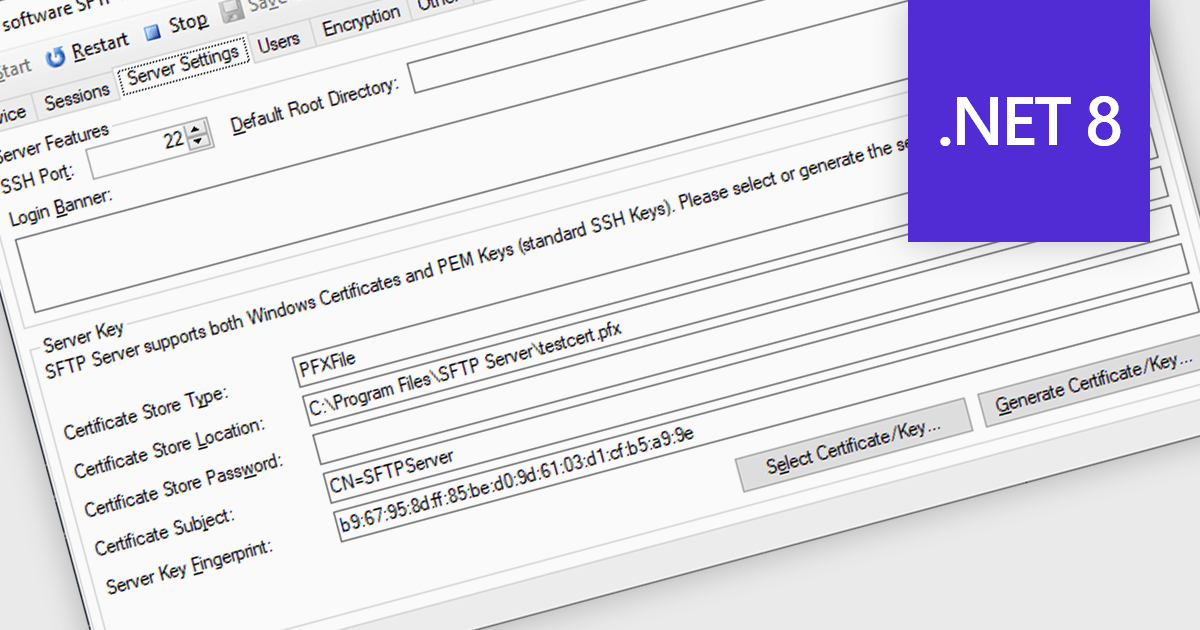
Cryptography and encryption are fundamental to secure internet communications. These techniques transform data into an unreadable format, safeguarding sensitive information from unauthorized access. By employing robust algorithms and cryptographic keys, communications components protect data transmission and storage. This ensures confidentiality, integrity, and authenticity, preventing data breaches, eavesdropping, and tampering. Cryptography's benefits are paramount in protecting personal information, financial transactions, and sensitive business data, fostering trust and security in the digital realm.
Several .NET 8 communications and messaging components offer cryptography/encryption support including:
For an in-depth analysis of features and price, visit our .NET 8 communications and messaging components comparison.
KendoReact by Telerik is a professional UI kit of more than 120 responsive and customizable native UI and data visualization components for React developers. Designed to save time building powerful high performance React applications, it helps ensure a modern, consistent look-and-feel across your application's user interface.
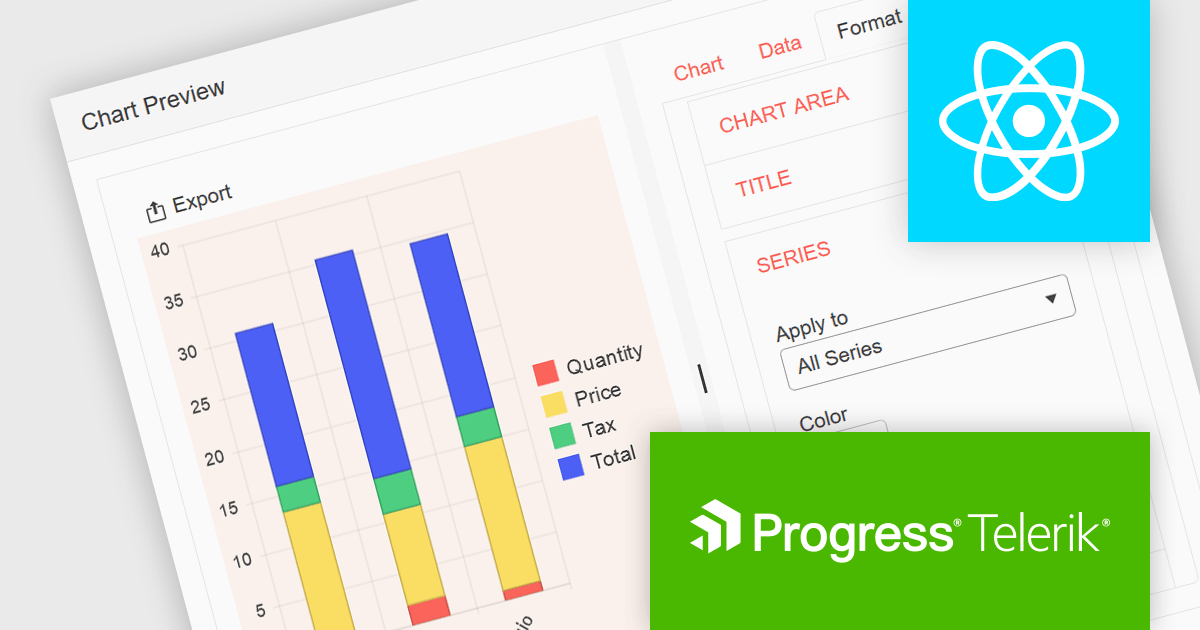
KendoReact v8.2.0, part of the 2024 Q3 release, adds a new chart wizard component, enhancing the developer experience by streamlining the chart creation process. This component provides a simple and intuitive interface that enables React developers to quickly create charts from a data-bound component or an external source. It guides you through a chart's configuration, allowing you to set up the chart type, title, series, legend, area, value axis, category axis and data source. This reduces the potential for errors in the chart setup whilst saving development time by reducing the complexity of building interactive data visualizations within React apps.
To see a full list of what’s new in 2024 Q3 (v8.2.0), see our release notes.
KendoReact is licensed per developer and is available as a perpetual license with a 1 year support subscription, which is available in 3 tiers: Lite, Priority or Ultimate. See our KendoReact licensing page for full details.
KendoReact is available to buy in the following products:
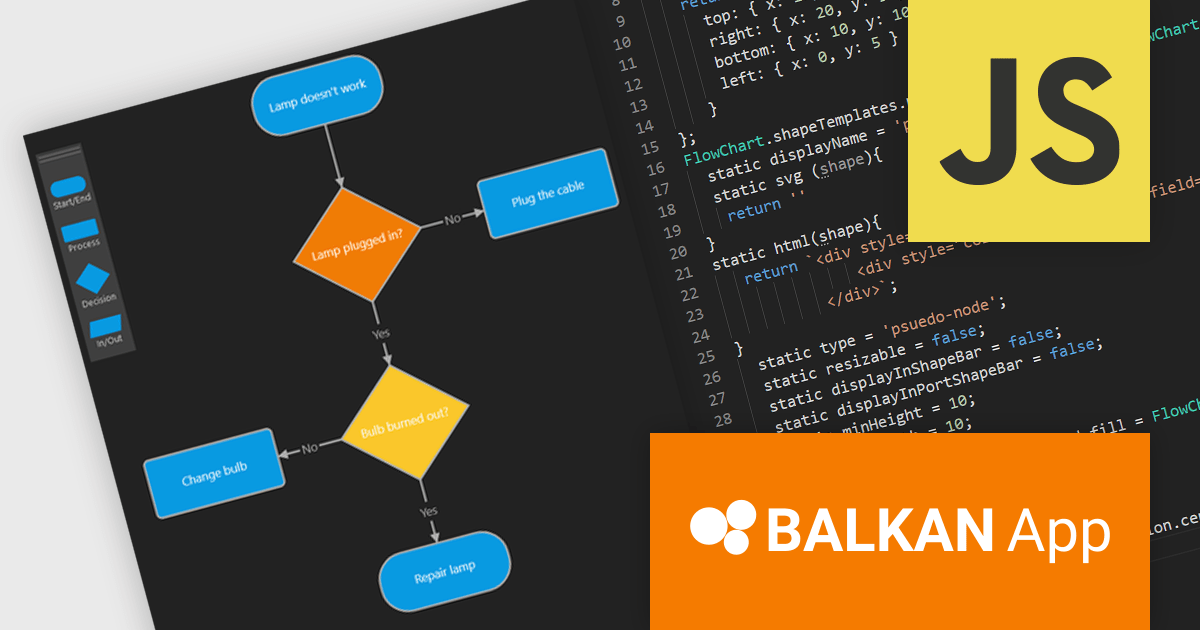
FlowChart JS, a powerful new JavaScript library from BALKAN App, the creators of OrgChart JS, is designed to streamline the creation of interactive and customizable flowcharts. It seamlessly integrates with React, Angular, and Vue.js, offering an intuitive drag-and-drop interface and real-time visual editing, making it easy to visualize complex processes and systems. The library provides a rich set of pre-built shapes and nodes, with the flexibility to create custom shapes, advanced connection and routing options, and a robust API. Its seamless integration into existing applications simplifies the development of clear, structured visualizations.
This new product streamlines the flowchart creation process and enhances visual communication, enabling users to quickly assemble intricate diagrams without extensive coding knowledge. The library's flexibility makes it suitable for a wide range of use cases including business process modeling, software development, educational materials, and technical documentation. By transforming complex information into visually appealing and understandable diagrams, FlowChart JS improves collaboration, decision-making, and problem-solving, providing JavaScript applications with powerful data visualization capabilities.
FlowChart JS is licensed on a perpetual basis with 1 year support and maintenance. Single website, unlimited websites or SaaS, and OEM licenses are available. See our FlowChart JS licensing page for full details.
For more information, see our FlowChart JS product page.

ComponentSource, the world’s largest reseller of software components and developer tools, is proud to celebrate the three year anniversary of its partnership with Big Ideas Computing, a software development company specializing in data management and visualization solutions.
Big Ideas Computing, founded in 2015, focuses on rapid application development (RAD) solutions for Database Administrators and Analysts. Its flagship product, dbFront, empowers users to swiftly create dynamic web applications directly from their existing SQL databases without writing code. This powerful platform leverages responsive design principles to deliver user-friendly interfaces across various devices. By automating routine tasks and providing real-time data access, dbFront enhances productivity, streamlines workflows, and facilitates data-driven decision-making across diverse industries and departments. Through the partnership, ComponentSource has distributed dbFront to a global audience of software developers.
ComponentSource is a leading global distributor of software components and development tools, providing a comprehensive marketplace for developers to find, evaluate, and purchase reusable software components. Since 1995 ComponentSource has been serving developers, IT professionals, and enterprises by offering an extensive catalog of high-quality, pre-built software components, along with expert support and resources.
ComponentSource's global reach and licensing expertise has enabled Big Ideas Computing to attract a wider audience for its innovative database front-end development solution.
Learn more about Big Ideas Computing
電話: (888) 850 9911
Fax: +1 770 250 6199


