













公式サプライヤー
公式および認定ディストリビューターとして200社以上の開発元から正規ライセンスを直接ご提供いたします。
当社のすべてのブランドをご覧ください。

Structured document tools enable automated C# code generation based on predefined templates and embedded metadata. This process involves using tools that interpret the document's structure and content, such as XML or JSON schemas, to produce well-organized and consistent C# code. The benefits of this approach include increased development efficiency, reduced risk of human error, and enhanced maintainability. By automating repetitive and boilerplate coding tasks, developers can focus on more complex and value-added aspects of the application, ensuring higher code quality and faster time to market. This technique also promotes standardization and consistency across the codebase, facilitating easier updates and modifications.
Several structured document tools offer C# code generation including:
For an in-depth analysis of features and price, visit our structured document tools comparison.
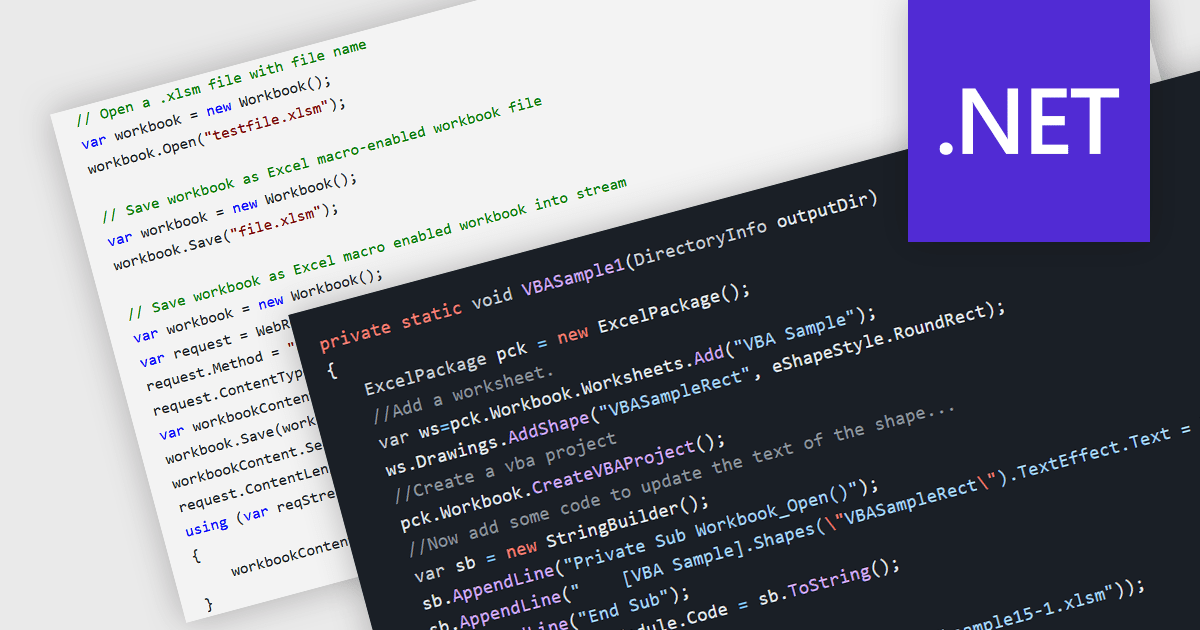
.NET spreadsheet components with VBA code and macro support empower developers to integrate existing Excel automation functionalities within their applications. This unlocks the benefits of the .NET framework, enhancing performance, security, and scalability of spreadsheet operations. Developers can access, modify, and save embedded VBA scripts, ensuring seamless operation in environments that support VBA execution. This fosters continued automation and functionality even when legacy systems or non-VBA-enabled environments are involved, while also enabling code updates, debugging, and preparation for code-execution-friendly settings.
Several .NET spreadsheet components offer VBA code/macro support, including:
For an in-depth analysis of features and price, visit our comparison of .NET spreadsheet components.
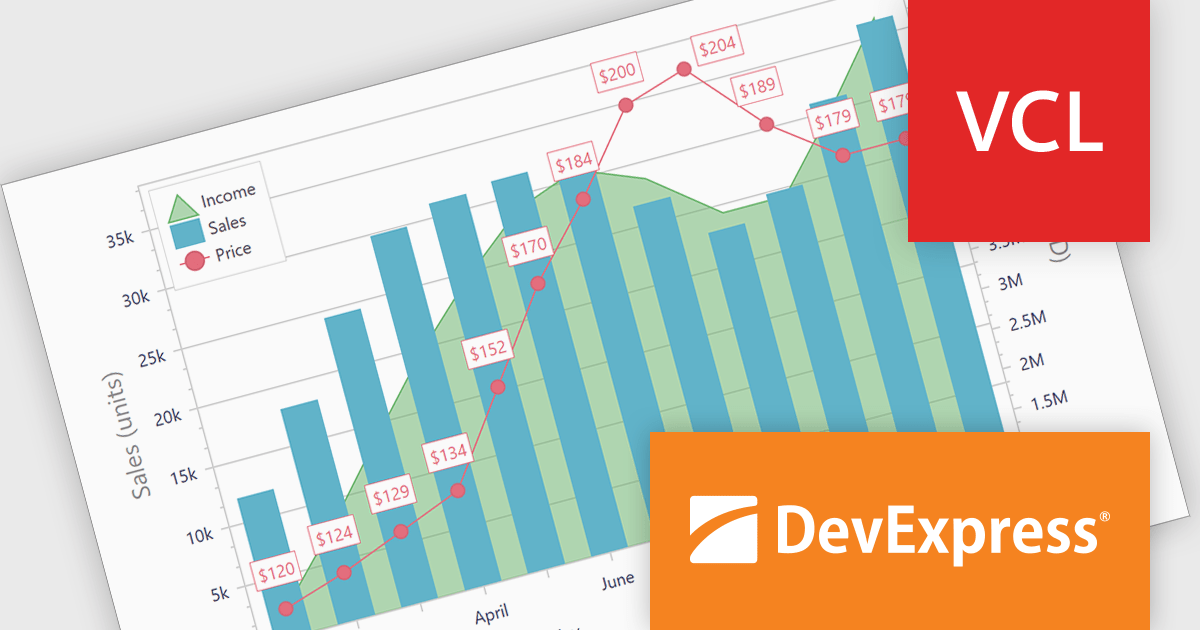
DevExpress VCL Subscription is a comprehensive suite for Delphi and C++ Builder developers that includes high-performance UI components, reporting tools, data visualization elements, and application templates. It lets you build rich, data-driven business applications with ease, offering ongoing updates, technical support, and royalty-free distribution rights, perfect for boosting developer productivity and delivering polished software experiences.
The DevExpress VCL Subscription 24.1 chart control adds support for secondary axes. This innovative feature allows you to overlay an additional Y axis on your chart. This means you can plot data measured in, for example, temperature (degrees Celsius) alongside values in percentage. Each axis has its own scale and labels, keeping your chart clear and avoiding the need to convert units or create separate charts. This is particularly useful for comparing data sets that would otherwise be difficult to display on a single scale.
To see a full list of what's new in version 24.1, see our release notes.
DevExpress VCL Subscription is licensed per developer and is available as a Perpetual License with a 12 month support and maintenance subscription. See our DevExpress VCL Subscription licensing page for full details.
For more information, visit our DevExpress VCL Subscription product page.
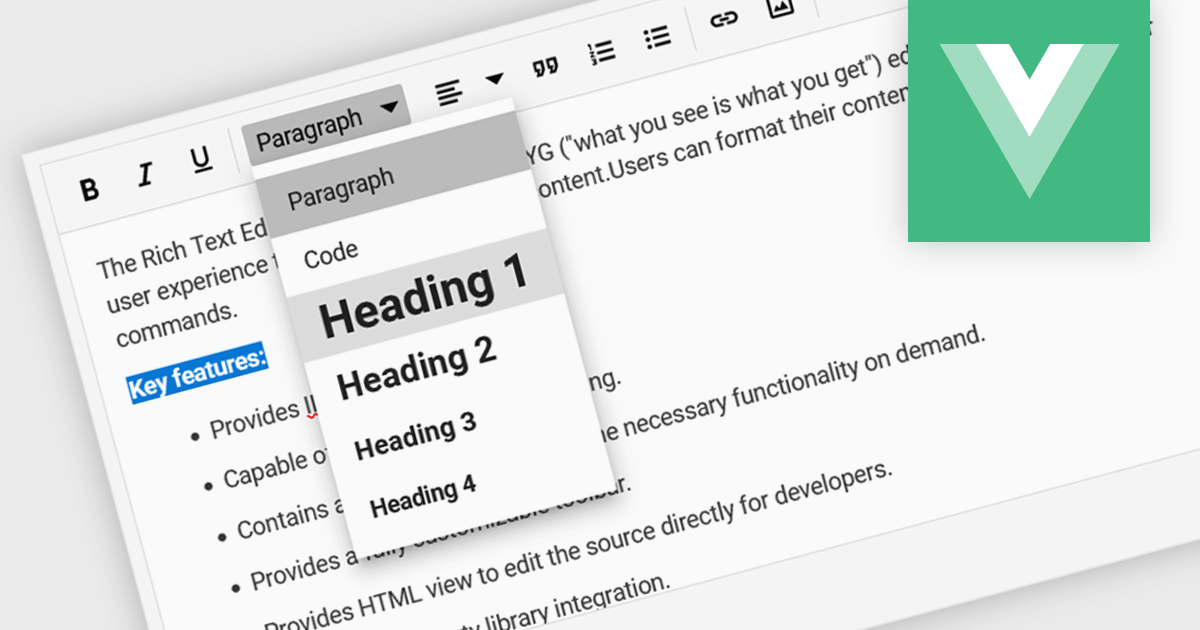
Rich text editor components offer a familiar interface for users to format text, insert images and tables, and create structured content. Benefits include increased user engagement, simplified content creation, and improved accessibility for users with varying technical skills. Common use cases include crafting blog posts, product descriptions, and managing user-generated content within forums and comments sections.
Several Vue.js UI Suites offer rich text functionality, including:
For an in-depth analysis of features and price, visit our comparison of Vue.js UI Suites.
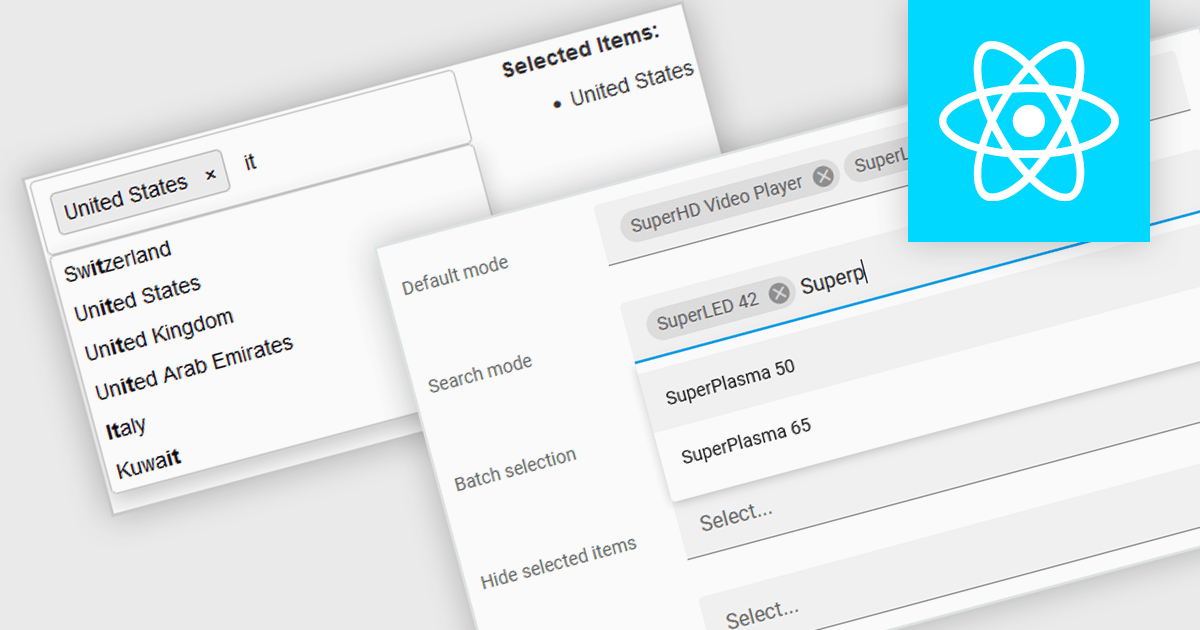
Token boxes, also known as token input controls, are user interface elements designed to streamline data entry for multiple values. They allow users to input, manage, and manipulate discrete pieces of data (tokens) within a single form field. This enhances user experience by facilitating tagging, categorization, and selection of multiple items, while providing developers with a robust tool for intuitive interfaces. The benefits include improved clarity through visual separation of values, efficient data handling, and ease of use in applications like search filters, email address inputs, and tagging systems.
Many React data editor collections contain token box / input controls including:
For an in-depth analysis of features and price, visit our comparison of React Data Editors.
電話: (888) 850 9911
Fax: +1 770 250 6199


