













公式サプライヤー
公式および認定ディストリビューターとして200社以上の開発元から正規ライセンスを直接ご提供いたします。
当社のすべてのブランドをご覧ください。
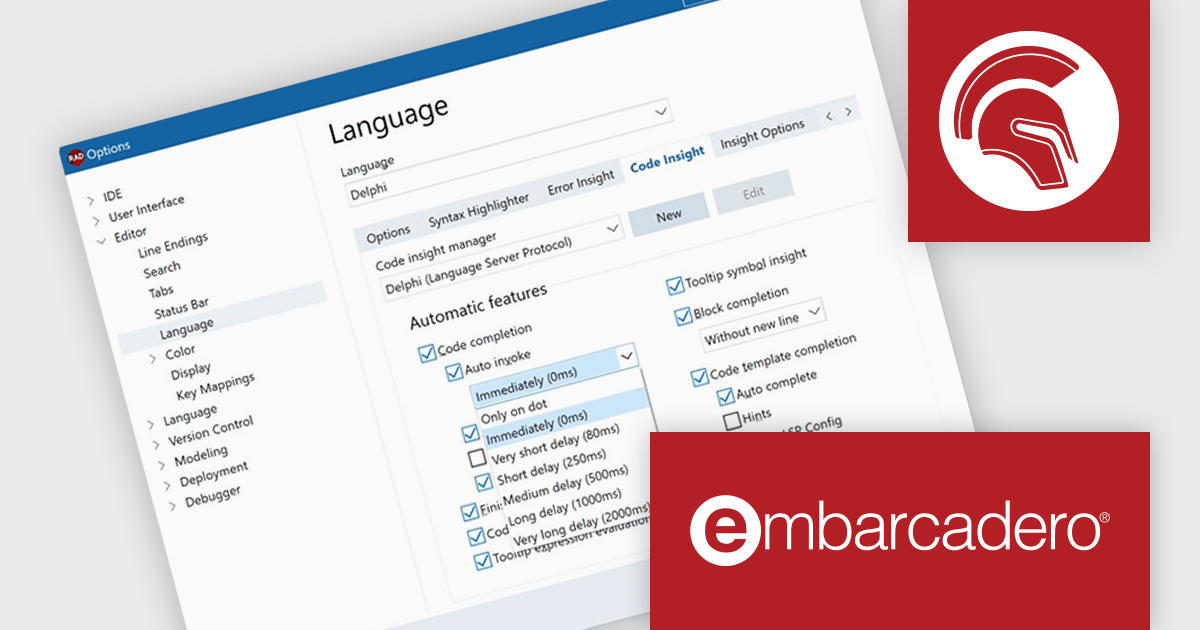
Delphi by Embarcadero is an advanced Integrated Development Environment (IDE) that allows you to build native applications for desktop, mobile, web, and console environments using a single codebase. It includes a visual designer, code editor, debugger, and component library, all specifically designed for rapid application development with the Object Pascal programming language. With Delphi, you can target Windows, macOS, iOS, Android, and Linux while leveraging a large developer community and extensive third-party plugin support.
Delphi 12.1 Athens improves Language Server Protocol (LSP) code completion functionality to allow users more control. You can now customize how specific keystrokes behave when code completion appears, both in regular and auto-invoked scenarios. These changes empower you to configure code completion to better suit your personal preferences.
To see a full list of what's new in version 12.1 Athens, see our release notes.
Delphi is licensed per Named, Network Named or Concurrent user and is available as a Perpetual License with an Update Subscription that includes support and free upgrades for 1 Year. See our Delphi licensing page for full details.
Delphi is available to buy in the following products:
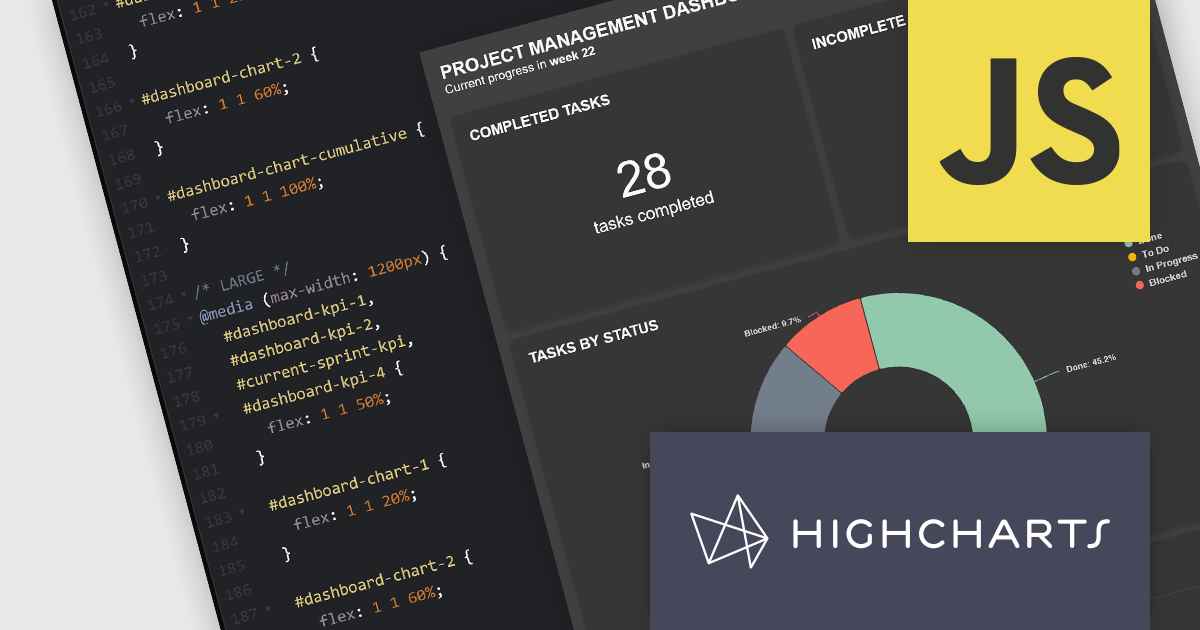
Highcharts Dashboards by Highsoft is a comprehensive platform tailored for software developers seeking efficient data visualization solutions. It offers a robust toolkit for creating interactive dashboards and charts, leveraging the Highcharts library renowned for its flexibility and performance. With support for various data formats and extensive customization options, developers can seamlessly integrate dynamic visualizations into their applications. Highsoft's dashboards empower developers to convey complex data insights effectively, enhancing user experience and decision-making capabilities within their software projects.
The Highcharts Dashboards 2.0 update brings significant advancements in customization and layout flexibility. With the introduction of 100% CSS styling, users now have complete control over the visual appearance of their dashboards and charts. This release also allows developers to construct their own HTML layouts, foregoing the default layout engine and leveraging custom HTML alongside the new CSS capabilities. This empowers users to tailor their dashboards to their unique use cases while retaining the robust data handling and synchronization functionality. Compatibility with CSS libraries like Tailwind and Bootstrap further enhances the customization possibilities without compromising on performance or functionality.
To see a full list of what's new in 2.0.0, see our release notes.
Highcharts Dashboards is licensed per developer as an Annual or Perpetual License with Internal, Saas, SaaS+ and OEM distribution options. The annual license includes support and all product updates for 1 year and must be renewed to continue to use the software. The perpetual license includes an "Advantage Subscription" for 1 to 5 years which provides support and updates for that period. If you do not renew Advantage then you may continue to use the software at the last release available during the active Advantage period. See our Highcharts Dashboards licensing page for full details.
Learn more on our Highcharts Dashboards product page.
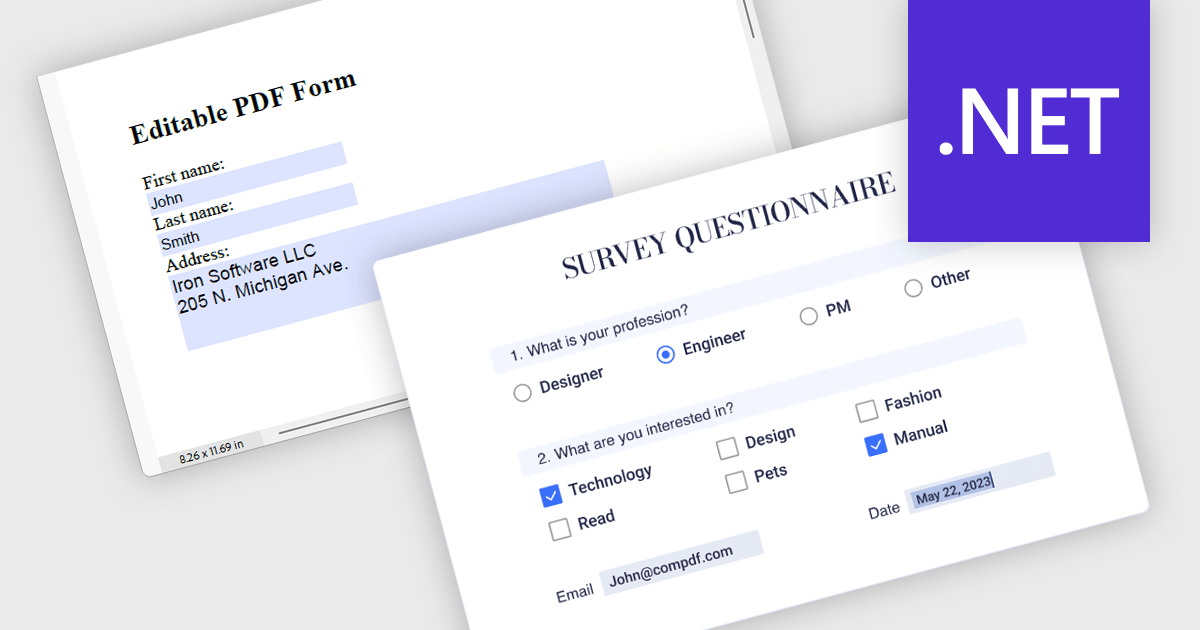
Leverage the power of PDF components to enhance your .NET application with user-friendly PDF form filling capabilities. These libraries offer programmatic access to manipulate existing PDF forms, allowing you to easily integrate data entry fields and streamline user interaction. This functionality improves data collection efficiency and simplifies the process of working with fillable PDFs directly from your application. Components with PDF Form Read/Write functionality allow your app to retrieve existing data from form fields and populate them with new data programmatically.
Several .NET PDF components offer PDF Form functionality including:
For an in-depth analysis of features and price, visit our comparison of .NET PDF Components.
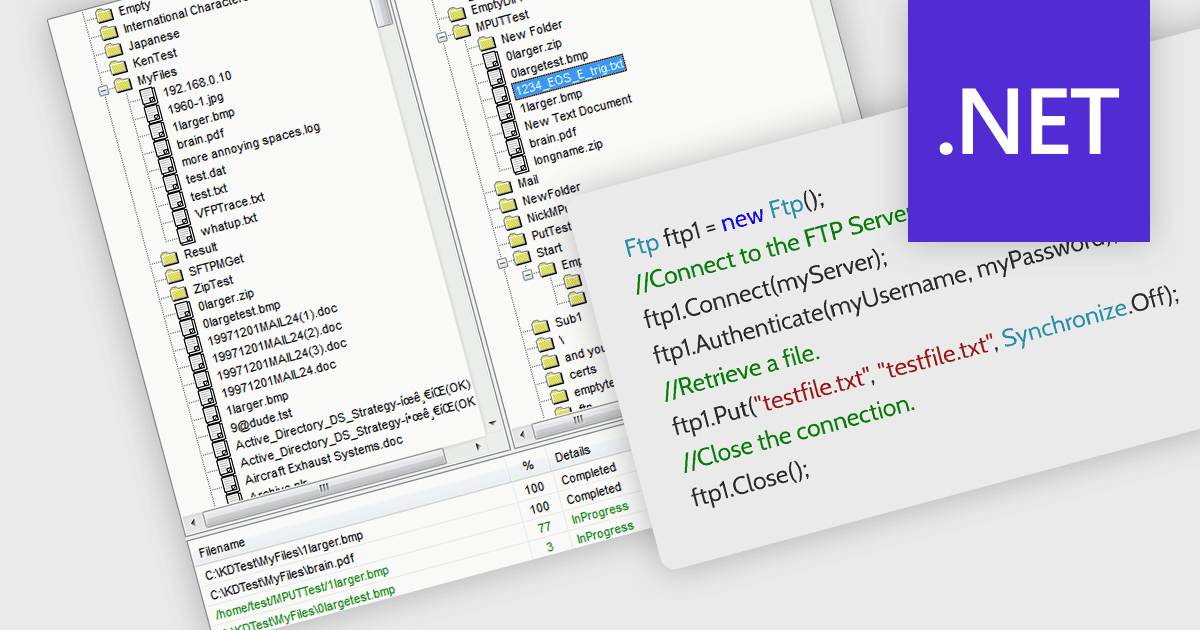
.NET communications components with FTP support allow your application to directly interact with FTP servers. , allowing seamless uploading, downloading, and remote file management. Many libraries provide features like secure connections (FTPS), progress monitoring, directory operations, and wildcards for bulk transfers. They often include high-level functions for ease of use alongside lower-level controls for customization, making them suitable for both rapid development and complex scenarios. With an FTP-enabled .NET component, you can streamline file transfer operations and keep your code focused on core functionalities.
Several .NET communications and messaging components support FTP, including:
For an in-depth analysis of features and price, visit our comparison of .NET communications and messaging components.
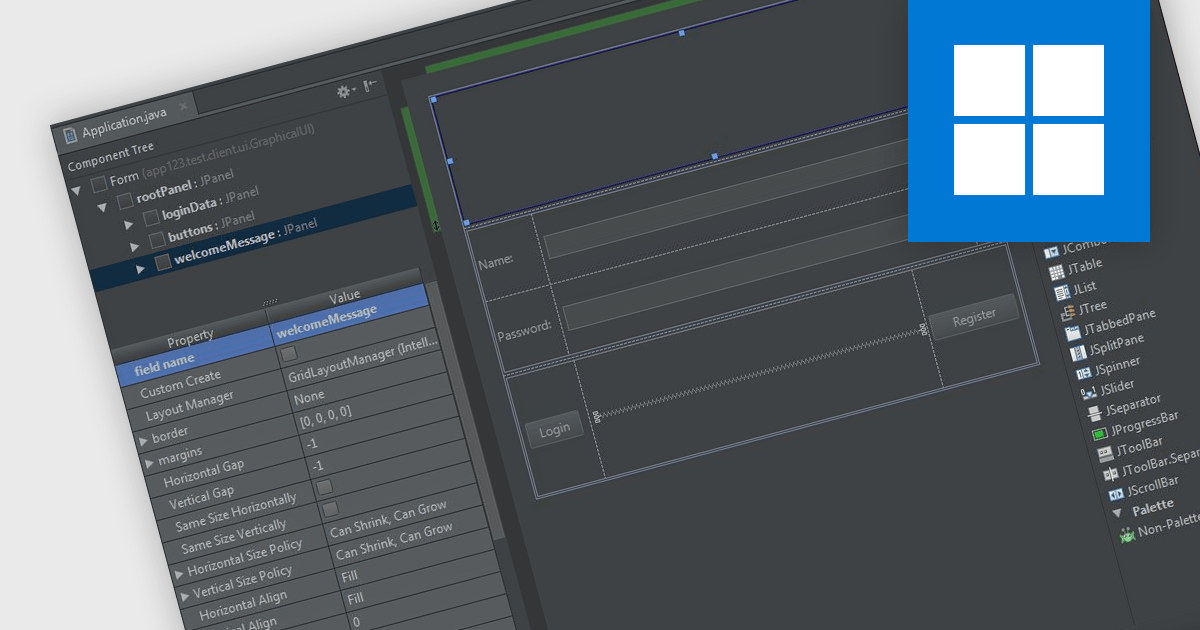
In integrated development environments (IDEs), the drag-and-drop interface provides a user-friendly graphical interface that simplifies the creation, modification, and configuration of applications. This feature enables developers to intuitively place objects such as buttons, text fields, pre-written code modules, and images onto the application's canvas or design surface by merely dragging items with a mouse. This method not only accelerates the development process, particularly in crafting user interfaces, but also reduces the likelihood of coding errors. By minimizing the need for direct code entry, it offers a streamlined and intuitive workflow that benefits both novice and seasoned developers alike.
Several integrated development environments offer a drag and drop interface, including:
For an in-depth analysis of features and price, visit our comparison of IDEs.
電話: (888) 850 9911
Fax: +1 770 250 6199


