













公式サプライヤー
公式および認定ディストリビューターとして200社以上の開発元から正規ライセンスを直接ご提供いたします。
当社のすべてのブランドをご覧ください。
GroupDocs.Viewer for .NET gives developers the ability to create or enhance .NET applications for web and desktop with the ability to view and render documents to PDF, HTML or images, without installing any external software. This document viewer API supports detailed HTML output customization, rendering of complex documents and programming code, conversion to PDF, and secure viewing of password-protected documents with an adjustable caching system. Working across multiple operating systems, platforms, frameworks, and development environments, it facilitates the rendering of such formats as PDF, Word, Excel, PowerPoint, RTF, OpenDocument, Visio, and HTML within document viewing apps.
GroupDocs.Viewer for .NET V24.3 adds support for Microsoft .NET 8, aligning it with the latest advancements in the .NET ecosystem. Now developers can build document viewer applications in .NET 8, which brings improved security, faster performance and a more streamlined development process.
To see a full list of what's new in GroupDocs.Viewer for .NET, see our release notes.
GroupDocs.Viewer for .NET is offered as Developer Small Business, Developer OEM, Site Small Business, and Site OEM licenses catering to a range of business needs. Licenses are perpetual, and include 1 year of support and maintenance. Subscription renewals are also available. See our GroupDocs.Viewer for .NET licensing page for full details.
GroupDocs.Viewer for .NET is available in the following products:
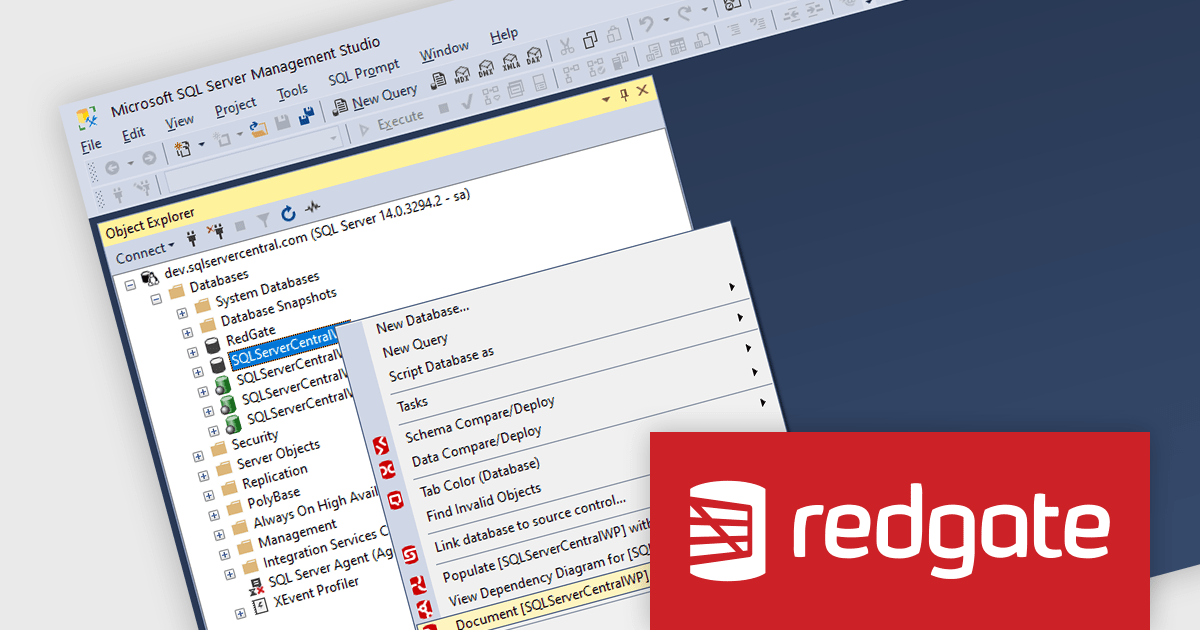
SQL Doc by Redgate is a tool that automates the generation of documentation for SQL Server databases. It analyzes your database schema, including tables, views, stored procedures, and more, and creates detailed reports in HTML or Git Markdown format. This documentation includes information about object definitions, dependencies, and data types, saving you time and effort compared to manual documentation and improving understanding for your development team.
The SQL Doc v5.2.20 update adds support for Microsoft SQL Server Management Studio 20, enabling software developers to seamlessly integrate SQL Doc with the latest version of SSMS. By aligning SQL Doc with SSMS 20, developers can leverage the full capabilities of both tools, fostering a smoother workflow and facilitating comprehensive documentation of SQL Server databases.
SQL Doc is licensed as an Annual Subscription License, priced per user, per year. Support and software upgrades are included for the duration of your subscription. To continue to use the software after your subscription period ends you will need to renew your license. Multi-year subscription licenses are available as are volume discounts. See our SQL Doc licensing page for full details.
Learn more on our SQL Doc product page.

Plyxon by Allround Automations is a brand new, high-performance Oracle PL/SQL development tool designed to work on multiple operating systems. It is a native Oracle Client tool that is easy to install and does not require any additional third-party software. Plyxon is designed from the ground up with the developers in mind, by a team with 30+ years of Oracle experience.
Plyxon's features include a powerful PL/SQL editor with syntax highlighting, object descriptions, code assistant, code contents, hyperlink navigation, and macro library. It also offers an integrated debugger that supports step in, step over, step out, run until exception, breakpoints, view variables, and view call stack.
As a multi-threaded IDE, Plyxon allows you to work while SQL queries are executing, PL/SQL programs are executing, debug sessions are running, and so on. This means that the IDE will not hang if you make a programming error: you can break execution or save your work at any time.
Plyxon is licensed per named user. Support contracts are available, which entitle you to technical support via email for either one or three years depending on the option purchased. See our Plyxon licensing page for full details.
For more information, see our Plyxon product page.
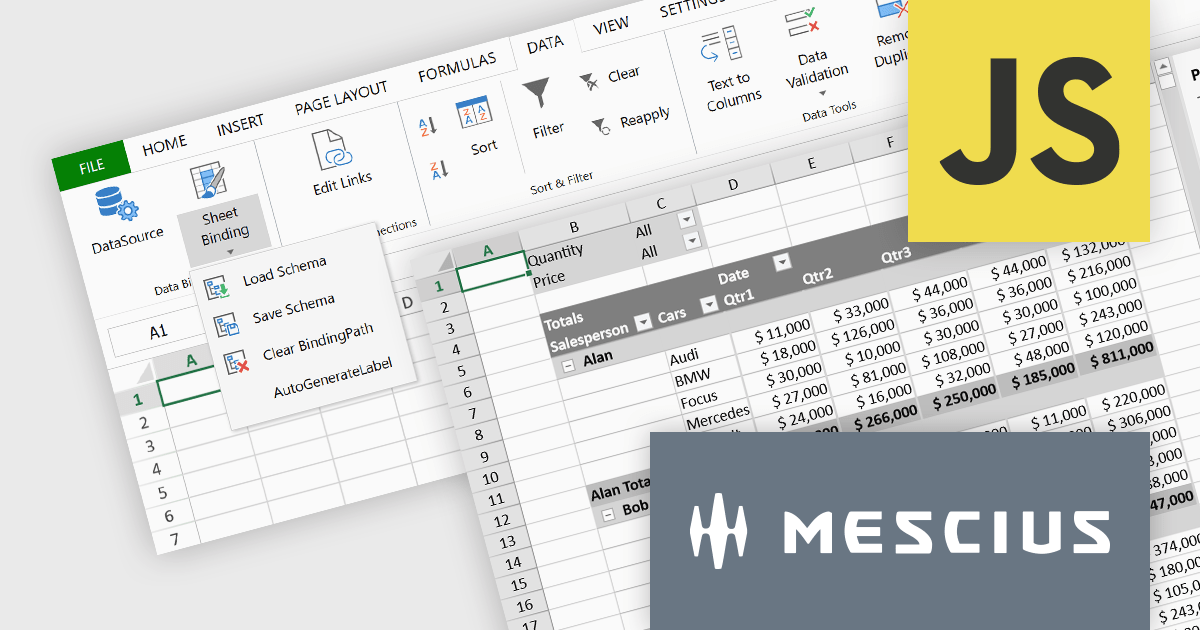
SpreadJS is a complete enterprise JavaScript spreadsheet solution used to create financial reports and dashboards, budgeting and forecasting models, scientific, engineering, healthcare, education, science lab notebooks, and other similar JavaScript business applications. Leverage the high-speed calculation engine with over 500 Excel built-in functions in 19 languages, to deliver true Excel-like spreadsheet experiences with zero dependencies on Excel. Fully customize your application’s needs with SpreadJS’s optional deployment add-on components for Pivot Tables UI, and an Excel-like Designer ribbon, allowing your users to perform complex interactive analysis and data visualization.
MESCIUS has created a brief but informative video blog that highlights the functionality of these powerful add-ons:
View the Video Blog and learn how to effortlessly upgrade your JavaScript spreadsheets.
SpreadJS is licensed per developer and includes 1 Year Maintenance (major and minor version releases and unlimited support phone calls). SpreadJS requires an Annual or Perpetual Deployment License. The optional Add-ons are available at an additional cost, and require a SpreadJS license. See our SpreadJS licensing page for full details.
For more information, visit our SpreadJS product page.
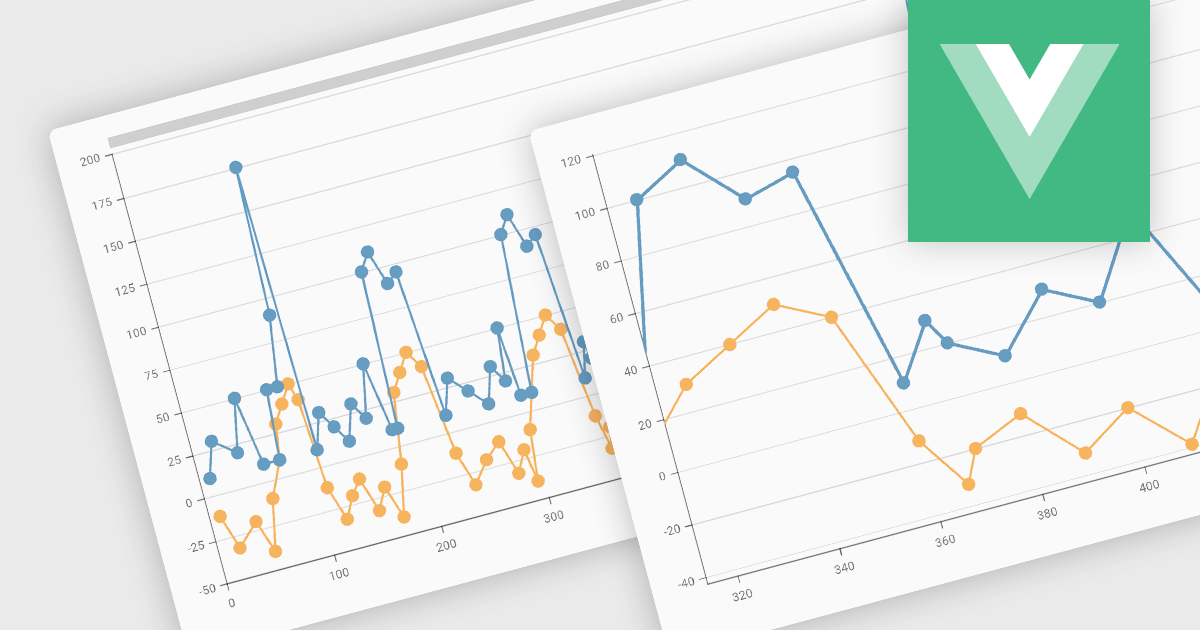
Zooming functionality in a chart component empowers users to delve deeper into complex datasets. By allowing for magnified views of specific areas, users can identify trends, outliers, and patterns that might be obscured in a broader, more generalized view. This interactivity fosters a richer understanding of the data and facilitates more informed decision-making for end users.
Several Vue.js chart controls support zooming including:
For an in-depth analysis of features and price, visit our comparison of Vue.js Charts.
電話: (888) 850 9911
Fax: +1 770 250 6199


