













公式サプライヤー
公式および認定ディストリビューターとして200社以上の開発元から正規ライセンスを直接ご提供いたします。
当社のすべてのブランドをご覧ください。
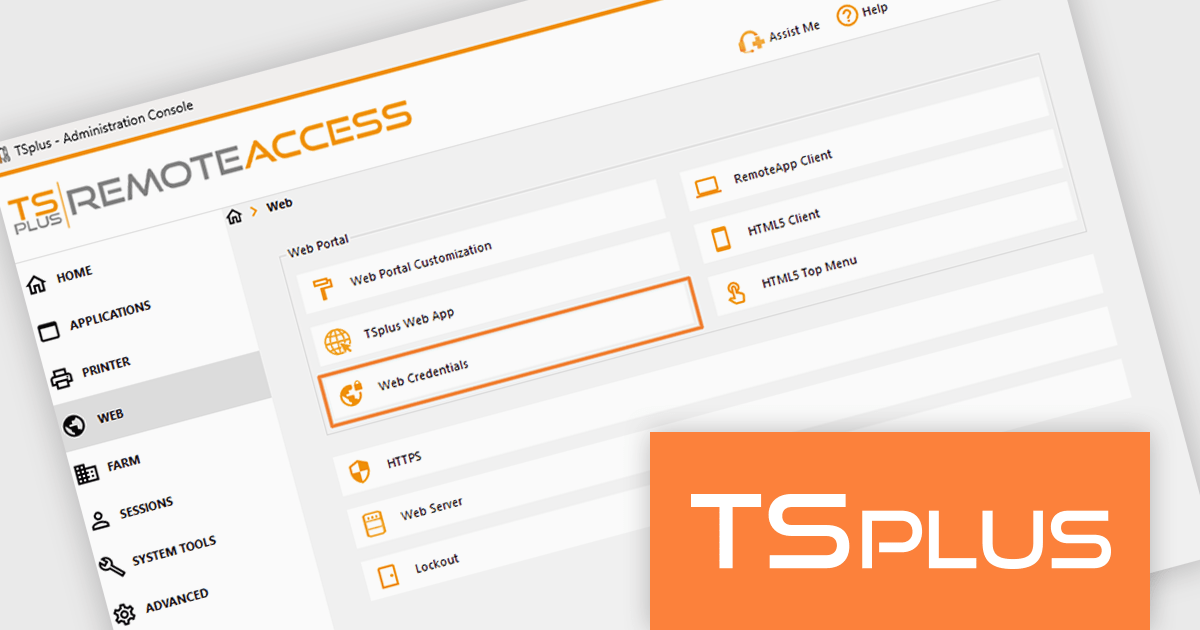
TSplus Remote Access enables secure remote access to desktops and applications from anywhere, on any device. It provides organizations with a centralized platform to manage remote working environments efficiently. With features like application publishing, web portal customization, and advanced security settings, it ensures that users can access the tools they need without compromising data integrity. Its intuitive design makes it easy to deploy and scale, catering to businesses of all sizes across industries such as IT, healthcare, education, and finance. By improving remote access management and delivering a reliable, user-friendly experience, TSplus Remote Access supports businesses in adapting to modern work demands with ease.
The TSplus Remote Access v19.10 update introduces Web Credentials synchronization across infrastructures, enabling automatic replication of authentication configuration files to a shared remote location so that multiple servers and farms maintain consistent login settings. For software developers and system administrators managing distributed environments, this reduces manual configuration effort, minimizes the risk of configuration drift between servers, and ensures predictable authentication behavior at scale. By allowing users to authenticate with business-specific identifiers such as email addresses or PIN codes instead of exposing Windows account credentials, the update also improves security posture while simplifying identity management across complex infrastructures.
To see a full list of what's new in v19.10, see our release notes.
TSplus Remote Access is licensed per concurrent user. Licenses are perpetual and include a 1 year subscription for updates and support. See our TSPlus Remote Access licensing page for full details.
For more information, visit our TSPlus Remote Access product page.
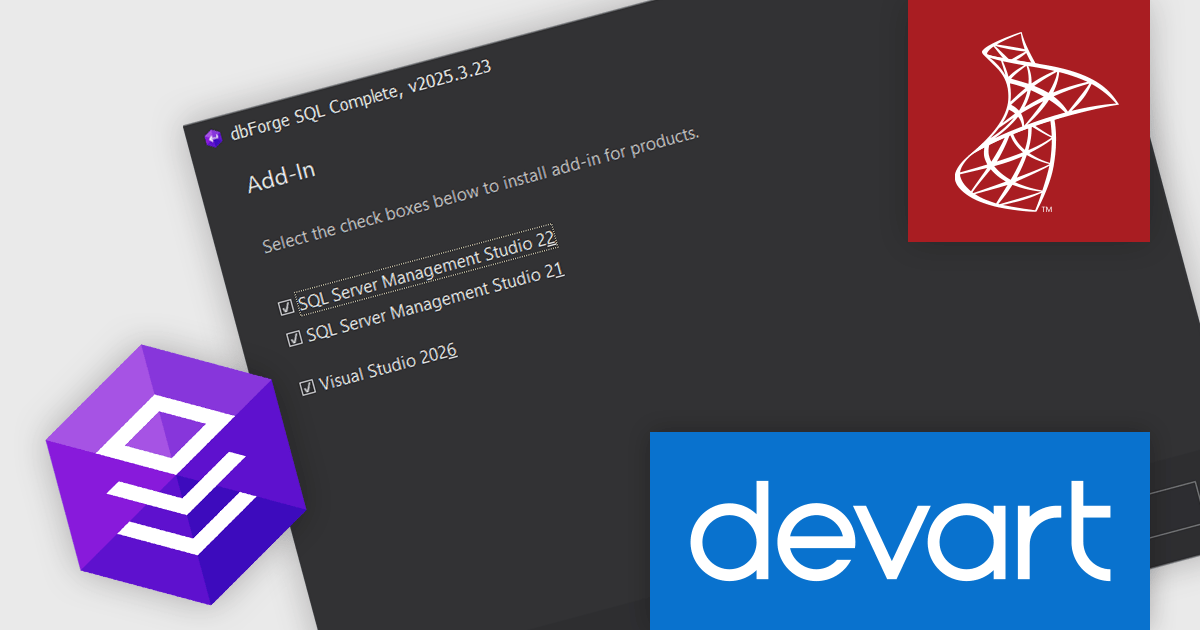
dbForge SQL Tools is a comprehensive suite designed to improve SQL Server development and administration. It bundles tools that enhance tasks like code completion, version control, data generation, schema and data comparison, unit testing, and database object documentation. By automating routine tasks and integrating with existing environments, dbForge SQL Tools can significantly boost productivity for developers, DBAs, and entire teams.
The latest dbForge SQL Tools update introduces full integration with SQL Server Management Studio (SSMS) 22, allowing software developers to upgrade to the latest SSMS version without compromising access to essential dbForge add-ins such as SQL Complete, Data Pump, Source Control, Index Manager, Monitor, Search, and Unit Test. This ensures continued compatibility, while also providing the flexibility to configure SSMS 22 as the primary IDE within application settings for a consistent development environment.
dbForge SQL Tools is licensed per developer and is available as an Annual or Perpetual License with a 12 month support and maintenance subscription. See our dbForge SQL Tools licensing page for full details.
dbForge SQL Tools bundle includes the following products:
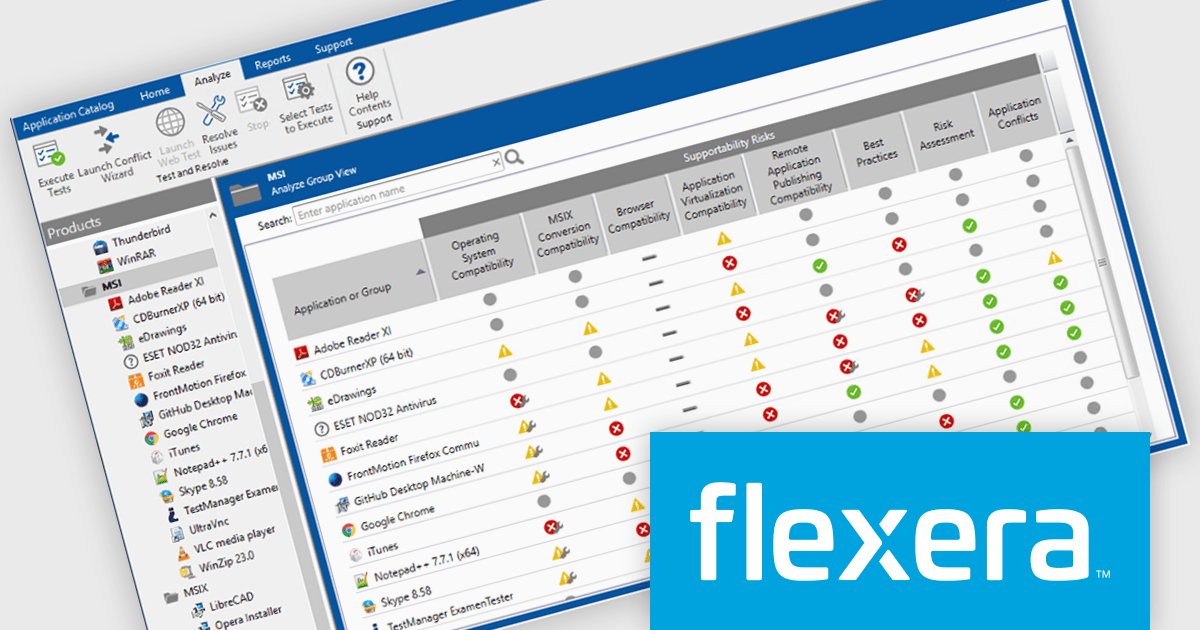
AdminStudio is a complete application readiness solution that helps you identify and mitigate issues before deploying. You can use AdminStudio tools to repackage applications and convert packages to virtual formats. Then, after importing all of your of physical, virtual, and mobile applications into the Application Manager, you can thoroughly test them to ensure that they are ready for deployment across your enterprise.
Flexera has produced a webinar demonstrating how you can leverage AdminStudio's powerful packaging and testing capabilities to accelerate the creation and deployment of App Volumes. Included in this webinar is an expert roundtable to demonstrate real-world workflows, best practices, and strategic approaches to streamline your application lifecycle management in Omnissa Workspace ONE environments, including:
View this informative webinar now!
AdminStudio is licensed per user and is available as a 3 Year Timed Subscription. See our AdminStudio Professional or AdminStudio Enterprise licensing pages for full details.
For more information, visit our product pages:
DevExpress and ComponentSource have worked together for 25 years, building a long-standing partnership focused on providing professional developer tools. DevExpress is known for its extensive range of UI controls, reporting tools, dashboards, and application frameworks across platforms including .NET, JavaScript, Blazor, WinForms, WPF, and ASP.NET. Together, the two companies support development teams creating desktop, web, and mobile applications.
At the center of this collaboration is DevExpress Universal, a flagship product available through ComponentSource, giving developers access to the full suite of DevExpress UI controls, reporting, and testing tools in a single subscription. This comprehensive offering helps teams standardize on one vendor while covering multiple platforms and project requirements.
This long-term partnership strengthens ComponentSource’s product portfolio by including one of the most widely used developer toolsets in the industry. It also enables ComponentSource to deliver DevExpress products to customers worldwide, supported by international sales teams, local currencies, and licensing expertise that simplify the purchasing process for organizations across different regions.
Learn more about DevExpress.
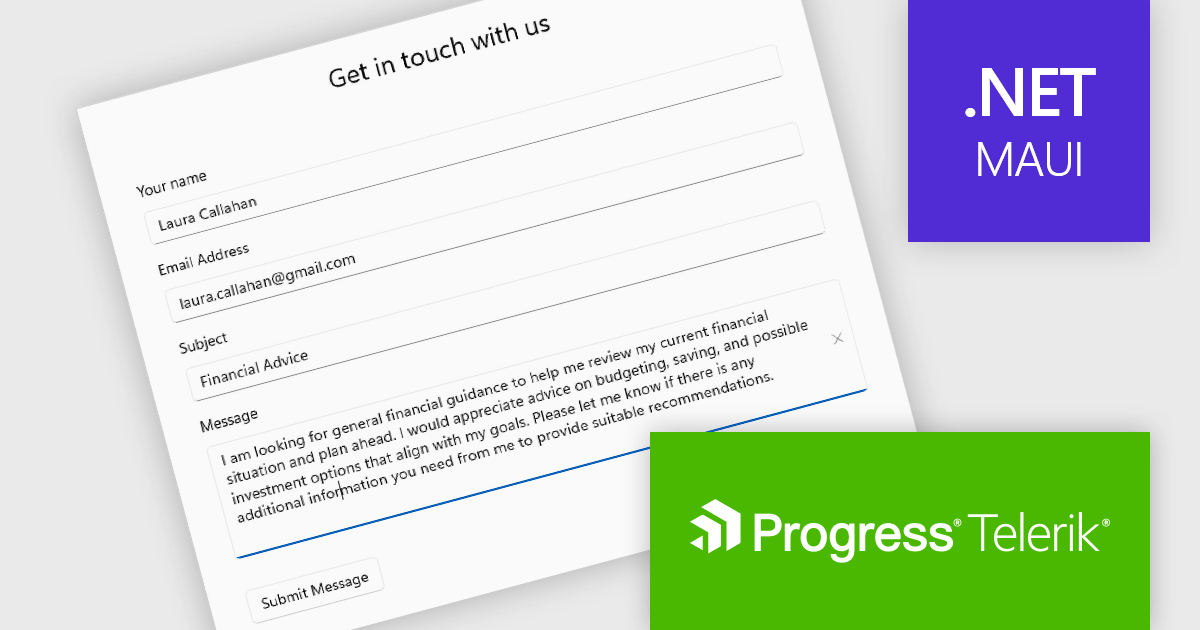
Telerik UI for .NET MAUI is a robust suite of user interface components designed to simplify the creation of cross-platform applications using .NET Multi-platform App UI (MAUI). It offers a wide range of pre-built controls, including charts, grids, and navigation elements, enabling developers to build visually appealing, high-performance apps for Android, iOS, Windows, and macOS from a shared codebase. By ensuring a consistent user experience across platforms, it accelerates development and allows a focus on functionality, making it ideal for business applications, dashboards, and data-driven projects.
The Telerik UI for .NET MAUI 2026 Q1 update introduces a new Editor component that enables developers to implement robust multi-line text input with consistent cross-platform behavior and predictable performance. Designed for handling long-form content such as comments, notes, and detailed form entries, the component supports both vertical and horizontal scrolling to maintain usability without compromising layout. Full keyboard and mouse support ensures familiar text selection, cursor movement, and editing interactions, while built-in customization options such as watermarks, read-only states, and configurable border styles allow developers to align the editing experience with specific application and UI requirements.
To see a full list of what's new in 2026 Q1 (v13.0.0), see our release notes.
Telerik UI for .NET MAUI is licensed per developer and has two licensing models: an annual Subscription License and a Perpetual License. The Subscription license provides access to the latest product updates, technical support, and exclusive benefits for a flat annual fee, and must be renewed to continue using the software. The Perpetual license is a one-time purchase granting access to the current released version and includes a one-year subscription for product updates and technical support. After this initial period, users can choose to renew the subscription element to continue receiving updates and support; otherwise, they may continue using the installed version available during their active subscription term but will forgo future updates and support. See our Telerik UI for .NET MAUI licensing page for full details.
Telerik UI for .NET MAUI is available individually or as part of the following products:
電話: (888) 850 9911
Fax: +1 770 250 6199


