













公式サプライヤー
公式および認定ディストリビューターとして200社以上の開発元から正規ライセンスを直接ご提供いたします。
当社のすべてのブランドをご覧ください。
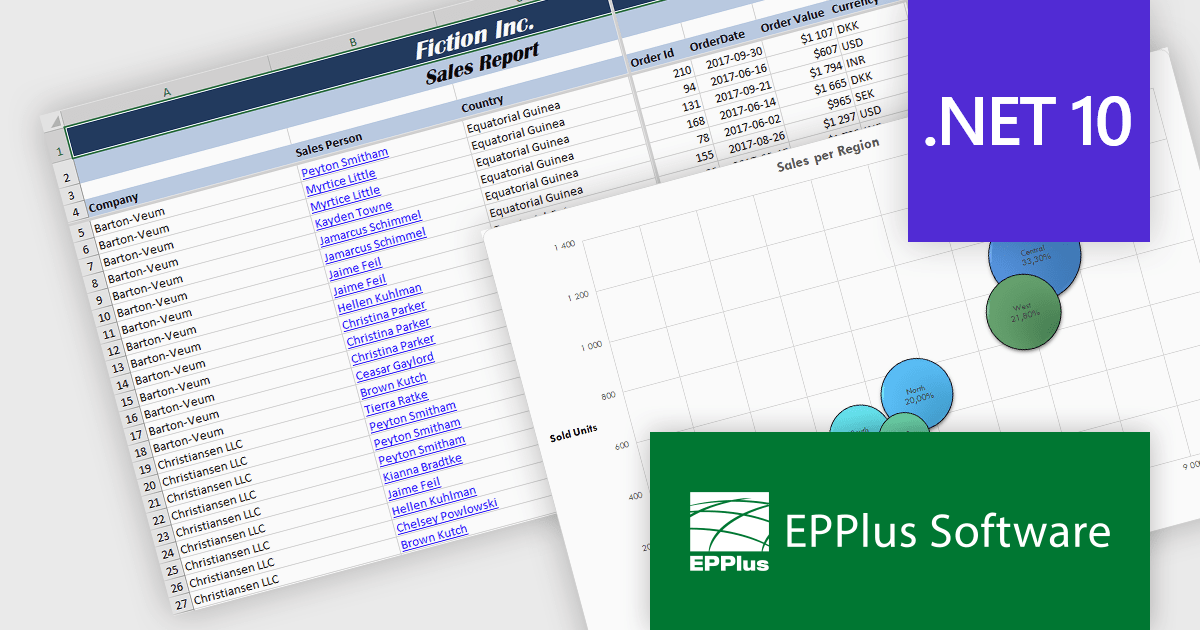
EPPlus is a powerful and versatile .NET library for managing and manipulating Microsoft Excel files using the Office Open XML (OOXML) format. It is a lightweight and efficient library that is easy to use and can be integrated into a wide range of applications. It allows developers to create, read and modify spreadsheets without dependencies on any other library. Features include pivot tables, styling, VBA/Form controls, conditional formatting, charts, tables, formula calculation, data validation, pictures/shapes, and more.
The EPPlus v8.4 update adds support for targeting Microsoft's .NET 10, allowing developers to use a version of the library that is compatible with the latest .NET runtime. This update ensures that EPPlus can be directly referenced in projects built on .NET 10 without relying on compatibility with earlier framework targets, helping maintain consistency with current development environments and tooling.
To see a full list of what's new in v8.4, see our release notes.
EPPlus is licensed per developer and is available as both perpetual licenses and subscription based licenses with periods of 1 year and 2 years, which include support and upgrades. See our EPPlus licensing page for full details.
For more information, see our EPPlus product page.
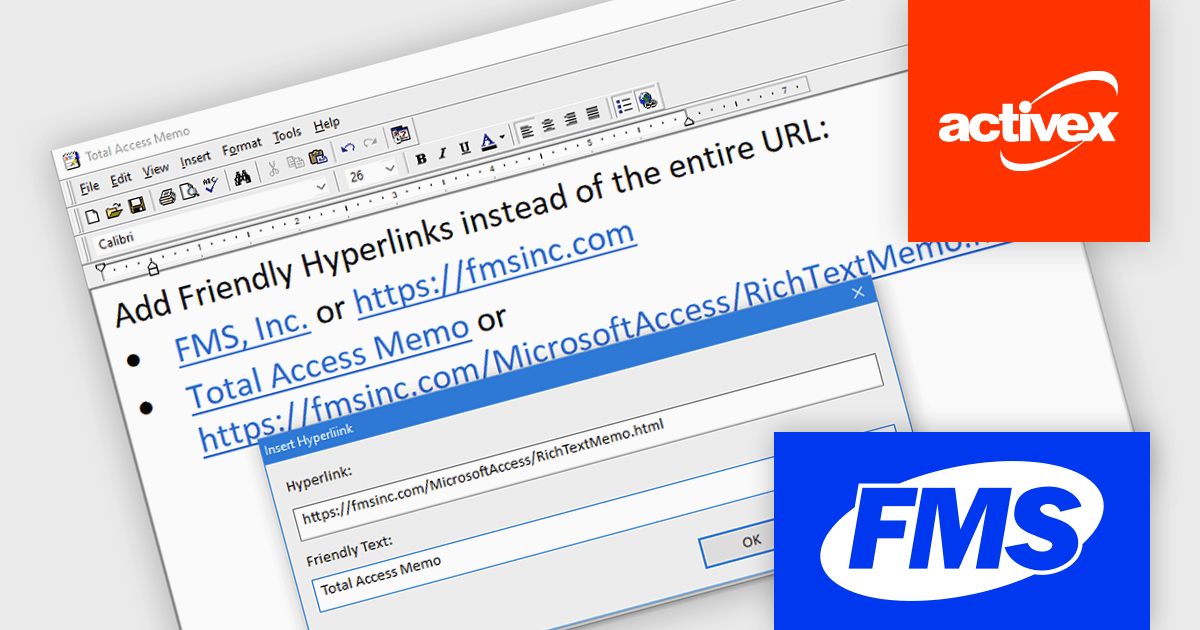
Total Access Memo is an add-on for Microsoft Access that enables rich text formatting within Access applications. It allows developers to create, edit, display, and store formatted text in tables while seamlessly showing it on forms and reports through easy data binding. The product provides a complete and reliable rich text editing environment, with all functionality also available programmatically via VBA, giving full control over configuration and integration. Total Access Memo is well suited for use cases such as managing detailed notes, comments, documentation, and narrative reports where clear, professional text presentation is required.
The Total Access Memo 2025 update introduces labeled hyperlinks that allow developers to display meaningful link text instead of full URLs within rich text memo fields. This enhancement improves readability and usability for end users by making links easier to understand, while also producing cleaner and more professional-looking content in forms and reports. From a development perspective, labeled hyperlinks support better accessibility practices and help ensure that rich text data remains clear, consistent, and user-friendly across Access applications.
To see a full list of what's new in version 2025, see our release notes.
Total Access Memo is licensed per user and is available as a perpetual license with an optional annual support subscription, which includes telephone and email technical support as well as upgrades. See our Total Access Memo licensing page for full details.
For more information, see our Total Access Memo product page.

DevExpress VCL Subscription + is an extended version of the standard DevExpress VCL suite, designed for Delphi and C++Builder developers who need both native Windows components and modern web-based tools. In addition to the full set of high-performance VCL UI controls, such as grids, charts, and editors, it includes web technologies like JavaScript, ASP.NET Core and Blazor UI libraries. This allows developers to integrate advanced web-based features directly into their VCL desktop applications using technologies like WebView, enabling interaction between traditional VCL apps and modern web interfaces and making it easier to build hybrid solutions that combine the strengths of both environments.
The DevExpress VCL Subscription + 25.2 update adds a new VCL Reporting control (ExpressReports Suite) for building and displaying reports in native Windows applications. It is based on the DevExpress JavaScript Report Designer and Viewer, with AI features to support report generation and editing. The reporting interface runs inside a desktop app using WebView and ASP.NET Core. All required .NET and JavaScript components are included in a single executable file, which simplifies installation and removes the need for separate runtime dependencies.
To see a full list of what's new in 25.2, see our release notes.
DevExpress VCL Subscription + is licensed per developer and is available as a Perpetual License with a 12 month support and maintenance subscription. See our DevExpress VCL Subscription + licensing page for full details.
For more information, visit our DevExpress VCL Subscription + product page.
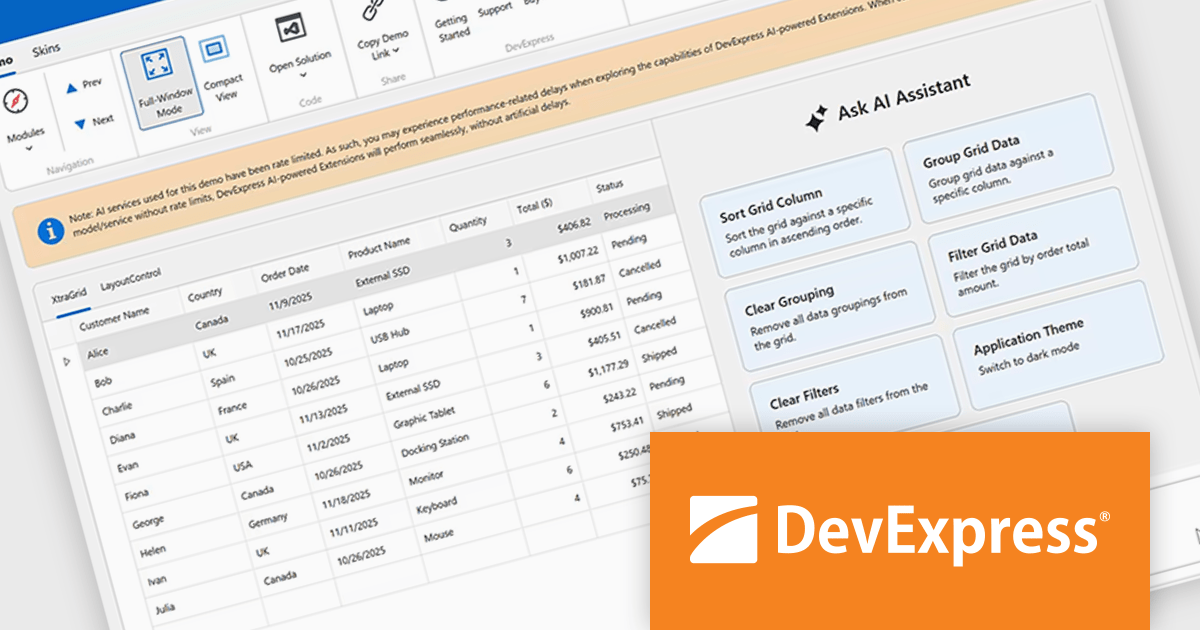
DevExpress Universal is a comprehensive suite of UI components and developer tools that supports the creation of feature-rich applications across web, desktop, and mobile platforms, including .NET, JavaScript, Blazor, ASP.NET, WinForms, WPF, and MAUI. It focuses on delivering consistent user interfaces, advanced data visualization, reporting, dashboards, and productivity features that help teams design, build, and maintain complex applications using a unified set of technologies and patterns.
DevExpress Universal v25.2 introduces AI Tool Calling (Natural Language Control for UI Components), a cross-platform feature that extends Microsoft.Extensions.AI tool-calling to enable natural-language interaction with application UI and logic. Developers can expose UI components, ViewModels, and business services as AI-invokable tools, grouped into dynamic toolsets that adapt to the application’s current context. When users interact through the DevExpress AI Chat Control, the language model interprets their request, selects the appropriate tool, resolves the target instance, and executes the action in real time, making applications easier to use while giving developers full control over what the AI can see and do.
DevExpress Universal is licensed per developer and is available as a Perpetual License with a 12 month support and maintenance subscription. See our DevExpress Universal licensing page for full details.
For more information, visit our DevExpress Universal product page.
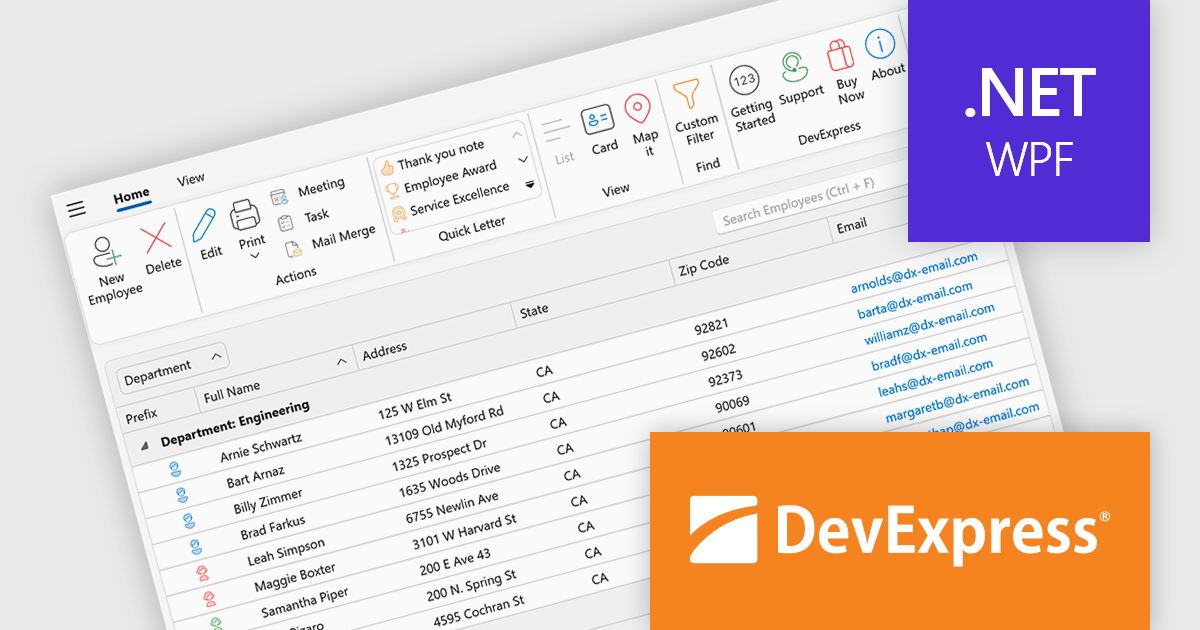
DevExpress WPF is a powerful suite of controls that enhances your WPF development toolkit. It offers data grids, ribbon menus, rich text editors, spreadsheets, charts, and more, all with beautiful themes and touch-friendly interfaces. DevExpress WPF helps you to build professional-looking, responsive applications that meet modern user expectations, saving you time and effort while adding polish and functionality.
The DevExpress WPF 25.2 update introduces support for a Page Header Button positioned directly in the ribbon’s page header area. This new UI element allows developers to replicate the toggle behavior seen in recent versions of Microsoft Outlook, where users can expand or collapse navigation panes with a single click. It is a simple yet effective way to enhance usability in complex applications, particularly those that rely on dynamic side panels or menus. This new functionality brings a modern and intuitive interaction model to WPF-based interfaces, aligning with common user expectations.
To see a full list of what's new in version 25.2, see our release notes.
DevExpress WPF is licensed per developer and is available as a Perpetual License with a 12 month support and maintenance subscription. We can supply new subscriptions, subscription renewals, and additional licenses. See our DevExpress WPF licensing page for full details.
DevExpress WPF is available to buy in the following products:
電話: (888) 850 9911
Fax: +1 770 250 6199


