Chant Developer Workbench 2015 released
Released: Jul 22, 2015
Updates in this release
Updates in 2015
- Kinect for Xbox One Sensor - Track movement with Kinect for Xbox One sensors. Simply install the sensor with the Kinect Adapter for Windows, install the Kinect for Windows SDK 2.0, and code with the KinesicsKit 3 class library for rendering color, depth, and body data in Windows applications.
- Localized UI - Select from 17 language choices for the Chant Developer Workbench IDE UI. Simply select the language choice under International Settings and restart the Chant Developer Workbench IDE.
- Sample Projects - Develop applications with the latest IDEs: Visual Studio 2015, RAD Studio XE8, Appmethod, and JDK (Eclipse, NetBeans, et. al.). Explore the new sample projects and IDE support for rapid application development.
- Dragon NaturallySpeaking - Develop speech recognition applications using Dragon NaturallySpeaking V13. Simply select the Dragon engine or API and enable command and dictation vocabularies as needed.
- Batch Queues - Develop high-volume transcription and synthesis applications. Simply use the SpeechToText and TextToSpeech methods to process speech with the multi-tasking batch queue manager.
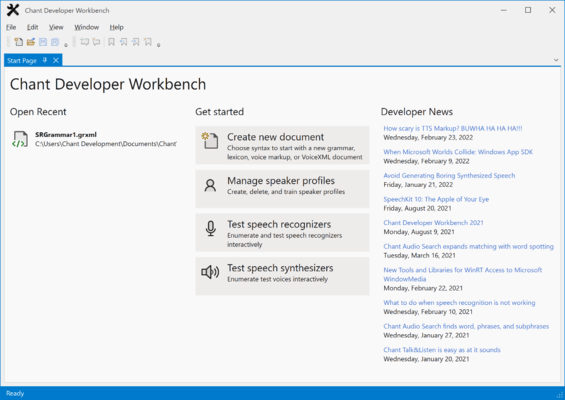
- Developer Workbench IDE - Easily design, edit and test grammars, markup, and voiceXML. Take advantage of modern UI, advanced syntax editors, and resource browsers.
- Develop applications that speak with Acapela Telecom Server and Mobile, Cepstral Telephony 6, CereProc CereVoice and Nuance Vocalizer Expressive. Simply set the API properties to initialize the runtime before synthesizing.