
Collabion Charts for SharePoint
Add interactive chart web parts to SharePoint pages.
Infosoft Global 社の製品
2005 年より日本国内にてComponentSourceで販売中。
Add interactive chart web parts to SharePoint pages.
Infosoft Global 社の製品
2005 年より日本国内にてComponentSourceで販売中。


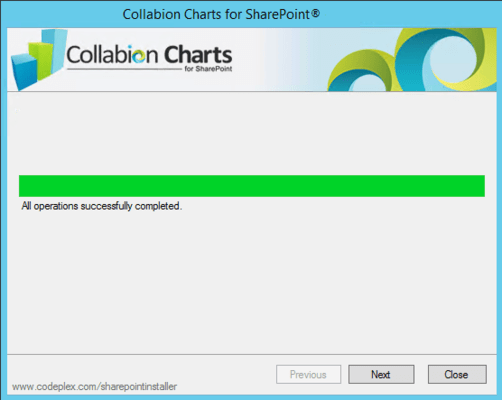
You can download and install Collabion Charts for SharePoint very easily. The installation is completely wizard based and the process is completed in about a minute through a few mouse clicks.

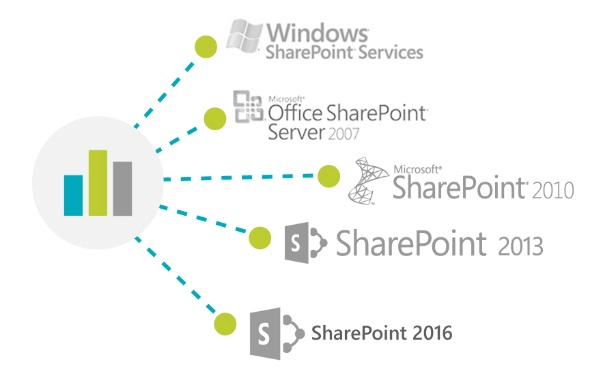
Collabion Charts for SharePoint is compatible with all SharePoint versions namely 2007/2010/2013(including foundation server) and 2016.
Being a wizard based application, Collabion Charts for SharePoint does not require you to write a single line of code. Hence it is easy to use for non-technical business users.

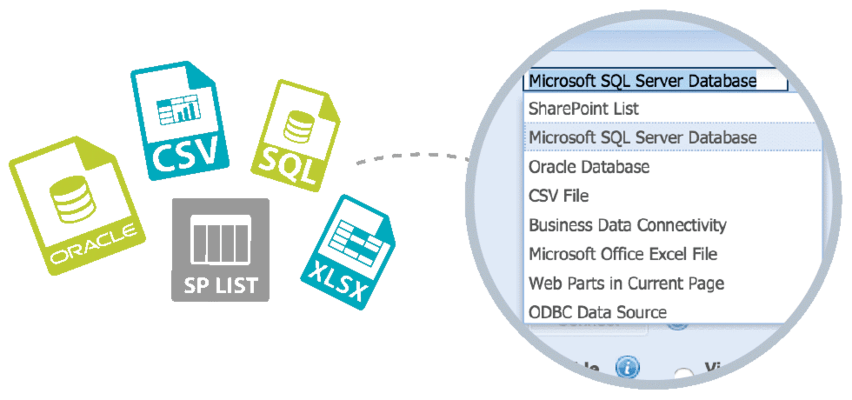
Select your data from multiple data sources like SharePoint List, MSSQL Server DB, Oracle DB, MS Excel, CSV files, Other SP WebParts, Business Data Connectivity and ODBC with auto refresh capabilities.
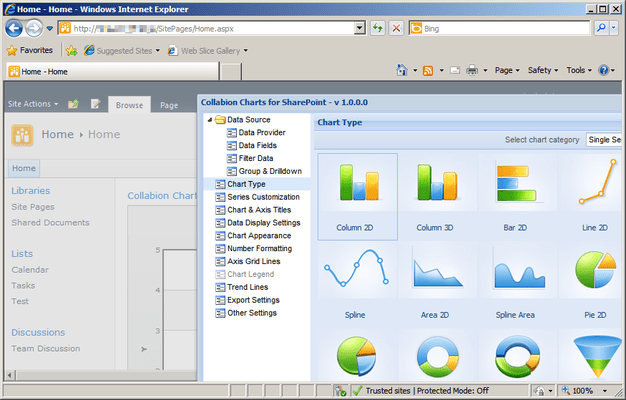
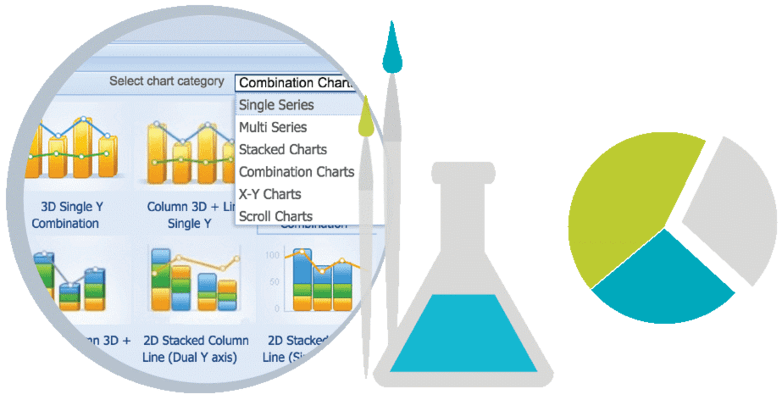
With over 55 chart types supported in 2D & 3D, you always have the right chart for your dashboard.
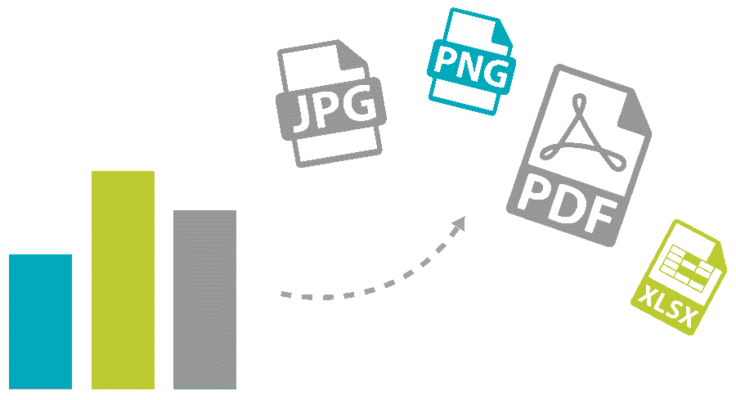
You can take your chart with you as CCSP allows you to export them to PowerPoint, Excel, PDF or even as images.
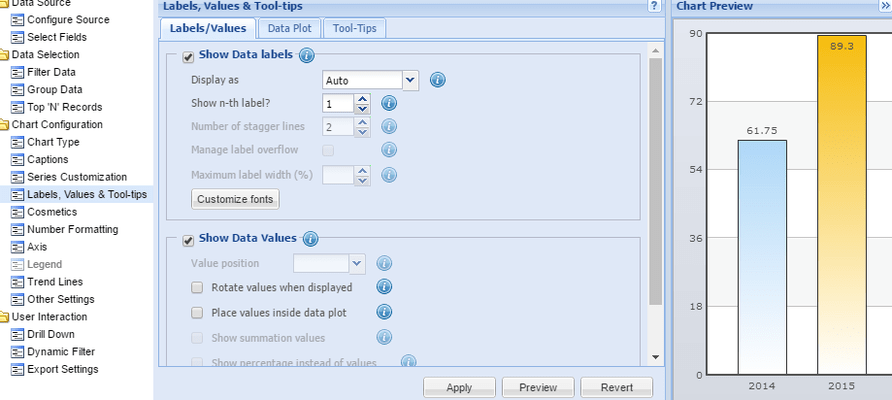
Get the perfect look for your chart through extensive customization and personalization options such as customizing the series, chart captions, chart canvas, sorting data values and so on.
Explore your hierarchical data through CCSP’s smart grouping and drill-down features. Special drill down options are available for charts summarized by date fields.
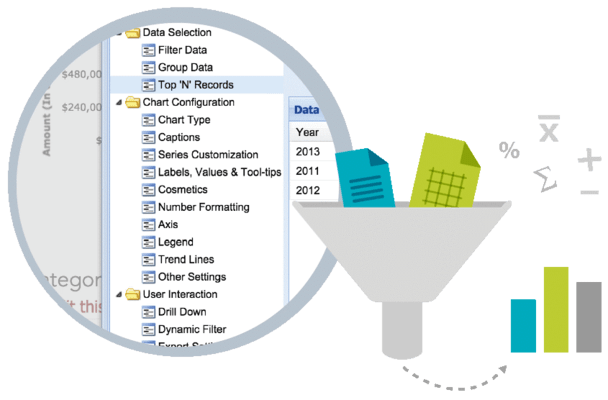
Through its grouping feature, CCSP provides basic pivoting options helping you in transforming your data to get different perspectives.
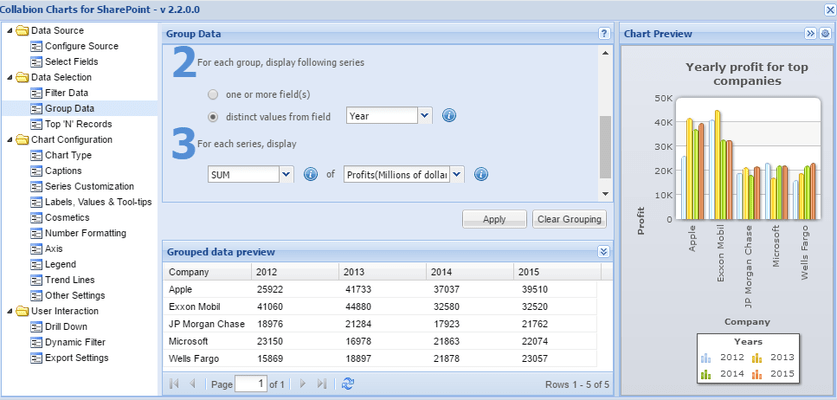
Through the Dynamic Filter feature you can look at the data that's relevant to you through run-time filters. Also you can design filters of your own by connecting CCSP to SharePoint’s Filter.
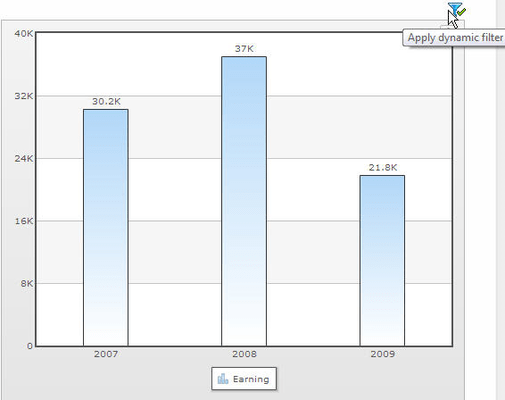
CCSP helps you create dynamic links on chart to filter the dashboard or provide additional information. Through the smart feature – “Open a link with query string” - CCSP allows you to open a web page and pass certain query parameters with the URL.

電話: (888) 850 9911
Fax: +1 770 250 6199


