MindFusion.WinForms Pack 2022.R1
Released: Apr 19, 2022
2022.R1 での更新項目
機能
- Microsoft .NET 6 support - MindFusion.WinForms Pack now includes assemblies for .NET 6. Locally installed assemblies do not appear automatically in Microsoft Visual Studio toolbox at this time. You can add the controls manually or through Nuget package manager.
- Diagram control
- New MouseWheelAction property lets you toggle between scrolling or zooming via the mouse-wheel, or disable built-in support in order to apply custom logic from MouseWheel event handler.
- ArrangeAsync method is now available in CoreCLR assemblies (Microsoft .NET Core 3 and 5+ versions).
- SetZoomFactor method now lets you change zoom level while preserving the on-screen position of a specified diagram point.
- TableNode.Image is now serialized in JSON format.
- The PathFinder EnumAllPaths method now yields each path immediately.
- ExcelExporter now exports the pen width of links.
- ExcelExporter now sets more precise positions of link end points.
- Nuget package
- The Nuget package should no longer show internal classes in toolbox when targeting CoreCLR.
- Nuget package has been renamed from MindFusion.Pack to MindFusion.Pack.WinForms to match the naming of the other platforms.
- The old MindFusion.Pack package has been delisted from searches to avoid confusion. If you need to use older version of the pack from Nuget, you can still add it from the package manager console.
- Miscellaneous
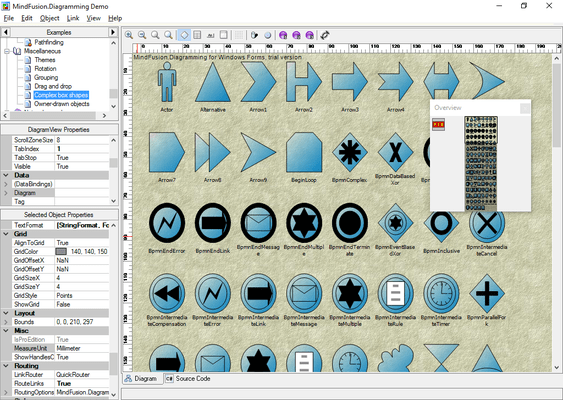
- Added a new Sample Browser tool.
不具合の修正
- Fixed WorkbookView appearing in form designer tray in .NET 4.* projects.
- Fixed exceptions in BarChart3D when running on CoreCLR runtime.
- Fixed LinearGradientBrush exceptions on CoreCLR runtime when filling very small areas.