
OCR Xpress for Linux
ページ全体の光学文字認識とテキスト抽出の強力な機能を持つカスタムアプリケーションを構築
Accusoft 社の製品
1998 年より日本国内にてComponentSourceで販売中。
この製品の販売は終了しました。
ページ全体の光学文字認識とテキスト抽出の強力な機能を持つカスタムアプリケーションを構築
Accusoft 社の製品
1998 年より日本国内にてComponentSourceで販売中。
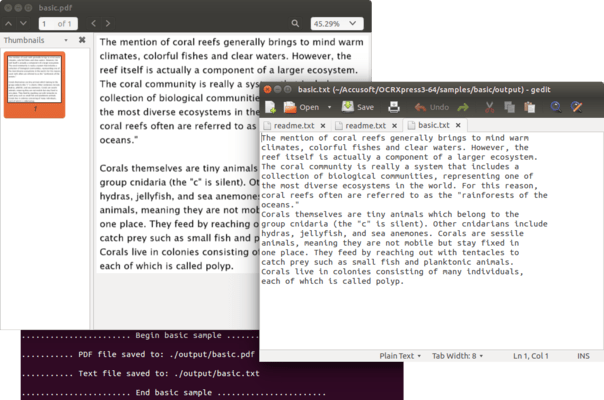
Please note that OCR Xpress has been discontinued and if you require OCR functionality you may be interested in ImageGear for C and C++ for Linux.
If you are an existing customer then you can still purchase runtime licenses, please contact sales@componentsource.com for details.
Released: Mar 31, 2016
Users can now submit pages in any rotation (0, 90, 180, 270 degrees) and still get correct results. Available orientation options include:
電話: (888) 850 9911
Fax: +1 770 250 6199


