Syncfusion Essential Studio PDF Viewer SDK 2025 Volume 3 (31.1.17)
Released: Sep 5, 2025
2025 Volume 3 (31.1.17) での更新項目
機能
- New Smart PDF Viewer component for Blazor (Preview) - The smart PDF Viewer for Blazor is an advanced component in PDF Viewer SDK that integrates artificial intelligence to enhance document interaction. Its features include document summarization, smart redaction, and smart filling. It enables users to manage documents more efficiently and securely.
- Document summarization - This feature provides a comprehensive overview of a PDF document, allowing users to quickly grasp its key points. The AI generates a detailed summary and lets users ask questions about the document's content. Users can input their questions or choose from AI-generated suggestions, making it easier to locate specific information.
- Smart redact - This feature helps users identify and protect sensitive information within a PDF document. By selecting patterns such as emails, names, or other identifiers, the AI automatically detects potential sensitive content. Users can review the suggestions and deselect any non-sensitive items before applying redaction, ensuring both accuracy and privacy.
- Smart fill - This feature improves the process of completing PDF forms. The AI analyzes the document and user-provided input to automatically populate relevant fields, reducing manual effort and minimizing errors. Users can review and adjust the filled fields to ensure the final output meets their requirements.
- Web PDF Viewer (Javascript, Angular, React, Vue, ASP.NET Core & MVC)
- Angle constraints in line type annotation drawing - The PDF Viewer supports angle constraints for line type annotations. Users can enable this feature by holding the shift key while drawing or programmatically using the enableLineAngleConstraints API. By default, lines snap to 45-degree angles, which can be customized using the restrictLineAngleTo API.
- Blazor PDF Viewer
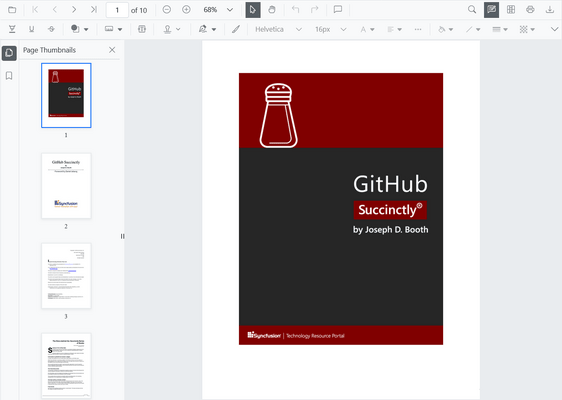
- Revamped navigation toolbar with updated UI - The redesigned navigation toolbar offers a cleaner and more intuitive user experience. It improves usability, simplifies access to key tools, and supports adding custom containers in the navigation toolbar, allowing greater flexibility in extending viewer functionality.
- Enhanced printing performance - The PDF Viewer prints large documents faster and uses memory efficiently for smoother performance. The print previews are up to 8x quicker for standard documents, and large PDFs can be printed. Printing also works consistently well with rotated and annotated files.
- .NET MAUI PDF Viewer
- Windows-specific printing enhancements - The Windows printing implementation has introduced a new print quality enumeration with five quality levels: low, default, medium, high, and ultra.
- Default printing quality uses the previous version's output quality.
- Low quality optimizes print speed and uses minimal memory during printing.
- Medium quality balances clarity and performance during printing.
- High quality ensures sharper lines and crisp small annotations in the output.
- Ultra quality optimizes the detail on large-format print documents like CAD drawings and architectural plans.
- Performance improvements - Document loading is now significantly faster across all the platforms compared to the previous version, delivering better responsiveness for documents of all sizes and types.