













公式サプライヤー
公式および認定ディストリビューターとして200社以上の開発元から正規ライセンスを直接ご提供いたします。
当社のすべてのブランドをご覧ください。
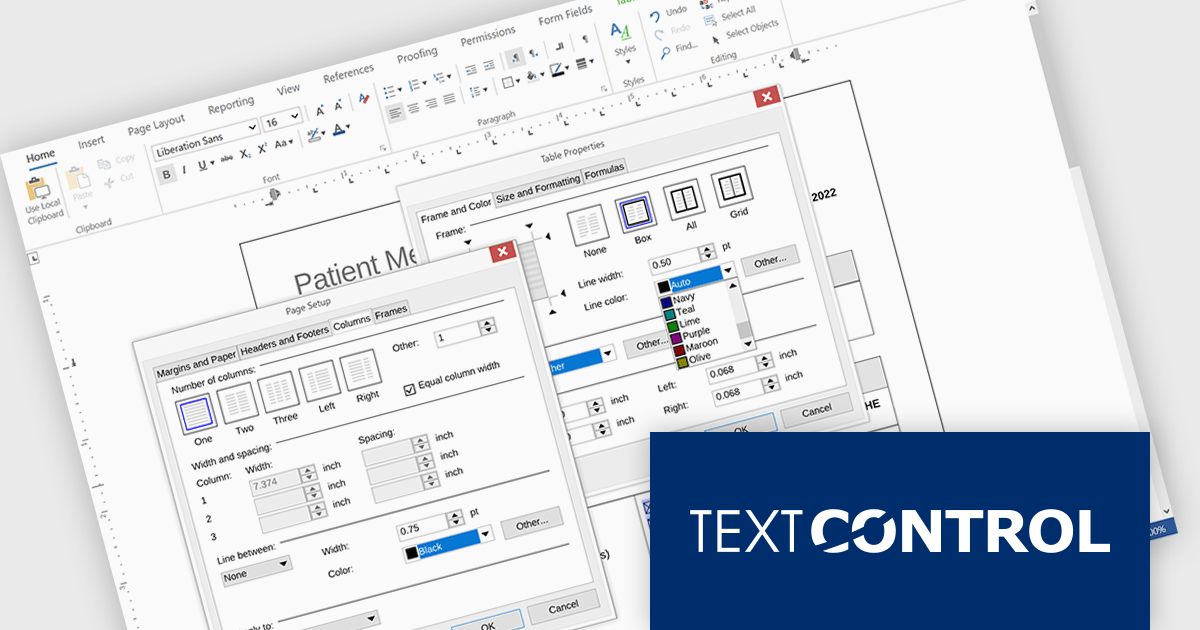
TX Text Control .NET Server for ASP.NET is a server-side component that equips your web applications with a powerful, Microsoft Word-compatible document editor. This allows you to develop applications that generate and edit various document formats (RTF, DOCX, PDF, etc.) on the fly, using data from databases or files. It also boasts features like PDF generation and a browser-based editor with a familiar MS Word-inspired interface, ultimately enhancing the document processing capabilities of your web applications.
The TX Text Control .NET Server for ASP.NET 34.0 release brings full dialog box support to Linux, aligning its functionality with Windows to offer a seamless experience across platforms. Developers building cross-platform applications can now rely on consistent, familiar interfaces for setting table attributes, image properties, and other document-related tasks. This update removes a key limitation for Linux deployments, making it easier to maintain UI consistency and improving the overall usability for end users. By ensuring parity in dialog box functionality, the release simplifies application logic and enhances user interaction across environments.
For a full list of changes in TX Text Control .NET Server for ASP.NET 34.0, see our release notes.
TX Text Control .NET Server for ASP.NET is licensed per developer and is available as a Perpetual License with a 12 month support and maintenance subscription. Run time licenses are required for the deployment to production servers. See our TX Text Control .NET Server for ASP.NET licensing page for full details.
For more information, visit our TX Text Control .NET Server for ASP.NET product page.
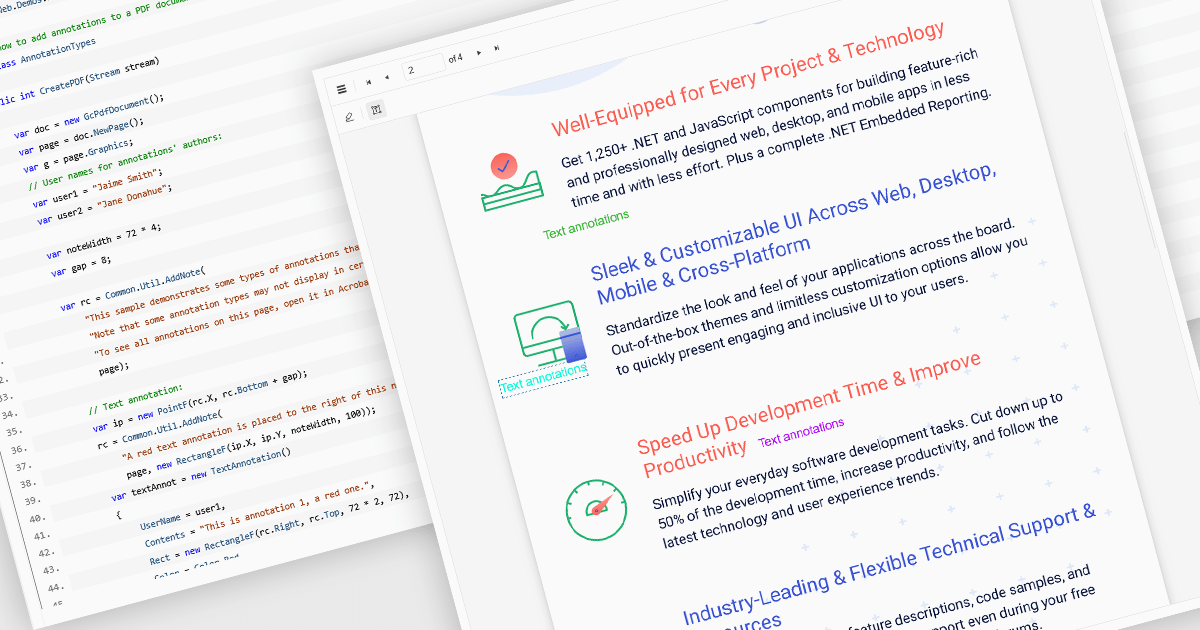
Free text annotations in PDF-processing components enable users to place editable text directly onto document pages, enhancing notes, comments, or briefing elements without relying on external tools. This feature supports adding visible text blocks (rather than hidden pop-ups) that remain part of the document's content layer, allowing for richer, in-context feedback and markup across workflows such as review, auditing, or collaborative editing.
Several ASP.NET Core PDF controls offer support for free text annotations including:
For an in-depth analysis of features and price, visit our ASP.NET Core PDF controls comparison.
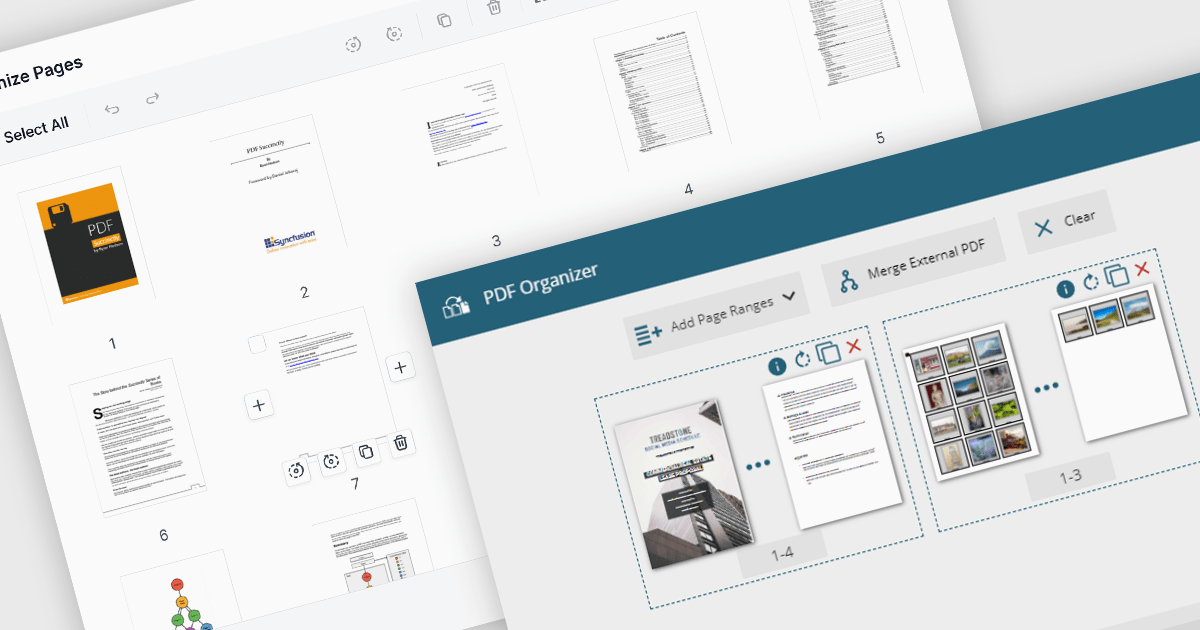
PDF manipulation features in viewer components extend the user experience beyond reading by enabling real-time structural changes to documents. These capabilities are particularly valuable in document-heavy workflows, where users need to rearrange, combine, or refine content without switching between multiple tools. Whether integrated into web portals, business systems, or productivity applications, built-in manipulation functions make PDF viewers more interactive and practical for day-to-day tasks such as document assembly, editing, and cleanup.
Common features include:
For an in-depth analysis of features and price, visit our ASP.NET Core PDF viewer components comparison.
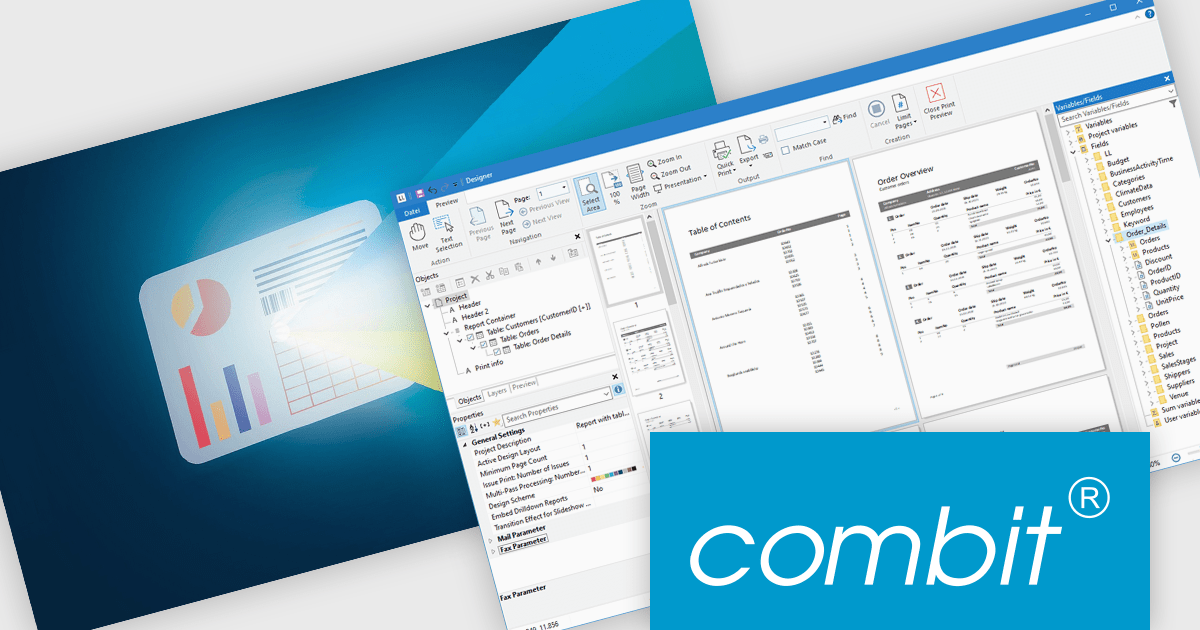
List & Label by combit is a software development toolkit that empowers developers to integrate comprehensive reporting functionalities into their desktop, web, and cloud applications. It offers features such as data binding, complex data visualization, and a user-friendly report designer, along with printing, exporting, and previewing capabilities. List & Label operates independently of programming languages and data sources, providing developers with the flexibility to design and deliver informative reports within their development environment.
The List & Label 31 update introduces cross-platform reporting, enabling developers to design, generate, and distribute reports across Windows, macOS, Linux, and web environments. This enhancement ensures consistent performance, layout accuracy, and data representation on every platform while reducing the need for multiple platform-specific implementations. By unifying the reporting process within a single framework, developers can deliver a cohesive reporting experience to all users, regardless of their operating system.
To see a full list of what's new in version 31, see our release notes.
List & Label is licensed per developer and is available as a Perpetual License with a 12 month support and maintenance subscription. See our List & Label licensing page for full details.
For more information, visit our List & Label Enterprise Reporting Edition product page.
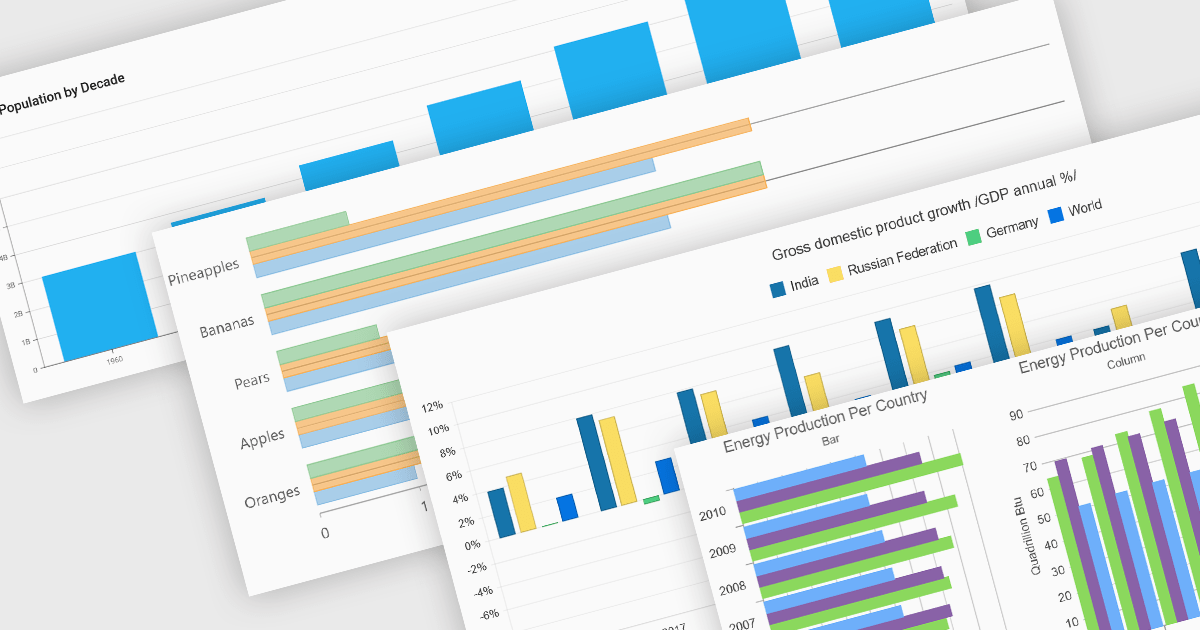
Column and bar charts form fundamental visualization tools in many charting suites. These chart types use vertical (column) or horizontal (bar) bars to represent quantitative data across categories, making them ideal for straightforward comparisons. Typically, you can display single or multiple series, stack values to show cumulative totals, or group categories to highlight differences. Their simplicity and clarity make column and bar charts a staple in dashboards, business reports, and analytics applications where rapid insight is required.
Several ASP.NET Core chart controls offer support for column & bar charts including:
For an in-depth analysis of features and price, visit our ASP.NET Core chart controls comparison.
電話: (888) 850 9911
Fax: +1 770 250 6199


